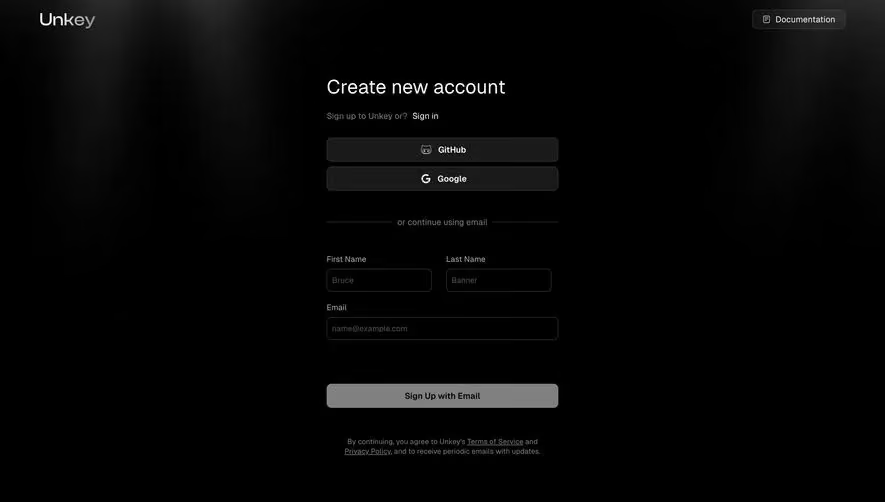
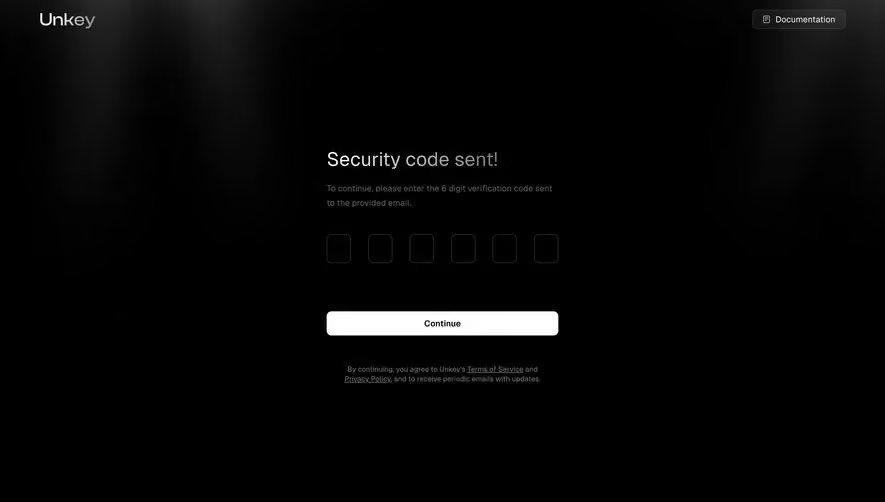
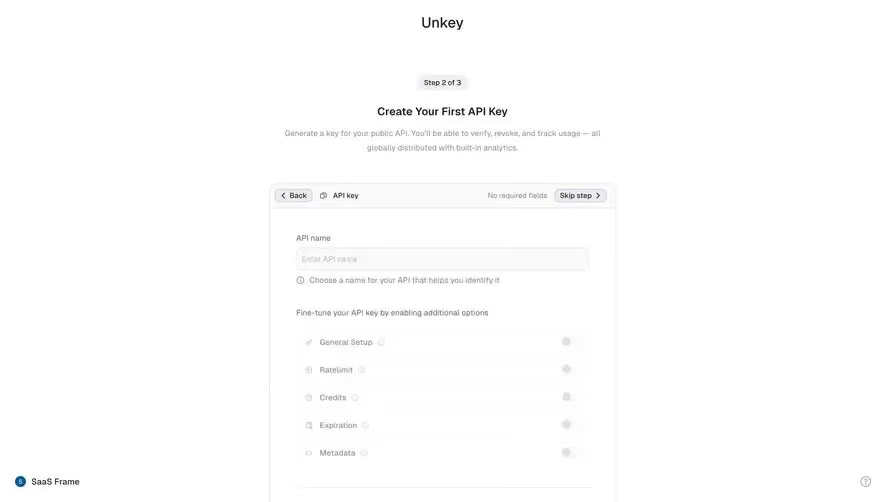
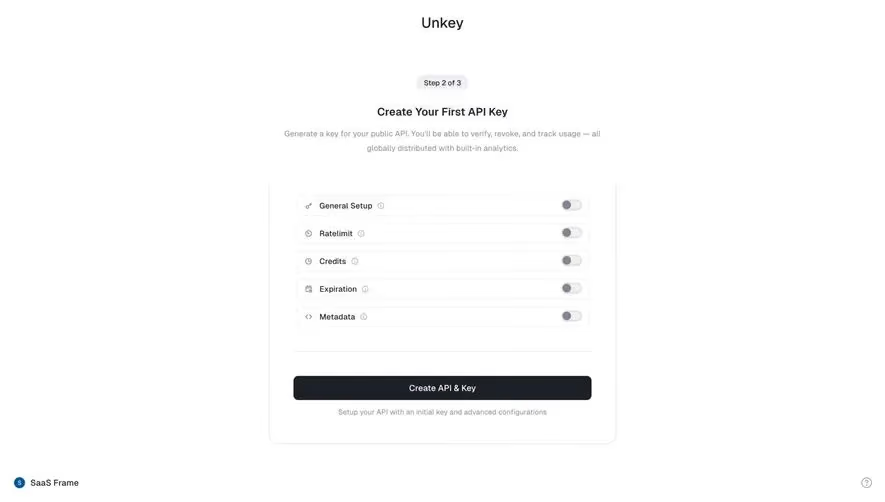
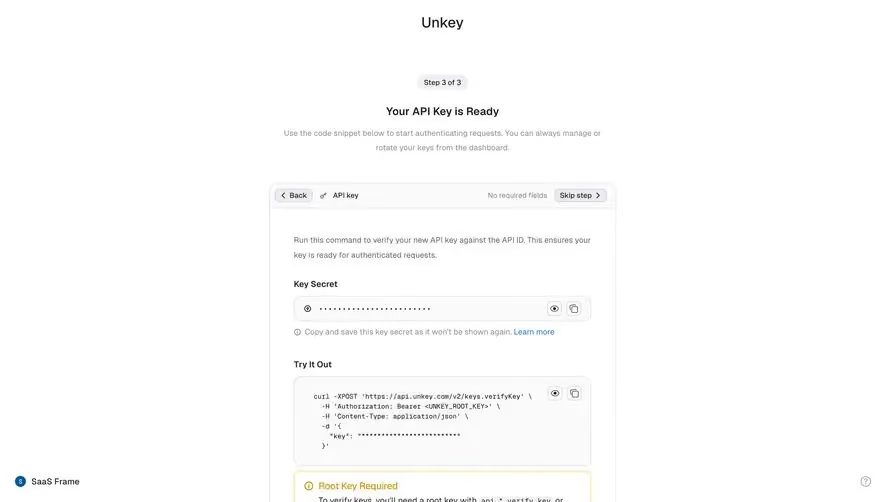
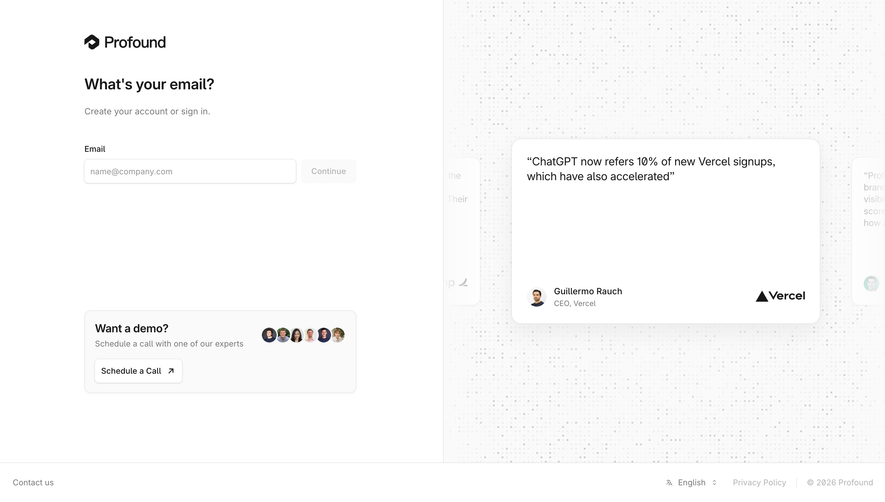
Generate a new design based on this screen using your own content.
Thank you! Your submission has been received!
Oops! Something went wrong while submitting the form.
# Design from Reference: Unkey Create Company Workspace
Create an original, high-fidelity visual design inspired by the reference. Prioritize composition, typography, colors, spacing, and component styling over technical implementation.
## Reference
- **Product:** Unkey
- **Category:** Account Setup
- **Screenshot:** https://cdn.prod.website-files.com/5e9dc792e1210c5325f7ebbc/697b75dc4074a2f74ac2b4e7_9QHGiipDazMhDznqL1ymo_jGrV4HzwPgsfKC5rekAvE.avif
Analyze the screenshot first. If inaccessible, request it rather than guessing.
## Content
{{content.instructions}}
{{content.data}}
Preserve essential messaging and factual accuracy. Adapt structure and copy length for visual balance; never invent product claims.
## Visual Design
Use this context to reproduce the reference's visual language: layout, typography, colors, spacing, borders, radii, and distinctive elements. The screenshot takes priority if descriptions conflict.
## Direction
{{preferences.fidelityInstructions}}
## Output
{{output.instructions}}
Deliver a polished, cohesive design with precise alignment, hierarchy, and spacing. Produce the requested visual artifact, not just a description. If unsupported, explain the limitation.
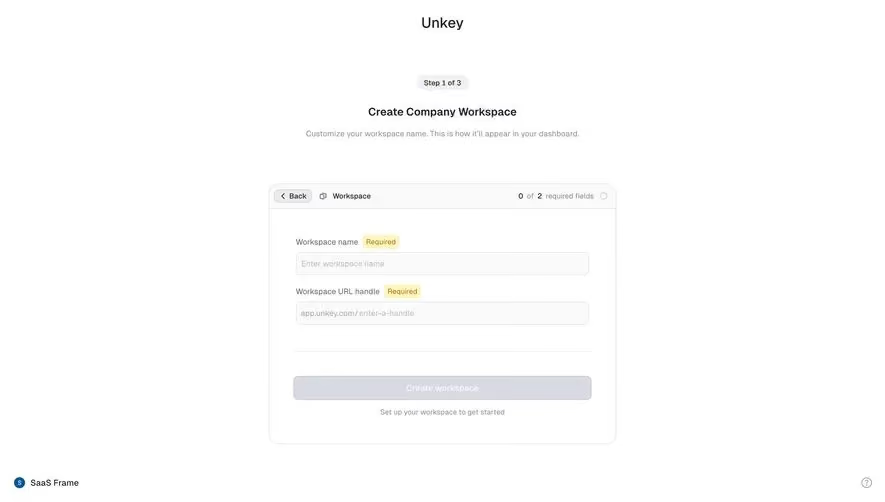
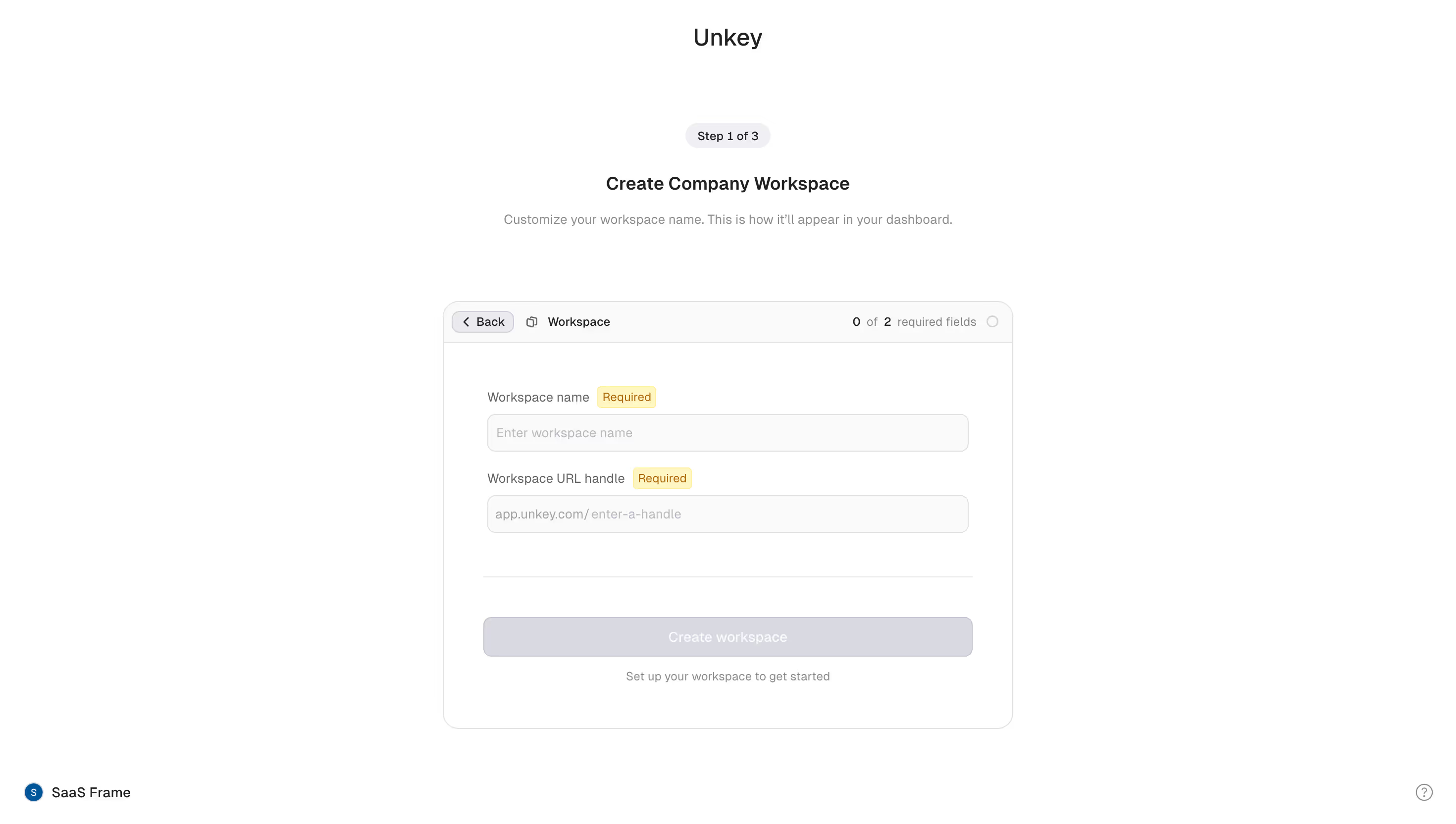
Unkey's workspace creation flow is a great example of a focused onboarding step. The "Step 1 of 3" pill at the top immediately sets expectations. No guessing how long this will take. The hierarchy is clear: bold heading, soft gray subtext, then the form card front and center.
Smart Form Design
The card itself is well structured. You get a breadcrumb-style nav with "Back" and "Workspace" at the top left, plus a "0 of 2 required fields" counter on the right. That counter is a small but thoughtful touch. The yellow "Required" badges next to each label pop just enough without being aggressive. The URL handle field showing "app.unkey.com/" as a prefix is practical and removes ambiguity.
What Makes It Stand Out
The muted "Create workspace" button stays disabled until fields are filled. That's good restraint. Typography is minimal and functional. The whole page breathes with generous whitespace. No sidebar, no distractions. Just one job to do. The warm off-white background keeps things soft without feeling sterile.
.webp)



.avif)