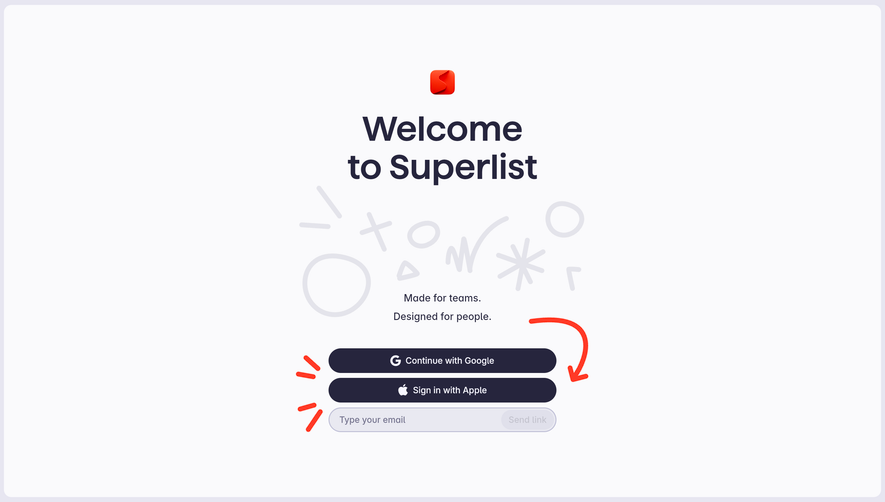
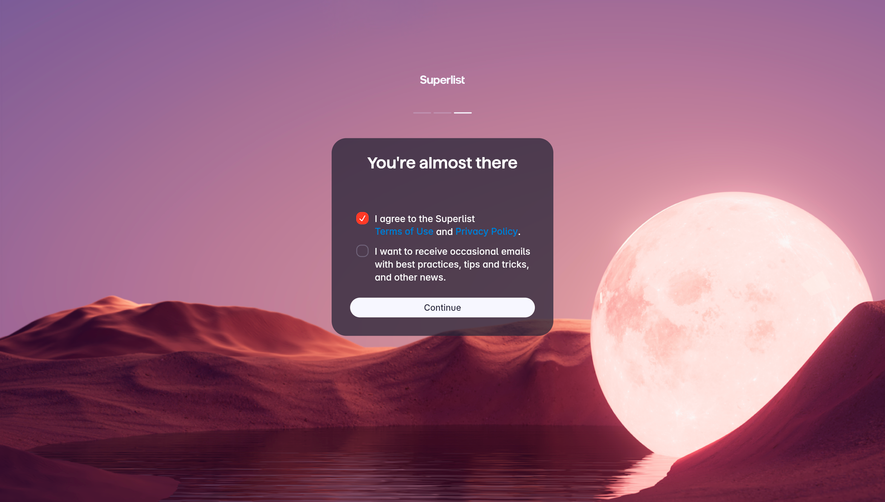
Generate a new design based on this screen using your own content.
Thank you! Your submission has been received!
Oops! Something went wrong while submitting the form.
# Design from Reference: Superlist User Onboarding
Create an original, high-fidelity visual design inspired by the reference. Prioritize composition, typography, colors, spacing, and component styling over technical implementation.
## Reference
- **Product:** Superlist
- **Category:** User Onboarding
- **Screenshot:** https://cdn.prod.website-files.com/5e9dc792e1210c5325f7ebbc/6acad5195a5fdf4c30310d6a_6acad43e91186b2d49d8416d_cms-caf47bfa54e14fb9fa71072a.webp
Analyze the screenshot first. If inaccessible, request it rather than guessing.
## Content
{{content.instructions}}
{{content.data}}
Preserve essential messaging and factual accuracy. Adapt structure and copy length for visual balance; never invent product claims.
## Visual Design
Use this context to reproduce the reference's visual language: layout, typography, colors, spacing, borders, radii, and distinctive elements. The screenshot takes priority if descriptions conflict.
## Direction
{{preferences.fidelityInstructions}}
## Output
{{output.instructions}}
Deliver a polished, cohesive design with precise alignment, hierarchy, and spacing. Produce the requested visual artifact, not just a description. If unsupported, explain the limitation.
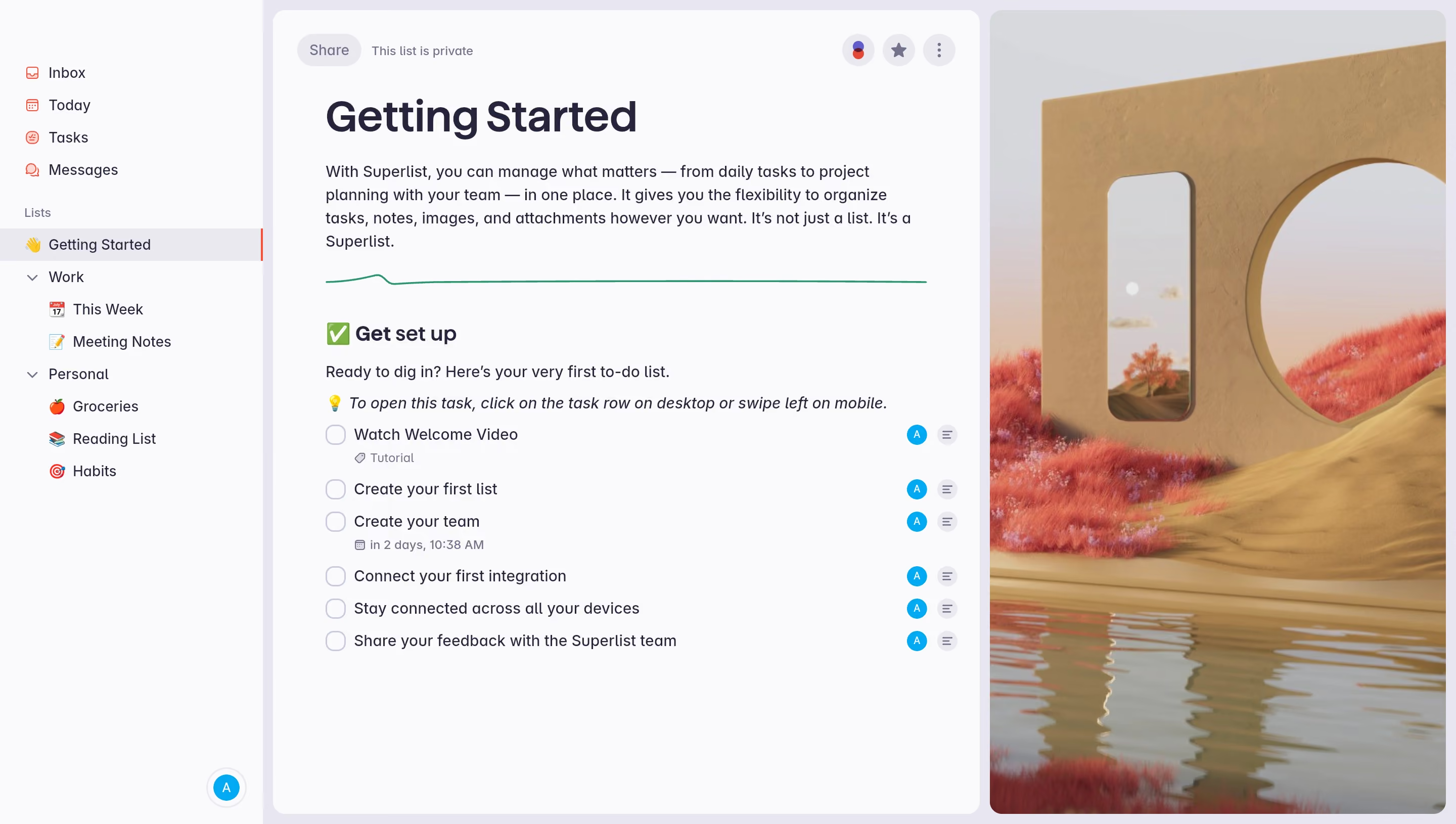
First thing you notice is that surreal desert wallpaper peeking through on the right. It's a bold move for a productivity tool and it works. Gives the whole interface personality without competing with the content.
Layout That Stays Out of Your Way
The left sidebar is clean and well-organized. Lists grouped under Work and Personal with emoji icons that add warmth without clutter. The main content area is generous with whitespace. The "Getting Started" onboarding page reads like a friendly note, not a manual. Tasks are presented as a simple checklist with subtle avatar badges and detail icons on the right. Nothing feels cramped.
Typography and Color Doing the Heavy Lifting
Big bold heading. Body text in a comfortable size with solid line height. The green divider line is a small touch that breaks sections without being harsh. Everything sits on soft whites and light grays. The whole palette feels intentional and restrained.
What Makes It Stand Out
That background wallpaper is the move. Most task apps look sterile. Superlist said no to that. The onboarding checklist is also genuinely useful, not just decorative filler.
.webp)




.avif)