.avif)
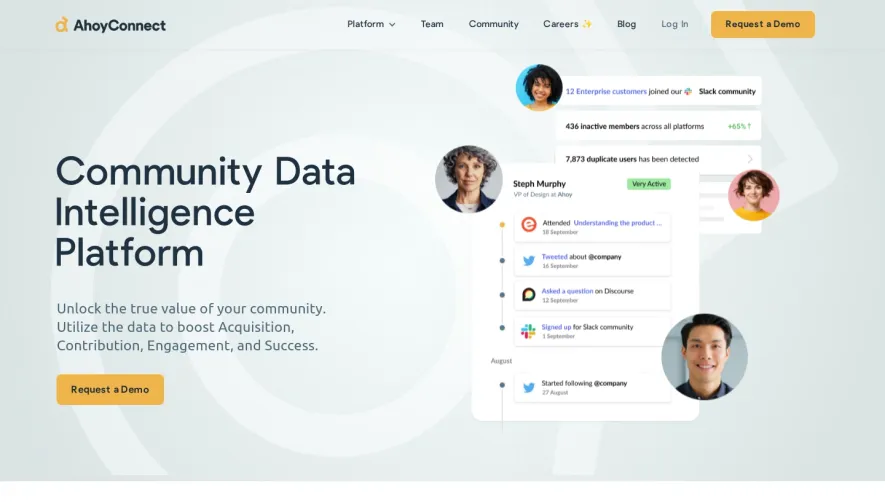
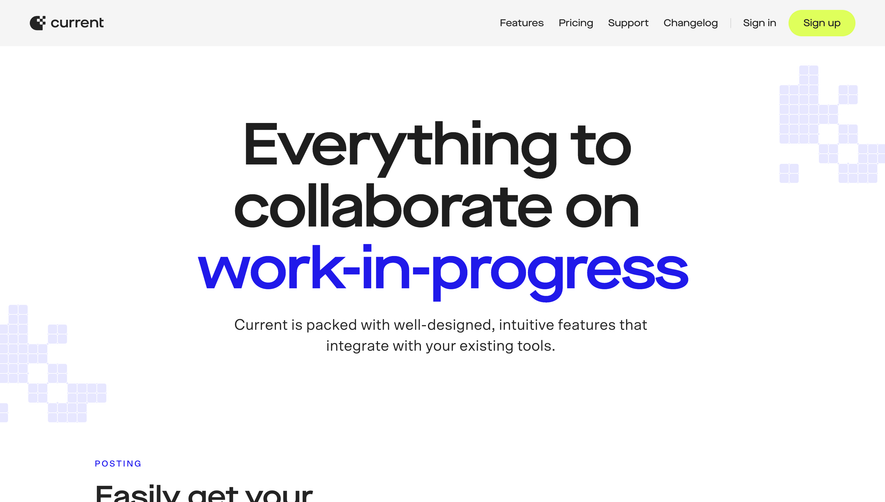
1. Header: The header section is at the topmost part of the page and contains the Slack logo and the navigation links. 2. Hero Section: This section is just below the header, and it features the main headline, followed by a subheading which tells users what Slack is about. There is also a CTA button that takes users to the sign-up page. 3. Features Section: This section showcases some of the essential features of Slack. Each feature has its heading, subheading, and accompanying image. Users can learn about Slack's capabilities and how it can help them communicate and collaborate effectively. The features are arranged in a grid pattern with equal space between each row and column. 4. Tools Section: This section comes after the features section and highlights third-party tools that Slack can integrate with to enhance productivity. The section is divided into subcategories, such as project management, DevOps, analytics, and more, with each tool having a title, description, and accompanying image. 5. Use Cases Section: The use cases section is just below the tools section and portrays companies, institutions, and individuals who have found Slack useful. The section uses real-life stories to illustrate how Slack can be used in various settings, such as remote work, IT, marketing, media, and more. 6. Pricing Section: This section highlights Slack's various pricing plans and their respective features. Users can compare the plans side-by-side and see which one suits their needs best. 7. FAQs Section: This section answers some of the frequently asked questions about Slack. It covers topics such as security, data privacy, integrations, and more. 8. Footer: The footer section contains links to various resources related to Slack, including the blog, help center, and social media handles. It also features links to the privacy policy, terms of service, and cookie policy.
.webp)


Slack Features Page

Slack
Corporate communication
Designed by
No items found.
Category
Patterns
No items found.
Tech Stack
No items found.
Added on
June 10, 2020