.avif)



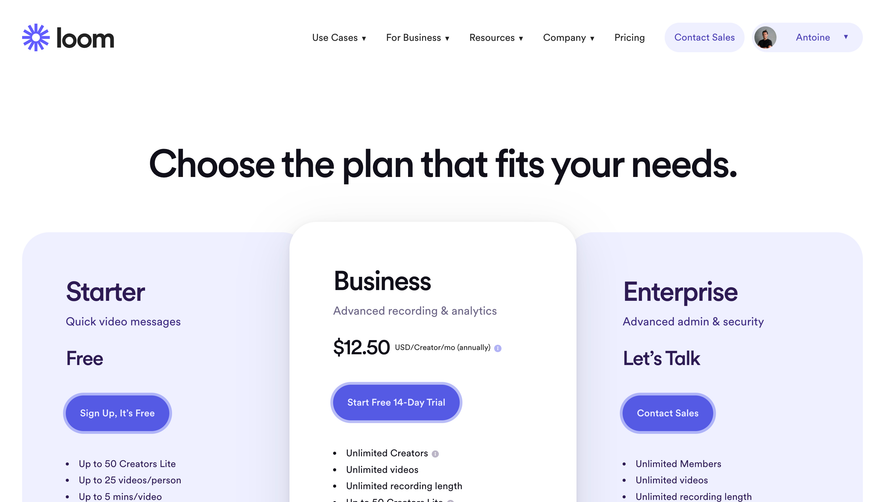
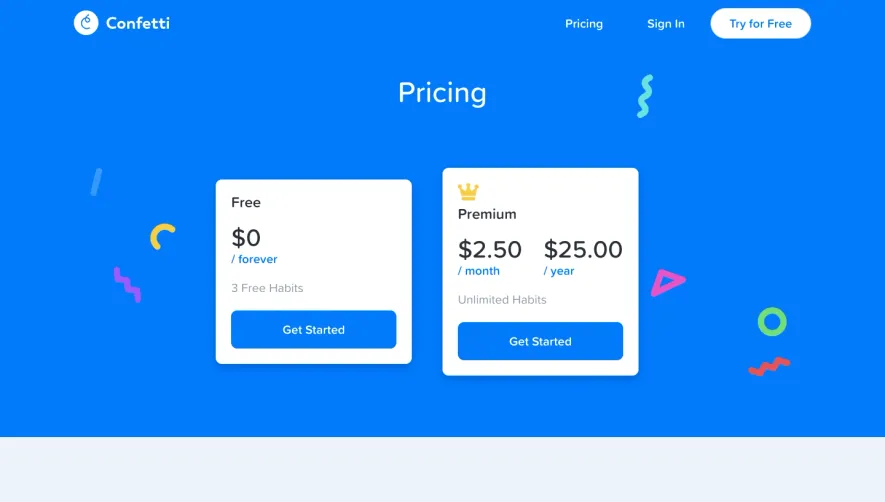
1. **Header Section:** At the top is a header section that includes the productboard logo, an option to see a live demo of the product, and a login button. 2. **Pricing Plans:** The main section of the page shows the pricing plans offered by productboard, beginning with a free option and followed by three premium options. Each plan is detailed with its respective features, such as the number of users, integrations, custom fields, and reporting. 3. **Feature Comparison Table:** Beneath the pricing plans, there is a feature comparison table that presents an easy-to-follow comparison between different productboard plans. The table highlights the capabilities of each plan at a glance and distinguishes between essential and advanced features. 4. **Use Cases:** After the pricing plans, several use cases are listed to show how productboard can be used by different types of teams. 5. **Testimonials:** Customer testimonials follow the Use Cases section, which provides social proof of productboard's benefits. Each testimonial includes a photo, name, and job title of the customer. 6. **FAQs Section:** The Frequently Asked Questions section tackles common questions people might have about productboard, such as billing and pricing, data security, and integrations. These questions are organized into categories for easy navigation. 7. **Call-to-Action Button:** At the bottom, there is a clear call-to-action button that reminds visitors to sign up for a productboard account to get started.
.webp)


ProductBoard roductboard Pricing Page

ProductBoard
Product Management Software
Designed by
No items found.
Category
Patterns
No items found.
Tech Stack
Added on
May 13, 2020