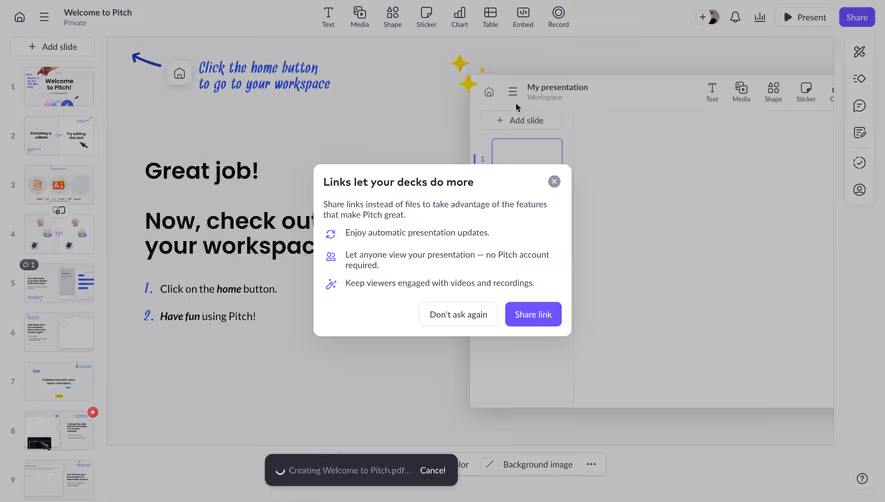
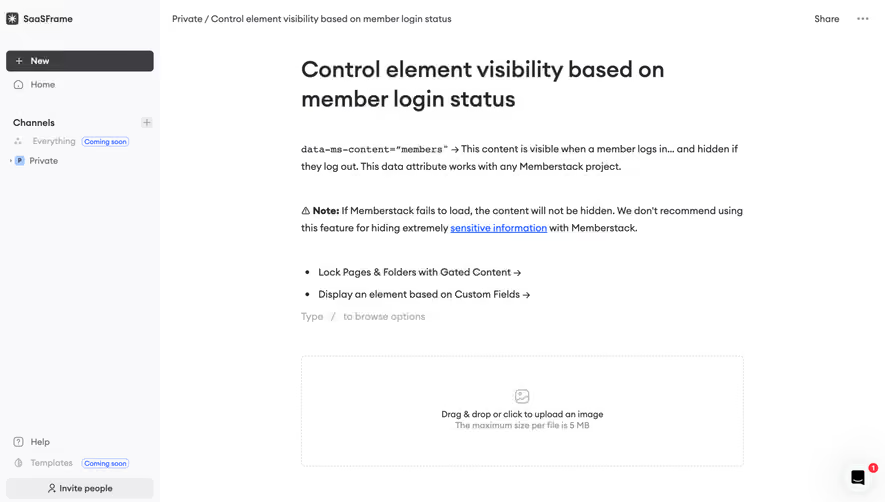
Generate a new design based on this screen using your own content.
Thank you! Your submission has been received!
Oops! Something went wrong while submitting the form.
# Design from Reference: Pitch Presentation Editor
Create an original, high-fidelity visual design inspired by the reference. Prioritize composition, typography, colors, spacing, and component styling over technical implementation.
## Reference
- **Product:** Pitch
- **Category:** Text Editor
- **Screenshot:** https://cdn.prod.website-files.com/5e9dc792e1210c5325f7ebbc/6aca27e9aca7079066e8e811_6aca270877a5af83cf95a7cc_cms-c1b4cb336dbdaa07d09e2ad3.webp
Analyze the screenshot first. If inaccessible, request it rather than guessing.
## Content
{{content.instructions}}
{{content.data}}
Preserve essential messaging and factual accuracy. Adapt structure and copy length for visual balance; never invent product claims.
## Visual Design
Use this context to reproduce the reference's visual language: layout, typography, colors, spacing, borders, radii, and distinctive elements. The screenshot takes priority if descriptions conflict.
## Direction
{{preferences.fidelityInstructions}}
## Output
{{output.instructions}}
Deliver a polished, cohesive design with precise alignment, hierarchy, and spacing. Produce the requested visual artifact, not just a description. If unsupported, explain the limitation.
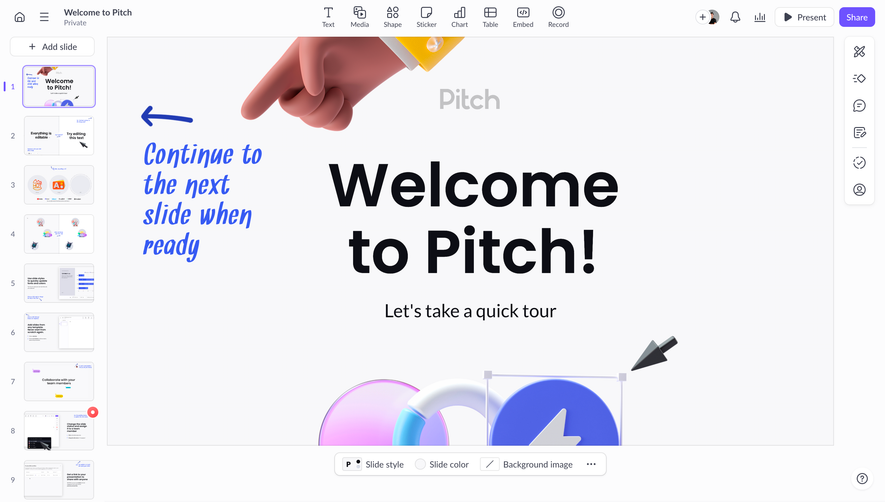
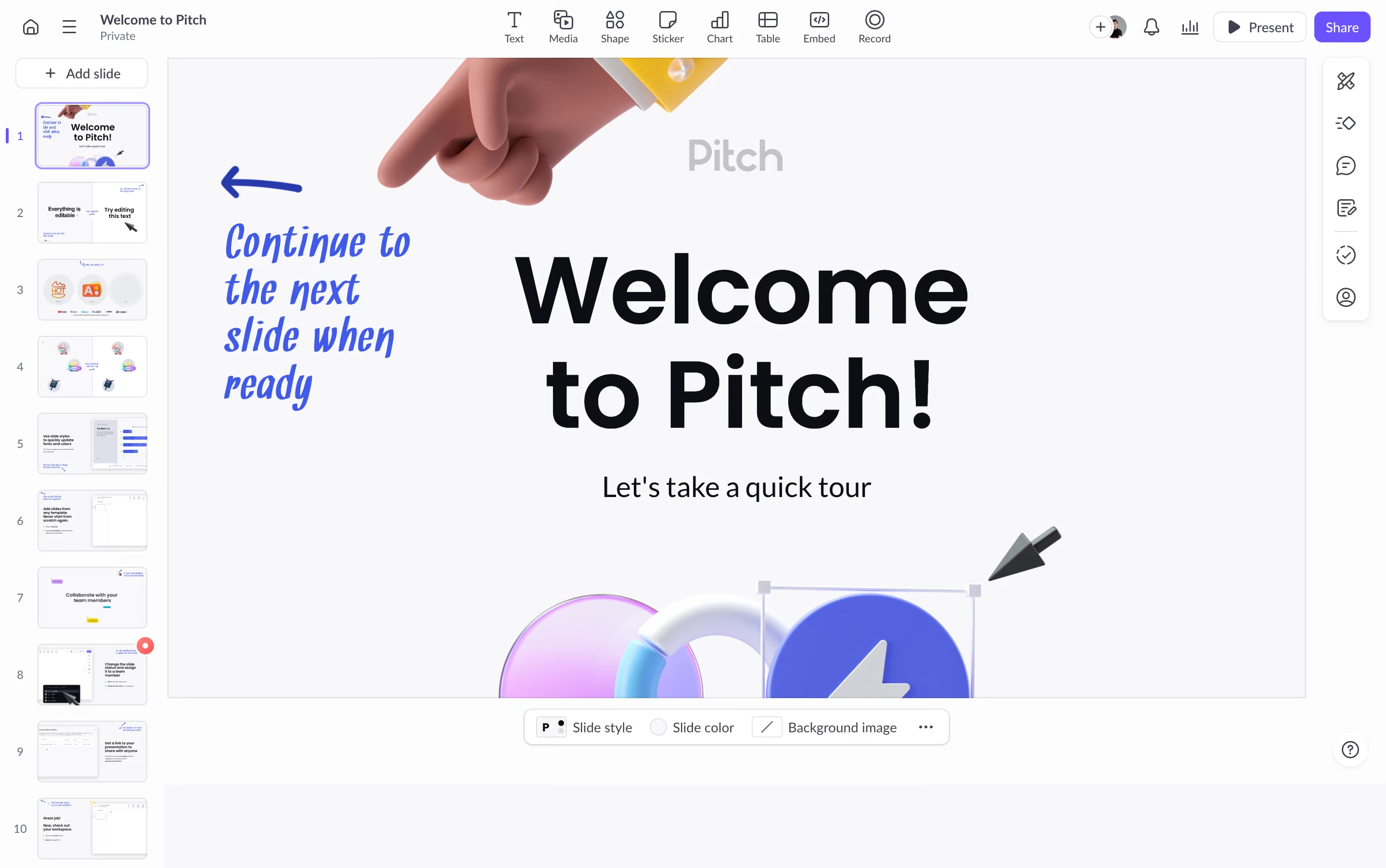
The 3D hand pointing down is the first thing you see. It's playful, unexpected for a productivity tool, and instantly makes Pitch feel less like "another slide deck app." That glossy, iridescent orb composition at the bottom adds a premium feel without being stuffy. The whole hero section screams confidence.
Layout That Just Works
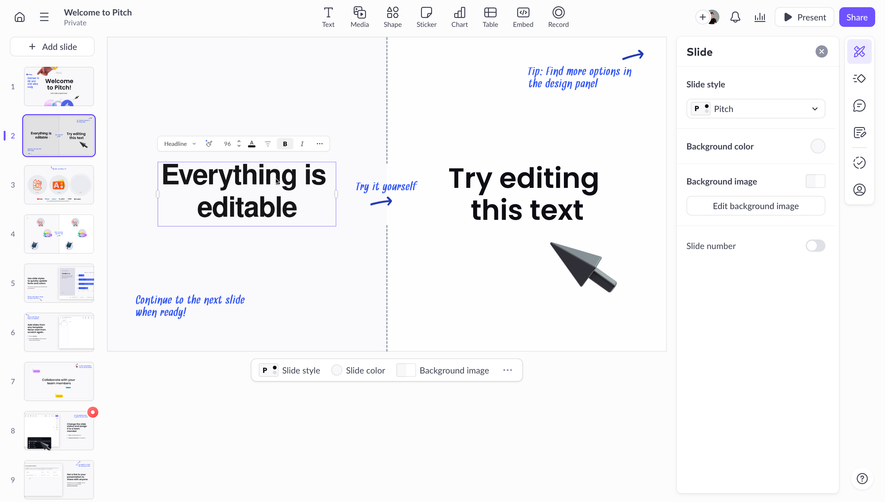
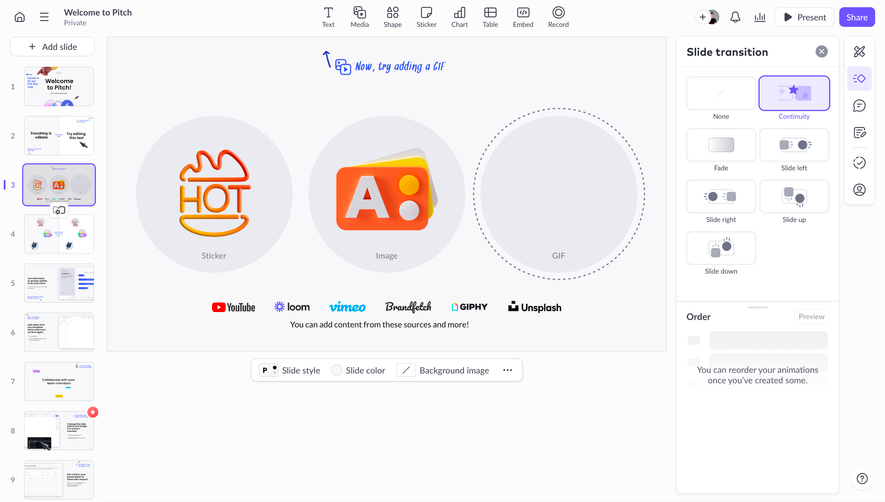
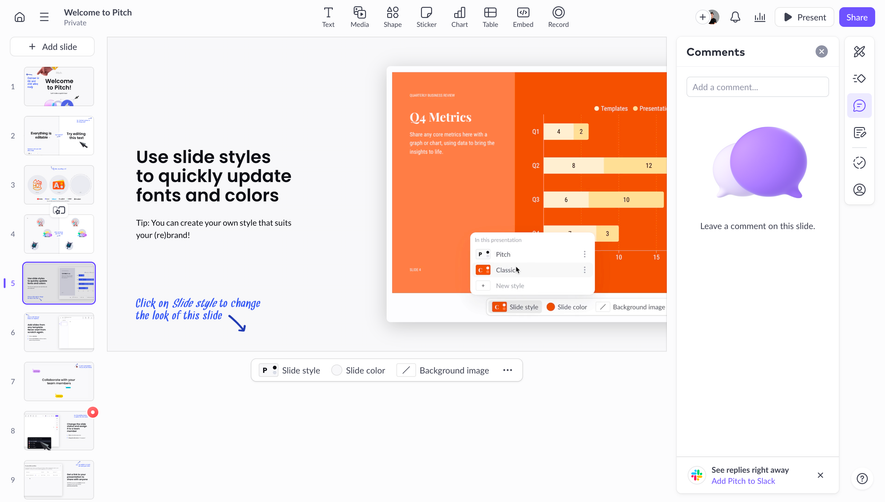
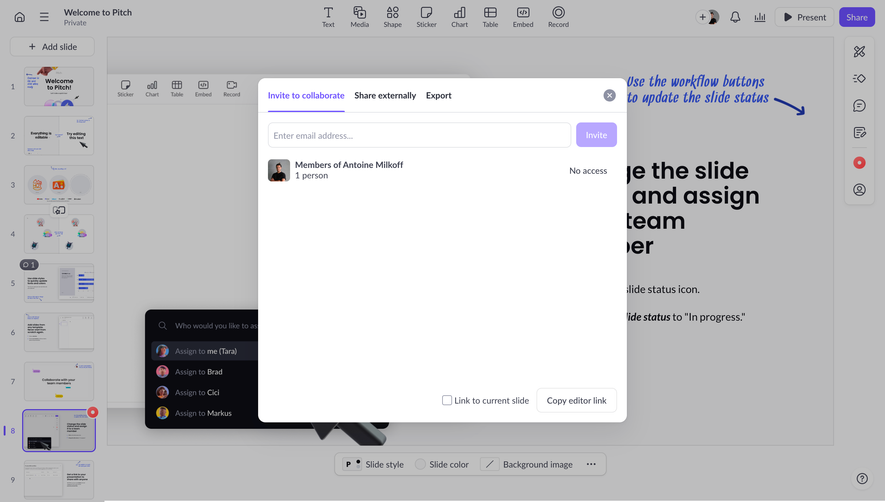
"Welcome to Pitch!" is massive, bold, and dead center. No ambiguity about what you're looking at. The subtitle "Let's take a quick tour" sets expectations immediately. On the left, the slide panel gives you a peek at what's possible, functioning almost like social proof baked into the UI itself. Ten slides visible, each showing a different feature. Smart onboarding move.
Color and Type Choices
Clean white canvas with purple and blue accents feels modern but approachable. The typography is heavy and geometric, giving it editorial weight. That handwritten "Continue to the next slide when ready" note with the arrow is a great human touch. It breaks the grid intentionally and pulls your eye toward interaction.
What Makes It Stand Out
Mixing 3D illustration with a functional UI walkthrough is genuinely clever. It feels like a product tour disguised as a landing page.
.webp)




.avif)