.avif)



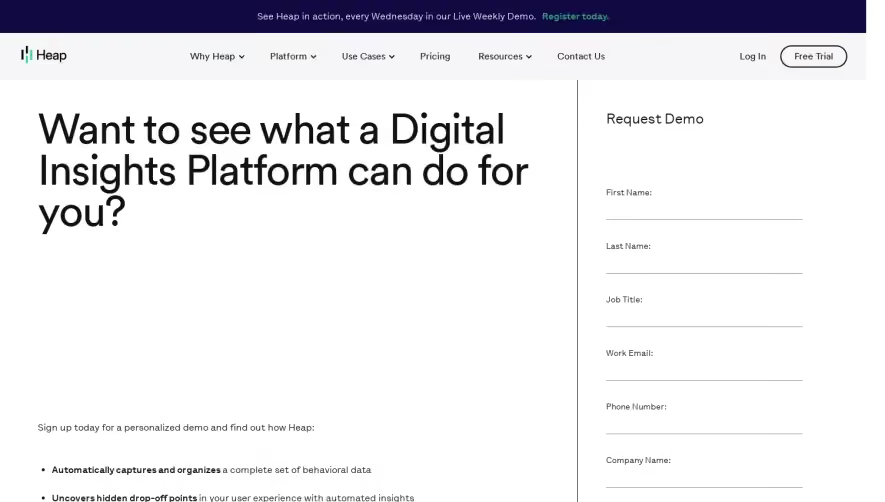
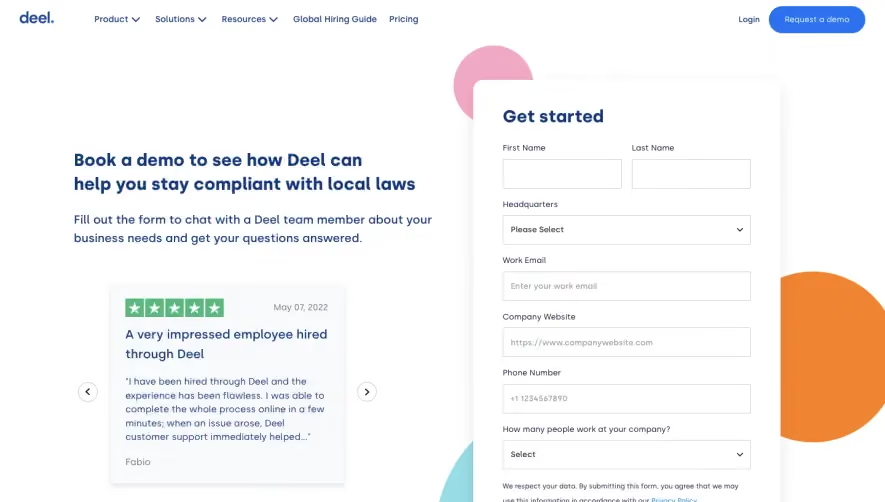
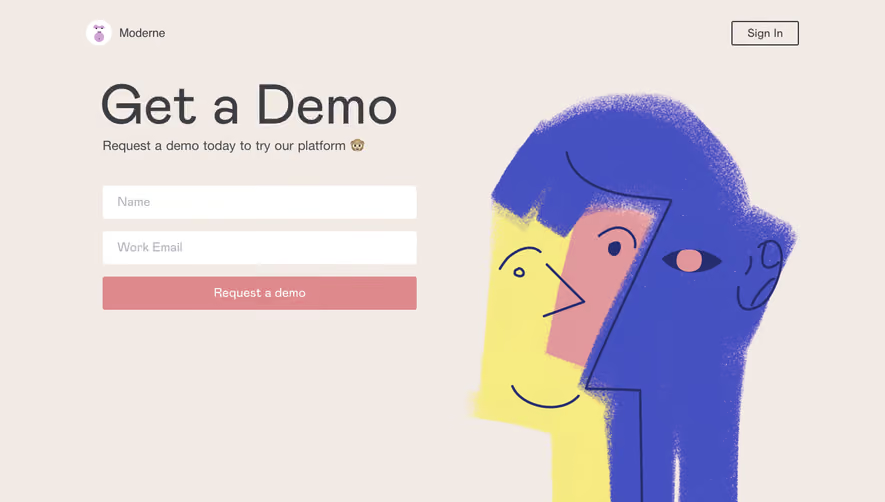
1. Header: The page starts with a header that includes the PayFit logo on the left side and a hamburger menu on the right side. 2. Main Banner: Immediately after the header, there is a main banner that showcases the benefits of PayFit and a call-to-action button to schedule a demo. The banner also includes an image of a happy team. 3. Section 1: The first section on the page includes a brief description of PayFit's services along with an image of the PayFit platform. 4. Section 2: The second section includes a video that explains how PayFit works and the benefits it provides. There is also a call-to-action button to schedule a demo. 5. Section 3: The third section is divided into two columns where each column describes a particular feature of the PayFit platform. There are icons above each column highlighting the features. 6. Section 4: The fourth section includes a call-to-action banner that prompts users to schedule a demo. 7. Section 5: The fifth section is divided into three columns where each column describes a particular benefit of using PayFit. There is a relevant icon above each column. 8. Footer: The page ends with a footer that includes links to important pages, social media icons, and the PayFit logo. Overall, the page has a simple and clean design that effectively showcases the features and benefits of PayFit. The use of images, icons, and videos helps to make the page engaging and easy to understand. The call-to-action buttons are strategically placed to encourage users to schedule a demo.
.webp)


Payfit Demo Request

Payfit
Payroll management
Designed by
No items found.
Category
Patterns
No items found.
Added on
April 27, 2020