.avif)
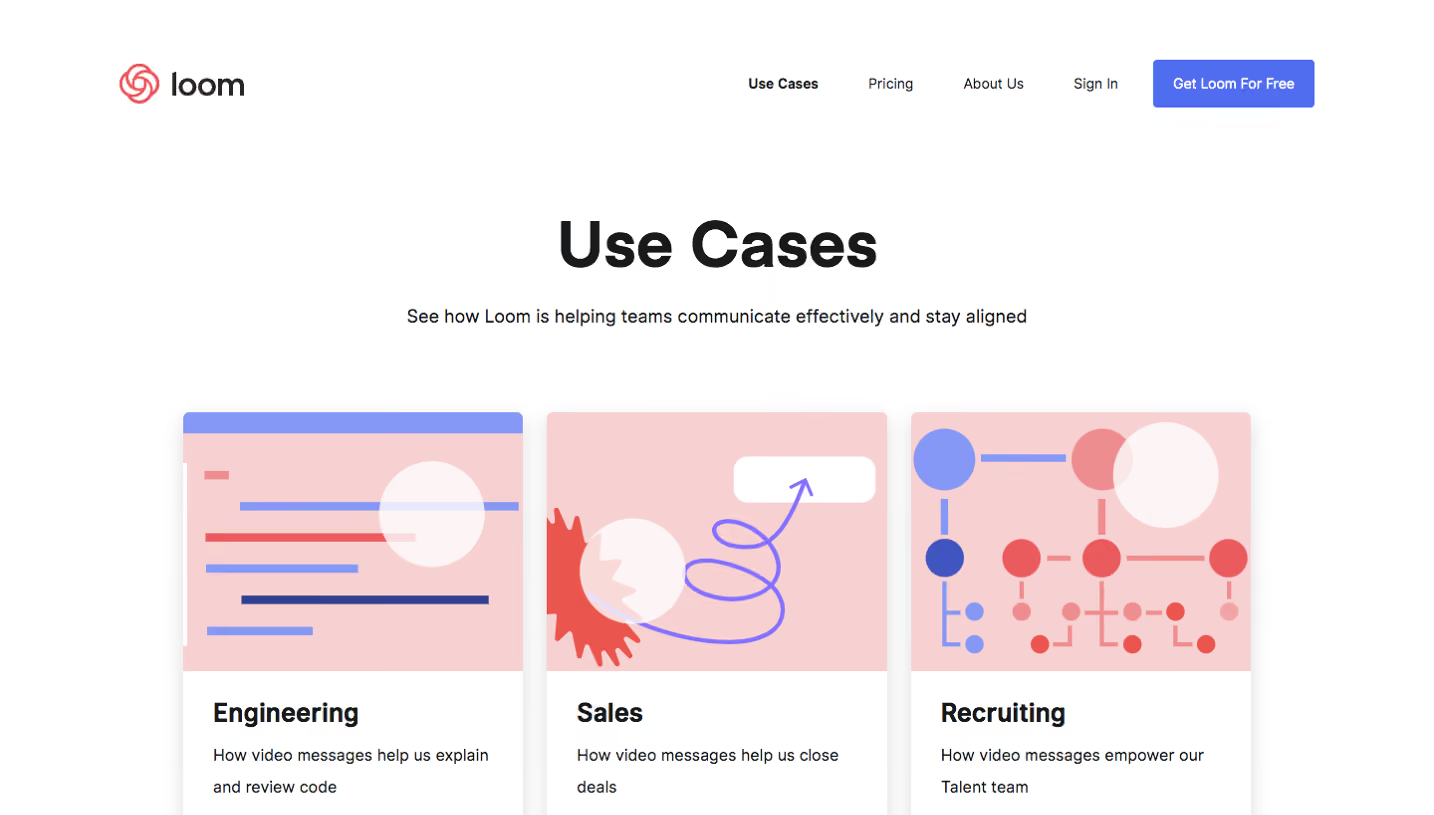
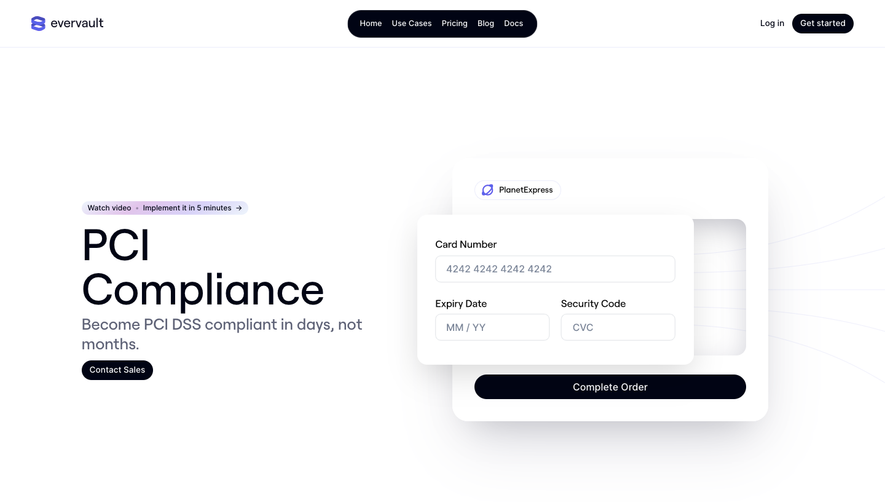
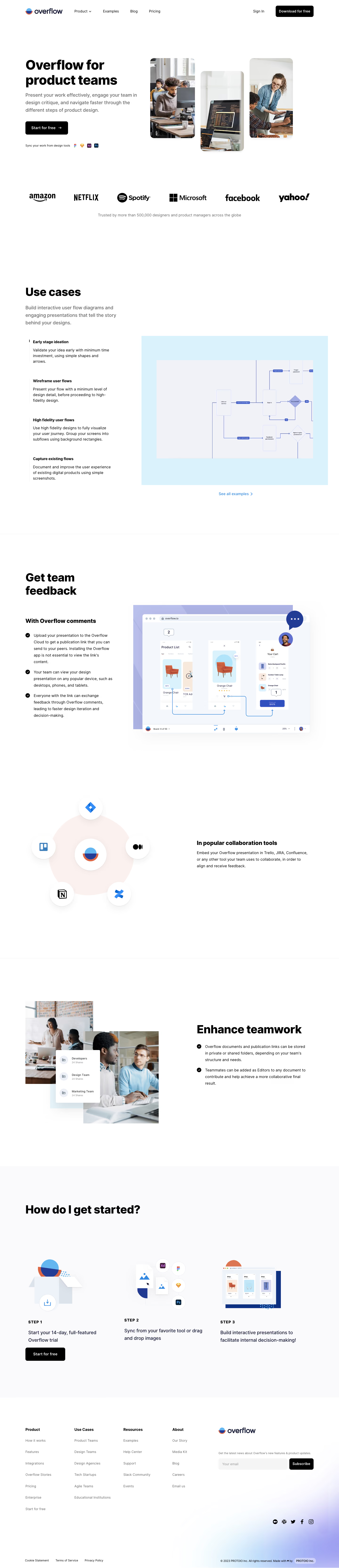
1. Header: An orange-colored navbar that remains sticky on scrolling is present in the header. The navbar contains the Overflow logo on the left and navigation links on the right, including features, pricing, resources, and sign up/login. 2. Hero Section: A hero section welcomes visitors with a high-quality image and text that invites them to create better product designs with Overflow. 3. Value Proposition Section: This section highlights the value of using Overflow by dividing content into three sections. The first section contains a heading and subheading that describe Overflow as a collaborative tool for product teams to create and share better user flow diagrams. The second section highlights Overflow's key features that help teams streamline their workflow while the third section presents an illustration of a workflow that is enriched using Overflow's features. 4. How It Works Section: Overflow explains how its tool works through the help of a block of text and a 3D animation. The animation highlights the steps involved in creating and sharing user flow diagrams on Overflow. 5. Feature Section: This section provides detailed information about Overflow's key features. These features include a comprehensive library of customizable UI elements, the ability to add annotations and comments, and the ability to integrate with other design tools. 6. Testimonials: Overflow presents testimonials from established companies that describe how they improved their workflow and communication by using Overflow. 7. CTA: A prominent Call-to-Action button is present at the end of the page encouraging visitors to sign up to Overflow. The button is placed in an orange background and is underlined using a thin white line. 8. Footer: The footer is divided into several sections, including links to Overflow's landing pages, social media platforms, and resources. A copyright notice is also present at the bottom-right corner of the page.
.webp)

Overflow Use Cases
Overflow
User flows done right
Designed by
No items found.
Category
Patterns
No items found.
Tech Stack
No items found.
Added on
March 9, 2023