.webp)
Thank you! Your submission has been received!
Oops! Something went wrong while submitting the form.
Get SaaSFrame Pro
Monthly
$18
Quarterly
$48
Yearly
$180
Upgrade to access this feature
Browse all screens & flows
Filter and search screens & flows
Access Figma files
Access mobile versions
Bookmark screens & flows
Join now
Loom Sign Up Flow

Loom
Say it with video
Designed by
No items found.

Bookmark
Bookmark

Design with AI
Thank you! Your submission has been received!
Oops! Something went wrong while submitting the form.
# Design from Reference: Loom Sign Up Flow
Create an original, high-fidelity visual design inspired by the reference. Prioritize composition, typography, colors, spacing, and component styling over technical implementation.
## Reference
- **Product:** Loom
- **Category:** Account Setup
- **Screenshot:** https://cdn.prod.website-files.com/5e9dc792e1210c5325f7ebbc/6acbc9341790037d3e058efa_6acbc63e4a8f67bb0c2fed60_cms-9cced45cac0aa70ec6f28a82.webp
Analyze the screenshot first. If inaccessible, request it rather than guessing.
## Content
{{content.instructions}}
{{content.data}}
Preserve essential messaging and factual accuracy. Adapt structure and copy length for visual balance; never invent product claims.
## Visual Design
### Overall aesthetic
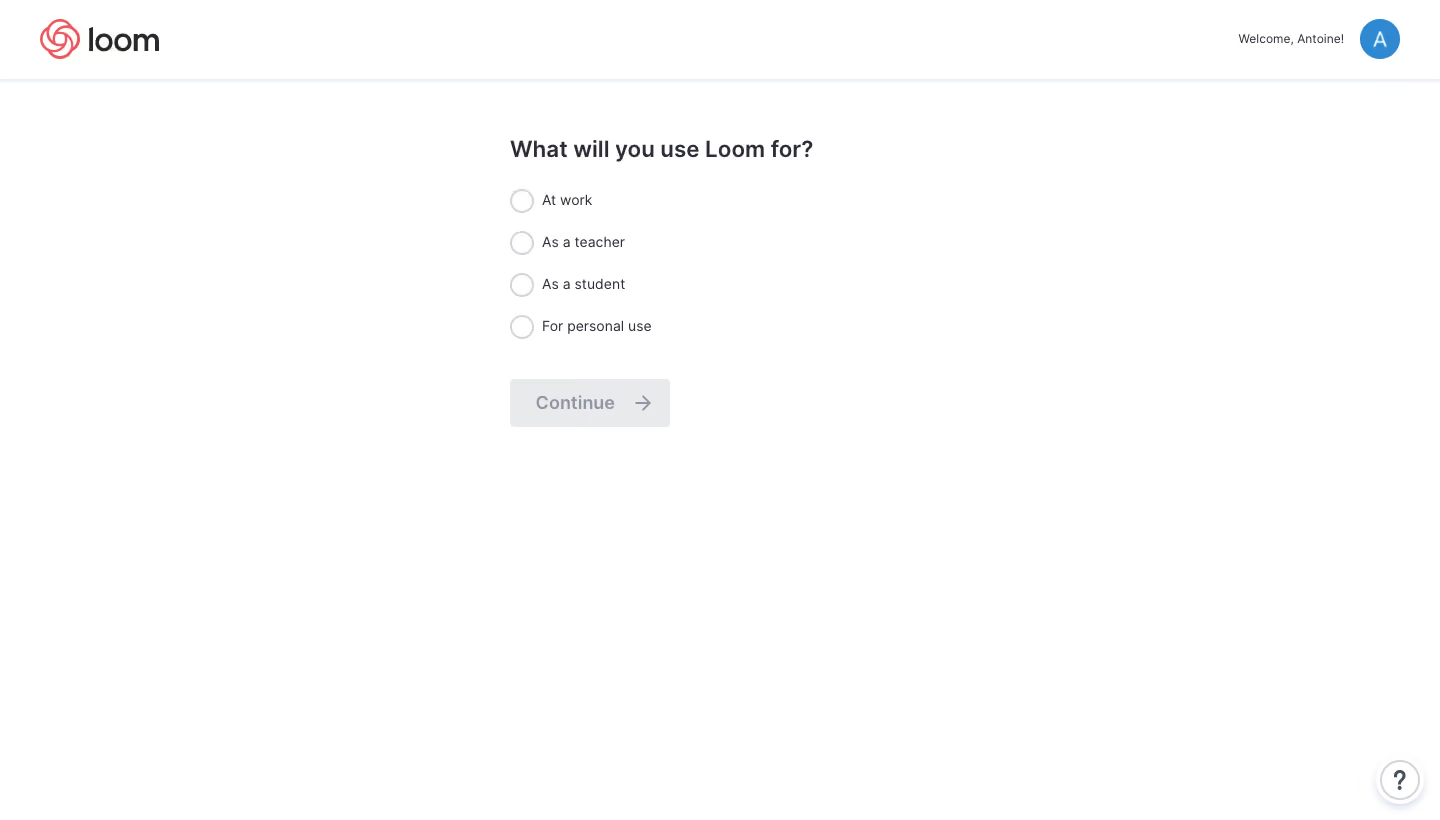
- **Character:** A very minimal onboarding question uses a white canvas, dark gray text and a simple vertical radio list.
- **Capture evidence:** The screenshot measures 1440 × 820 pixels. Approximate dimensions are image pixels; near-1× CSS scale is plausible but unverified.
- **Tone:** The absence of illustrations and secondary content keeps the task direct and lightweight.
### Page composition
- **Header:** A Loom logo sits upper left; a short welcome line and circular avatar align upper right.
- **Header boundary:** A thin pale rule and subtle shadow separate the top bar from the page.
- **Question block:** A roughly 420px-wide region begins near the upper center, with a bold usage question.
- **Choices:** Four radio options form a single left-aligned vertical stack.
- **Action:** A muted Continue button with trailing arrow sits below the choices.
- **Help:** A small circular question-mark control sits at the lower-right corner.
### Information hierarchy
- **Question:** The bold question is the largest text in the content region.
- **Options:** Four equal-weight choices cover work, teaching, study and personal use.
- **Visible state:** All radio circles are empty and Continue appears disabled.
- **Account context:** The small welcome/avatar area is secondary to the question.
- **Single task:** No progress trail or additional form fields are visible.
### Typography
- **Family:** A clean sans-serif is visible; exact identity is unverified.
- **Question:** Approximately 24px bold with 30px line-height.
- **Options:** Approximately 14px regular with 20px line-height.
- **Continue:** Approximately 18px semibold.
- **Welcome:** Approximately 12px regular.
- **Brand:** A custom dark wordmark sits beside a coral outlined symbol.
### Colors & surfaces
- **Canvas:** Sampled #FFFFFF forms nearly the entire interface.
- **Disabled action:** Sampled #E9EAEC supplies the pale gray Continue background.
- **Pale details:** Sampled #F9FAFC, #EEF0F5 and #E9ECF2 occur among subtle borders and interface edges.
- **Primary text:** Dark charcoal supplies question and option labels.
- **Secondary text:** Gray marks the disabled action label and arrow.
- **Brand/account accents:** Coral appears in the Loom symbol; blue fills the circular avatar.
### Components
- **Radio controls:** Approximately 24px circles use a thin pale-gray outline, with labels around 10px to their right.
- **Choice rows:** Four rows repeat approximately 42px apart.
- **Continue button:** Approximately 160 × 48px, pale gray with small corner rounding, dark-muted label and a right arrow.
- **Avatar:** A roughly 40px blue circle contains a white initial.
- **Help button:** A white circle with layered pale outline and soft shadow contains a dark question mark.
- **Header:** A roughly 80px-high horizontal band uses generous side padding.
### Visual rhythm
- **Question spacing:** Around 24px separates the heading from the first option.
- **Choice cadence:** Consistent row spacing makes the four alternatives easy to compare.
- **Action separation:** Around 40px separates the last choice from Continue.
- **Whitespace:** Broad margins and an almost empty lower page isolate the question.
- **Alignment:** Heading, radio list and action share a stable left edge.
### Responsive
- **Evidence limit:** Only one desktop state is observed; selected, enabled and mobile states are unverified.
- **Layout recommendation:** Use a fluid question column with 20–24px side padding.
- **Header recommendation:** Shorten or hide welcome text when space is limited while preserving account access.
- **Control recommendation:** Make each option label part of the radio target and maintain comfortable touch height.
- **Action recommendation:** Keep the disabled/enabled distinction clear without relying solely on fill color.
### Adaptation guidance
- **Semantics:** Implement the choices as one labeled radio group with an explicit selection requirement.
- **State system:** Define checked, focused and enabled-Continue states consistently; only the unselected state is visible here.
- **Minimalism:** Preserve the single-question layout and avoid introducing unnecessary cards or artwork.
- **Accessibility:** Support keyboard selection, visible focus and an accessible explanation when continuation is unavailable.
- **Privacy:** Use representative account labeling in demonstrations rather than copying personal details.
Use this context to reproduce the reference's visual language: layout, typography, colors, spacing, borders, radii, and distinctive elements. The screenshot takes priority if descriptions conflict.
## Direction
{{preferences.fidelityInstructions}}
## Output
{{output.instructions}}
Deliver a polished, cohesive design with precise alignment, hierarchy, and spacing. Produce the requested visual artifact, not just a description. If unsupported, explain the limitation.

.avif)
Category
Patterns
No items found.
Tech Stack

Added on
February 4, 2023
Found in 1 flow



Similar screens
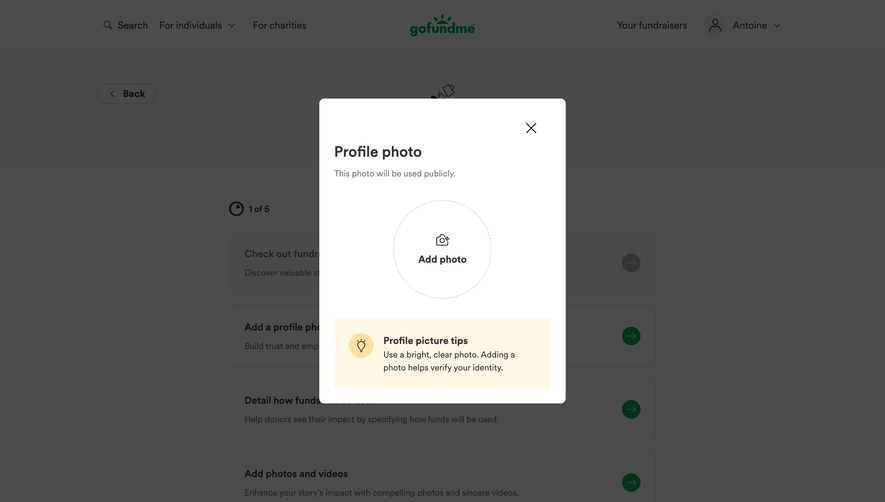


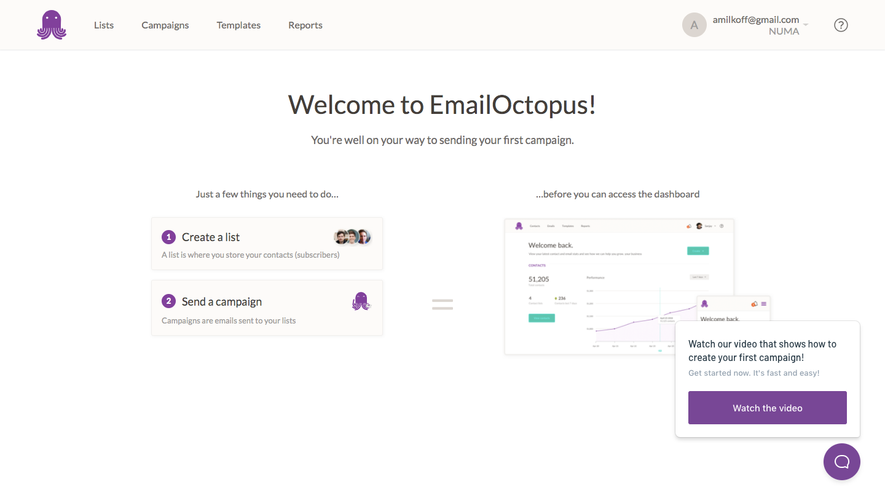



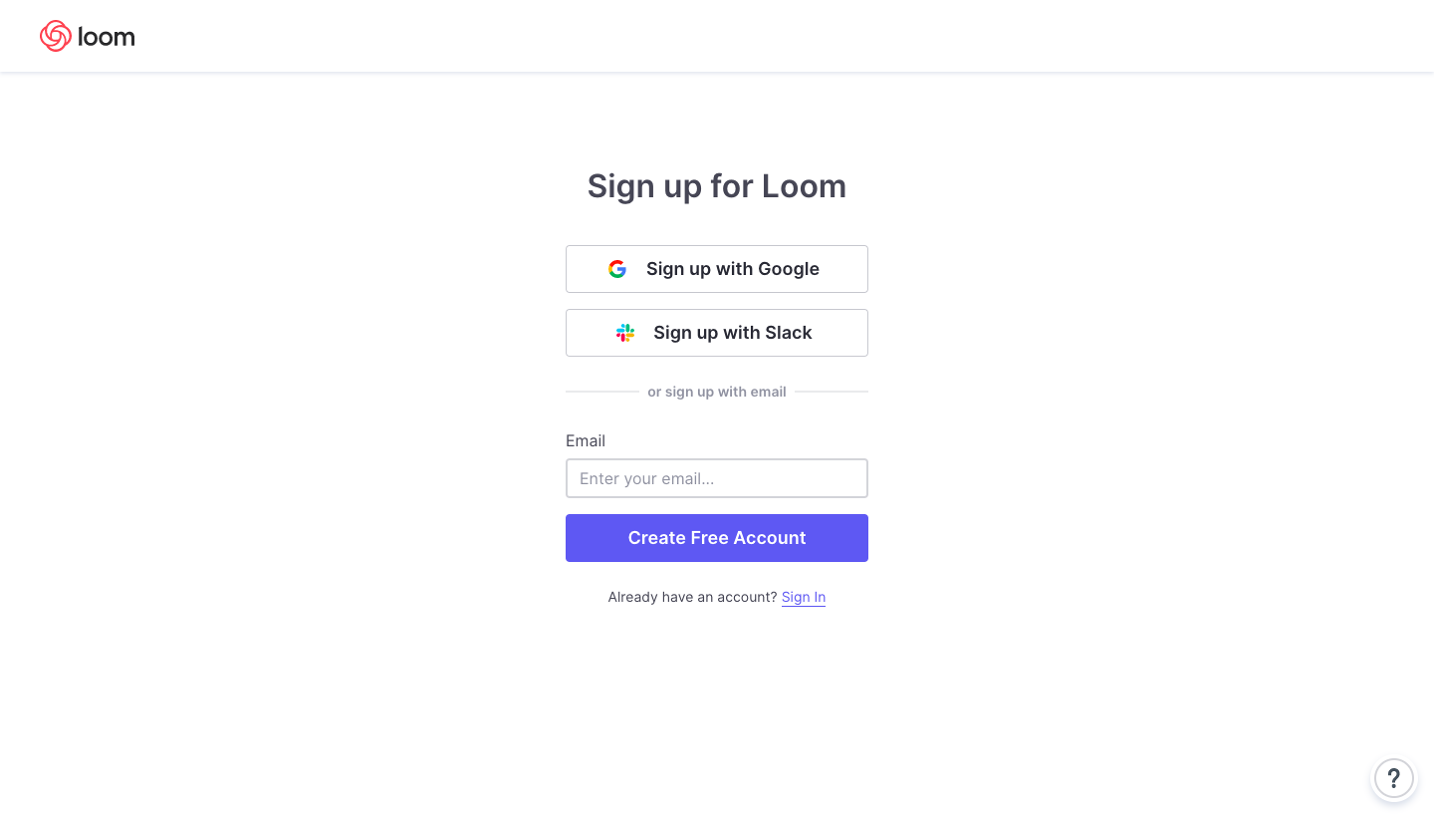
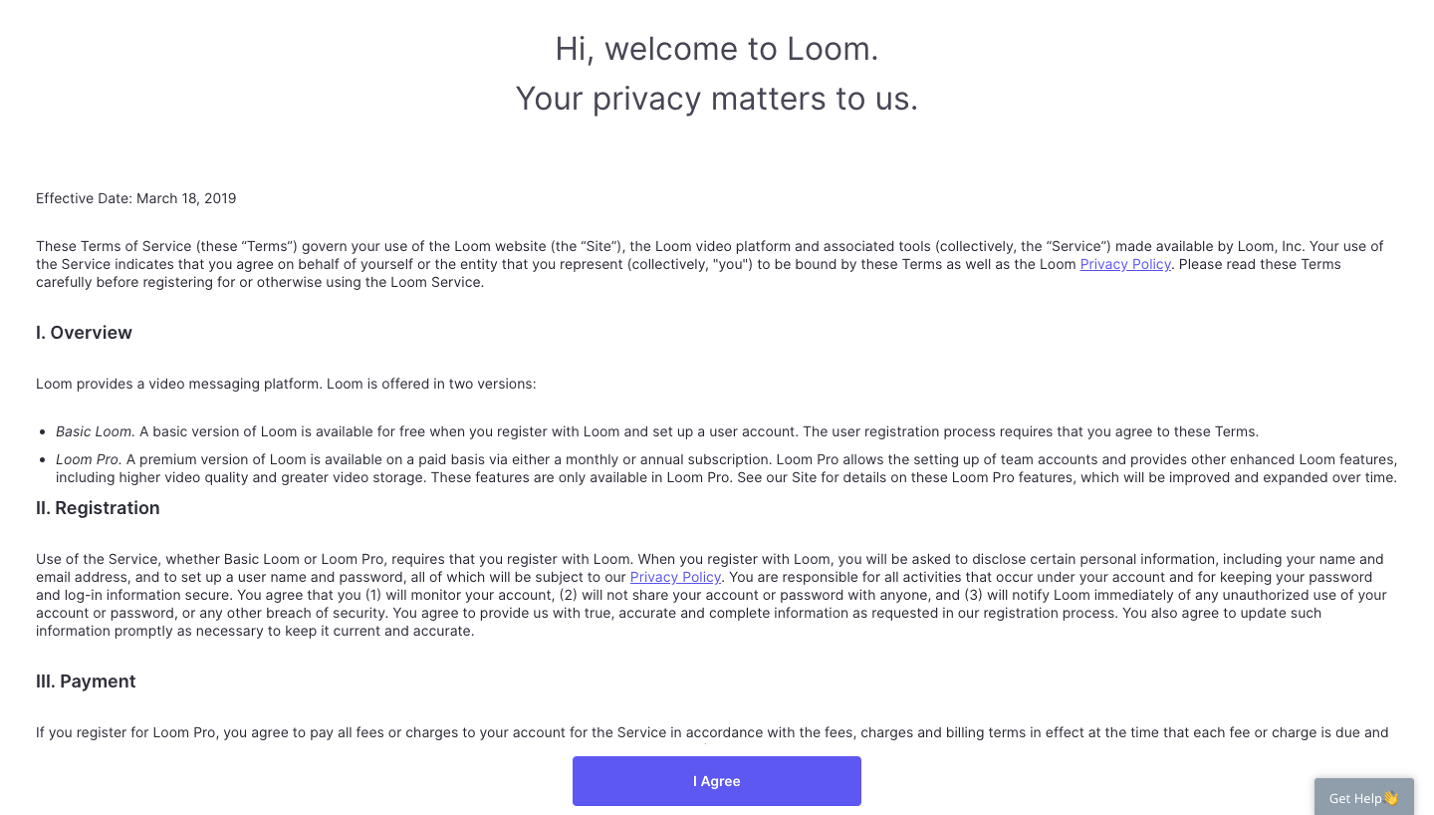
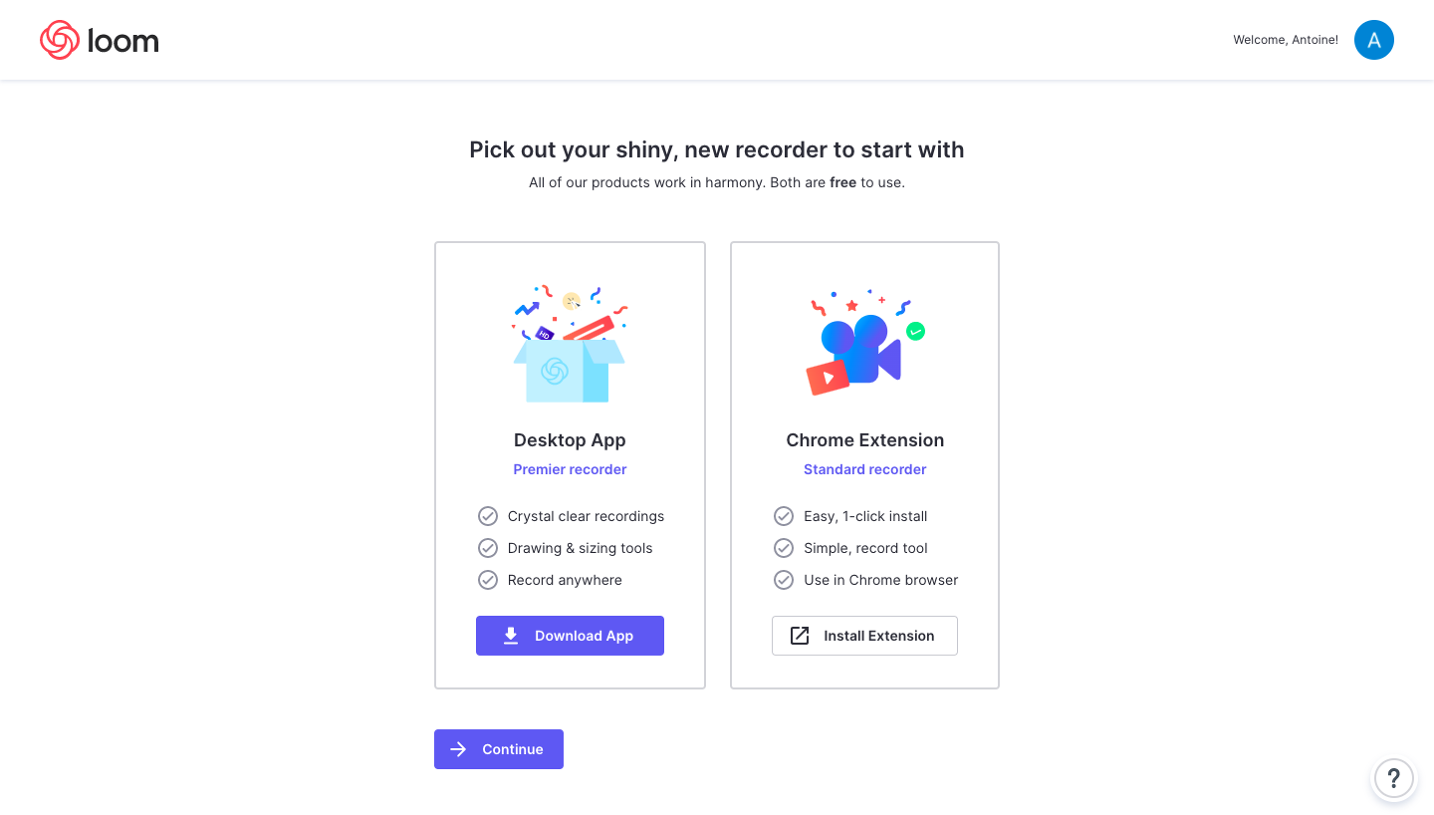
Upgrade to SaaSFrame Pro now to see similar examples.
Monthly
$18 /month
Billed $18 monthly
Browse all screens & flows
Filter and search screens & flows
Search text in screenshots
Access Figma files
Access mobile versions
Join now
Quarterly
$16 /month
Billed $48 quarterly
Browse all screens & flows
Filter and search screens & flows
Search text in screenshots
Access Figma files
Access mobile versions
Join now
Yearly
$15 /month
Billed $180 yearly
Browse all screens & flows
Filter and search screens & flows
Search text in screenshots
Access Figma files
Access mobile versions
Join now