Open full-size image ↗
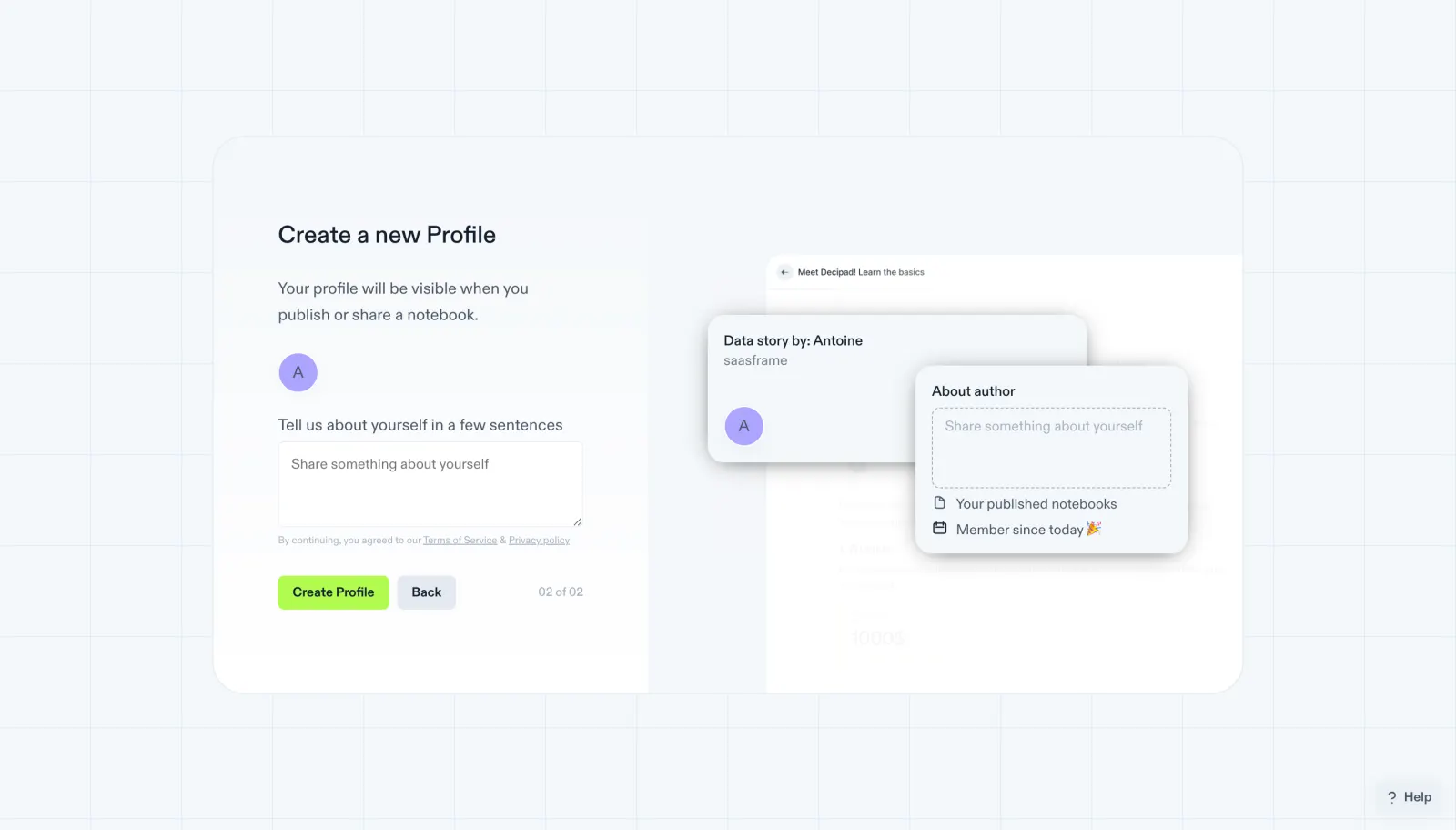
Step "02 of 02", "Create a new Profile", notes your profile shows when you publish or share a notebook, with an avatar initial.
"Tell us about yourself in a few sentences" offers an empty textarea, then lime "Create Profile" and grey "Back" buttons.
The preview shows a "Data story by" card and an "About author" popover with a dashed placeholder and "Member since today".
 SaaSFrame