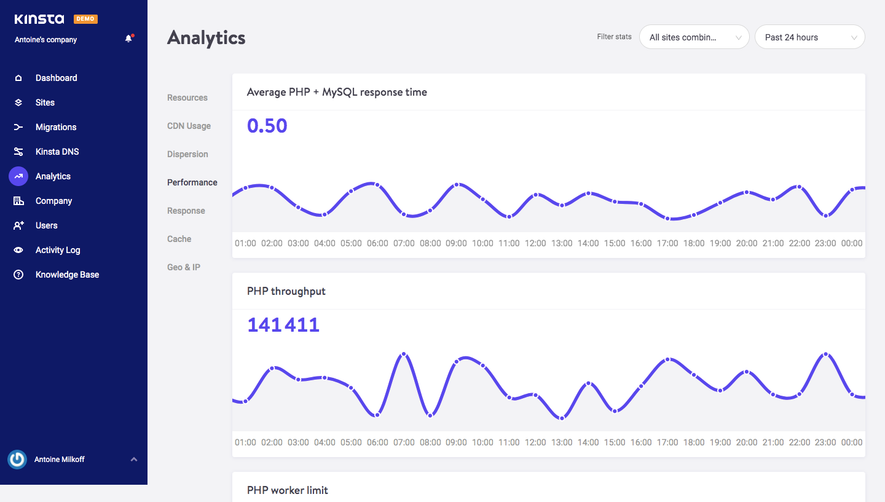
Generate a new design based on this screen using your own content.
Thank you! Your submission has been received!
Oops! Something went wrong while submitting the form.
# Design from Reference: Latitude Project Dashboard
Create an original, high-fidelity visual design inspired by the reference. Prioritize composition, typography, colors, spacing, and component styling over technical implementation.
## Reference
- **Product:** Latitude
- **Category:** Analytics
- **Screenshot:** https://cdn.prod.website-files.com/5e9dc792e1210c5325f7ebbc/6acad5d1d05a3f53c0a6e533_6acad554a43009b06fe5f526_cms-d7f39def99ff28b0d1a3815c.webp
Analyze the screenshot first. If inaccessible, request it rather than guessing.
## Content
{{content.instructions}}
{{content.data}}
Preserve essential messaging and factual accuracy. Adapt structure and copy length for visual balance; never invent product claims.
## Visual Design
Use this context to reproduce the reference's visual language: layout, typography, colors, spacing, borders, radii, and distinctive elements. The screenshot takes priority if descriptions conflict.
## Direction
{{preferences.fidelityInstructions}}
## Output
{{output.instructions}}
Deliver a polished, cohesive design with precise alignment, hierarchy, and spacing. Produce the requested visual artifact, not just a description. If unsupported, explain the limitation.
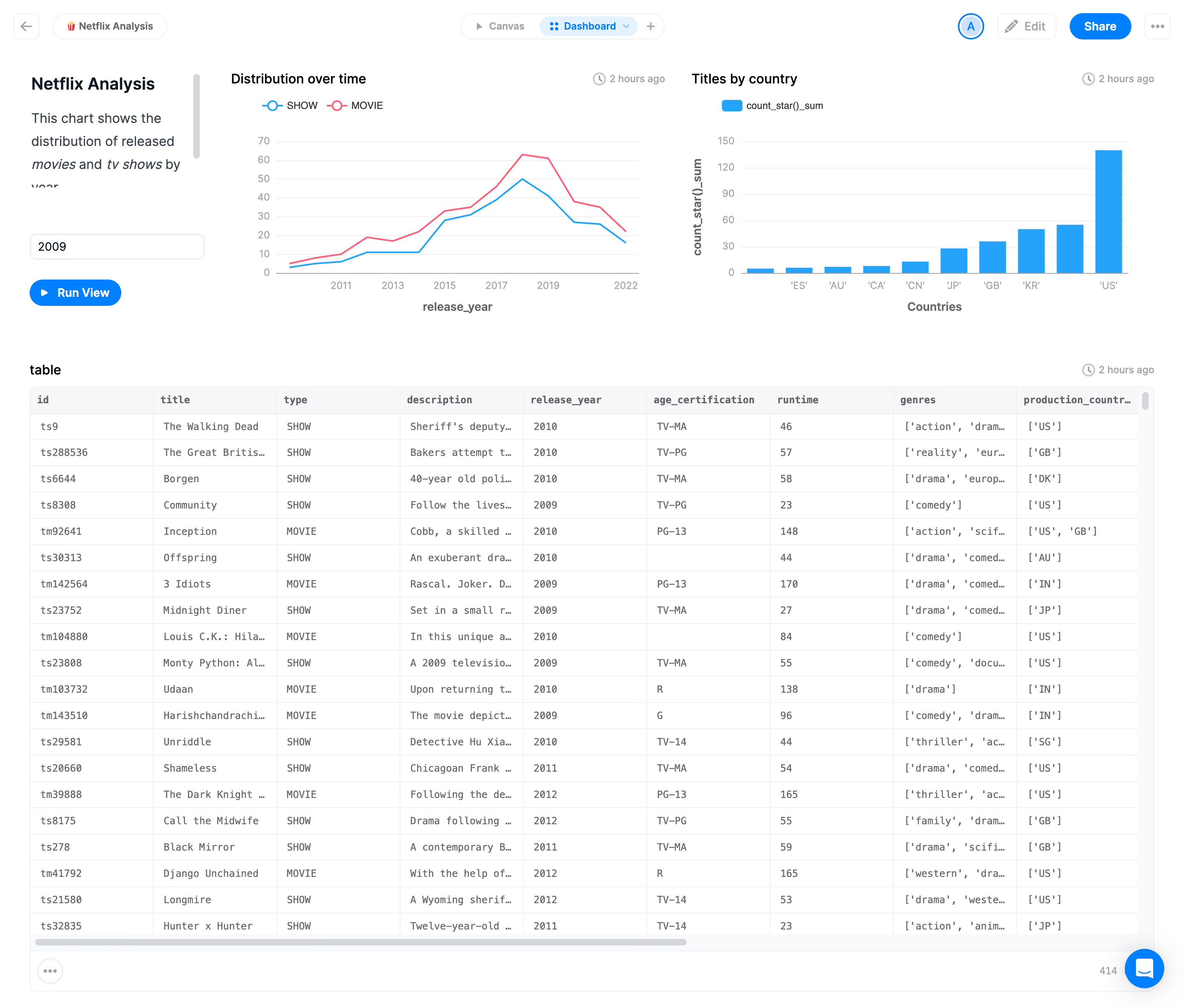
Latitude’s app page embraces a crisp, minimalist aesthetic with a modern edge. Generous white space, streamlined elements, and a clutter-free interface help users focus on core content. The look is professional, yet approachable—a blend of efficiency and subtle warmth that feels tailor-made for productivity tools.
Layout and Structure
The page leverages a single-column layout with sections thoughtfully stacked for effortless scanning. A prominent header anchors navigation and workspace selection, while the center stage is reserved for actionable project and view controls. Key actions and information are surfaced above the fold, minimizing hunting and encouraging quick workflow access.
Visual Elements
Iconography is clean, functional, and monochrome, reinforcing the interface’s clarity without distraction. Sparse yet effective use of colored highlights draws attention to interactive elements such as buttons and notifications. Subtle transition animations when navigating between tabs or modals lend a sense of dynamism and polish.
Color Palette and Typography
Latitude’s palette is grounded in soft grays and off-whites, punctuated by a signature blue for primary CTAs—a proven SaaS approach that signals trust and clarity. Typography is a modern sans-serif with clear hierarchy: bold for headings, regular for body, and muted for metadata, ensuring accessibility and legibility.
User Experience Patterns & Unique Touches
Navigation features sticky headers and intuitive icons, making project switching seamless. Calls-to-action are boldly colored and perfectly placed. The interface anticipates user needs: quick-add buttons, contextual menus, and modals reduce friction. Small touches—like micro-animations and responsive feedback—make the experience feel lively yet controlled. The tone is formative and innovative, exuding confidence without overwhelming the user, a hallmark of best-in-class SaaS design.
.webp)




.avif)