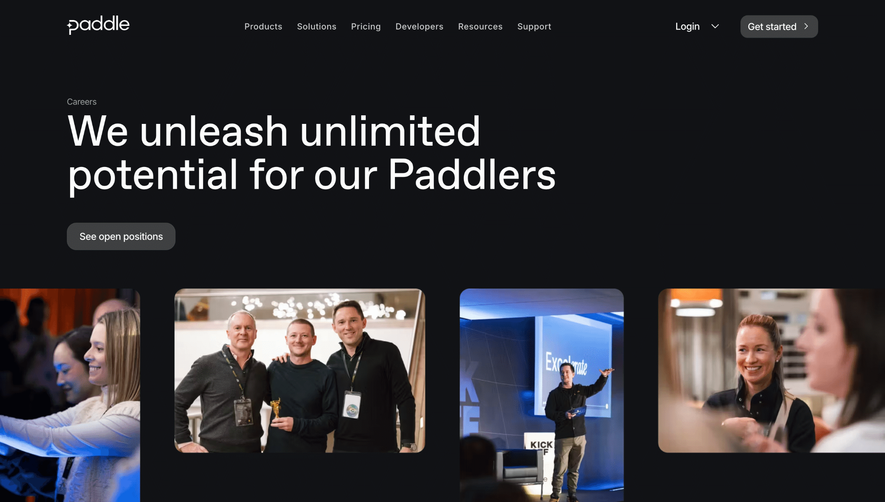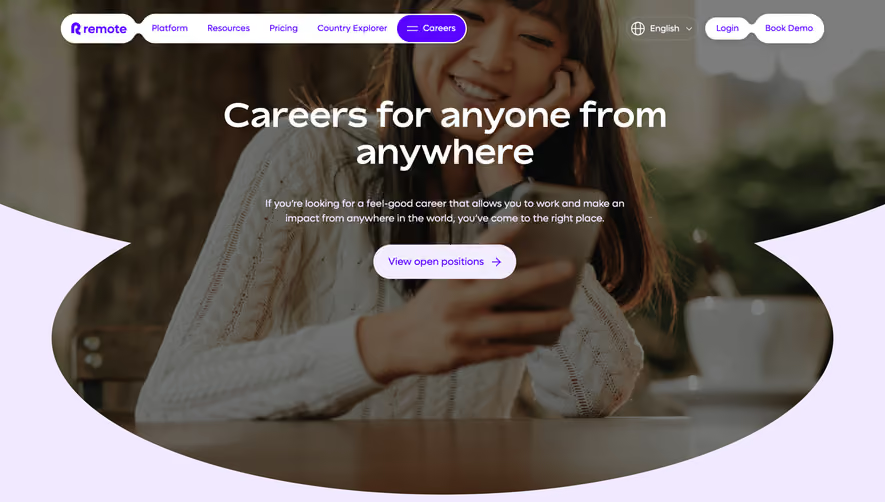
1. Header: The page starts with a header section that has Kinsta's logo on the left, a "Menu" button on the right top corner, and a heading "Kinsta Careers." 2. Introduction: The page has a brief introduction that provides an overview of the company's culture, goals, and expectations from employees. 3. Job openings section: The job openings section takes up the majority of the page and is divided into two parts. The first part lists all the available job positions with an option to filter based on location and department. The second part provides detailed information about each job position, including the job title, job summary, responsibilities, requirements, and benefits. 4. Application process: Each job position has a detailed section that explains the application process. This section includes information on how to apply, who to contact for any questions, and what to expect during and after the application process. 5. Perks and Benefits: The page also has a section that outlines the company's perks and benefits, including medical and dental insurance, paid time off, and retirement plans. 6. Culture: Kinsta has a strong company culture, and this is emphasized in a separate section that highlights the company's values, work ethics, and team spirit. 7. Testimonials: The page includes testimonials from current employees that highlight their experiences working at Kinsta, giving applicants an insight into what it's like working for the company. 8. Footer: The page ends with a footer section that includes links to Kinsta's social media pages, a newsletter subscription form, and a link to the company's blog. Overall, Kinsta Careers page is well-organized, giving job seekers a comprehensive understanding of the company's values, job positions, and application process.


Kinsta Careers Page

Kinsta
WordPress Hosting Tool
Designed by
No items found.
Category
Patterns
Tech Stack
Added on
October 21, 2020