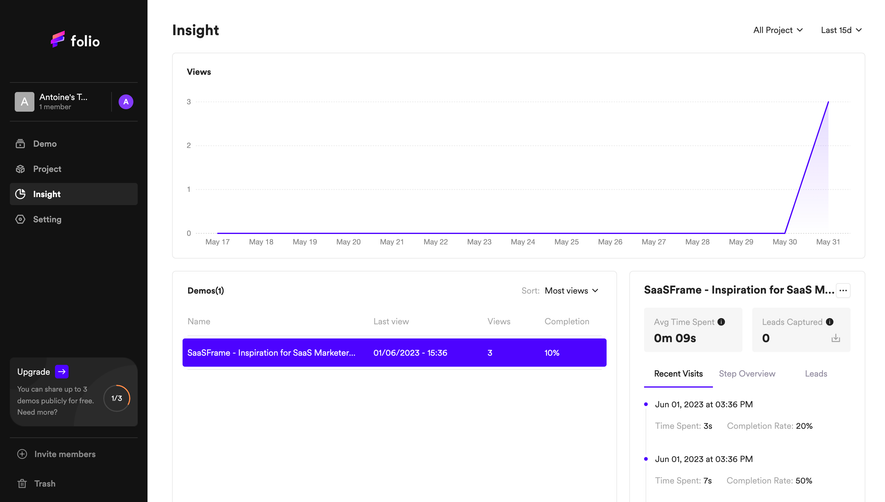
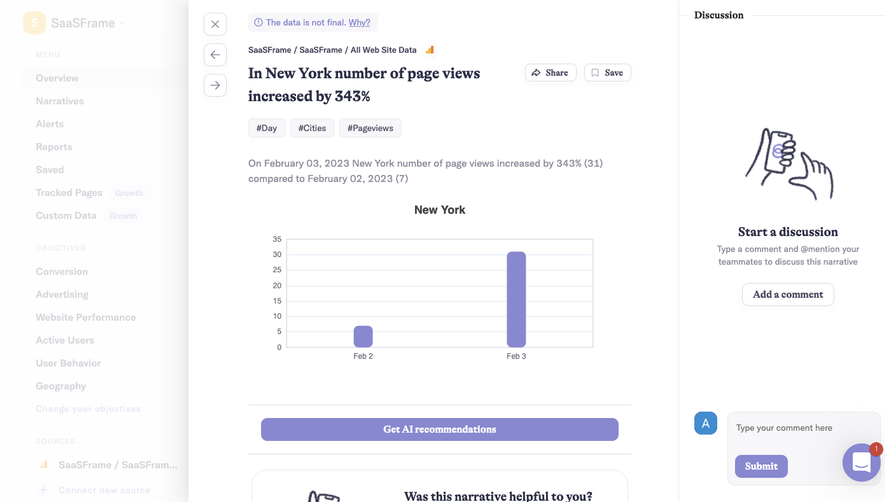
Generate a new design based on this screen using your own content.
Thank you! Your submission has been received!
Oops! Something went wrong while submitting the form.
# Design from Reference: Intercom Reports
Create an original, high-fidelity visual design inspired by the reference. Prioritize composition, typography, colors, spacing, and component styling over technical implementation.
## Reference
- **Product:** Intercom
- **Category:** Analytics
- **Screenshot:** https://cdn.prod.website-files.com/5e9dc792e1210c5325f7ebbc/6acb61aec08cd859ff851a4b_6acb60ee93f403582dfb8340_cms-9baf06a10e5c8c7dbfd405ec.webp
Analyze the screenshot first. If inaccessible, request it rather than guessing.
## Content
{{content.instructions}}
{{content.data}}
Preserve essential messaging and factual accuracy. Adapt structure and copy length for visual balance; never invent product claims.
## Visual Design
Use this context to reproduce the reference's visual language: layout, typography, colors, spacing, borders, radii, and distinctive elements. The screenshot takes priority if descriptions conflict.
## Direction
{{preferences.fidelityInstructions}}
## Output
{{output.instructions}}
Deliver a polished, cohesive design with precise alignment, hierarchy, and spacing. Produce the requested visual artifact, not just a description. If unsupported, explain the limitation.
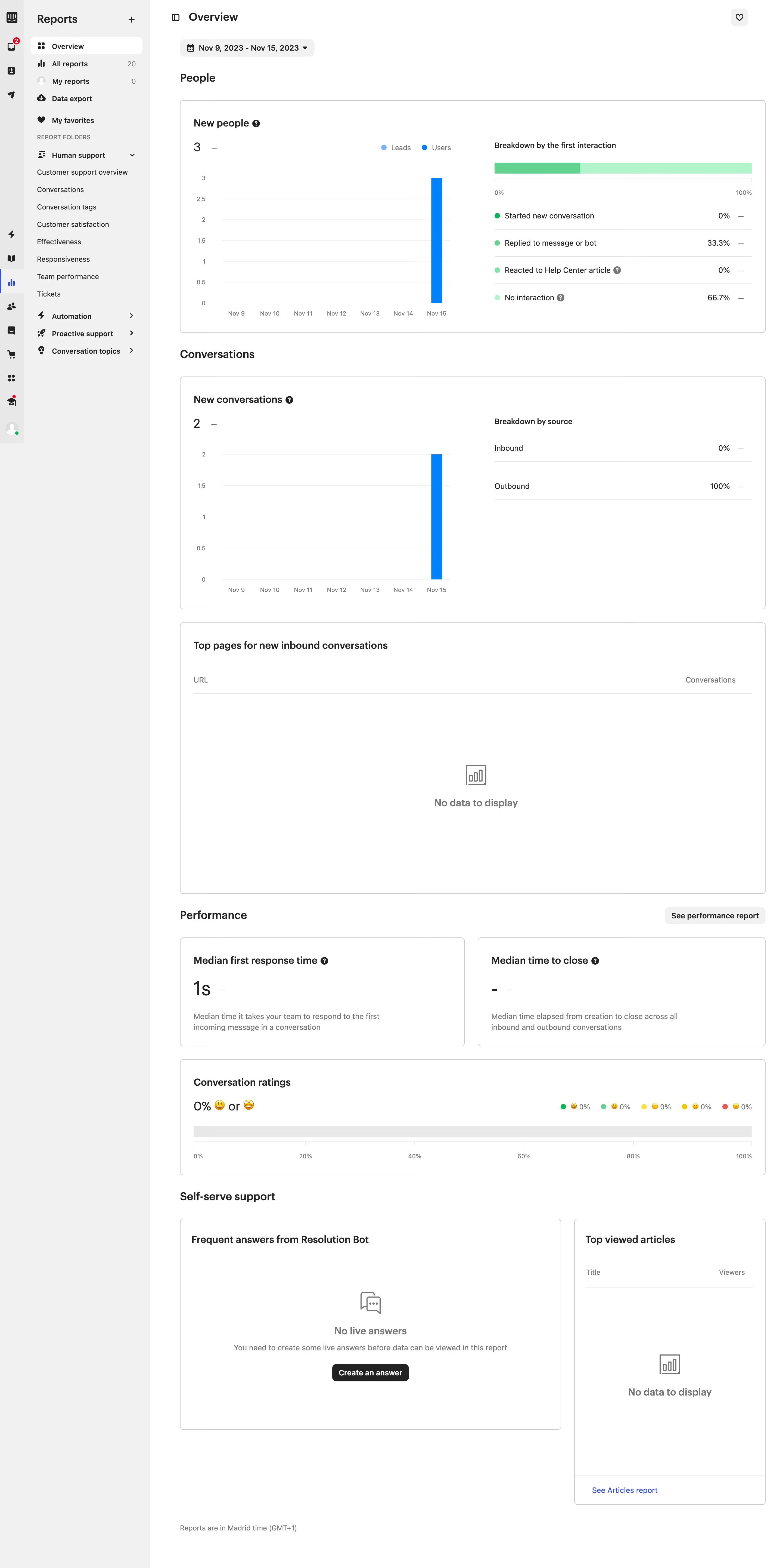
The Intercom Reports Overview page embodies a crisp, modern professionalism that instantly communicates reliability. Its minimalist layout, combined with strategic pops of color, creates a sense of clarity and focus—every visual element serves a purpose. Generous white space and light backgrounds enhance readability and ensure complex data feels approachable rather than intimidating.
Layout and Structure
The page forgoes traditional hero sections, instead diving immediately into actionable content. A persistent top navigation bar anchors key sections, enabling seamless access to reports and navigation. Primary content is organized into intuitive cards and charts, each demarcated with subtle borders and gentle shadows to give depth. Filters and date selectors float atop the dashboard, allowing instant data refinement without losing context.
Visual Elements
Custom icons and crisp, data-driven charts dominate the visual experience, replacing decorative illustrations with meaningful graphics. Animations are understated: charts subtly update in real-time, providing a sense of aliveness without distraction. The consistent use of iconography—chat bubbles, graphs, and toggles—reinforces branding and usability.
Color Palette and Typography
Blues and teals anchor the palette, punctuated by vibrant accent colors to highlight key metrics and active states. Typography utilizes a clean headline font paired with a straightforward sans-serif body, enabling a clear information hierarchy. Bold weights draw attention to KPIs and section titles, while muted copy recedes to support scannability.
User Experience Patterns and Notable Choices
Navigation is frictionless, with sticky elements and contextual menus maintaining orientation as users explore. CTAs are consistently styled as buttons with rounded corners and pronounced coloring, always visible yet never intrusive. Instant updates and responsiveness ensure the page feels dynamic, while well-placed tooltips offer guidance without clutter.
Tone and Feel
The overall impression is confident yet inviting—perfect for a SaaS audience seeking actionable insights. The design communicates analytical rigor, technical sophistication, and a user-first approach, making it a benchmark for balancing complexity with usability.
.webp)




.avif)