Design with AI
Generate a new design based on this screen using your own content.
# Design from Reference: Height Welcome Screen
Create an original, high-fidelity visual design inspired by the reference. Prioritize composition, typography, colors, spacing, and component styling over technical implementation.
## Reference
- **Product:** Height
- **Category:** Welcome Screen
- **Screenshot:** https://cdn.prod.website-files.com/5e9dc792e1210c5325f7ebbc/6acbba83d01e364847659736_6acb71be2d777adaad198906_cms-1e35224d5729efeb2dcd0589.webp
Analyze the screenshot first. If inaccessible, request it rather than guessing.
## Content
{{content.instructions}}
{{content.data}}
Preserve essential messaging and factual accuracy. Adapt structure and copy length for visual balance; never invent product claims.
## Visual Design
### Overall aesthetic
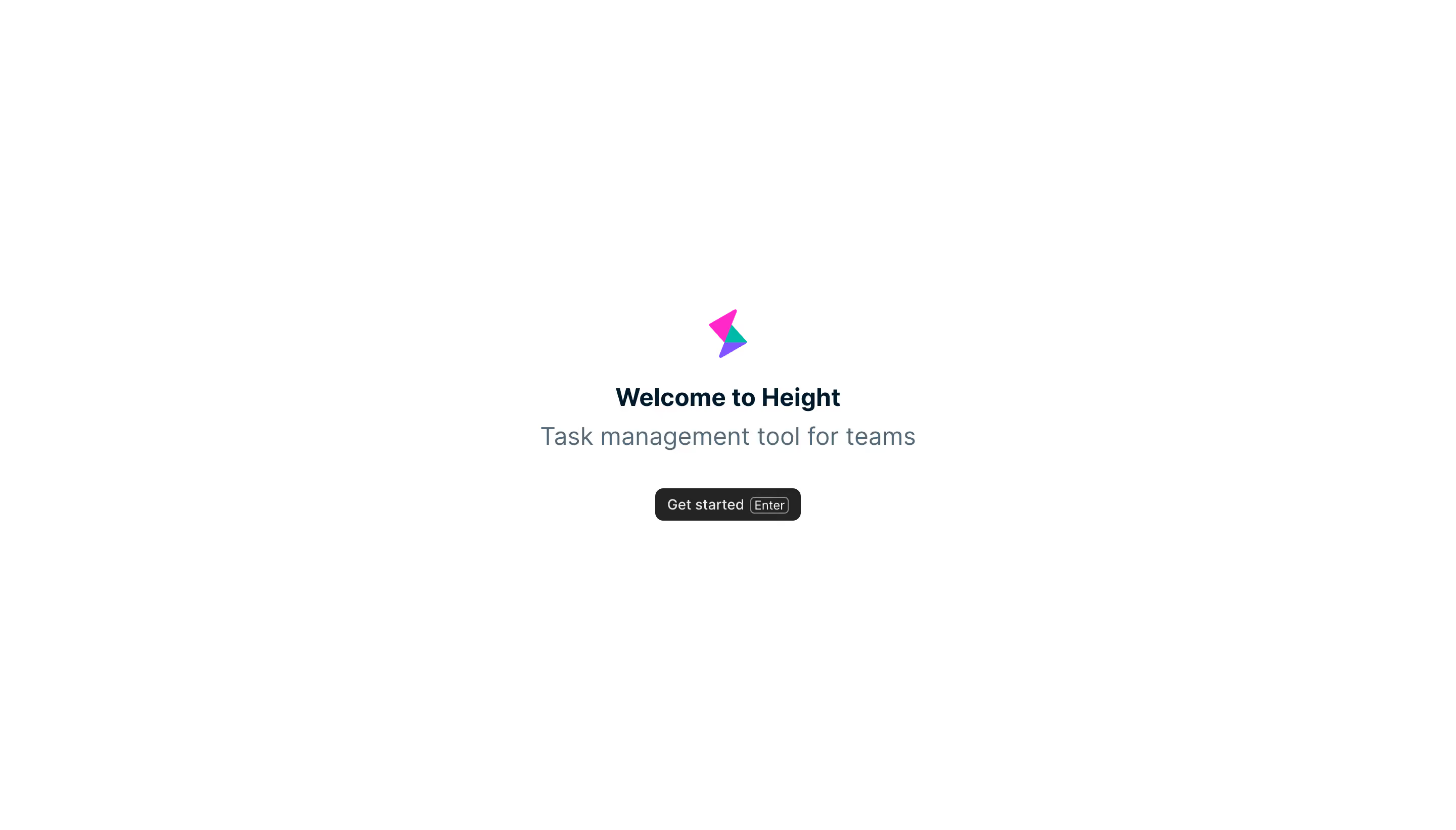
- **Character:** An extremely minimal welcome screen places a small colorful mark and short text stack on a pure white canvas.
- **Focus:** A single dark Get started control is the only visible action; no navigation or container chrome competes with it.
### Page composition
- **Capture scale:** The source measures 2880 × 1642 image pixels. CSS estimates below assume a 2× capture; device-pixel ratio is unverified.
- **Centered stack:** A small geometric logo sits above the welcome heading, product descriptor and action, all sharing the viewport's horizontal center.
- **Placement:** The content group spans roughly 210 px CSS vertically around the screen's center, surrounded by broad blank margins.
- **Text width:** The one-line descriptor is the widest element, approximately 375 px CSS.
### Information hierarchy
- **Brand cue:** A small three-color angular symbol introduces the product.
- **Welcome:** The short heading is bold and dark; the descriptor is larger but lighter in color and weight.
- **Continuation:** A compact dark button follows a generous gap, with a small Enter key hint inside.
### Typography
- **Family:** A neutral sans serif is visible throughout; exact identity is unverified.
- **Heading:** Approximately 24 px CSS, bold, with around 30 px line height.
- **Descriptor:** Approximately 24 px, regular, in muted slate.
- **Action:** Approximately 14 px regular text; the keyboard hint uses a smaller outlined keycap treatment.
### Colors & surfaces
- **Measured canvas:** ICC-aware sRGB sampling yields #FFFFFF.
- **Measured text/action:** Dark #00192B appears in the heading; #566976 in the descriptor; #242424 fills the button.
- **Measured logo:** Bright magenta #FF29CA, purple #8054FF and teal #00BAA9 form the angular mark.
- **Separation:** No surrounding card, border or shadow is visible around the main content.
### Components
- **Logo:** A small vertically oriented arrangement of overlapping triangular shapes provides the only saturated color.
- **Get started button:** Approximately 145 × 32 px CSS, dark-filled, with about 7 px corners and white text.
- **Keyboard hint:** A small thin outlined Enter keycap sits inline at the button's right side.
### Visual rhythm
- **Stack spacing:** The logo-to-heading gap is moderate; heading and descriptor are closely grouped; a larger pause precedes the button.
- **Symmetry:** All elements are centered, with the descriptor and action maintaining a balanced visual axis.
- **Whitespace:** The large empty canvas reinforces the single entry point rather than suggesting additional hidden content.
### Responsive
- **Evidence boundary:** Only a desktop state is shown; responsive behaviors are recommendations.
- **Fluid centering:** Keep the stack centered within safe mobile gutters and allow the descriptor to wrap.
- **Action access:** Preserve a comfortable touch target even if the visible button remains compact.
- **Short viewports:** Let the content scroll if necessary rather than clipping the logo or action.
### Adaptation guidance
- **Welcome pattern:** Reuse a concise brand cue, welcome line, one-sentence descriptor and single continuation action.
- **Keyboard support:** If an Enter shortcut is implemented, make its behavior consistent with focus and expose it accessibly.
- **State boundaries:** No subsequent onboarding, loading or hover state is visible.
- **Scale calibration:** Validate the assumed 2× scale before assigning CSS dimensions; preserve the generous whitespace and restrained hierarchy.
Use this context to reproduce the reference's visual language: layout, typography, colors, spacing, borders, radii, and distinctive elements. The screenshot takes priority if descriptions conflict.
## Direction
{{preferences.fidelityInstructions}}
## Output
{{output.instructions}}
Deliver a polished, cohesive design with precise alignment, hierarchy, and spacing. Produce the requested visual artifact, not just a description. If unsupported, explain the limitation.
.webp)



.avif)