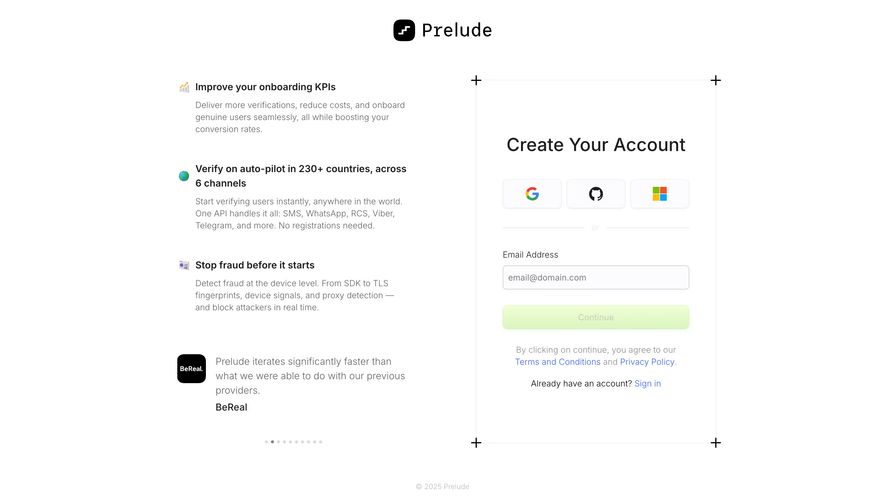
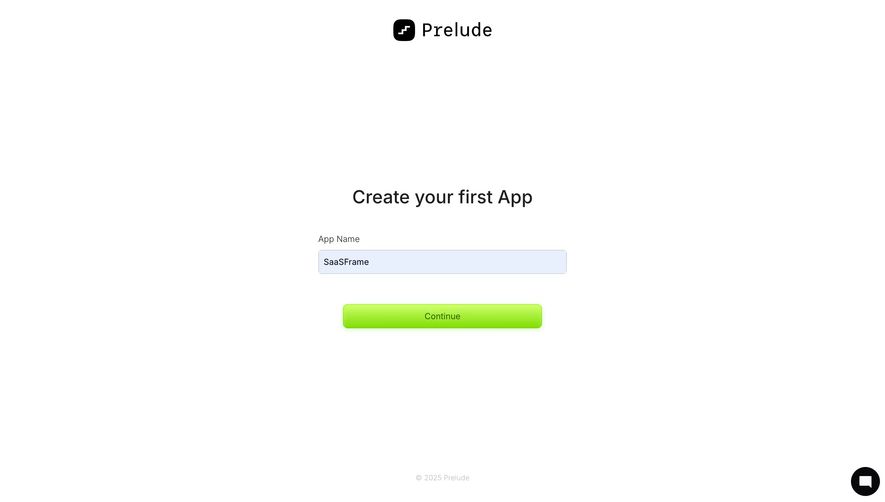
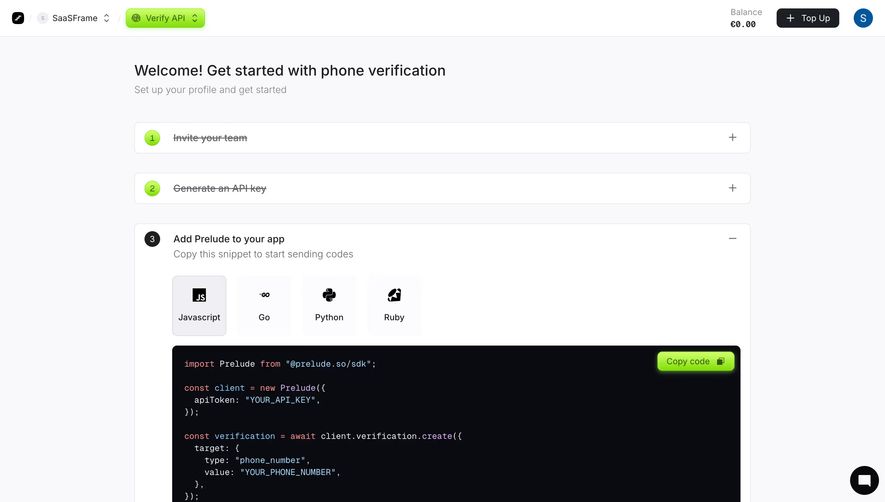
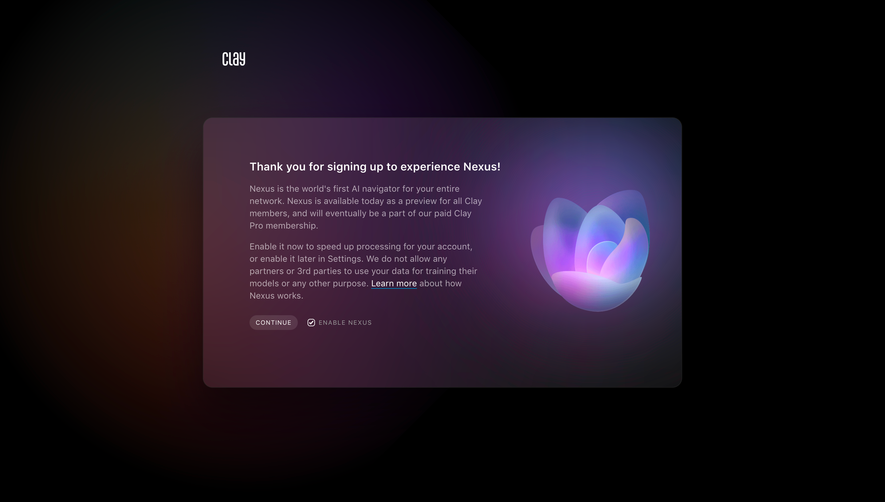
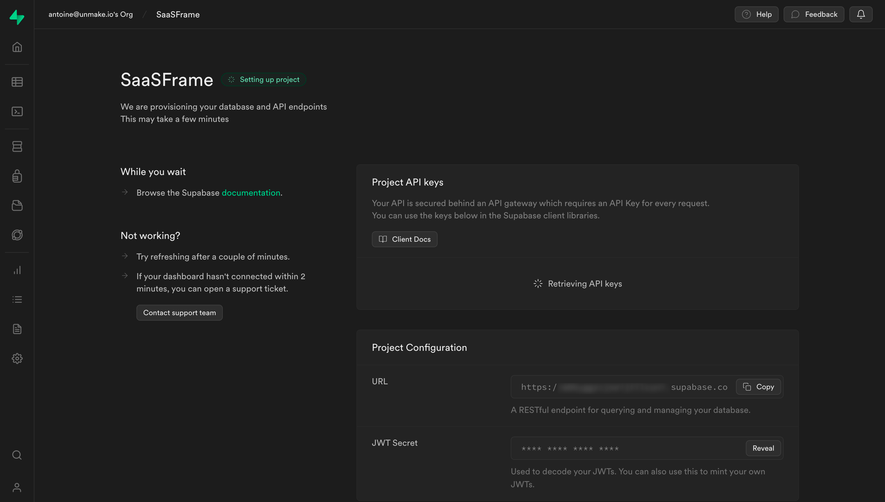
Generate a new design based on this screen using your own content.
Thank you! Your submission has been received!
Oops! Something went wrong while submitting the form.
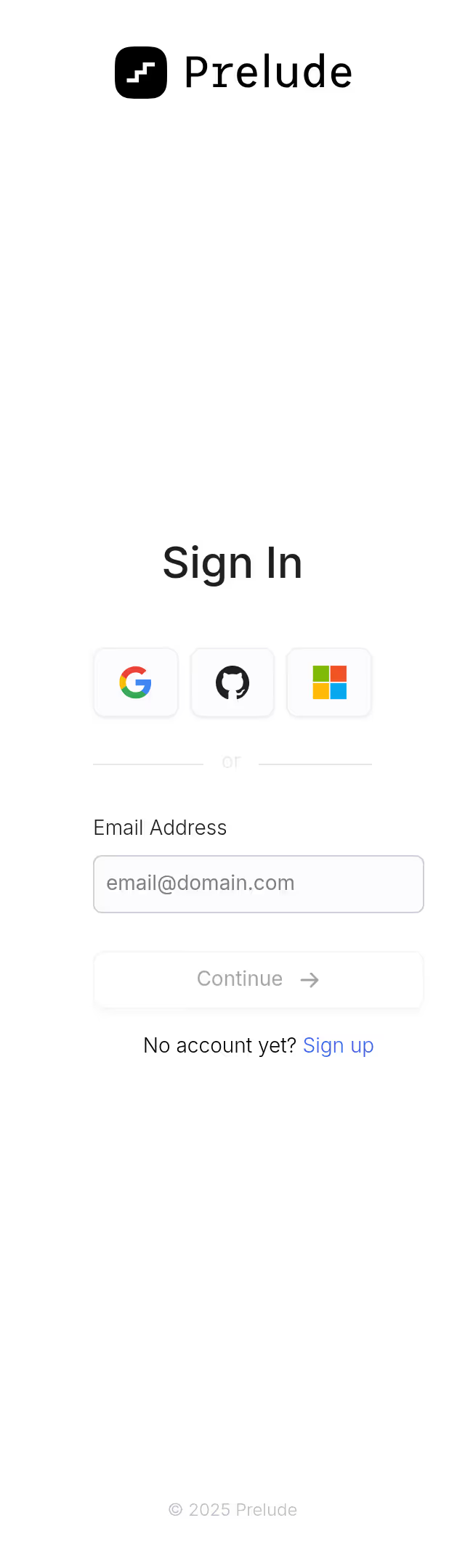
# Design from Reference: Prelude Welcome Screen
Create an original, high-fidelity visual design inspired by the reference. Prioritize composition, typography, colors, spacing, and component styling over technical implementation.
## Reference
- **Product:** Prelude
- **Category:** Welcome Screen
- **Screenshot:** https://cdn.prod.website-files.com/5e9dc792e1210c5325f7ebbc/697b7630da6b6fcf8bb76db3_ogbmuoqaXZvC-diSro1WVQlDGrS0ipDsVF_94dPT8dc.avif
Analyze the screenshot first. If inaccessible, request it rather than guessing.
## Content
{{content.instructions}}
{{content.data}}
Preserve essential messaging and factual accuracy. Adapt structure and copy length for visual balance; never invent product claims.
## Visual Design
Use this context to reproduce the reference's visual language: layout, typography, colors, spacing, borders, radii, and distinctive elements. The screenshot takes priority if descriptions conflict.
## Direction
{{preferences.fidelityInstructions}}
## Output
{{output.instructions}}
Deliver a polished, cohesive design with precise alignment, hierarchy, and spacing. Produce the requested visual artifact, not just a description. If unsupported, explain the limitation.
A Clean Onboarding Flow That Actually Respects Your Time
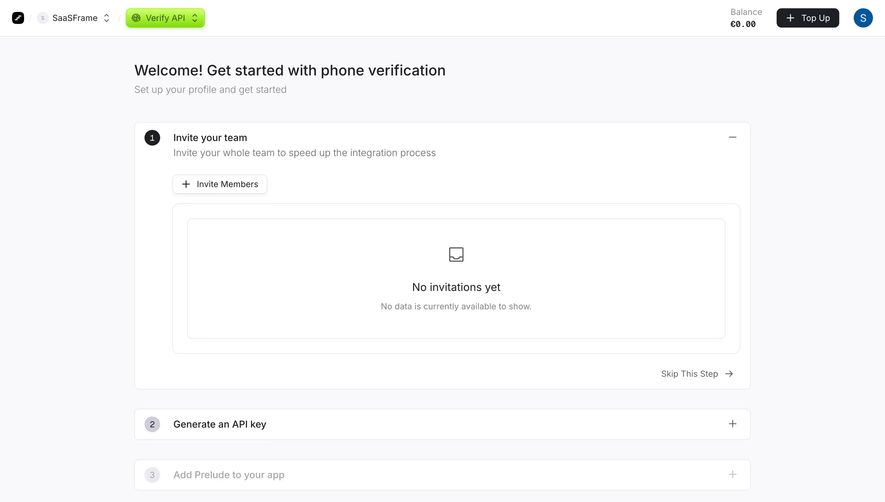
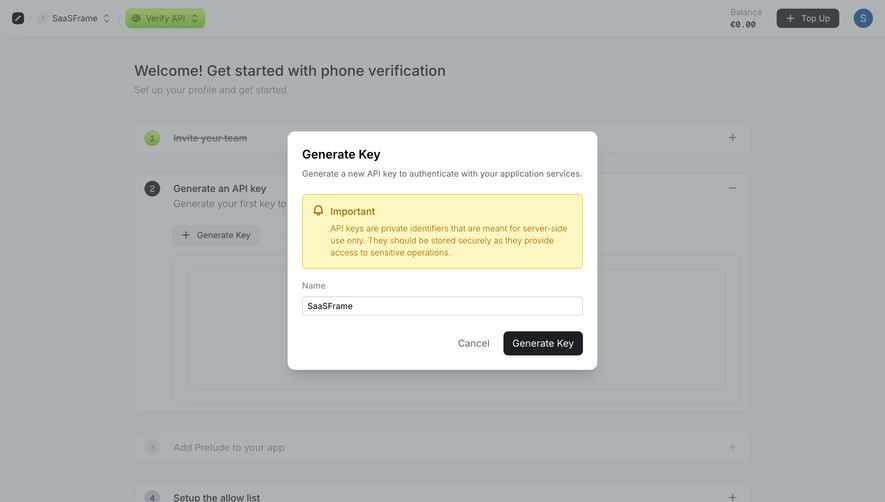
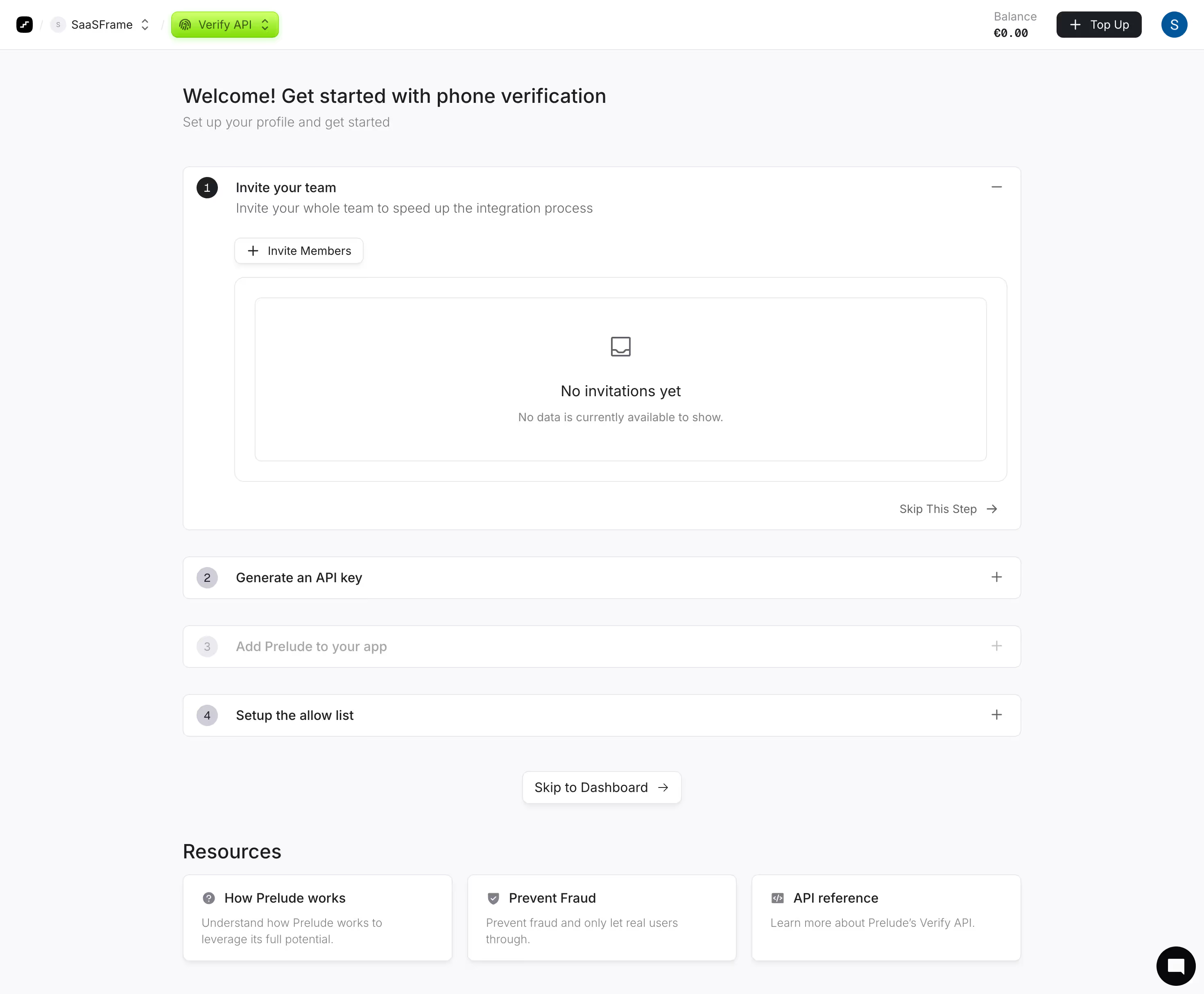
First thing you notice is the stepped accordion layout. Four numbered steps, each collapsible, with step one expanded by default. It's dead simple and tells you exactly where you are. The green numbered circles give just enough color to create visual hierarchy without being loud.
Smart Use of Progressive Disclosure
The collapsed steps (Generate an API key, Add Prelude to your app, Setup the allow list) stay visible but muted. You always know what's coming next. Each has a plus icon to expand. The "Skip This Step" link with an arrow sits right-aligned, which is a subtle but effective way to reduce friction for users who want to move fast. There's also a "Skip to Dashboard" escape hatch at the bottom. Good call.
Typography and Spacing Do the Heavy Lifting
The type is minimal and readable. Bold headers, lighter gray subtext. Tons of whitespace everywhere. The Resources section at the bottom with three card links feels like a thoughtful addition rather than an afterthought. That top nav with the bright green "Verify API" dropdown badge is the one real pop of color on the whole page.
.webp)



.avif)