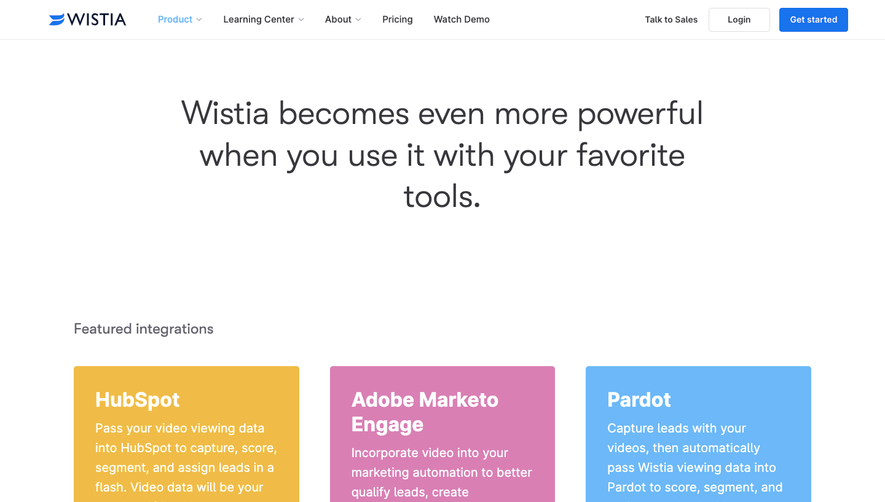
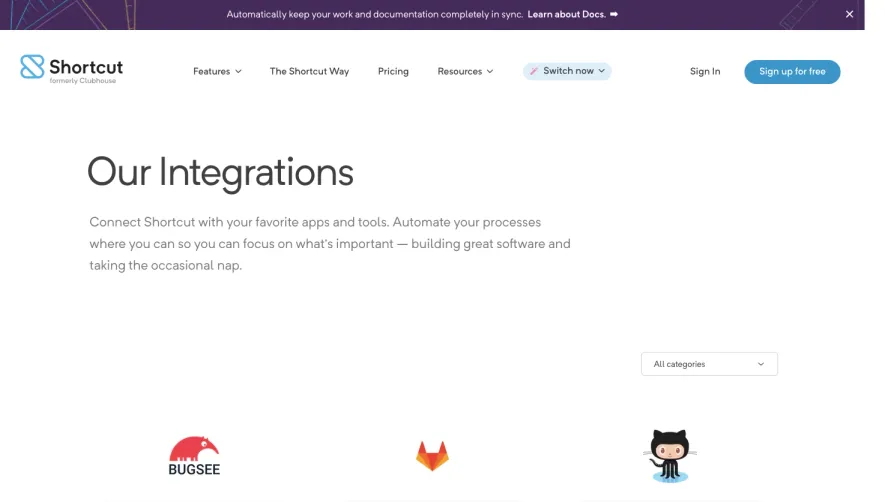
Generate a new design based on this screen using your own content.
Thank you! Your submission has been received!
Oops! Something went wrong while submitting the form.
# Design from Reference: GitBook Integrations Page
Create an original, high-fidelity visual design inspired by the reference. Prioritize composition, typography, colors, spacing, and component styling over technical implementation.
## Reference
- **Product:** GitBook
- **Category:** Integrations Library
- **Screenshot:** https://cdn.prod.website-files.com/5e9dc792e1210c5325f7ebbc/6acb726eb10d21a746c47cbb_6acb6f15df214d356eeb2e2c_cms-9c48803e9a3fee81c38918c1.webp
Analyze the screenshot first. If inaccessible, request it rather than guessing.
## Content
{{content.instructions}}
{{content.data}}
Preserve essential messaging and factual accuracy. Adapt structure and copy length for visual balance; never invent product claims.
## Visual Design
Use this context to reproduce the reference's visual language: layout, typography, colors, spacing, borders, radii, and distinctive elements. The screenshot takes priority if descriptions conflict.
## Direction
{{preferences.fidelityInstructions}}
## Output
{{output.instructions}}
Deliver a polished, cohesive design with precise alignment, hierarchy, and spacing. Produce the requested visual artifact, not just a description. If unsupported, explain the limitation.
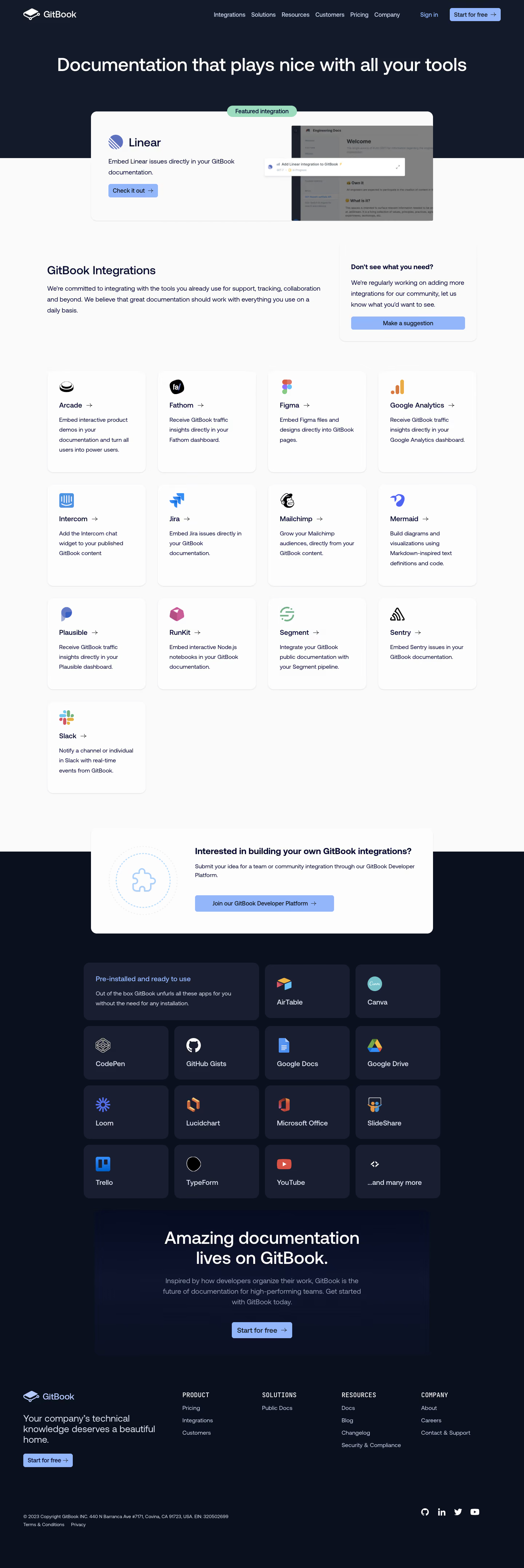
GitBook’s Integrations page exemplifies a modern, minimalist aesthetic with a professional yet inviting tone. The interface is clean and uncluttered, giving breathing space to each element, while vibrant accent colors infuse energy and warmth. Subtle gradients and rounded corners throughout add a sense of approachability without sacrificing sophistication.
Layout and Structure
The page opens with a bold hero section that clearly states purpose and value, supported by concise copy and an eye-catching illustration. Below, integrations are presented in a neat grid, each card combining logos, concise descriptions, and direct links. Logical sectioning and generous white space guide the eye and prevent overwhelm, while a sticky navigation bar ensures smooth movement throughout the site.
Visual Elements
Custom illustrations and sleek integration icons create instant visual recognition, while micro-animations on hover provide tactile feedback. The use of subtle shadows and layered card effects brings a sense of depth and interactivity, engaging the user without distraction.
Color Palette and Typography
A restrained palette—predominantly white, with deep grays for text and accents of electric blue and seafoam green—brings clarity and focus to the page. The typography marries clean sans-serif headers with lighter body text, establishing clear hierarchy and accessibility.
User Experience Patterns and Unique Choices
Clear, prominent CTAs (“View integration,” “Request integration”) are strategically placed. Search and filter options enable power users to find integrations efficiently. Noteworthy is the seamless, animated transition on hover states and the uniform visual language applied across all integration cards, instilling trust and consistency. The tone throughout feels innovative and reliable, positioning GitBook as a forward-thinking SaaS solution.
.webp)




.avif)