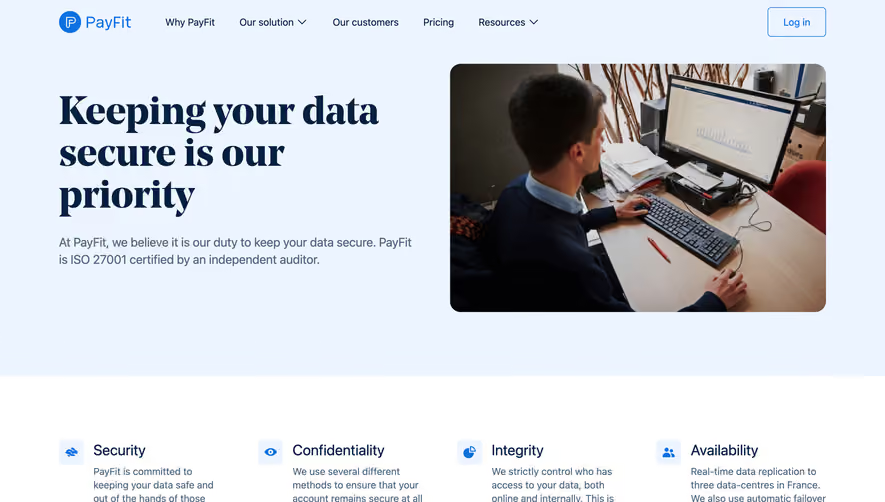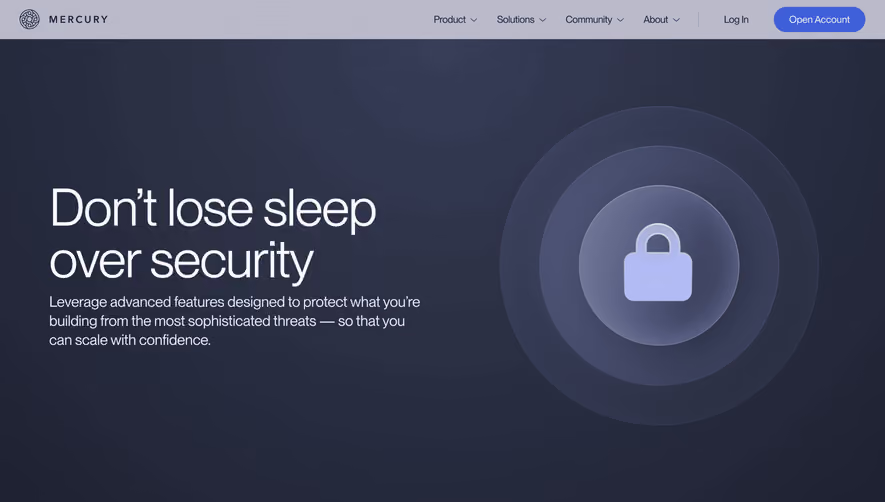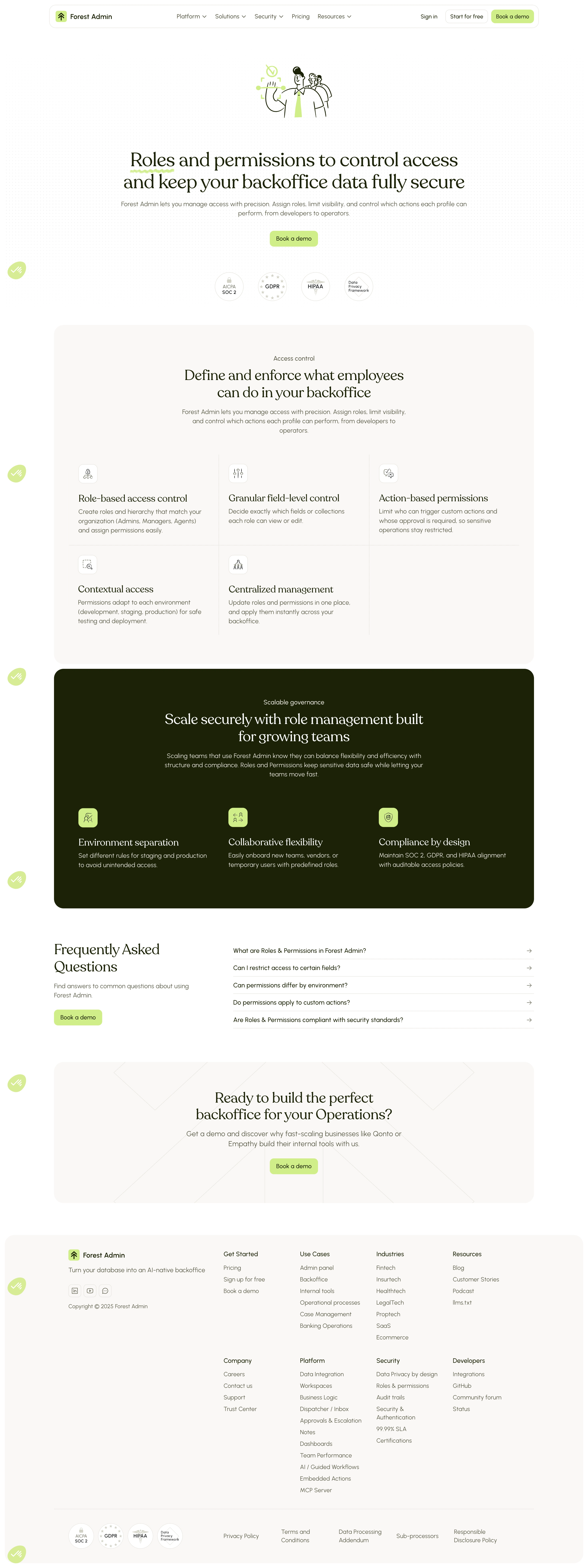

Forest Admin's Roles & Permissions page nails the basics. The hero illustration with green-tinted characters feels approachable without being childish. That "Book a demo" button in solid black pops hard against the white space. Trust badges (SOC 2, GDPR, HIPAA) sit right below the fold. Smart placement.
Structure that breathes
The layout uses a repeating pattern of section header, short description, then a grid of feature cards with small icons. It's predictable in the best way. You always know where you are. The "Access control" section breaks features into six cards with tiny line-art icons that feel consistent without being overly designed. Lots of whitespace keeps things scannable.
That green accent section hits different
The pale olive/chartreuse band for "Scalable governance" breaks up the monotony of white sections perfectly. Three colored icon circles add just enough visual weight. The FAQ accordion below keeps things tight. Typography is sharp, likely a geometric sans with good weight contrast between headers and body. Nothing flashy, just extremely well-organized information architecture doing the heavy lifting.
# Design from Reference: Forest Admin Security Page
Create an original, high-fidelity visual design inspired by the reference. Prioritize composition, typography, colors, spacing, and component styling over technical implementation.
## Reference
- **Product:** Forest Admin
- **Category:** Security Page
- **Screenshot:** https://cdn.prod.website-files.com/5e9dc792e1210c5325f7ebbc/6acad3fcc910b3adf9e48a3b_6acad1745de9841cab63d1a6_cms-9e1490f646cb6e8e1b61c2c1.webp
Analyze the screenshot first. If inaccessible, request it rather than guessing.
## Content
{{content.instructions}}
{{content.data}}
Preserve essential messaging and factual accuracy. Adapt structure and copy length for visual balance; never invent product claims.
## Visual Design
Use this context to reproduce the reference's visual language: layout, typography, colors, spacing, borders, radii, and distinctive elements. The screenshot takes priority if descriptions conflict.
## Direction
{{preferences.fidelityInstructions}}
## Output
{{output.instructions}}
Deliver a polished, cohesive design with precise alignment, hierarchy, and spacing. Produce the requested visual artifact, not just a description. If unsupported, explain the limitation.