.webp)
Thank you! Your submission has been received!
Oops! Something went wrong while submitting the form.
Get SaaSFrame Pro
Monthly
$18
Quarterly
$48
Yearly
$180
Upgrade to access this feature
Browse all screens & flows
Filter and search screens & flows
Access Figma files
Access mobile versions
Bookmark screens & flows
Join now
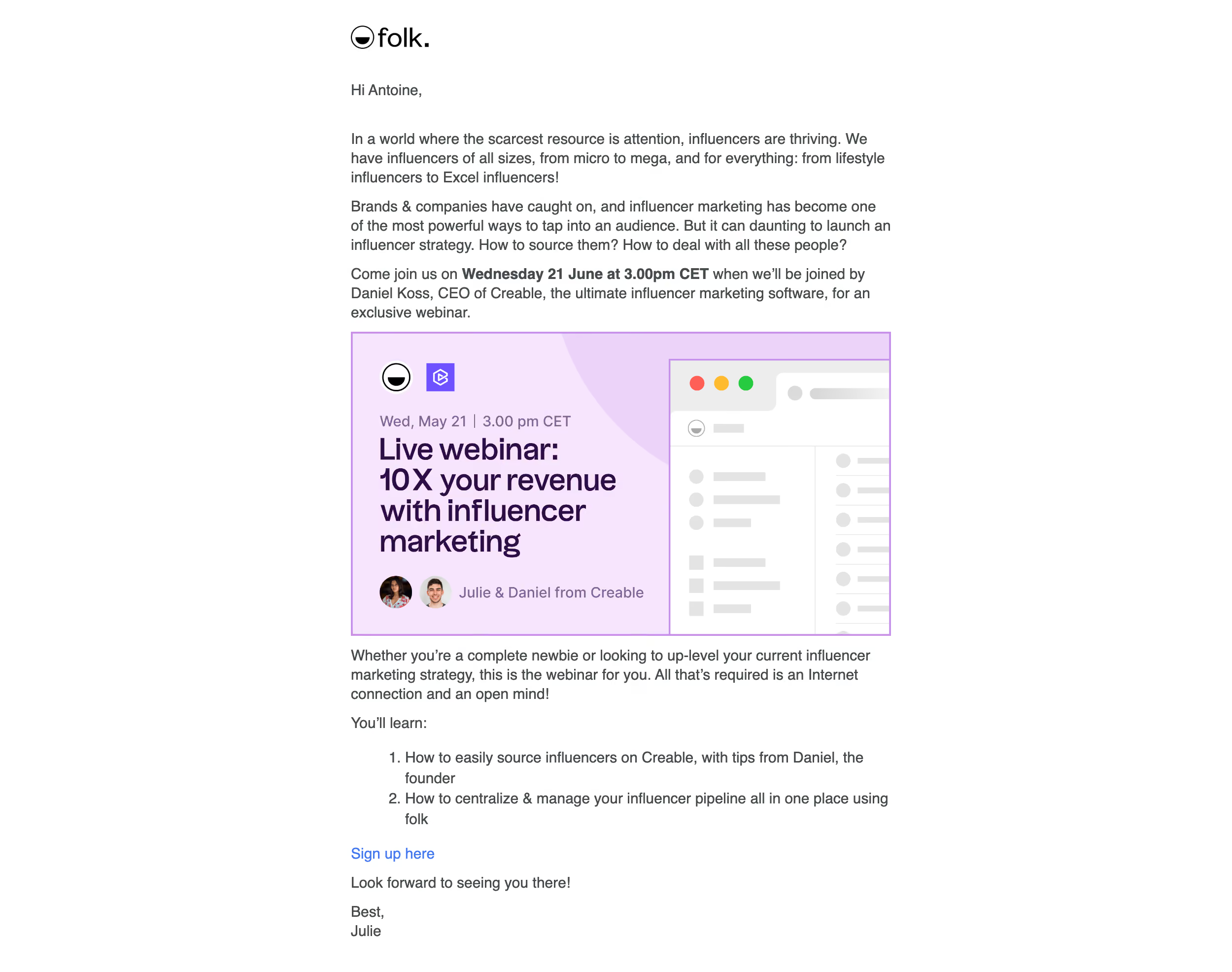
Folk Webinars Emails

Folk
The next generation contact manager
Designed by
No items found.

Bookmark
Bookmark

Design with AI
Thank you! Your submission has been received!
Oops! Something went wrong while submitting the form.
# Design from Reference: Folk Webinars Emails
Create an original, high-fidelity visual design inspired by the reference. Prioritize composition, typography, colors, spacing, and component styling over technical implementation.
## Reference
- **Product:** Folk
- **Category:** Webinars Emails
- **Screenshot:** https://cdn.prod.website-files.com/5e9dc792e1210c5325f7ebbc/6acb6455b206c0d3f8f06442_6acb62a15391d62536b4251a_cms-a57e47c455d1fa223d149909.webp
Analyze the screenshot first. If inaccessible, request it rather than guessing.
## Content
{{content.instructions}}
{{content.data}}
Preserve essential messaging and factual accuracy. Adapt structure and copy length for visual balance; never invent product claims.
## Visual Design
### Overall aesthetic
- **Style:** Text-led webinar invitation email with a white canvas and a prominent lavender promotional image.
- **Character:** Small black branding, conversational copy and a personal sign-off balance the more designed central banner.
- **Capture:** The image measures 2500 × 1972 pixels. CSS estimates assume a 2× capture, equivalent to approximately 1250 × 986 CSS pixels; actual email scale and font identity are unverified.
### Page composition
- **Message column:** A centered approximately 545-CSS-pixel column uses left-aligned content.
- **Opening:** Small brand mark, greeting and three explanatory paragraphs introduce the webinar.
- **Promotional image:** A wide lavender banner sits between introduction and follow-up copy.
- **Learning section:** A short paragraph and two-item numbered list describe takeaways.
- **Closing:** A blue signup link precedes a short invitation sentence and individual sign-off.
- **Surface:** No outer card, colored email background or utility footer is visible.
### Information hierarchy
- **Context:** Opening paragraphs explain the webinar topic before the visual promotion.
- **Event emphasis:** A bold phrase highlights scheduling information within body copy.
- **Banner title:** Large dark-purple multi-line text is the strongest element in the central image.
- **Speaker proof:** Two small portraits and a speaker line appear near the banner bottom.
- **Takeaways:** A numbered list structures two learning outcomes.
- **Action:** A simple blue signup link provides the only explicit registration route.
- **State scope:** The screenshot is historical invitation content, not evidence of a current event or completed registration.
### Typography
- **Body family:** A conventional sans-serif is visible; exact identity is unverified.
- **Body scale:** Approximately 15–16-pixel CSS text with 20–22-pixel line height.
- **Emphasis:** Bold scheduling text remains at body size.
- **Banner heading:** Approximately 30–32 pixels, bold, with tight multi-line spacing.
- **Banner metadata:** Smaller purple text distinguishes date/speaker details.
- **List and signup:** The list uses body scale; the registration link is blue and unboxed.
### Colors & surfaces
- **Measured base:** White #FFFFFF fills the email.
- **Measured body:** Dark gray #454A4D carries the main copy.
- **Measured banner:** Pale lavender #F6E5FD and #EBD3F9 form the promotional surface.
- **Measured banner text:** Deep purple #2E0D46 carries the large title.
- **Measured outline/accent:** #C591EA and #6E52FF appear in banner boundaries and brand accents.
- **Measured UI placeholders:** #EDEDED and #E4E4E4 support the illustrated browser interface.
- **Depth:** The message is flat; the banner uses layered shapes and a mock browser panel.
### Components
- **Brand:** A compact black Folk wordmark aligns with the text column.
- **Banner frame:** Approximately 545 × 307 CSS pixels, with a thin purple outline.
- **Banner composition:** Left-side title and speaker information sit beside a cropped browser-window illustration on the right.
- **Browser mockup:** Colored window dots, gray placeholder rows and small brand marks suggest a software workspace.
- **Speaker identity:** Two circular portraits precede a short attribution line.
- **Numbered list:** Two hanging-indent items follow a small learning-introduction label.
- **Registration:** A plain blue text link appears beneath the list rather than a large button.
- **State scope:** The banner is an image; its illustrated interface is not interactive email UI.
### Visual rhythm
- **Reading measure:** Broad white margins frame the narrow message.
- **Paragraph spacing:** Short blocks use modest gaps, with the banner providing the main visual pause.
- **Image alignment:** The promotional graphic matches the body-column width.
- **List pacing:** Wrapped numbered items remain compact and close to their introduction.
- **Closing:** A short signup link and personal sign-off bring the message back to a conversational tone.
### Responsive
- **Recommendation — width:** Use a fluid reading column capped near the desktop measure.
- **Recommendation — banner:** Scale the image within the email width and provide descriptive alternative text.
- **Recommendation — text:** Preserve readable body size and natural list wrapping.
- **Recommendation — signup:** Give the registration link a sufficient accessible target without relying only on color.
- **Recommendation — content:** Keep event details maintained independently from the decorative image. No mobile rendering is evidenced.
### Adaptation guidance
- **Preserve the invitation flow:** Explain the topic, show the webinar identity, summarize takeaways and offer registration.
- **Keep banner hierarchy:** Maintain strong title, smaller metadata and speaker proof within the image.
- **Reuse restrained styling:** White message, dark-gray copy, lavender media and a simple blue action.
- **Separate image from live details:** Treat dates and speakers as content that may require independent updates.
- **Maintain semantic structure:** Use real paragraphs and numbered lists around the image.
- **Define registration outcomes separately:** Confirmation and event-access states are not shown.
Use this context to reproduce the reference's visual language: layout, typography, colors, spacing, borders, radii, and distinctive elements. The screenshot takes priority if descriptions conflict.
## Direction
{{preferences.fidelityInstructions}}
## Output
{{output.instructions}}
Deliver a polished, cohesive design with precise alignment, hierarchy, and spacing. Produce the requested visual artifact, not just a description. If unsupported, explain the limitation.

.avif)
Category
Patterns
No items found.
Tech Stack


Added on
July 25, 2023
Similar screens
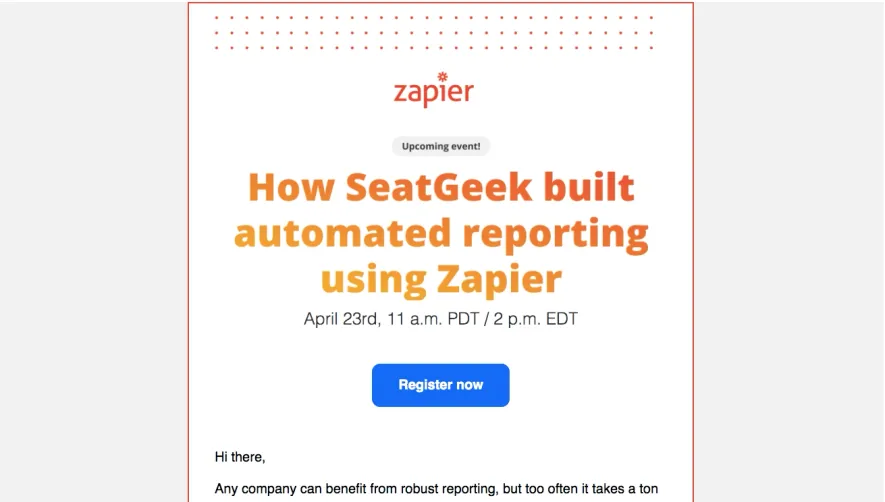


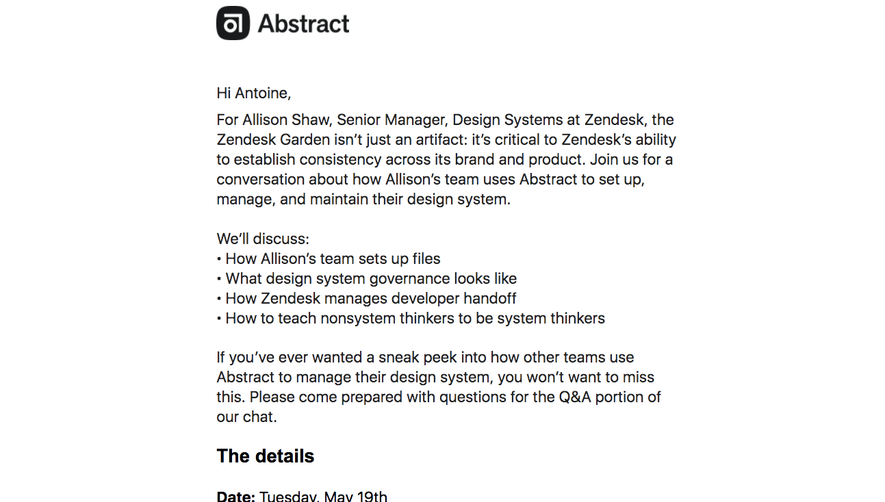

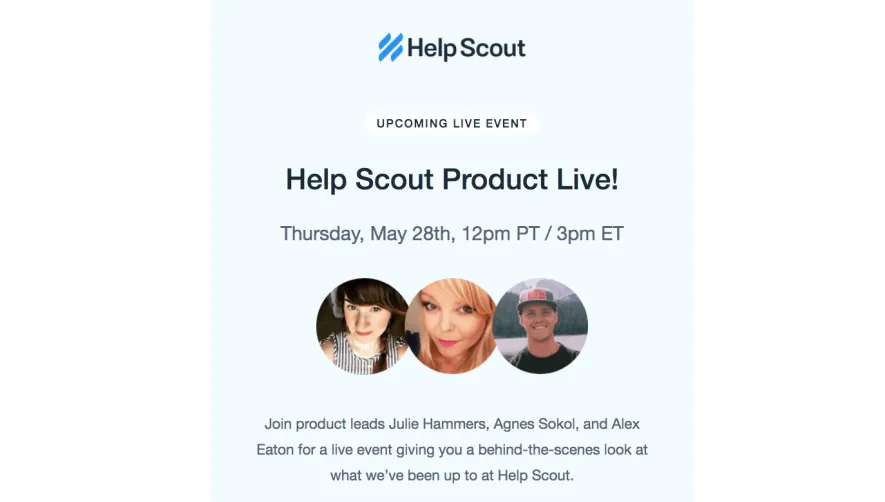

Upgrade to SaaSFrame Pro now to see similar examples.
Monthly
$18 /month
Billed $18 monthly
Browse all screens & flows
Filter and search screens & flows
Search text in screenshots
Access Figma files
Access mobile versions
Join now
Quarterly
$16 /month
Billed $48 quarterly
Browse all screens & flows
Filter and search screens & flows
Search text in screenshots
Access Figma files
Access mobile versions
Join now
Yearly
$15 /month
Billed $180 yearly
Browse all screens & flows
Filter and search screens & flows
Search text in screenshots
Access Figma files
Access mobile versions
Join now