Design with AI
Generate a new design based on this screen using your own content.
# Design from Reference: Fiberplane User Onboarding
Create an original, high-fidelity visual design inspired by the reference. Prioritize composition, typography, colors, spacing, and component styling over technical implementation.
## Reference
- **Product:** Fiberplane
- **Category:** User Onboarding
- **Screenshot:** https://cdn.prod.website-files.com/5e9dc792e1210c5325f7ebbc/6acbca368313d4c6c0cc407d_6acbc832c7093021f22d117a_cms-57a0ed4de5e607d576f61f4e.webp
Analyze the screenshot first. If inaccessible, request it rather than guessing.
## Content
{{content.instructions}}
{{content.data}}
Preserve essential messaging and factual accuracy. Adapt structure and copy length for visual balance; never invent product claims.
## Visual Design
### Overall aesthetic
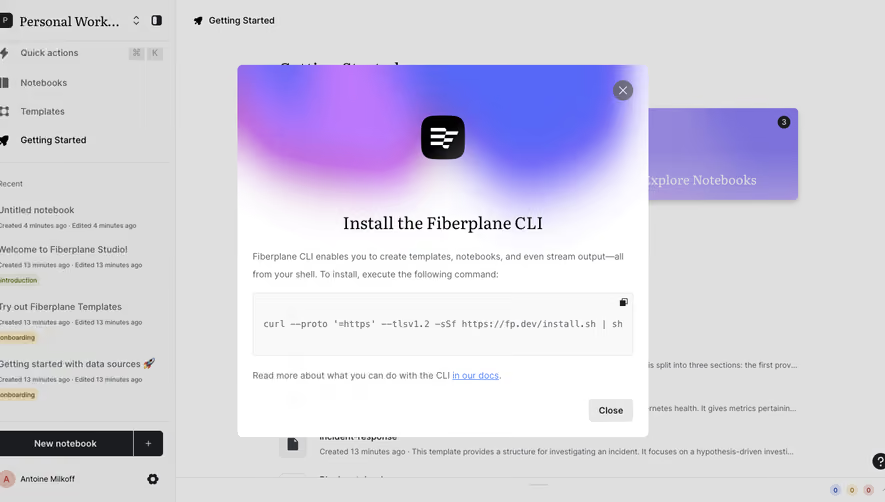
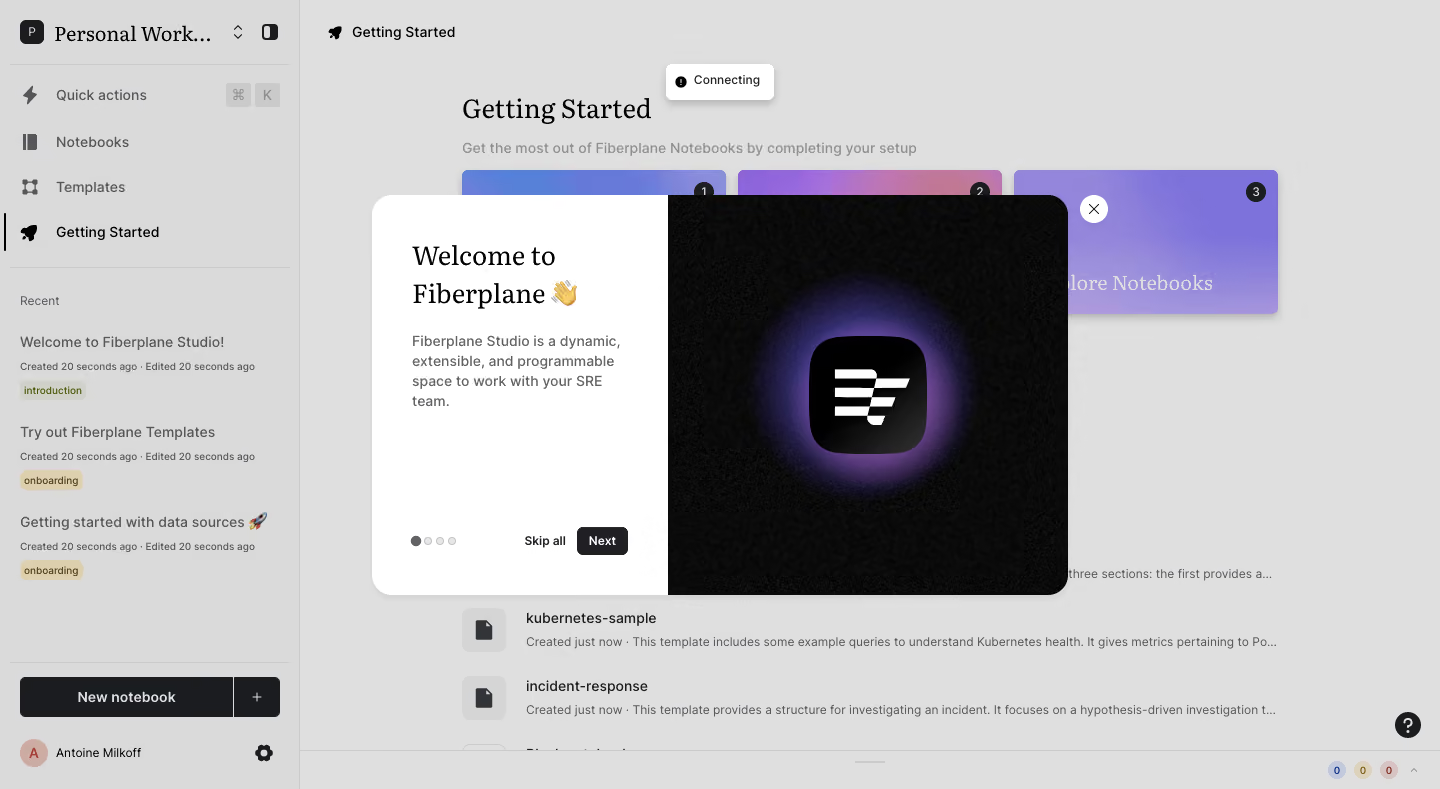
- **Style:** A welcoming product-tour modal over a dimmed notebook workspace, combining editorial serif headings with a dark luminous brand illustration.
- **Character:** Technical but personable, with a waving-hand greeting, short explanation, and restrained step controls.
### Page composition
- **Capture and scale:** The image measures 1440 × 789 pixels. Sizes below are approximate screenshot pixels; CSS scale is unverified.
- **Backdrop:** A left notebook-navigation sidebar and Getting Started workspace remain visible beneath gray dimming. Setup cards, recent notebooks, and lower status utilities supply context.
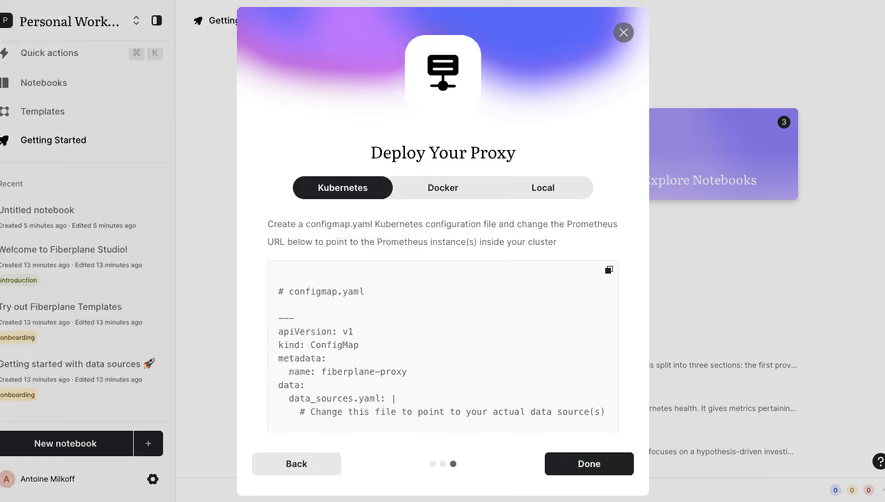
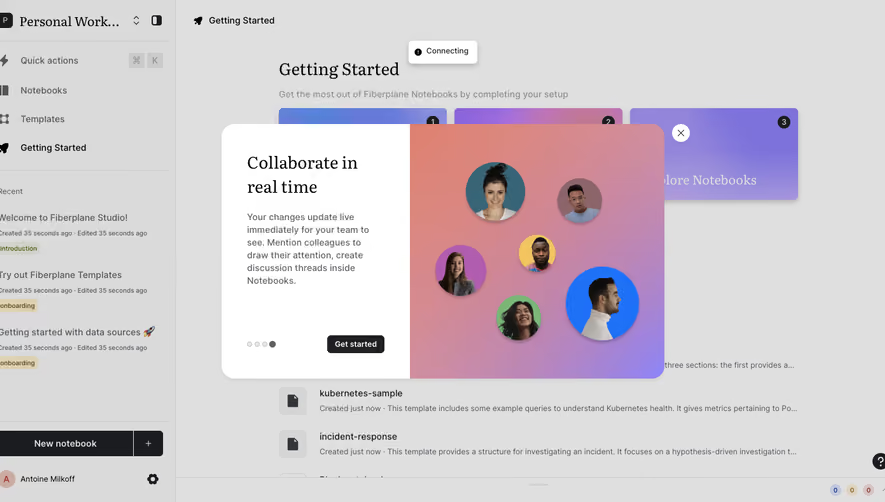
- **Modal:** A roughly 700 × 400 px split panel is centered. The narrower white left area holds heading, paragraph, four progress dots, Skip all, and Next. The right half is black with a purple glow around the brand icon.
- **Other visible state:** A small Connecting status toast appears above the modal. A circular close X sits just outside its upper-right corner.
### Information hierarchy
- **Focus:** The split modal dominates; the large serif welcome is followed by a concise explanation of the workspace.
- **Progress:** The first of four dots is darker, identifying the visible first tour step.
- **Actions:** Next is a compact dark button; Skip all is a plain text alternative. Close is spatially separate.
### Typography
- **Family:** The welcome and some background titles use a serif face; body and controls use sans serif. Exact families are unverified.
- **Heading:** Approximately 30 px with 38 px line-height, regular weight, wrapping into two lines.
- **Body and controls:** Paragraph text is about 15 px with 21 px line-height. Buttons and step utilities are around 12–13 px semibold.
### Colors & surfaces
- **Surfaces:** Sampled sRGB #FFFFFF defines the modal text area. #DFDFDF and #DADADA are dimmed-background composites rather than underlying tokens.
- **Dark illustration:** Sampled #1B1C1F and near-blacks #010101, #0E0E0E, #0D0D0D, and #060606 support the icon/background.
- **Accent:** A violet glow surrounds the black rounded-square icon, which contains a white stacked-stripe mark. Exact glow values are unverified.
### Components
- **Shell:** The modal has approximately 20 px outer radii and a soft shadow; the right image follows the outer right corners.
- **Text panel:** Use roughly 40 px padding and keep the paragraph narrow. Bottom controls align along one baseline with dots left and skip/next right.
- **Controls:** Next uses a small radius; progress dots are tiny filled/outlined circles. The detached close control is white with dark X.
- **Backdrop shell:** Navigation uses line icons, recent-item metadata, colored tags, and a dark New notebook action. These remain secondary beneath the overlay.
### Visual rhythm
- **Spacing:** Allow roughly 20–24 px between heading and paragraph, with substantial empty space before bottom controls.
- **Balance:** The bright reading panel and dark branded image create equal visual weight despite unequal widths.
### Responsive
- **Observed state:** Only desktop and the first tour slide are visible.
- **Recommended reflow:** Stack or reduce the illustration on narrow screens, constrain modal height, and keep Next/Skip/Close reachable without overlap.
- **Text:** Preserve readable heading/body size rather than scaling the whole dialog as an image.
### Adaptation guidance
- **Preserve:** Retain the split light/dark tour, serif welcome, concise explanation, explicit progress, and small control group.
- **Adapt:** Use actual product introduction and original brand artwork. Keep the number of tour steps consistent with real content.
- **Avoid:** Do not invent subsequent slides or interpret the Connecting toast as permanent design content.
Use this context to reproduce the reference's visual language: layout, typography, colors, spacing, borders, radii, and distinctive elements. The screenshot takes priority if descriptions conflict.
## Direction
{{preferences.fidelityInstructions}}
## Output
{{output.instructions}}
Deliver a polished, cohesive design with precise alignment, hierarchy, and spacing. Produce the requested visual artifact, not just a description. If unsupported, explain the limitation.
.webp)



.avif)