.webp)
Thank you! Your submission has been received!
Oops! Something went wrong while submitting the form.
Get SaaSFrame Pro
Monthly
$18
Quarterly
$48
Yearly
$180
Upgrade to access this feature
Browse all screens & flows
Filter and search screens & flows
Access Figma files
Access mobile versions
Bookmark screens & flows
Join now
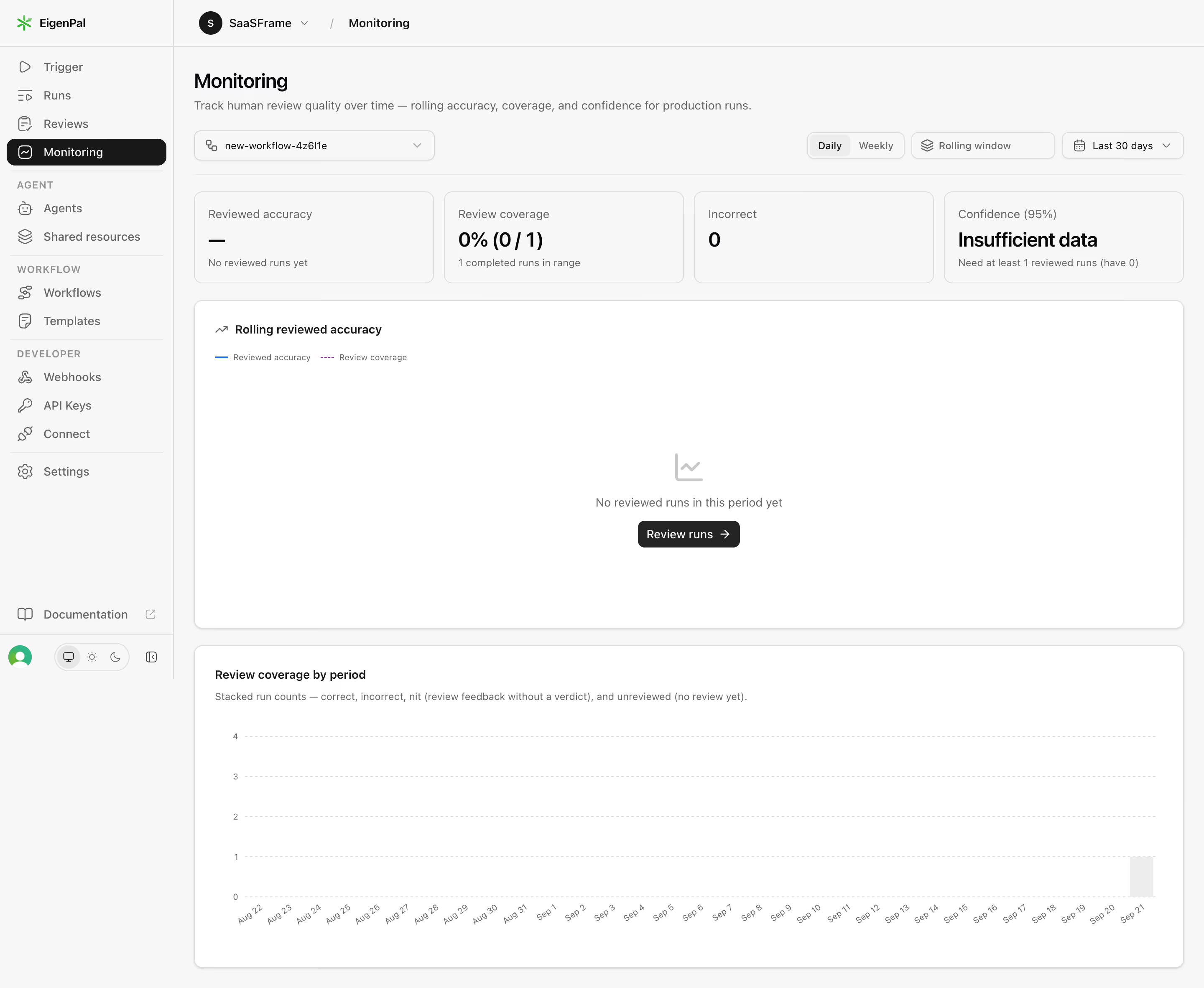
EigenPal Automation monitoring dashboard

EigenPal
AI Document Automation Workflows
Designed by
No items found.

Bookmark
Bookmark

Design with AI
Thank you! Your submission has been received!
Oops! Something went wrong while submitting the form.
# Design from Reference: EigenPal Automation monitoring dashboard
Create an original, high-fidelity visual design inspired by the reference. Prioritize composition, typography, colors, spacing, and component styling over technical implementation.
## Reference
- **Product:** EigenPal
- **Category:** Analytics
- **Screenshot:** https://cdn.prod.website-files.com/5e9dc792e1210c5325f7ebbc/6acad04a34c900e8fc1b48e3_6acacfd6c13ea92655a8a3fe_cms-c2f6bea09ea0914ee9e692e3.webp
Analyze the screenshot first. If inaccessible, request it rather than guessing.
## Content
{{content.instructions}}
{{content.data}}
Preserve essential messaging and factual accuracy. Adapt structure and copy length for visual balance; never invent product claims.
## Visual Design
### Overall aesthetic
- **Character:** Restrained automation-monitoring dashboard with pale-gray shell, white chart panels, black active navigation and minimal colored marks.
- **Evidence and scale:** Screenshot measures 2880 × 2364 image pixels. Sizes estimate a 1440px CSS canvas at 2× capture scale; DPR and exact typeface are unverified.
### Page composition
- **Shell:** Approximately 208px CSS sidebar and thin top breadcrumb/workspace bar frame the main area.
- **Header/filters:** Monitoring title and explanation sit above a workflow select at left; period granularity, rolling-window and date controls align right.
- **Metric row:** Four equal cards show reviewed accuracy, review coverage, incorrect count and confidence/data sufficiency.
- **Chart regions:** A large white reviewed-accuracy panel shows an empty state and review action. Below, a second white panel shows coverage by period with axes and a single light-gray bar near the latest date.
- **Sidebar groups:** Primary run/review/monitoring links are followed by agent, workflow and developer groups, with documentation and appearance/account controls near the bottom.
### Information hierarchy
- **State first:** Large metric values show unavailable accuracy, zero coverage and insufficient data rather than implying meaningful performance.
- **Chart recovery:** Empty chart text and Review runs action explain the lack of reviewed-run data.
- **Navigation:** Monitoring uses a black rounded row with white text; group labels are small uppercase gray.
- **Secondary explanation:** Panel subtitles and legends remain muted, supporting metric interpretation.
### Typography
- **Page title:** Approximately 24px CSS semibold-to-bold sans-serif.
- **Metric values:** Around 24px bold; metric labels around 14px and helper lines around 12px.
- **Panels/controls:** Chart titles around 14px semibold, filter/navigation text around 13–14px.
- **Axes:** Small gray date/value labels around 10–11px, with dates rotated diagonally. Exact family and computed values remain unverified.
### Colors & surfaces
- **Measured foundation:** White #FFFFFF and pale #F7F7F7 form nearly all surfaces.
- **Measured boundaries:** Gray #DEDEDE supports outlines; #F2F2F2 supports raised/selected control backgrounds.
- **Measured foreground:** Near-black #181818 handles titles/active navigation; gray #656565 supports labels.
- **Local chart accents:** Small measured blue #2463EB and green #2FB689 appear in tiny marks; pale violet legend treatment and light-gray bar stay subdued.
### Components
- **Sidebar:** Icon-led links with thin group separators, small uppercase labels and a rounded black active pill.
- **Filter controls:** Outlined rounded workflow dropdown, Daily/Weekly segmented control, rolling-window control and date-range dropdown with icons.
- **Metric cards:** Four equal bordered rectangles around 287 × 110px CSS, 10px radii and roughly 16px padding.
- **Accuracy panel:** Large rounded white card with subtle shadow, compact legend, centered empty-chart icon/message and dark Review runs button.
- **Coverage chart:** White bordered/shadowed card with title/subtitle, dashed horizontal grid, rotated date labels and a single pale bar. No detailed tooltip is visible.
- **Bottom utilities:** Compact account/avatar and monitor/sun/moon appearance controls sit below documentation.
### Visual rhythm
- **Main spacing:** Approximately 24px content inset, 12px metric-card gaps and 20px between chart panels.
- **Density contrast:** Compact filters/metric summaries lead into large open chart areas.
- **Alignment:** Header, metric row and both chart cards share consistent left/right edges.
- **Empty-state balance:** Centered placeholder content gives the upper chart meaning without filling it with invented data.
### Responsive
- **Observed limit:** Only desktop monitoring is shown; filters, review action, tooltips and mobile layouts are unobserved.
- **Recommended layout:** Collapse the rail, wrap filters and reduce the metric row to two columns and then one.
- **Recommended charts:** Preserve readable axes with horizontal scrolling, fewer date ticks or an appropriate mobile chart variant.
- **Recommended state:** Keep insufficient-data explanations visible rather than hiding them when space is constrained.
### Adaptation guidance
- **Preserve honesty:** Explicitly represent missing review data and guide users toward the action needed to populate monitoring.
- **Keep hierarchy:** Use compact metric summaries above detailed charts, with neutral surfaces and sparse meaningful color.
- **Implementation:** Provide accessible filter labels, chart summaries, keyboard controls and focus. The screenshot's numbers describe one captured state, not verified production performance.
Use this context to reproduce the reference's visual language: layout, typography, colors, spacing, borders, radii, and distinctive elements. The screenshot takes priority if descriptions conflict.
## Direction
{{preferences.fidelityInstructions}}
## Output
{{output.instructions}}
Deliver a polished, cohesive design with precise alignment, hierarchy, and spacing. Produce the requested visual artifact, not just a description. If unsupported, explain the limitation.

.avif)
Category
Tech Stack

Added on
September 21, 2026
Similar screens
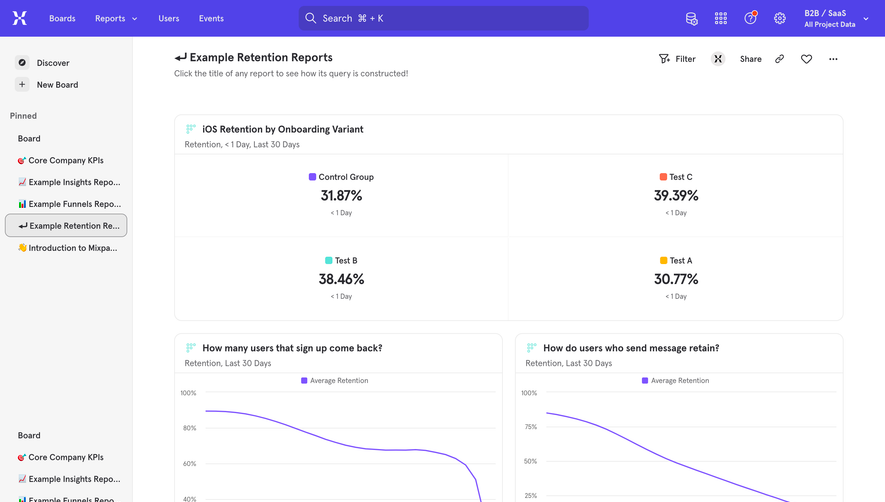


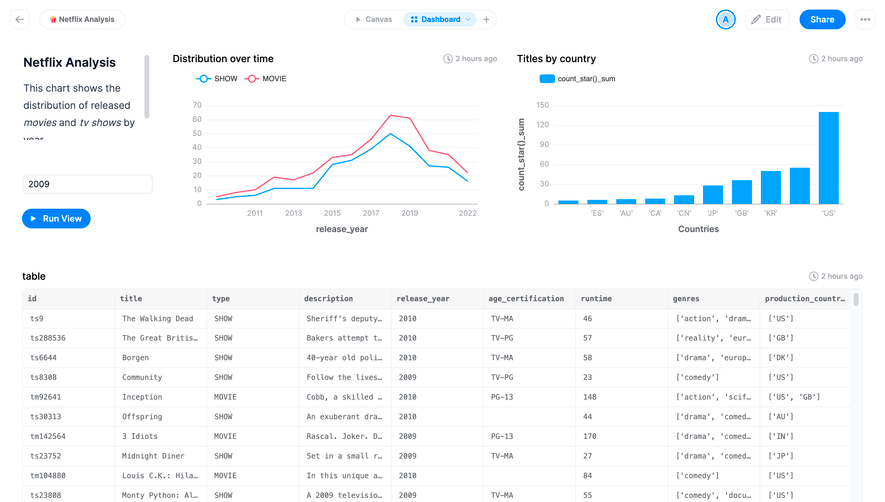

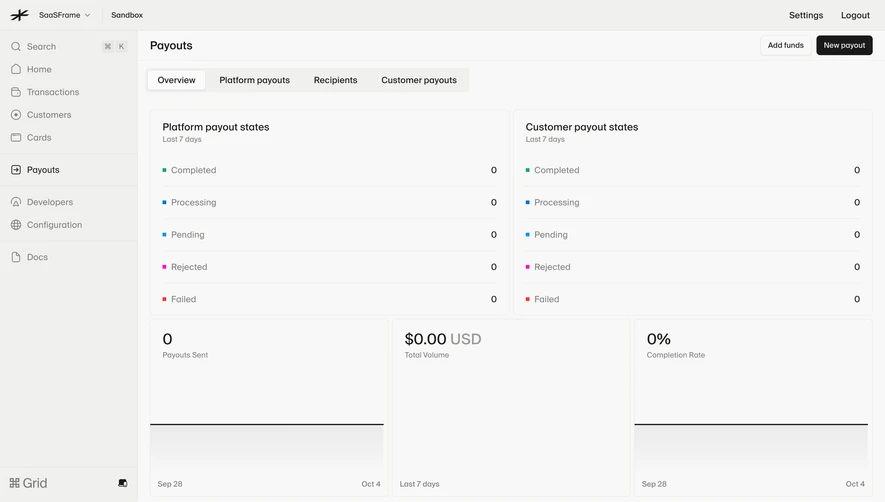

Upgrade to SaaSFrame Pro now to see similar examples.
Monthly
$18 /month
Billed $18 monthly
Browse all screens & flows
Filter and search screens & flows
Search text in screenshots
Access Figma files
Access mobile versions
Join now
Quarterly
$16 /month
Billed $48 quarterly
Browse all screens & flows
Filter and search screens & flows
Search text in screenshots
Access Figma files
Access mobile versions
Join now
Yearly
$15 /month
Billed $180 yearly
Browse all screens & flows
Filter and search screens & flows
Search text in screenshots
Access Figma files
Access mobile versions
Join now