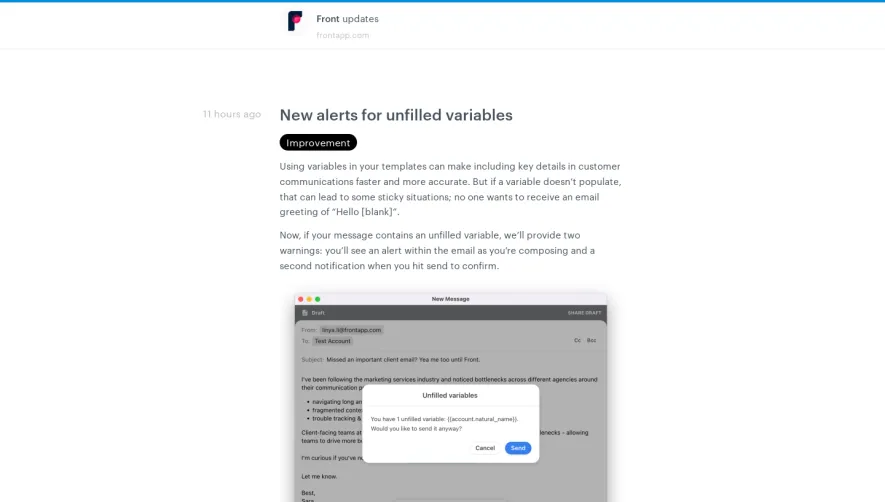
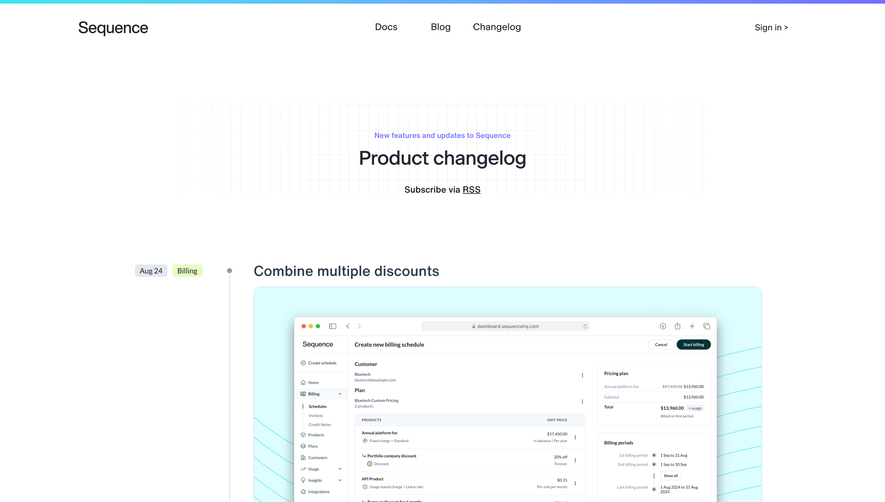
Overall Style and Aesthetic
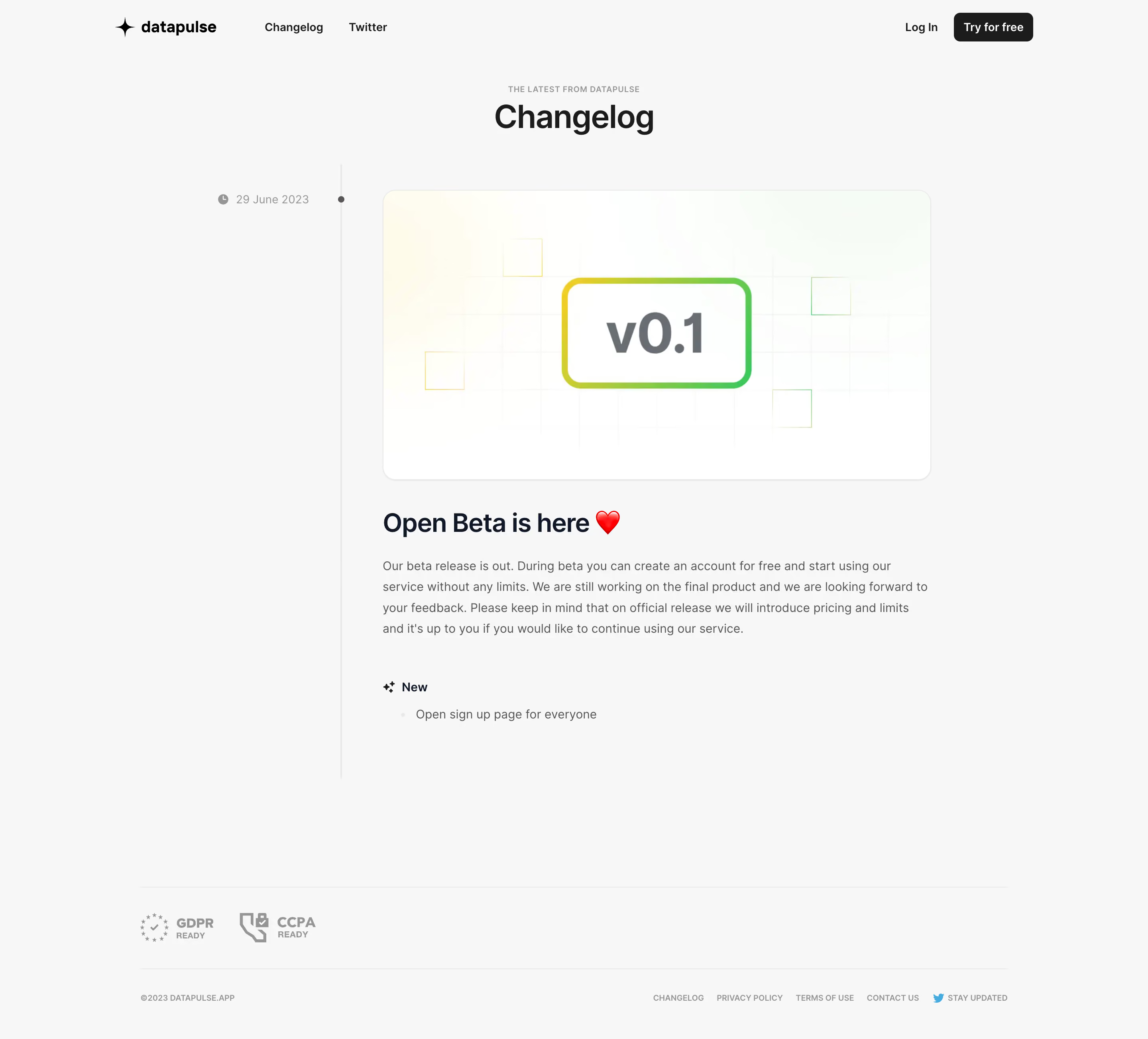
Datapulse’s changelog page embodies a modern, minimalist approach, balancing clarity with a sense of professional polish. The interface feels sleek and uncluttered, creating an inviting atmosphere while emphasizing usability. Clean lines, expansive white space, and understated UI elements combine to maintain an elegant appearance that never feels sterile or impersonal. Layout and Structure
The page follows a clear, content-first structure. There’s no busy header; instead, a straightforward title anchors the page, immediately revealing its purpose. Updates are organized in a vertical timeline, each entry separated by subtle dividers, aiding readability and efficient scanning. There are no unnecessary distractions—only the information users need, presented in a digestible flow. Visual Elements
Visual cues support the content without overwhelming it. Color-coded tags—such as “New,” “Improvement,” and “Fix”—enhance information hierarchy and direct user attention. Simple icons next to change categories add just enough visual interest, while consistent rounded avatars and subtle drop shadows bring warmth to the page. Color Palette and Typography
A cool, calming palette of soft blues, grays, and whites dominates, boosting readability and reinforcing a sense of trust. Typography is geometric and modern; headings are bold and slightly larger, establishing hierarchy, while body text is easy on the eyes—ideal for scanning multiple updates. User Experience Patterns
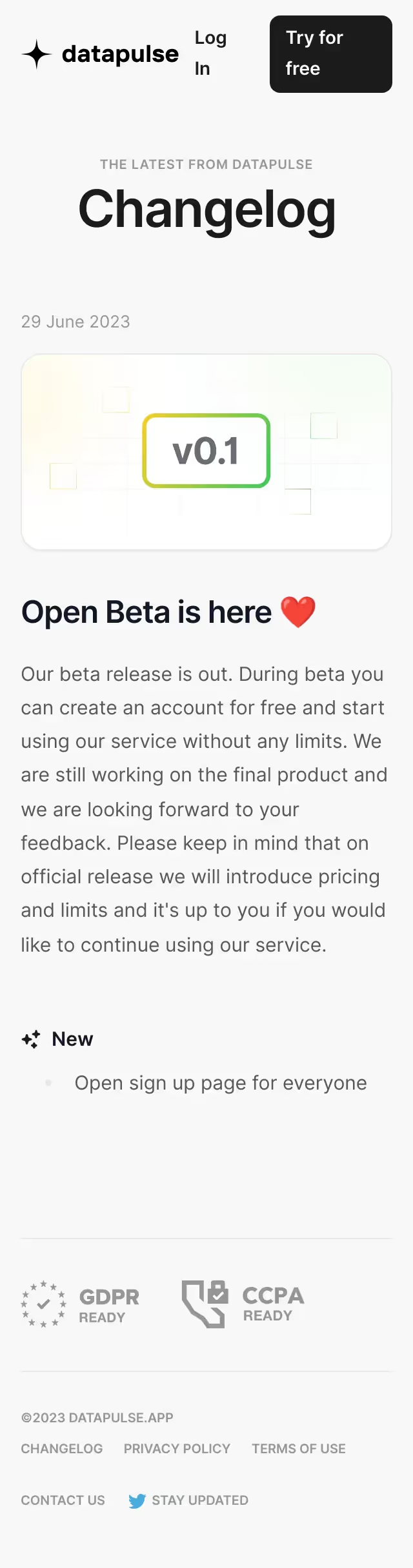
Navigation is frictionless: a sticky sidebar allows users to jump between other pages, while clear CTAs encourage engagement. Tag filters let users drill down to specific update types. Microinteractions like hover states and animated icons subtly guide users, creating a feeling of interactivity without unnecessary complexity. Unique and Notable Design Choices
Datapulse’s changelog shines in its transparent, humanized update approach—each change log is time-stamped and user-attributed, building authenticity and connection. The focus on visual hierarchy, subtle color accents, and micro-UX details make it a memorable reference for SaaS designers aiming for clarity, engagement, and professionalism..webp)



.avif)