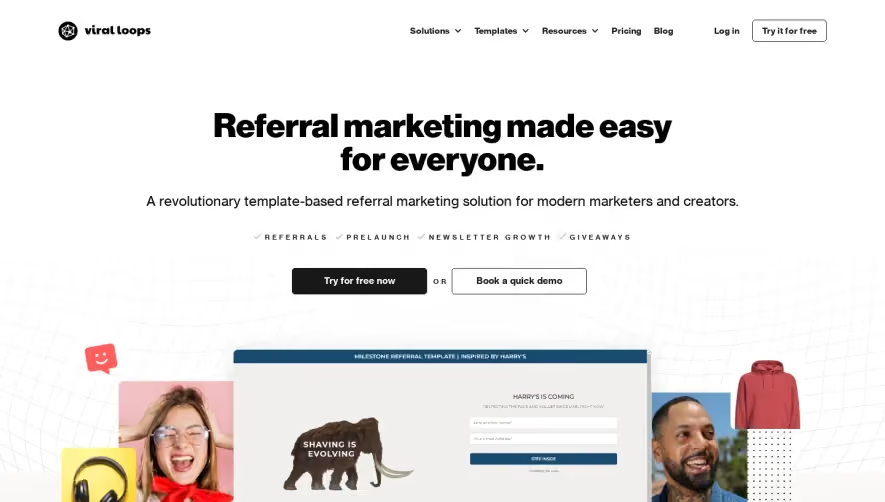
1. Header: The header includes the Boords logo, a navigation menu with links to different pages on the website, and buttons to sign up and log in. 2. Hero Section: The hero section contains a large image that takes up most of the screen with an overlaid text box that reads "Storyboarding Made Simple". There is also a button to start a free trial of the software, and a brief description of what Boords does. 3. Features Section: This section highlights the three main features of Boords: storyboarding, turning your storyboard into an animatic, and collaborating with your team. Each feature is accompanied by an icon and a brief description of what it does. 4. How It Works Section: This section breaks down the process of using Boords to create storyboards and animatics into four simple steps: create a new project, sketch out your storyboards, add comments and notes, and turn your storyboard into an animatic. 5. Pricing Section: The pricing section outlines the different plans available for Boords, including a free plan, a professional plan, and a team plan. Each plan comes with different features and pricing options. 6. Testimonials Section: This section features quotes from satisfied Boords customers, along with their names and photos. 7. About Section: The About section contains information about Boords, including its founding story, the team behind it, and its mission. 8. Footer: The footer includes links to Boords' social media accounts, resources for learning more about storyboarding and animation, frequently asked questions, and a contact form. It also has links to Boords' terms of service and privacy policy.


Boords Landing Page
Boords
Storyboarding and animatics for modern video teams
Designed by
No items found.
Category
Patterns
No items found.
Tech Stack
Added on
August 10, 2022