.avif)


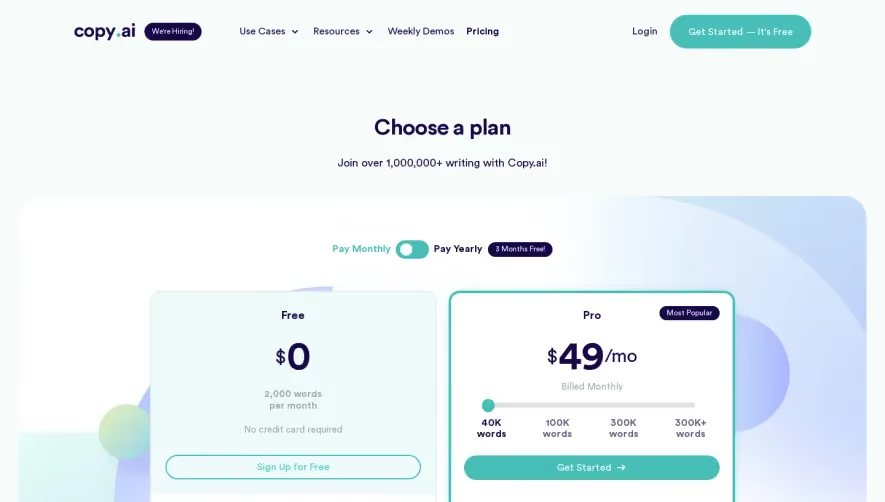
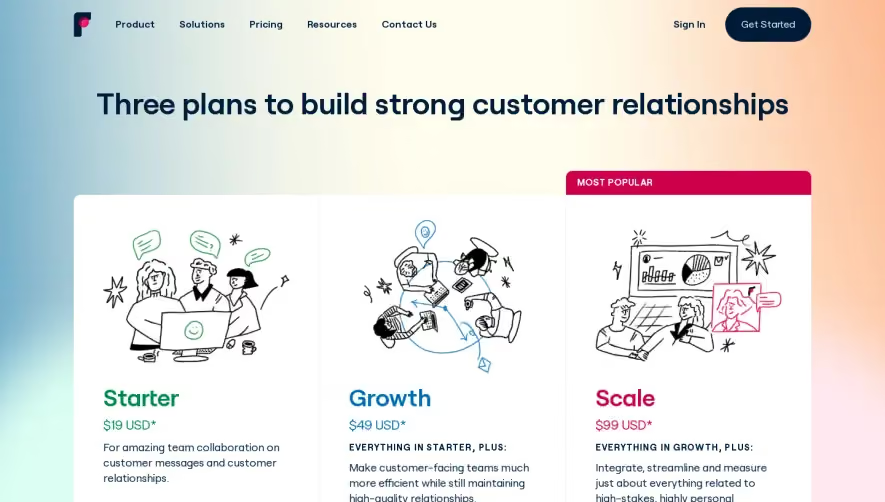
1. The page starts with a prominent banner that highlights the platform's most popular plan, followed by a CTA for starting a free trial. 2. The pricing plans are presented in three columns, each corresponding to a different usage category: "Essential," "Professional," and "Custom." 3. Each column has four segments: "Price," "Minutes," "SMS," and "Features". 4. Each pricing plan is described in detail, followed by a "Learn More" CTA that leads to a dedicated page related to that plan. 5. Below the pricing plans, there is a table comparing the features of each pricing plan. The table includes features such as Voicemail, Call Forwarding, and Custom Integrations. 6. A section with prominent customer logos, along with a short description of how Aircall has helped them improve their business communications. 7. A "FAQ" section that answers common questions about the platform's billing, features, and customization options. 8. A "Start Your Free Trial" CTA at the bottom of the page that encourages users to sign up and experience the platform firsthand.
.webp)


Aircall Pricing

Aircall
Cloud Phone System
Designed by
No items found.
Category
Added on
April 25, 2020