Turn your users into advocates with incentivized SaaS Referral UI designs. See how to present 'Give $X, Get $X' offers, referral link trackers, and social sharing buttons that drive organic growth through word-of-mouth.
Browse 23 real SaaS Referral with modern UI patterns and conversion strategies.
We sell SaaSFrame licenses on Gumroad, a secured online selling platform for creators.
What about future updates and versions?
SaaSFrame gets updated all the time! Every new update and version will immediately be made available to all SaaSFrame users.
I didn't receive my licence key, what should I do?
The licence key required to create your SaaSFrame account is send by Gumroad once you made your purchase. If this email is blocked by your email client, send me an email at antoine[at]unmake[dot]io so I can resend the licence key.
Can you send me an invoice?
You can generate an invoice on Gumroad once you purchased SaaSFrame. You will find the link in the order confirmation email.
Can I get a refund?
If you're not satisfied, you can ask for a refund within 7 days. Just send me an email at antoine[at]unmake[dot]io
Referral Design Guide
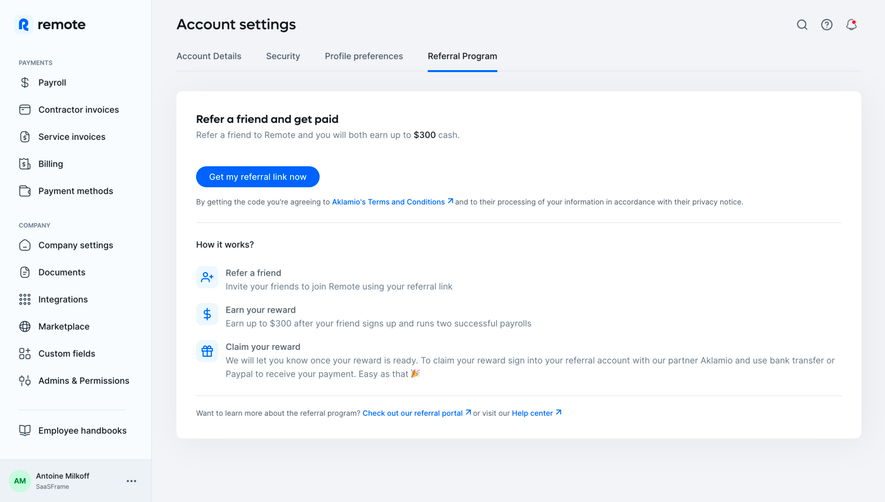
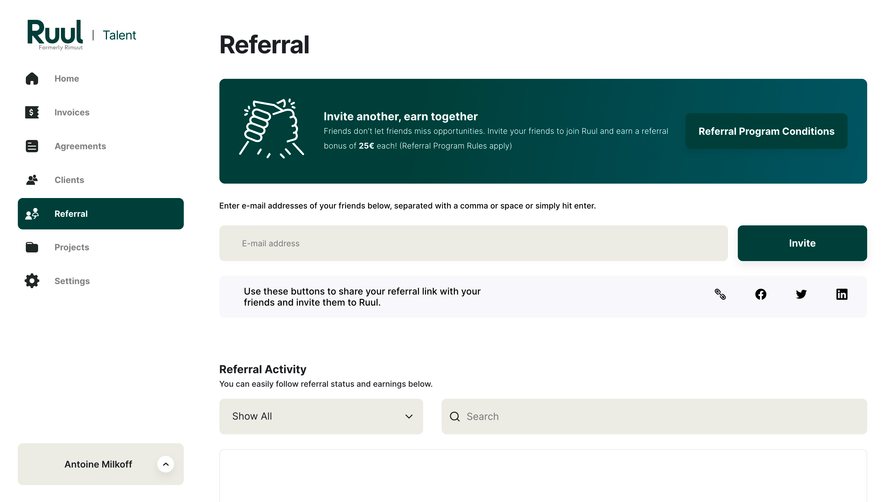
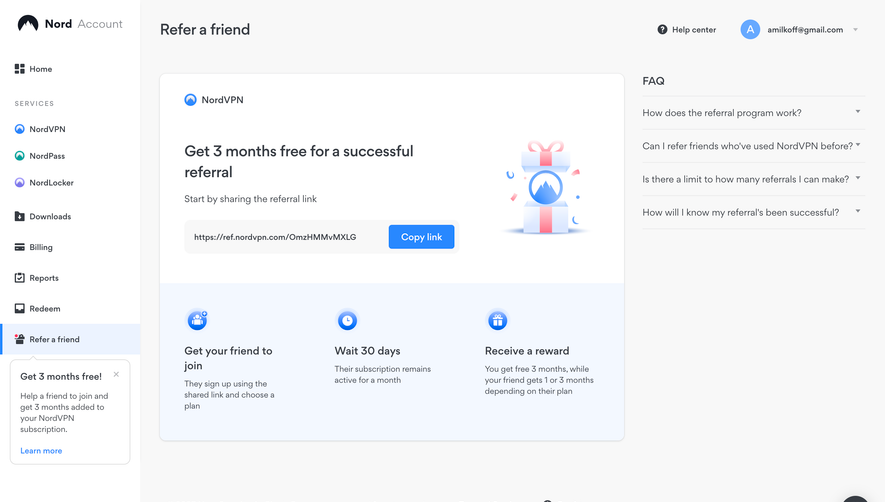
A SaaS referral flow connects a sharing action to a clear benefit and an understandable qualification rule. Users should know who receives the reward, what a referred person must do, and how progress will be tracked before they distribute a link.
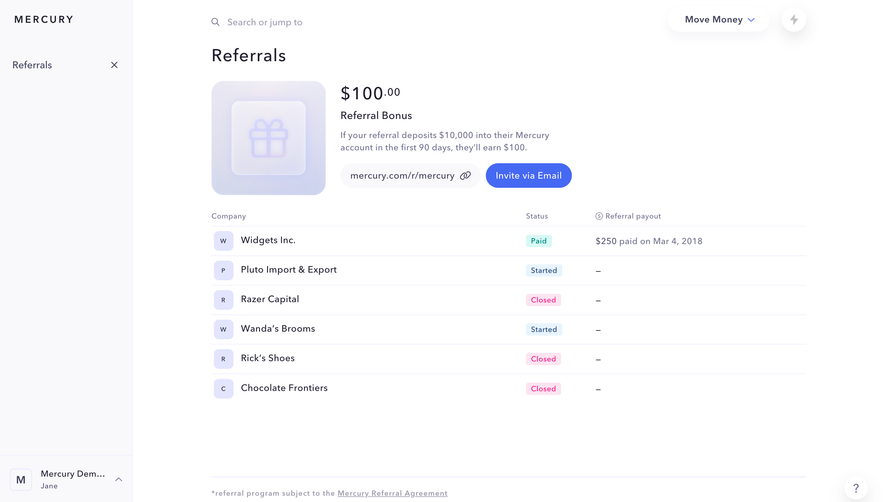
The SaaSFrame references show referral entry points, share controls, and reward history. Their amounts and terms belong to the captured interfaces; this guide studies the design rather than presenting those historical offers as current promotions.
Explain the exchange before asking for sharing
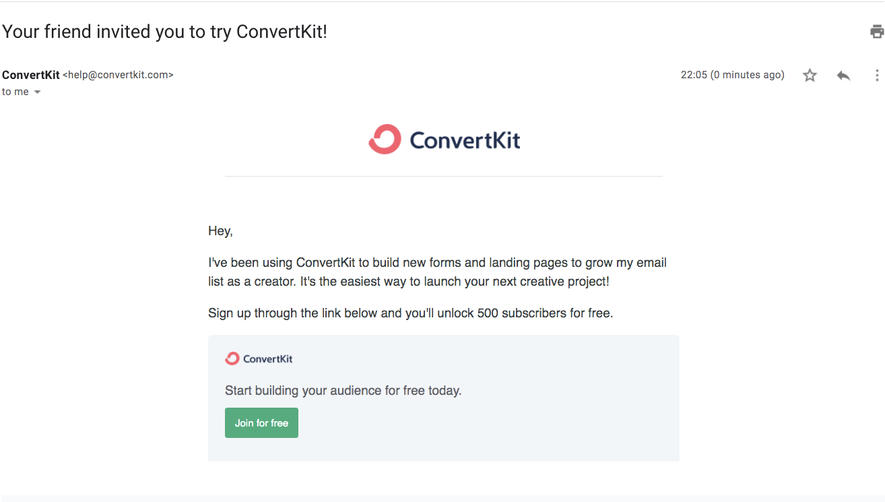
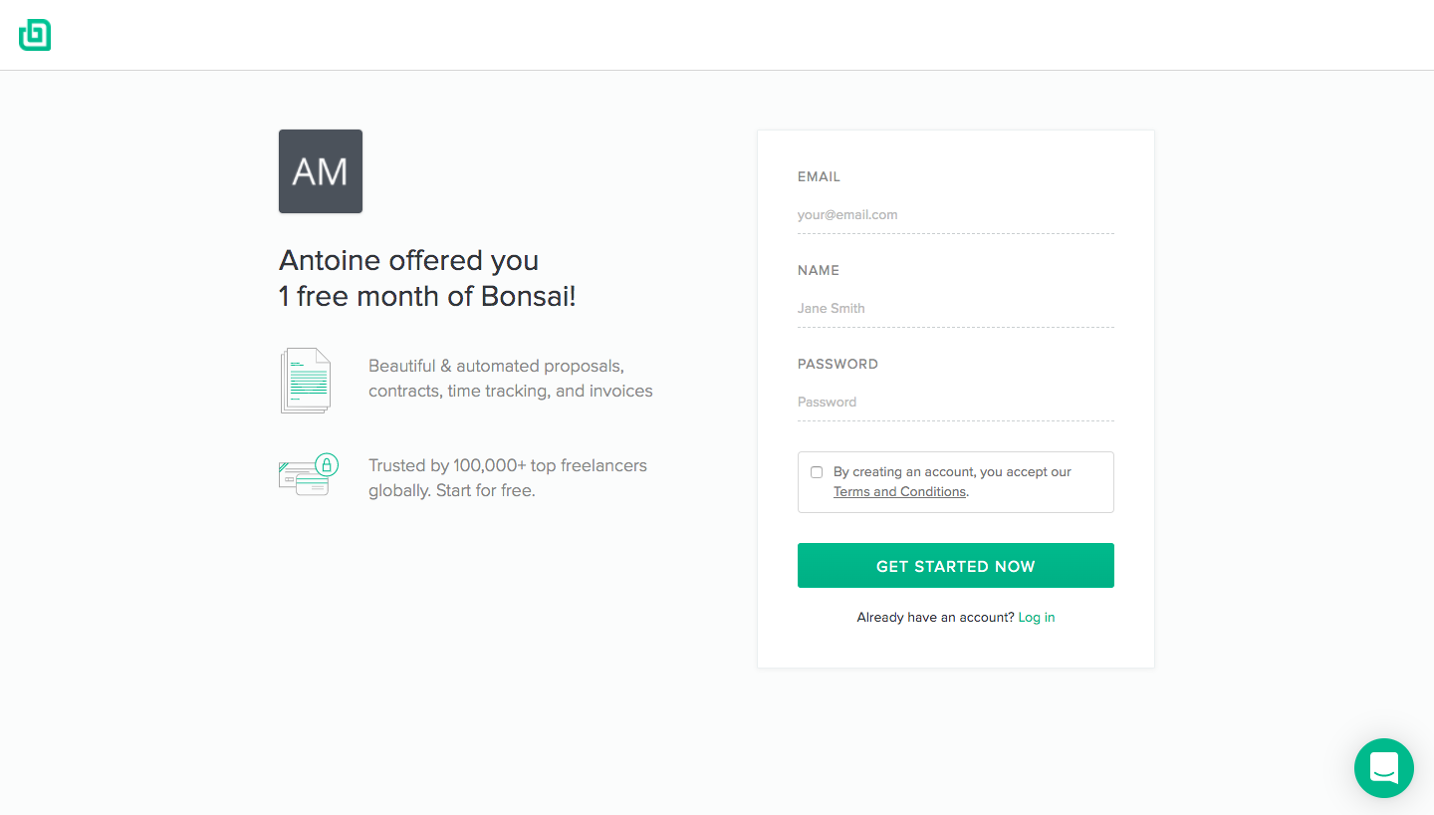
A referral program involves at least two perspectives: the person inviting and the person receiving the invitation. State the benefit for each without making them decipher a long terms page first.
Identify the action that qualifies a referral. Signup, verified signup, a first payment, and reaching a usage threshold represent different conditions. The interface should not imply that sharing alone earns a reward.
Keep the summary accurate and link to complete terms where useful. A concise presentation can support a decision without hiding exclusions that materially change the offer.
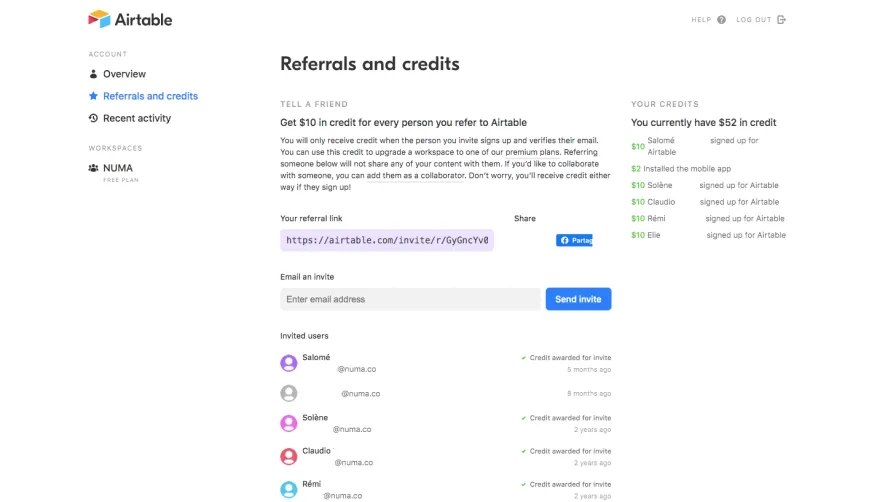
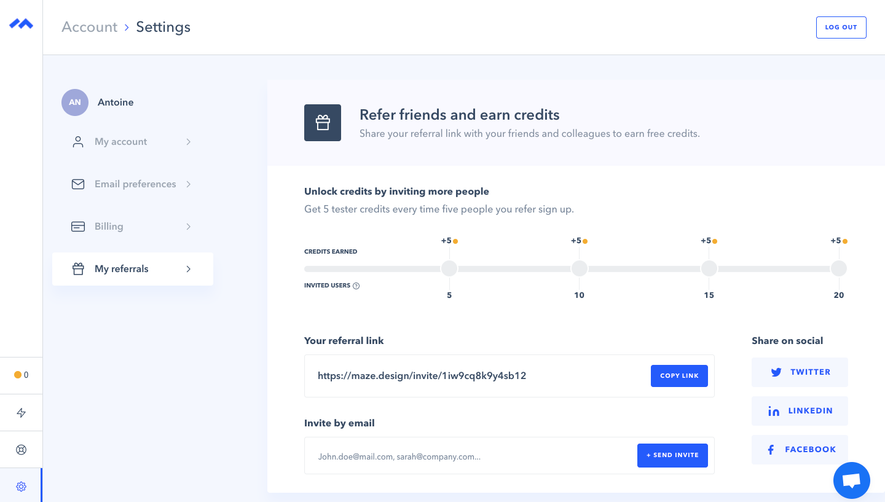
The Airtable referral reference connects credits to an invited person's signup and verification. It provides sharing routes and a history area, while distinguishing the referral invitation from access to existing content.
That distinction matters when a product also supports workspace invitations. A referral link may promote a product without granting access to a user's data. Make the intended relationship explicit.
For your own flow, use the actual qualifying event and reward model. Avoid borrowing a historical amount or implying a program condition that your system does not enforce.
Make sharing easy without obscuring scope
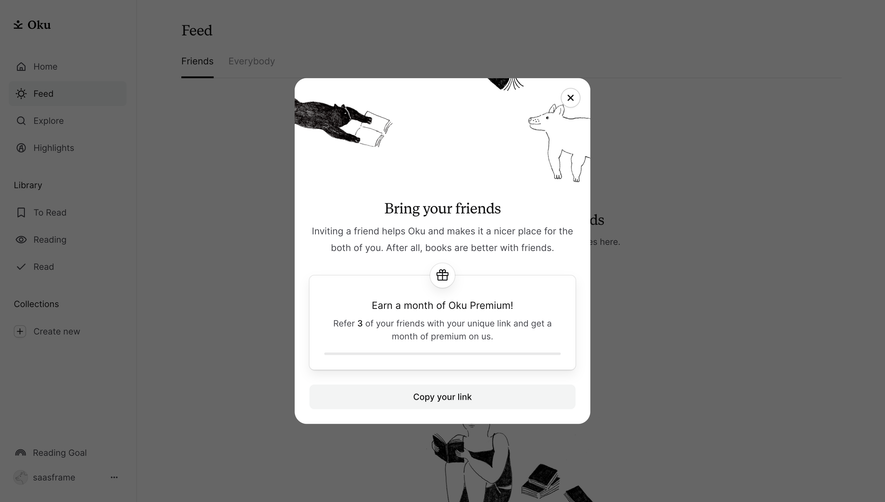
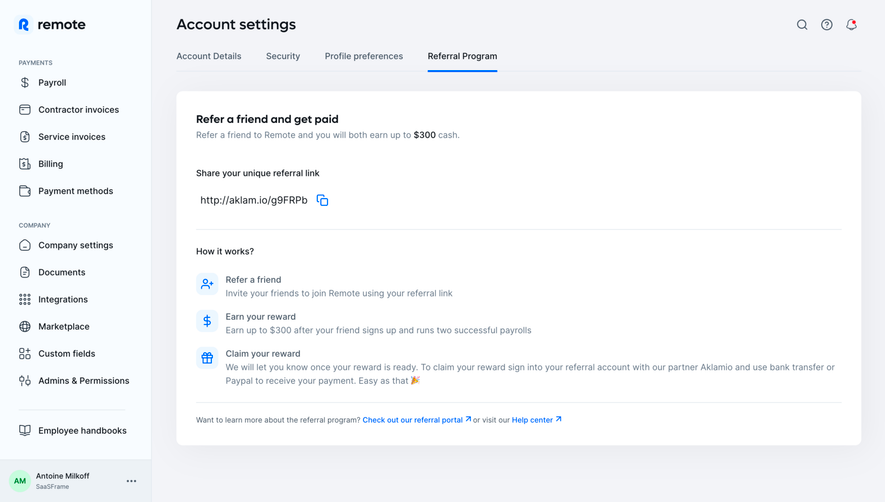
A copyable link is a simple sharing route, but users need confirmation that copying succeeded. The visible field should make the destination recognizable without requiring the entire URL to be read.
Email invitation can be useful for direct outreach. Explain what will be sent and distinguish entering a recipient from sending the message. Allow review and correction before an irreversible send where the flow requires it.
Use sharing channels that suit the audience. A business referral may belong in a colleague conversation rather than a broad social broadcast.
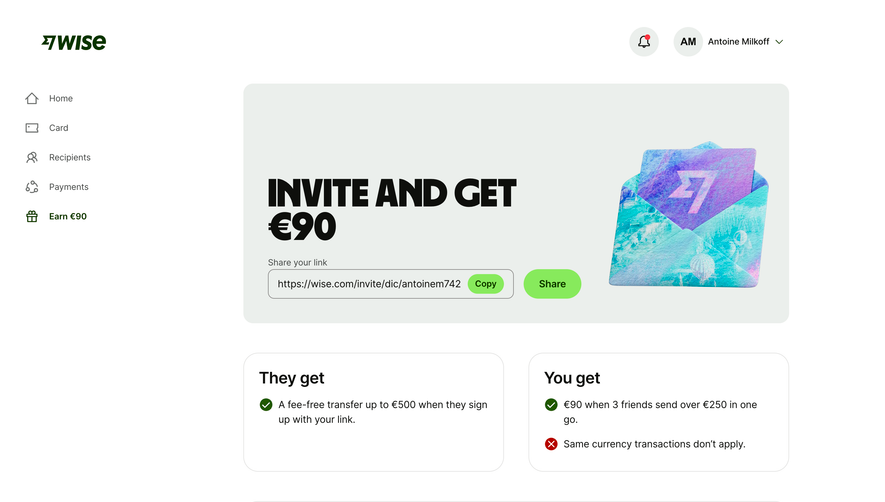
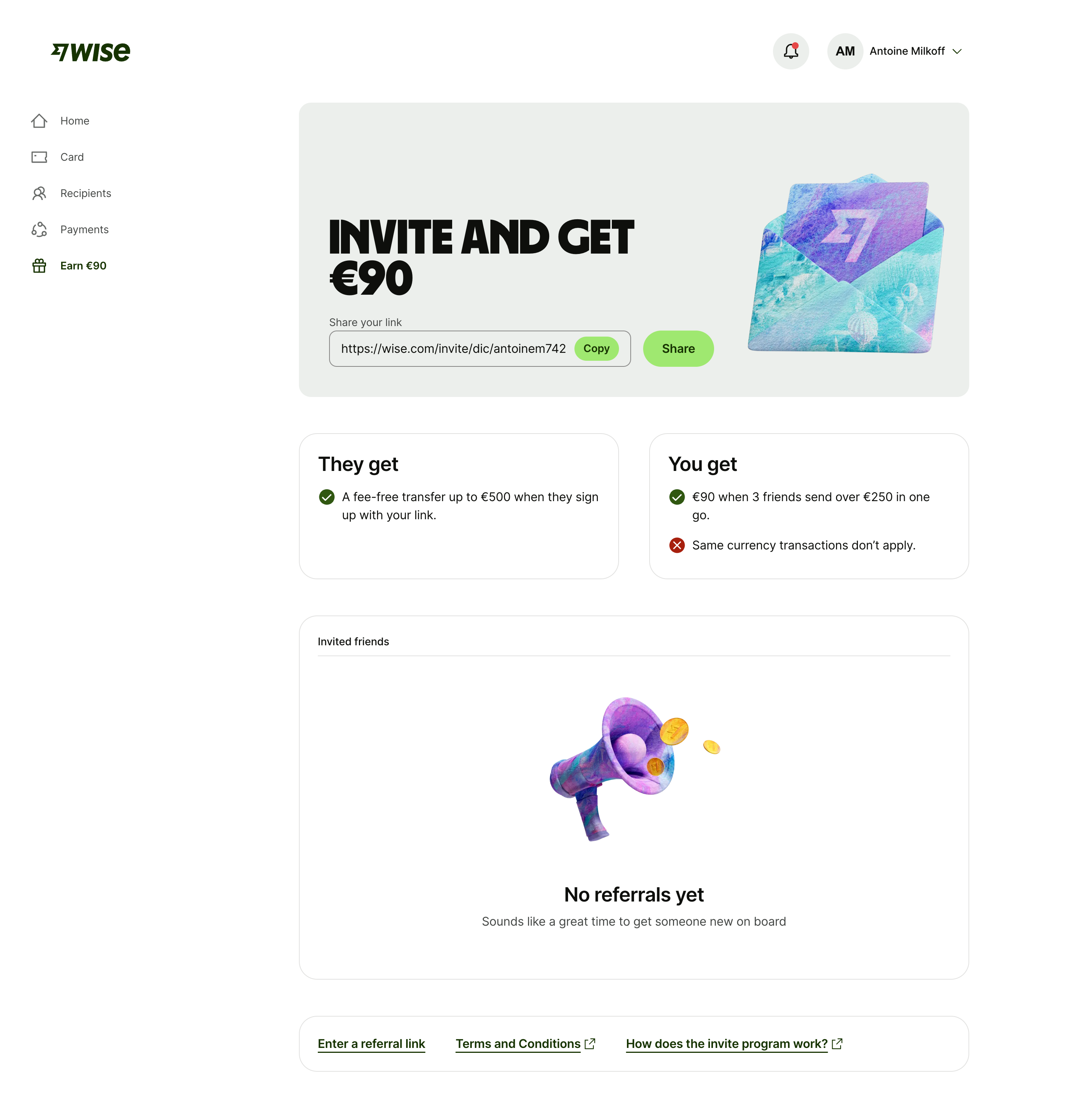
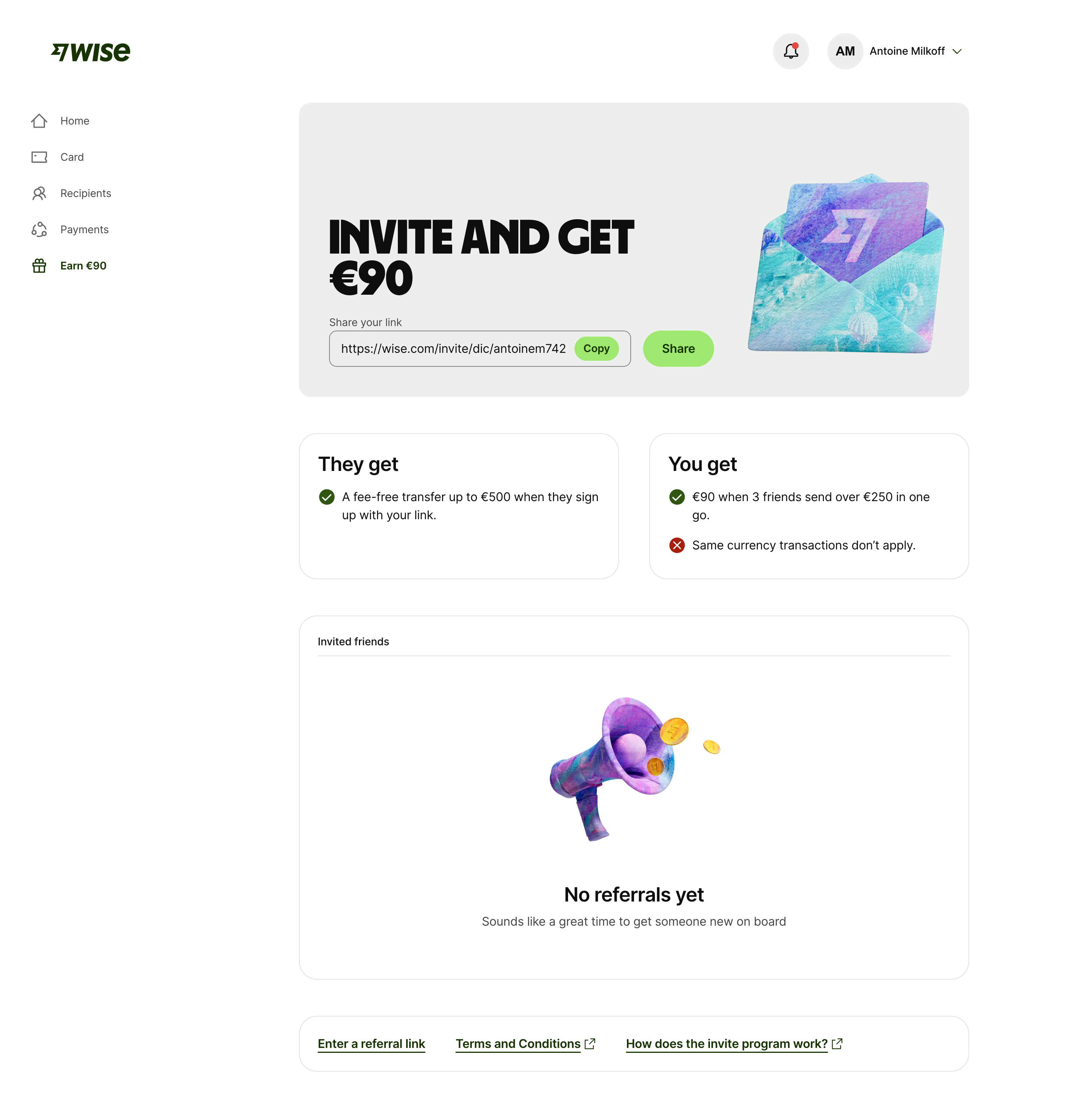
The Wise capture places the inviter's benefit beside the friend's benefit and states qualifying transfer conditions. The link controls sit above a referral-history section and routes to further terms.
This hierarchy makes the conditions part of the offer rather than a separate surprise after sharing. When several qualifying events are required, communicate the threshold and progress coherently.
The displayed offer is a historical reference. Its specific amounts and exclusions should not be described as today's Wise program or copied into an unrelated product's terms.
Show progress without overstating completion
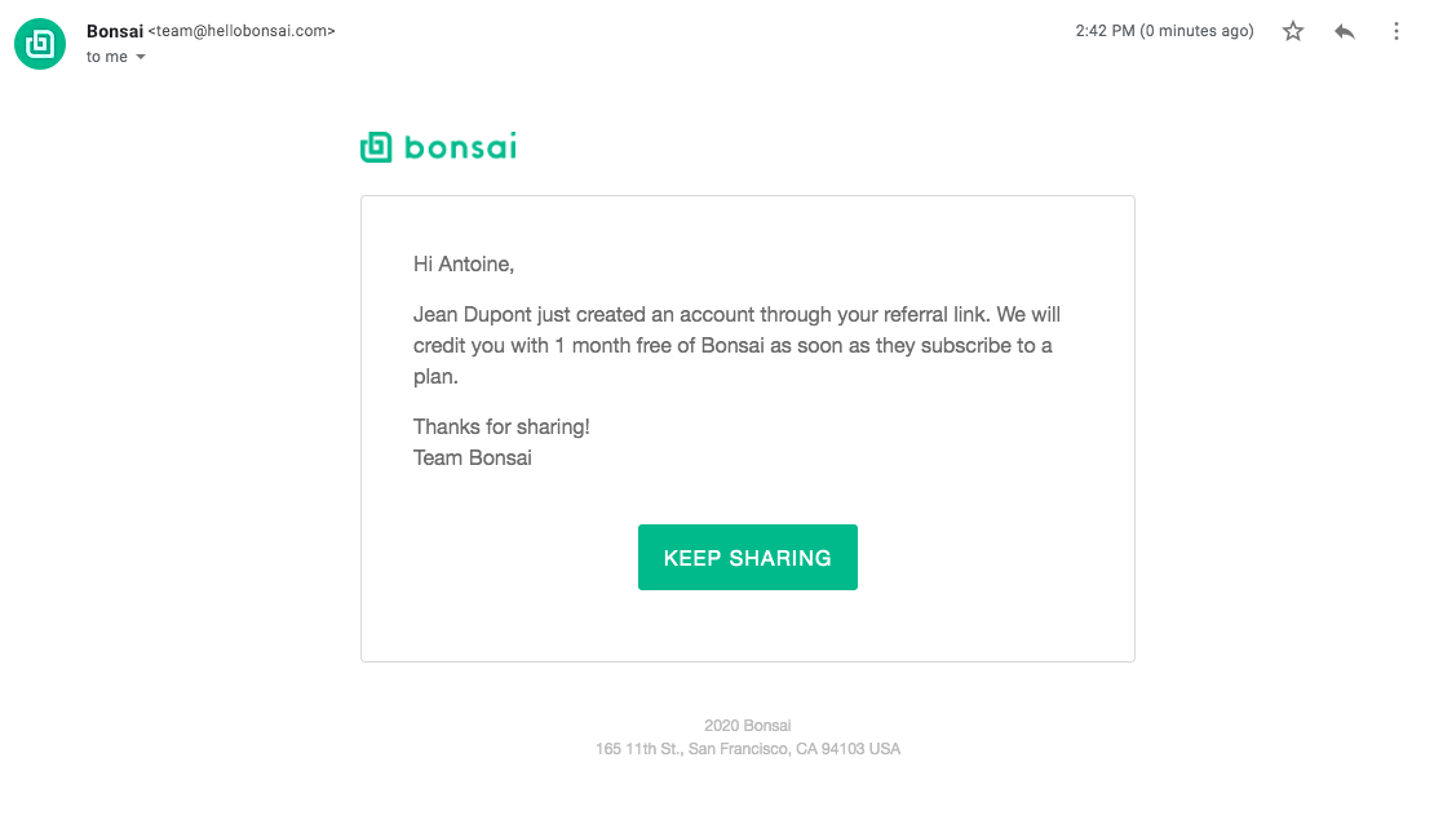
A referral can be invited, signed up, qualified, or rewarded. Use states that correspond to events the system can establish.
If progress is delayed, explain the relevant timing or review step. Avoid presenting a missing reward as a failed invitation when qualification has not yet occurred.
Keep status history useful without exposing unnecessary information about the referred person's activity. The inviter needs progress relevant to the program, not unrestricted access to another user's account.
Make the program discoverable in context
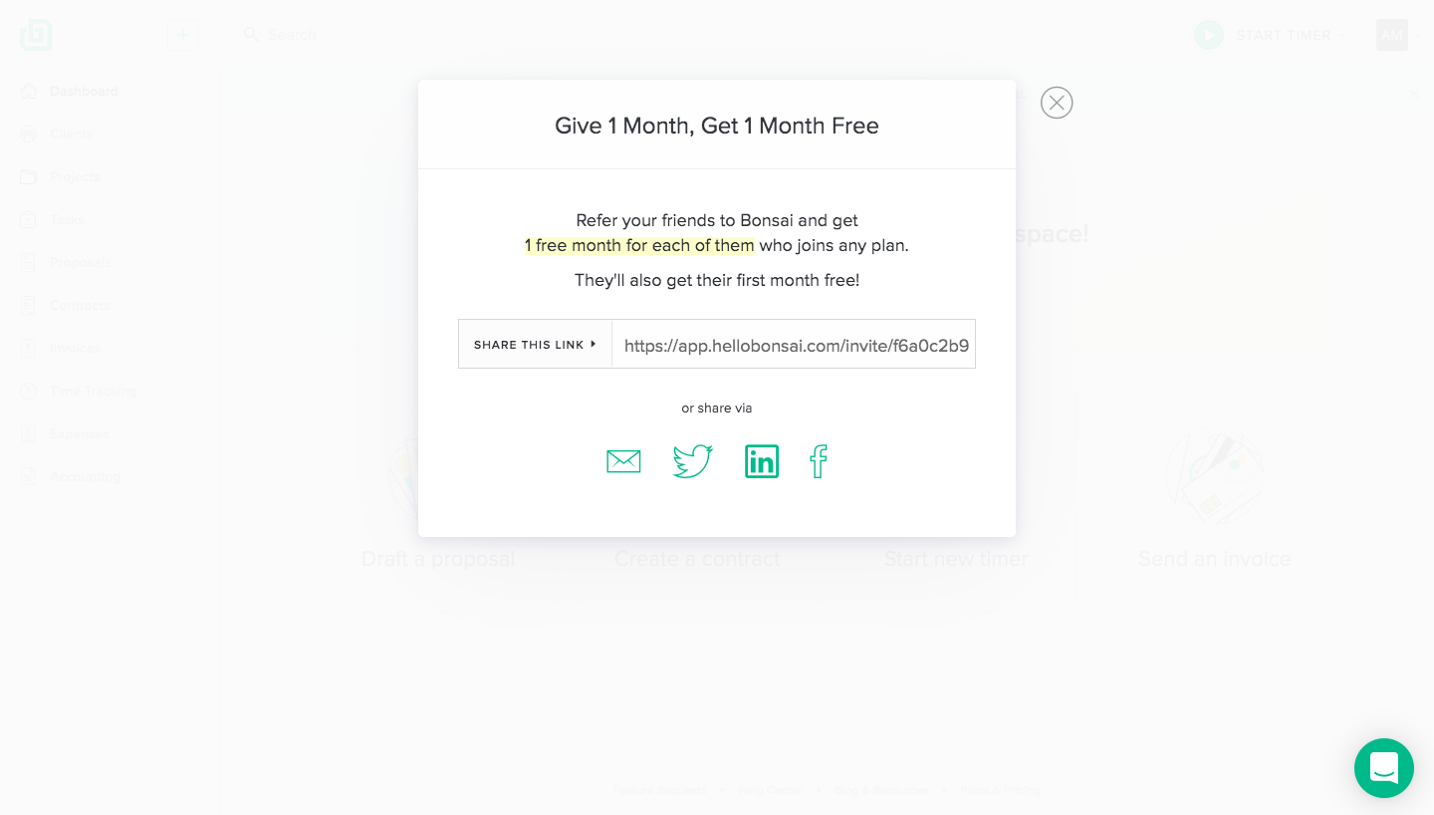
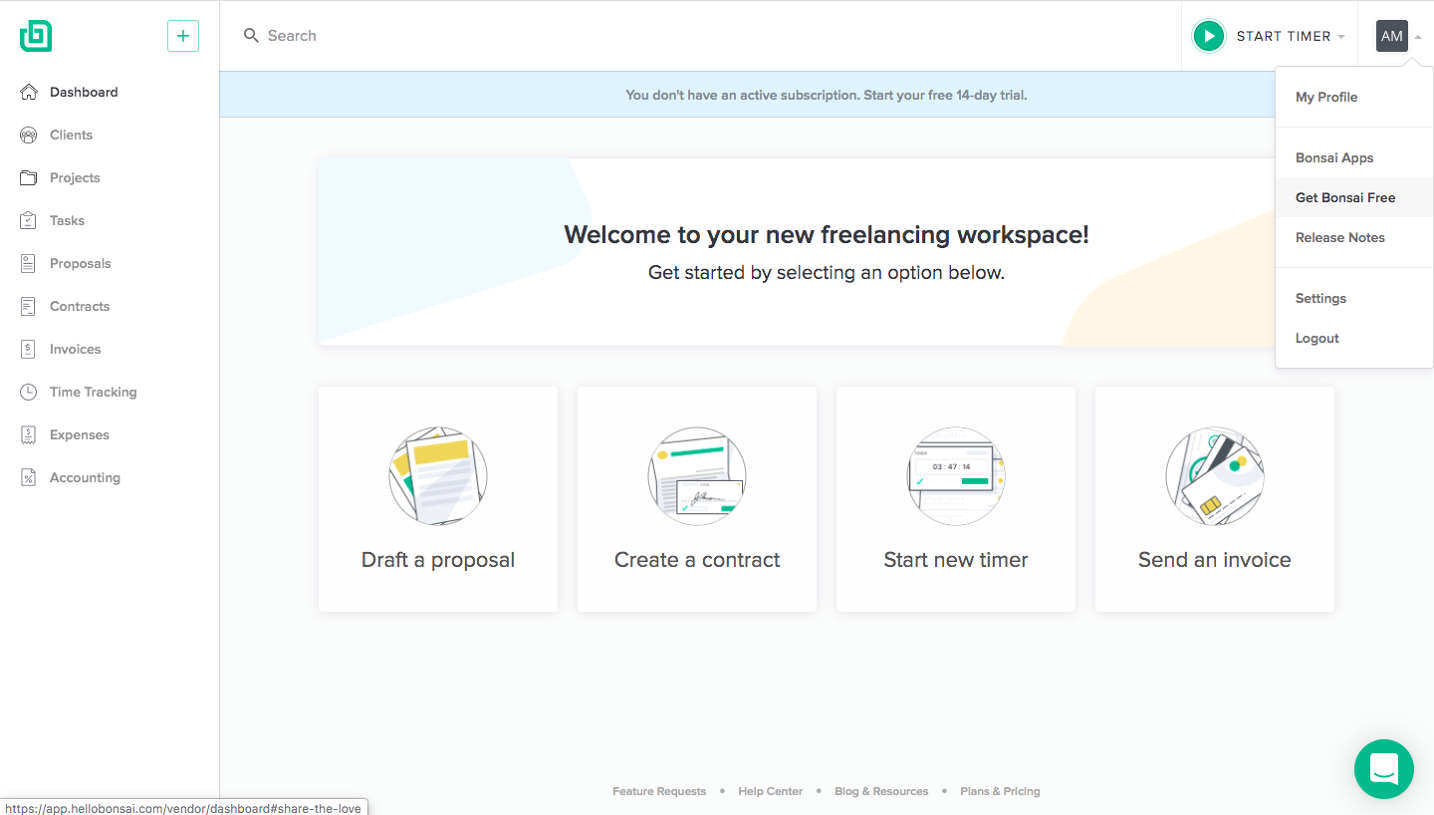
The Bonsai reference in this category shows a navigation entry for earning a product benefit. It demonstrates an entry point, not the subsequent referral form or reward mechanics.
An entry can be available in account navigation, billing, or a benefits area. Choose a location that matches how users understand the reward and keep it recognizable after first discovery.
Avoid interrupting unrelated work repeatedly with a referral prompt. The offer should remain accessible without turning every completed task into a demand for promotion.
Distinguish credit from cash and discounts
Different reward types have different meaning. A product credit may be usable only for certain invoices, while a discount changes a future price and a cash reward requires another fulfillment route.
Explain the actual redemption conditions, expiry, and limits when they affect the decision. A single reward number is insufficient if users cannot tell where it applies.
Keep billing history and referral history connected where useful, but distinguish earned reward from applied value. Users should know whether a credit is available or has already reduced a charge.
Handle duplicate and ineligible referrals
A person may share a link with an existing customer, invite the same address twice, or reach someone who does not meet the program conditions. The flow needs clear outcomes for those cases.
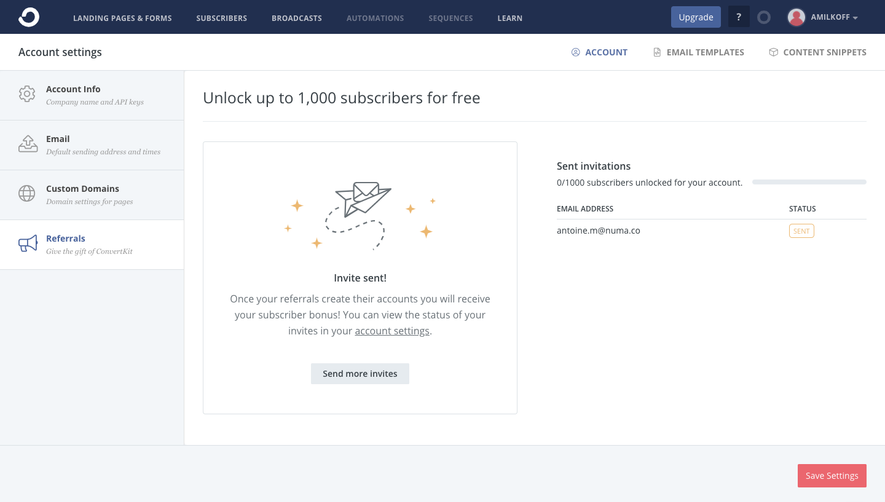
Explain eligibility without inventing a successful referral. A sent invitation is a communication event; it does not establish program qualification.
Provide a way to review terms and contact the appropriate support route for a disputed state. Do not encourage repeated sharing as a remedy for an unexplained tracking problem.
Review the invitation and reward journey together
Test copying, recipient correction, repeat invitations, pending qualification, and credited rewards. Check that the inviter's screen and the referred person's landing experience describe compatible terms.
Measure completed, valid referrals alongside sharing actions. Link copies alone do not explain whether people understand or benefit from the program.
Use SaaSFrame's referral-flow references to compare offer hierarchy, sharing routes, and progress displays. Adapt the design around a program users can explain accurately to someone else.
Referral flow questions
Is a referral invitation the same as a team invitation?
No. A team invitation grants or requests access to a shared workspace; a referral promotes the product under a reward program. Make the difference explicit.
What belongs beside the reward?
Show who benefits and the qualifying action or threshold. Link to complete terms without hiding a condition that changes the main offer.
Which progress states should be shown?
Use states the system can establish, such as invited, qualified, and rewarded. Do not label a sent invitation as an earned reward.
.webp)