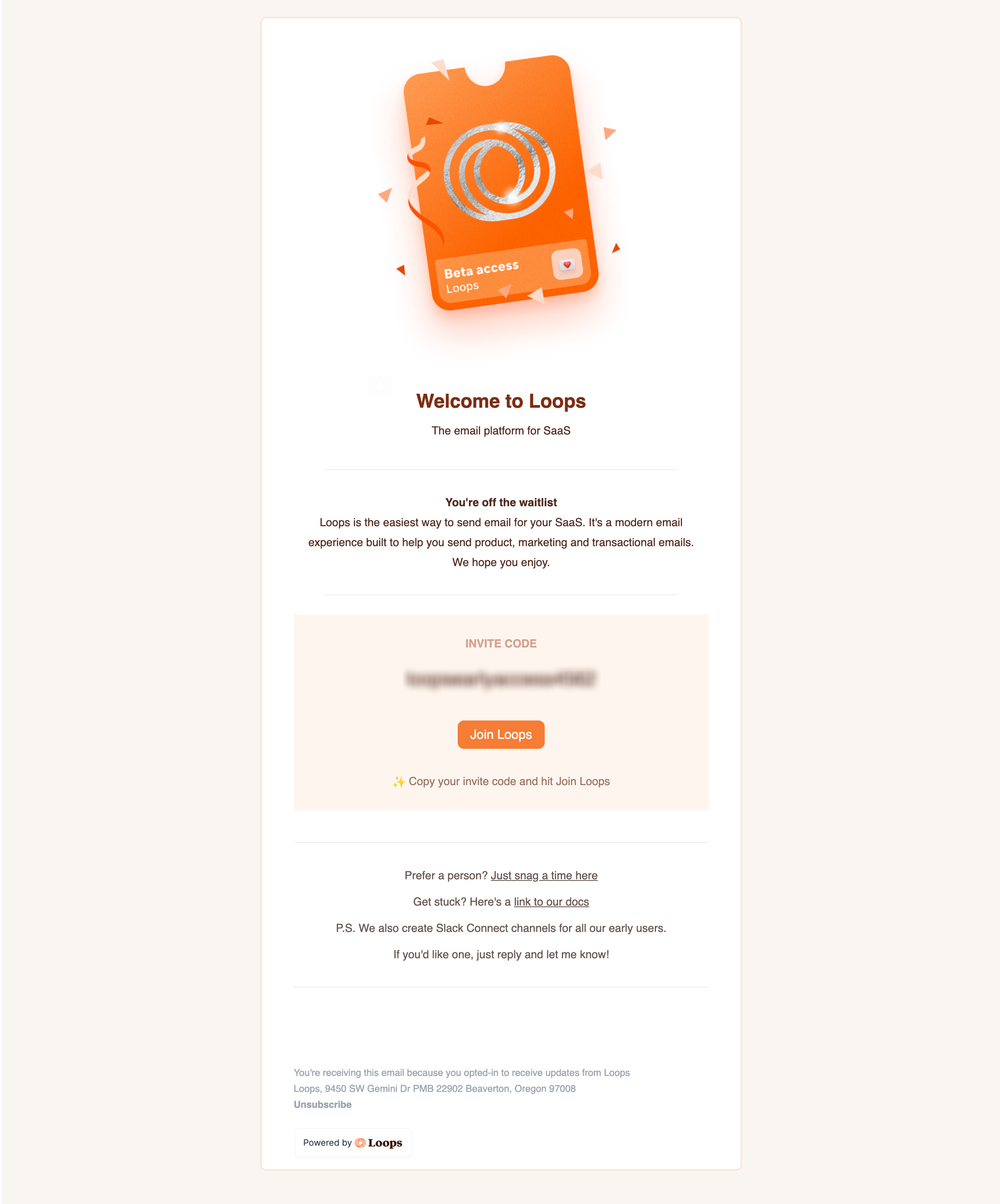
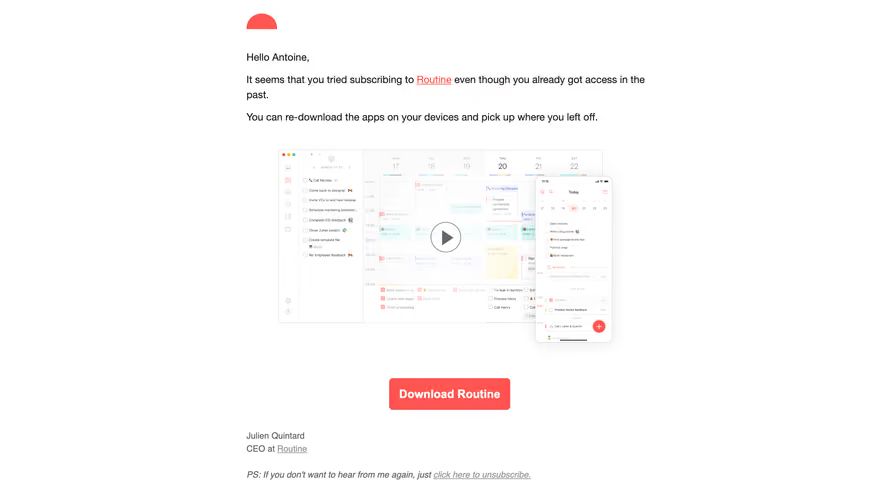
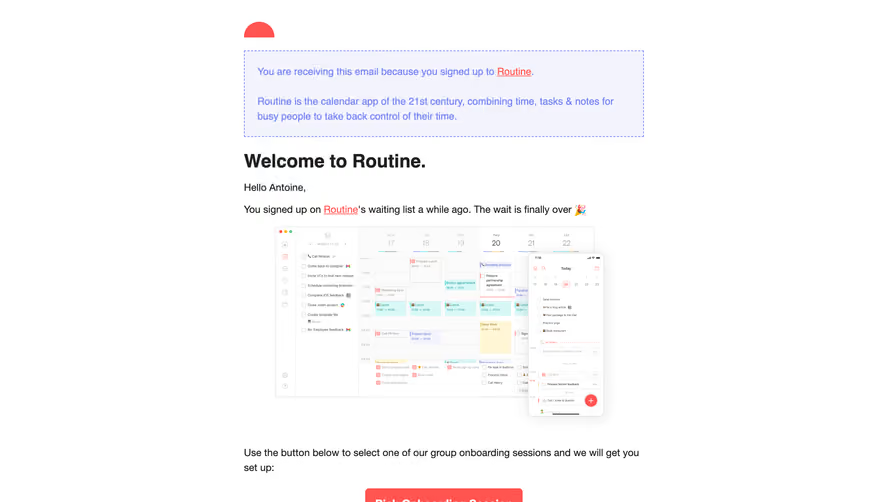
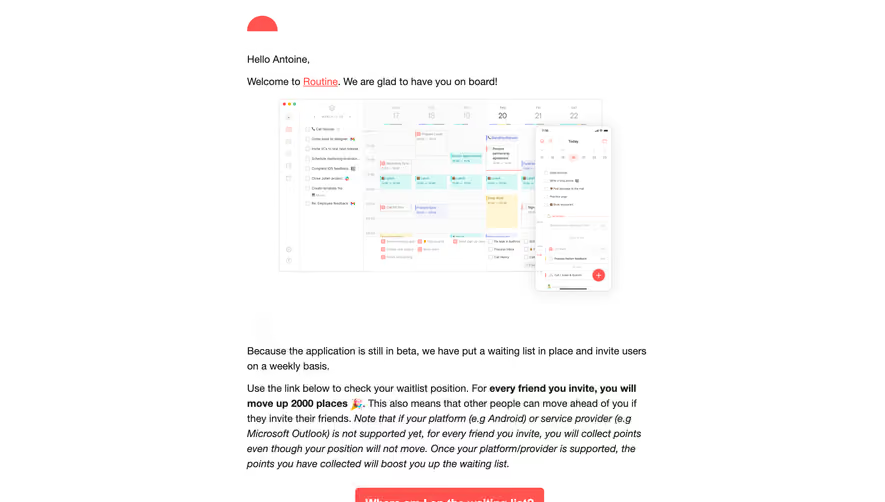
Build exclusivity and momentum with SaaS Early Access and Beta invitation emails. Explore how to use FOMO, personalized invite codes, and community-focused messaging to turn your waitlist into a group of highly engaged early adopters.
Browse 14 real SaaS Early Access Emails with modern UI patterns and conversion strategies.
We sell SaaSFrame licenses on Gumroad, a secured online selling platform for creators.
What about future updates and versions?
SaaSFrame gets updated all the time! Every new update and version will immediately be made available to all SaaSFrame users.
I didn't receive my licence key, what should I do?
The licence key required to create your SaaSFrame account is send by Gumroad once you made your purchase. If this email is blocked by your email client, send me an email at antoine[at]unmake[dot]io so I can resend the licence key.
Can you send me an invoice?
You can generate an invoice on Gumroad once you purchased SaaSFrame. You will find the link in the order confirmation email.
Can I get a refund?
If you're not satisfied, you can ask for a refund within 7 days. Just send me an email at antoine[at]unmake[dot]io
Early Access Emails Design Guide
A SaaS early-access email explains a pending opportunity to use a product and the step required to pursue it. Its design should distinguish joining a list, applying for a pilot, and receiving active access.
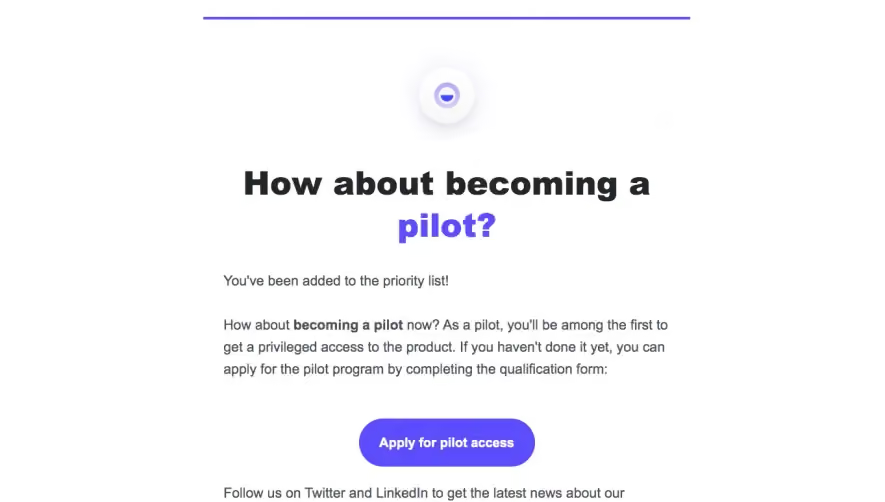
The Folk reference tells the recipient they are on a priority list and invites them to apply for pilot access through a qualification form.
This separates existing interest from a new application. Do not describe a waitlist member as an active pilot user before the program establishes that status.
An application CTA should explain the review or qualification process rather than promise immediate product access.
Explain what participation involves
Describe the relevant capability, audience, and requirements. A recipient needs a concrete reason to apply beyond being among the first.
If testing or feedback is expected, state that accurately. Keep limitations and support routes available according to the actual program.
Avoid invented launch dates or guaranteed priority. The message should describe commitments the team can support.
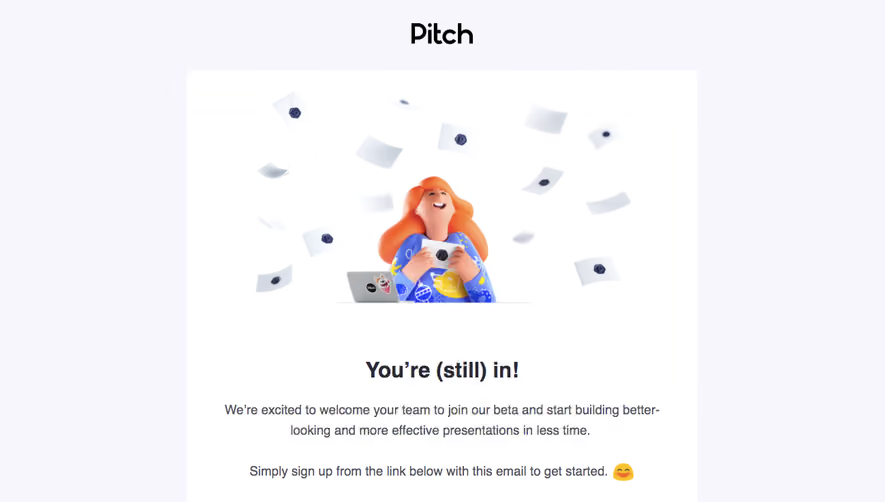
Distinguish invitation from an update for participants
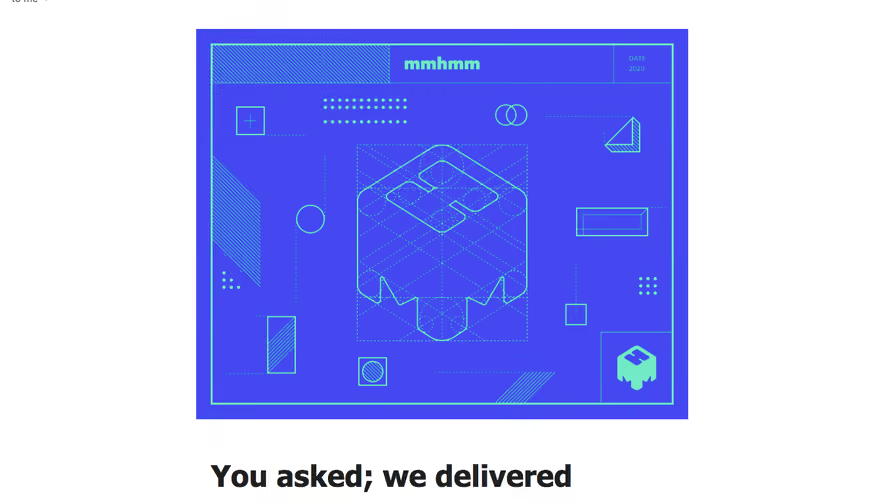
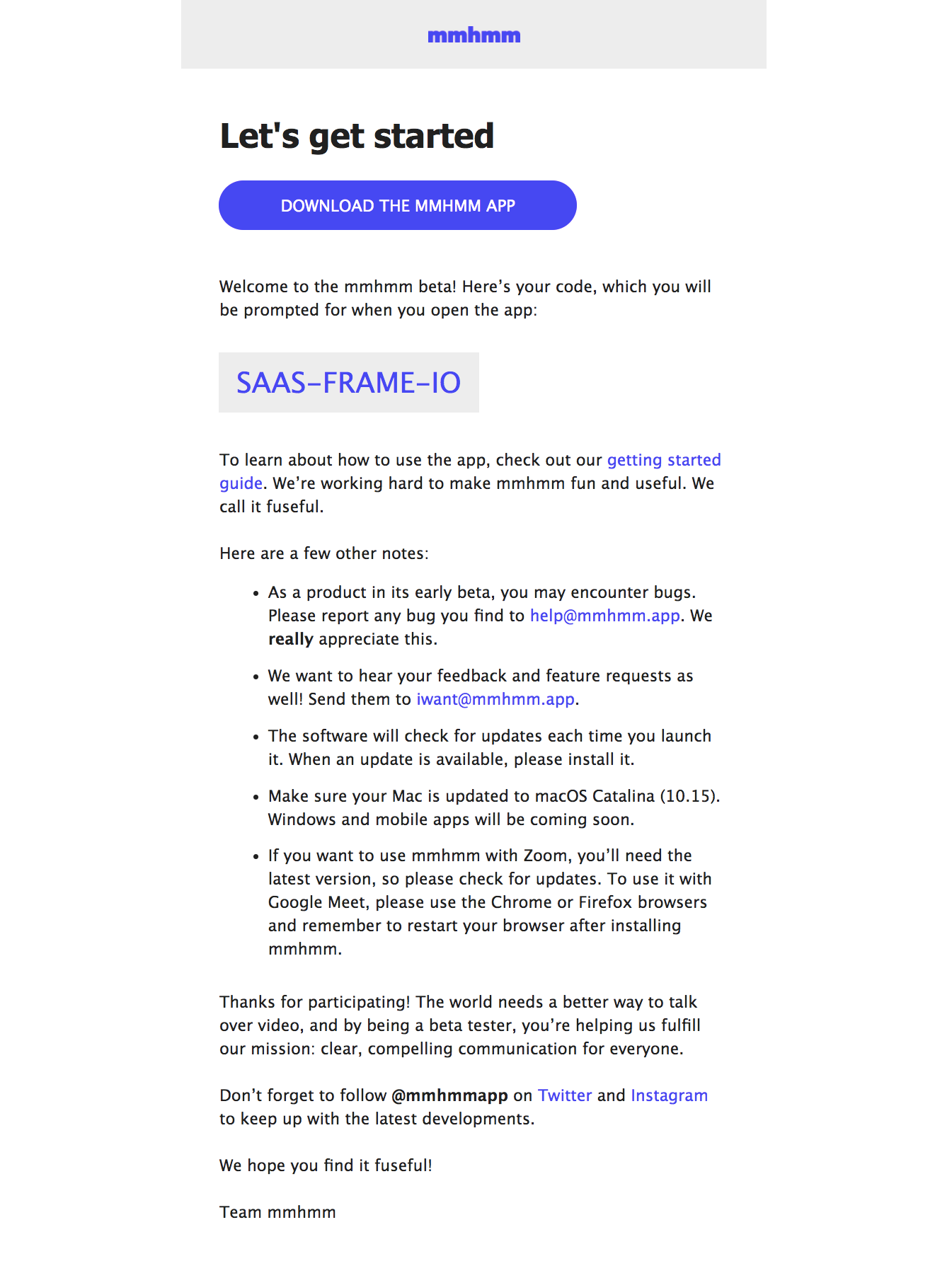
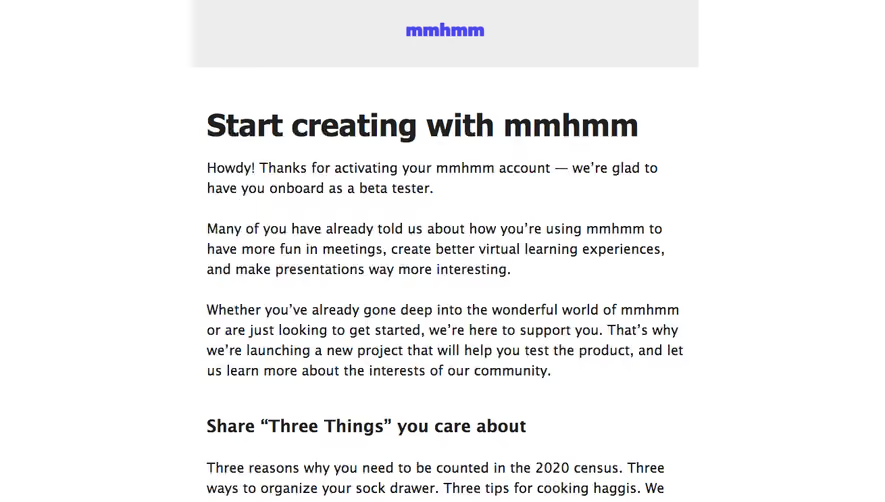
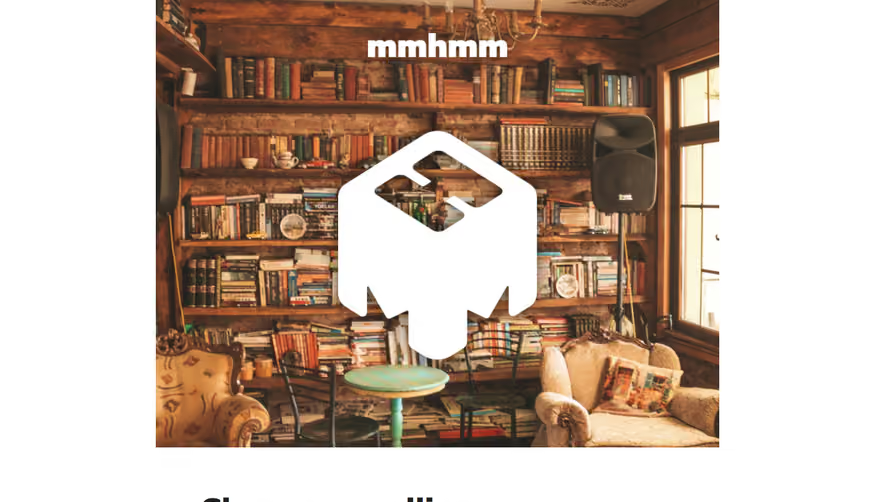
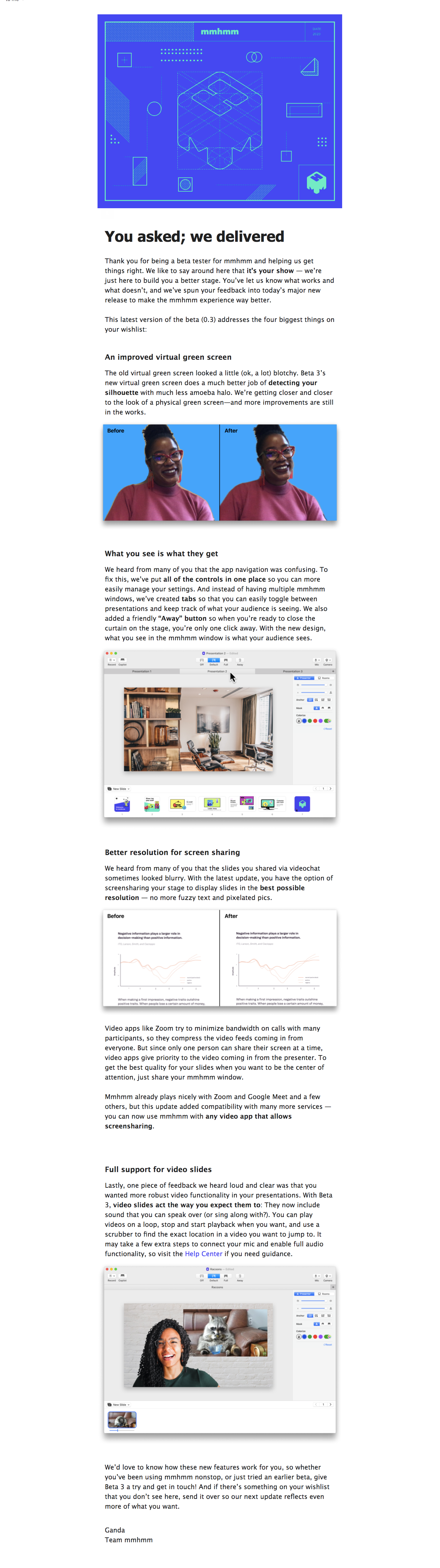
The mmhmm reference thanks beta participants and explains several improvements with comparison images and interface examples.
This is a participant update rather than a first access invitation. Its relevance comes from changed work and feedback context, so its structure should not be copied indiscriminately into a waitlist message.
Name the actual availability state and any required update or action. A polished email does not imply a general public release.
Make the next step predictable
Apply, accept, download, and open a workspace lead to different outcomes. Label the destination and preserve access context through authentication where relevant.
Expired or closed access needs a useful explanation. A generic product homepage should not leave an invited recipient unable to find their route.
After application, confirm the received request rather than inventing approval.
Maintain the access lifecycle
When invitations progress or the product becomes generally available, update the message sequence. Users should not remain in an obsolete pending state.
Review recipient eligibility, form, confirmation, and follow-up together. Keep essential instructions readable with images blocked and on mobile.