Increase product stickiness with data-driven SaaS Activity Summary and Digest emails. These examples show how to present usage statistics, weekly achievements, and personalized insights that remind users of the ongoing value your platform provides.
Browse 9 real SaaS Activity Summary Email with modern UI patterns and conversion strategies.
We sell SaaSFrame licenses on Gumroad, a secured online selling platform for creators.
What about future updates and versions?
SaaSFrame gets updated all the time! Every new update and version will immediately be made available to all SaaSFrame users.
I didn't receive my licence key, what should I do?
The licence key required to create your SaaSFrame account is send by Gumroad once you made your purchase. If this email is blocked by your email client, send me an email at antoine[at]unmake[dot]io so I can resend the licence key.
Can you send me an invoice?
You can generate an invoice on Gumroad once you purchased SaaSFrame. You will find the link in the order confirmation email.
Can I get a refund?
If you're not satisfied, you can ask for a refund within 7 days. Just send me an email at antoine[at]unmake[dot]io
Activity Summary Email Design Guide
A SaaS activity-summary email gives users a compact account of recent work or recorded events. Its design should identify the period and workspace, explain the metrics, and offer a route to inspect relevant detail.
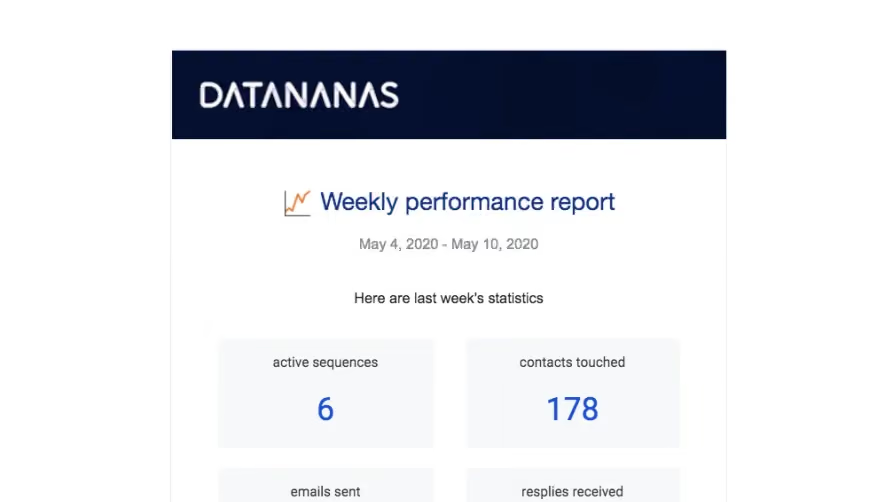
The Datananas reference identifies a weekly period and presents a small grid of activity values followed by an account action.
The compact format works because the period and metric labels frame the numbers. A total without its population or time window is difficult to interpret.
Do not treat sent messages, opened messages, and received replies as interchangeable indicators of success. Each describes a different event.
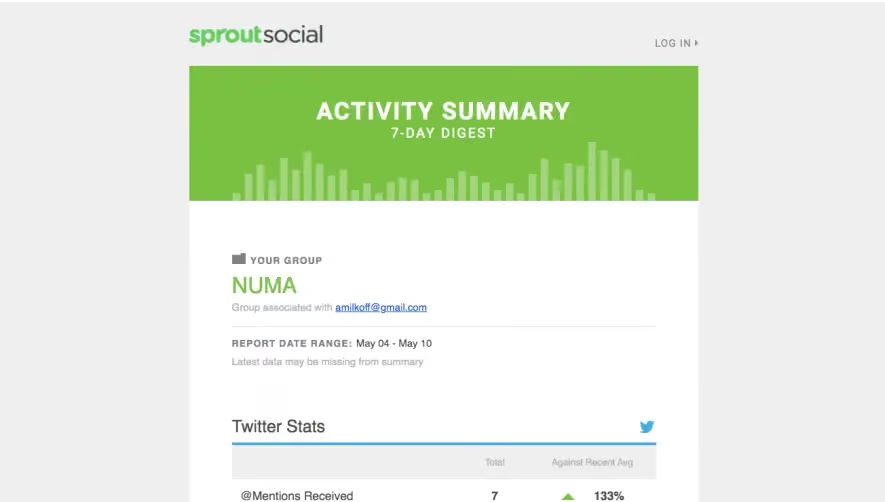
The Sprout Social reference identifies a group and reporting range, then combines channel statistics, comparisons, connected profiles, and recommended actions.
A richer digest can connect summary and follow-up, but its comparison basis needs to remain clear. A percent change is not meaningful when readers cannot identify the preceding period or metric definition.
The captured numbers are historical account examples, not benchmarks for other users.
Distinguish zero activity from missing information
A valid zero, insufficient data, and an unavailable report are different states. Use labels that reflect the actual reporting model.
Avoid presenting an empty response as a completed measurement. If data is delayed, explain that limitation where it affects interpretation.
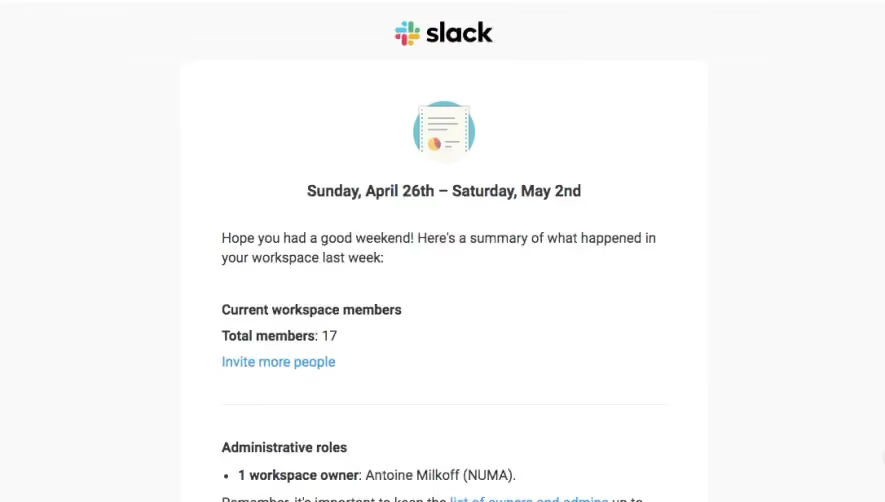
Keep workspace and environment context visible, especially when recipients belong to several organizations.
Connect the digest to useful detail
A report action should preserve the relevant period and scope where supported. Sending the user to a generic dashboard can make the email's values hard to investigate.
Recommended actions should follow from actual context rather than a fixed promotional list. A digest can support a decision without overstating what the data proves.
Use meaningful destination labels so users know whether they will inspect a report, configure an account, or perform another task.
Keep sensitive context proportionate
Email may be forwarded or displayed in previews. Include information appropriate to the communication's purpose and account model.
Do not expose unnecessary individual detail merely because the reporting system contains it. The summary should remain useful without reproducing every record.
Essential metrics and instructions should be readable as text, with accessible structure rather than color alone.
Review the calculation and route together
Check reporting period, labels, comparison definitions, destination scope, and unavailable-data states. Verify agreement with the in-product report.