Newsletter Signup
13
Grow your list with high-converting SaaS Newsletter Form patterns. Explore inline signups, footer opt-ins, and pop-up designs that offer clear value in exchange for a user's email.
.webp)
A newsletter signup section asks visitors to exchange an email address for ongoing content. The design should make that exchange understandable: what they will receive, why it is useful, and what happens after submission. A compact form can work well when its promise is specific and its feedback is clear.
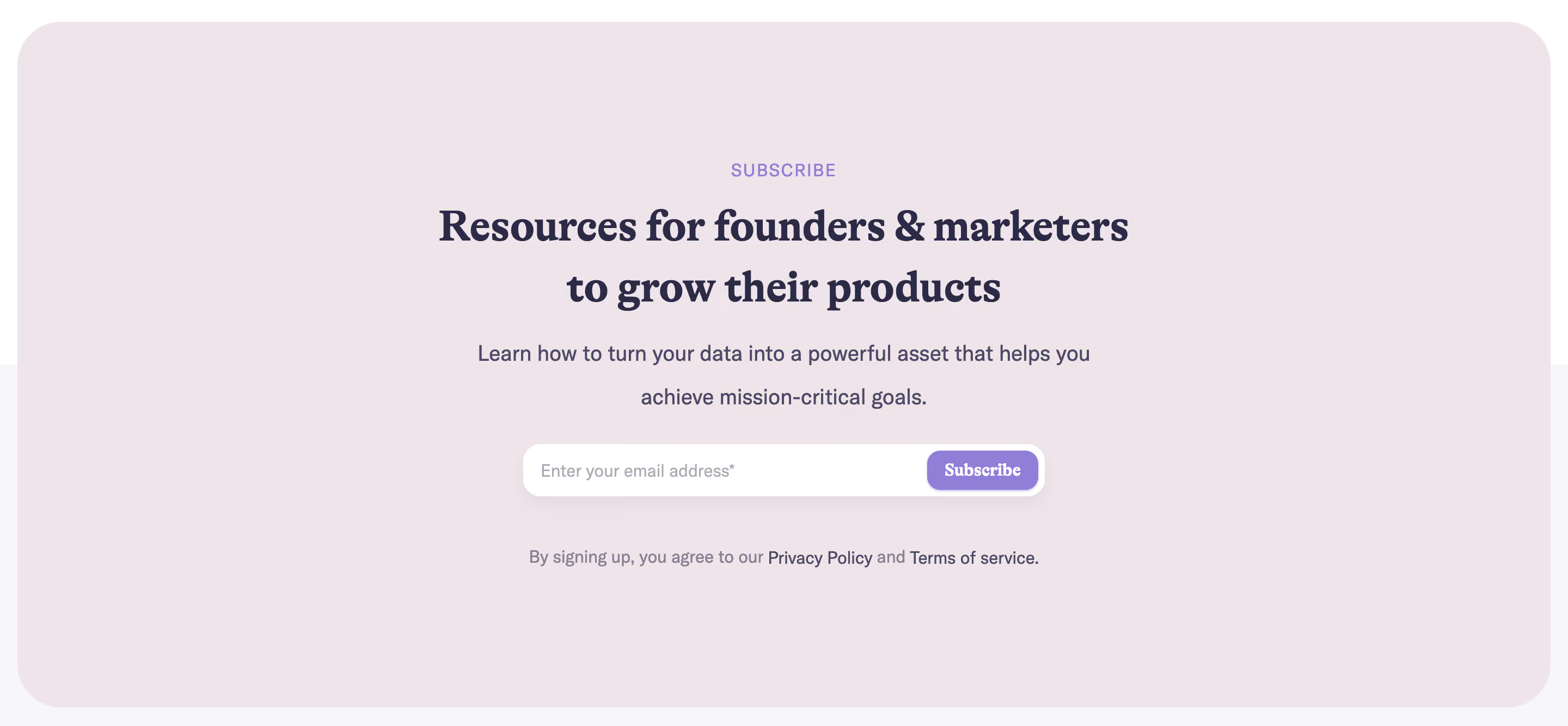
Hume AI and Duffel show two horizontal signup designs. Hume names scientific and product updates, while Duffel offers insights, updates, and industry trends with a visible communication statement beneath the field. Their differences help explain how copy, control labels, and expectations contribute to a useful subscription experience.
Start with the content the newsletter can reliably deliver. Product news, research, practical guides, and industry analysis are different promises. Name the subject so visitors can decide whether they want it in their inbox.
A generic invitation to stay updated provides little basis for the decision. Give enough detail to distinguish the subscription from the rest of the product's messages. If a cadence is established, state it accurately. If it varies, avoid promising a schedule the team cannot maintain.
Keep the offer relevant to the surrounding page. A developer resource can invite technical updates; a company blog can offer editorial insights. Do not place the same broad subscription message everywhere if the audience's interests differ. The form should continue the visitor's topic rather than interrupt it.

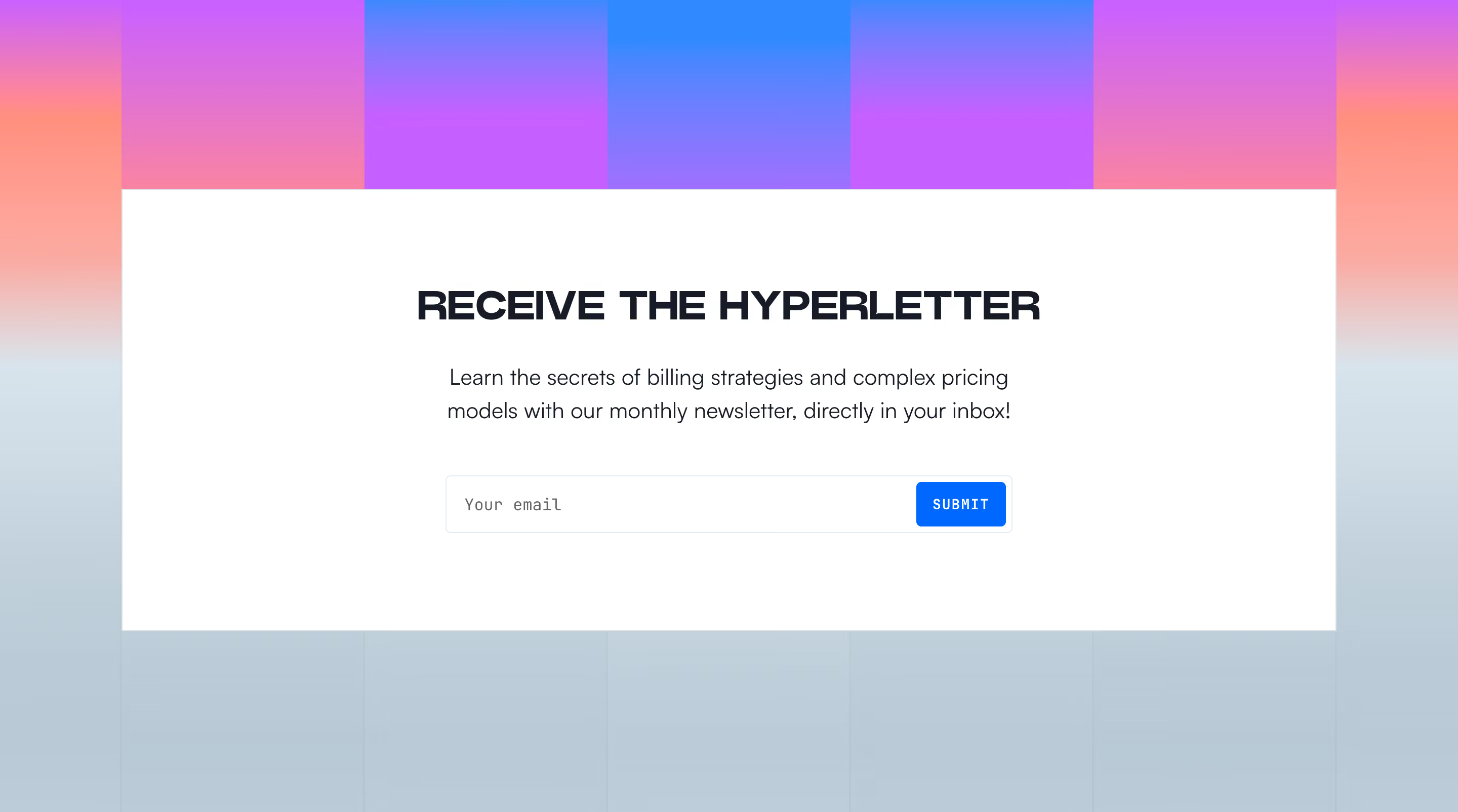
Hume AI names scientific and product updates in its invitation. The text sits beside one email field and a compact Submit action. The layout is sparse, making the subscription request easy to identify without turning it into a large conversion panel.
The subject-specific wording gives more information than a simple newsletter label. Someone interested in research or product changes can understand the content category before entering an address. That clarity matters because the form otherwise asks for personal information with little surrounding detail.
The action label is less specific than the invitation. Submit describes a form operation, while Subscribe would describe the relationship being created. When reviewing a similar design, make the control's promise align with the subscription rather than relying entirely on the text beside it.

Duffel uses a Subscribe action beside the email field and places a communication statement underneath. The invitation describes insights, updates, and industry trends. This gives the visitor both a content promise and an immediate explanation of the submission's meaning.
The placement is useful because the expectation is visible at the point of action. Keep such information readable and directly related to the form. Do not let important subscription details disappear into a low-contrast footer far from the control.
A visible statement alone does not establish legal compliance. The responsible team should maintain the applicable wording and process. From a design perspective, the important principle is that a visitor can understand what they are requesting and where to find relevant details before submitting.
A single email field can make a newsletter form compact and easy to complete. Additional fields need a purpose, such as letting the subscriber choose a topic or language. Do not turn a low-commitment subscription into an unrelated qualification form without explaining why the information is needed.
Use a persistent label or another accessible labeling method. Placeholder text can illustrate the expected value, but it disappears when the person types and should not be the only way to identify the field. Use an appropriate input type and support familiar browser assistance where suitable.
If several subscription topics are available, make the choice clear and manageable. A short set of options can help tailor the content, but an elaborate preference panel may belong after signup. Keep the initial decision focused on a promise the visitor understands.
When an address cannot be accepted, explain the issue in plain language and keep the entered value available for correction. Associate the message with the field and ensure it is visible to assistive technology. A red border alone does not tell the person what to do.
Avoid premature errors while someone is still typing. Validate at a sensible point, and do not reject a valid address based on an overly narrow pattern. If the submission fails for another reason, distinguish that failure from an address-format problem when the system can establish the difference.
Provide loading feedback and prevent confusing duplicate submissions while a request is in progress. Keep the button label or nearby state understandable. The person should know that the request is being handled rather than repeatedly clicking because the interface appears unchanged.
A successful form needs a clear confirmation. Tell the visitor what happened and whether any further action is required. If they must confirm through an email, explain that expectation and where to look for the message.
Do not use a success state that only changes an icon or briefly flashes text. The confirmation should remain available long enough to read and should not move focus unexpectedly. If the form is replaced by a message, keep its position stable and preserve access to the rest of the page.
Handle repeated submissions thoughtfully. A returning subscriber may enter the same address, or someone may retry because they did not receive a confirmation. Give a useful next step without exposing unnecessary account information. The exact response can follow the product's privacy and messaging design while remaining understandable.
A newsletter form often works near relevant articles, reports, or product updates because visitors can see examples of the content. A footer placement offers a quieter ongoing relationship after the main page task. A standalone panel can emphasize a valuable editorial offer.
Avoid interrupting a critical product task with an unrelated subscription request. A visitor completing setup or troubleshooting may need help rather than another marketing invitation. Choose placement that supports the page's purpose and gives the subscription an appropriate level of attention.
Use one clear primary action within the signup panel. If a nearby product trial or demo invitation serves another intent, distinguish the sections so the visitor understands the choices. A newsletter subscription should not appear to be required for ordinary navigation or access unless that is genuinely the stated offer.
Both captures use a horizontal layout, with invitation text beside the form. On smaller screens, stack the content in a logical order: promise, field, action, and relevant expectations. Keep the label and feedback close to the input they describe.
Allow the button and field to grow for translated text and zoom. A narrow embedded action can become hard to activate when its label expands. Provide visible focus and comfortable targets, and avoid clipping error messages to preserve a tidy panel height.
Check background contrast for labels, supporting statements, and input boundaries. Secondary copy still needs to be readable. If a decorative pattern sits behind the form, ensure it does not interfere with text. The panel should remain understandable without images, hover effects, or animation.
Measure meaningful subscription outcomes, not form submissions alone. Confirmation, delivery, and continued engagement can reveal whether the promise attracts the right audience. If many people subscribe and quickly leave, the issue may be a mismatch between the invitation and the content rather than the panel's visual treatment.
Review the messages after signup as part of the same experience. A confirmation email should use recognizable sender information and explain the subscription consistently with the website. The first content message should fulfill the promise that led the person to sign up. A clear form cannot compensate for an unrelated inbox experience.
Maintain the panel when editorial strategy changes. If the newsletter shifts from product updates to broader analysis, update the invitation and any relevant expectations. Keep multiple signup placements consistent where they refer to the same subscription. Different offers can have different copy, but their destinations should match what each panel promises.
Test recovery as well as success. A connection problem, delayed confirmation, or accidental address error should not leave the visitor with an unexplained state. Provide a relevant retry or help route, keep correction easy, and avoid making the person repeat unrelated page interactions to reach the form again.
Ask when it serves a clear subscription purpose, and consider whether the added effort is worthwhile. A single email field is often enough to establish the relationship. Collect preferences later when that makes the initial decision easier.
Subscribe usually explains the action more clearly because it names the relationship being created. Submit can work in a well-labeled context, but it describes the mechanics rather than the outcome. Choose a label that predicts what the visitor is requesting.
Place it near content that demonstrates the offer or in a relevant footer area. Give it enough visibility without interrupting the page's main task. The surrounding context should make the newsletter's value credible and understandable.
Explore SaaS newsletter signup examples on SaaSFrame to compare subscription promises, compact forms, feedback, and mobile layouts.