Design with AI
Generate a new design based on this screen using your own content.
# Design from Reference: Woopra Onboarding Emails
Create an original, high-fidelity visual design inspired by the reference. Prioritize composition, typography, colors, spacing, and component styling over technical implementation.
## Reference
- **Product:** Woopra
- **Category:** Onboarding Email
- **Screenshot:** https://cdn.prod.website-files.com/5e9dc792e1210c5325f7ebbc/6acbc06a7ce271b12870b582_6acbbfb9681d3a08a1ed328f_cms-269d1497587b65d2422d52fe.webp
Analyze the screenshot first. If inaccessible, request it rather than guessing.
## Content
{{content.instructions}}
{{content.data}}
Preserve essential messaging and factual accuracy. Adapt structure and copy length for visual balance; never invent product claims.
## Visual Design
### Overall aesthetic
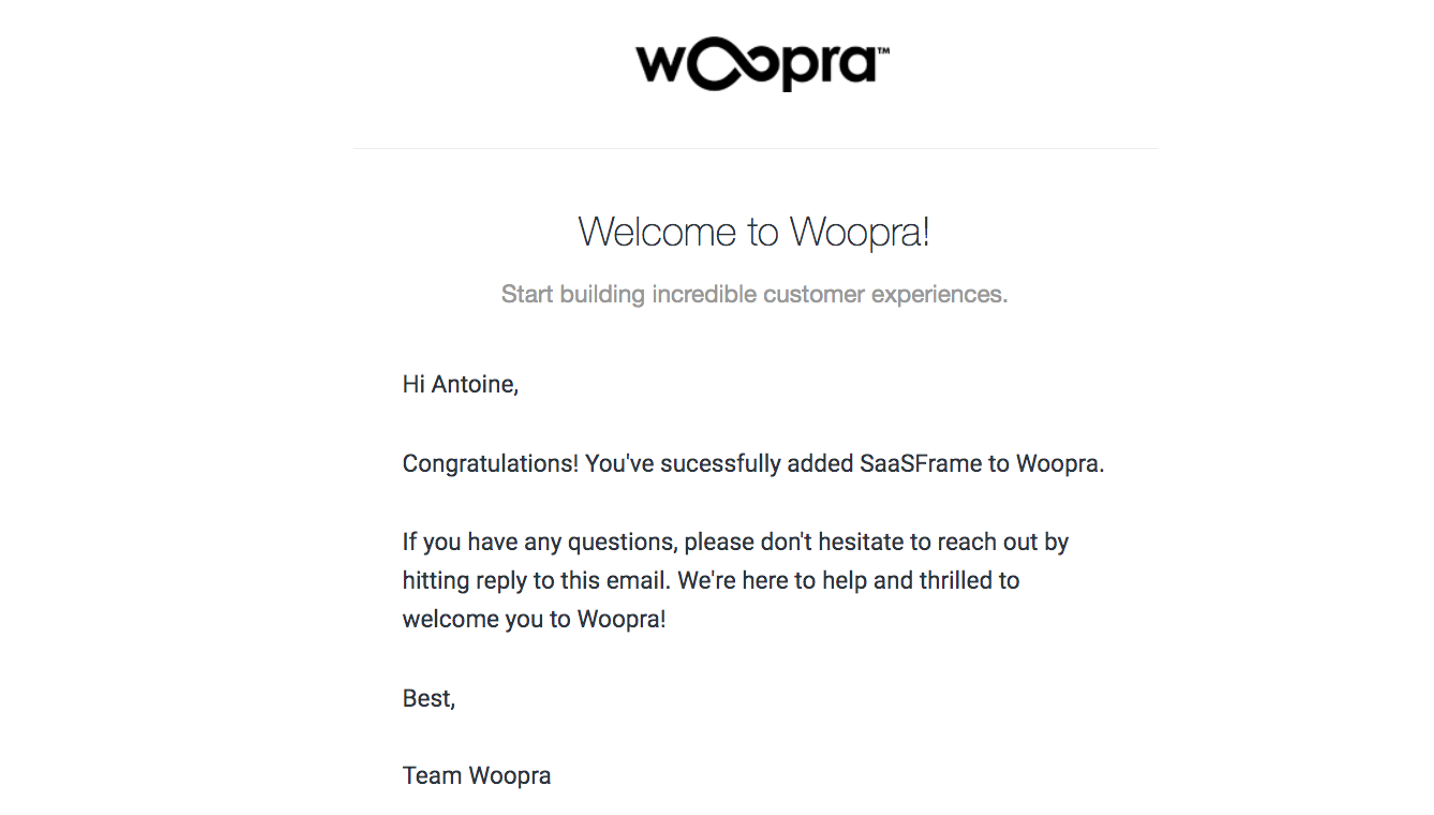
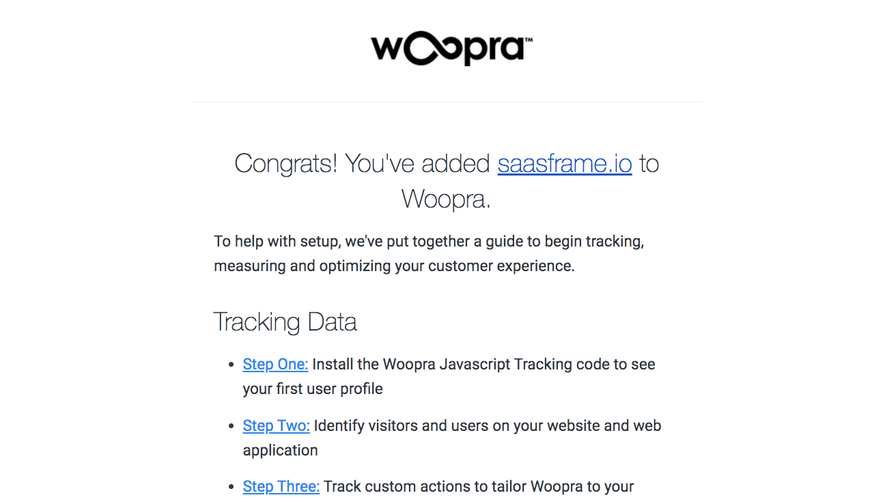
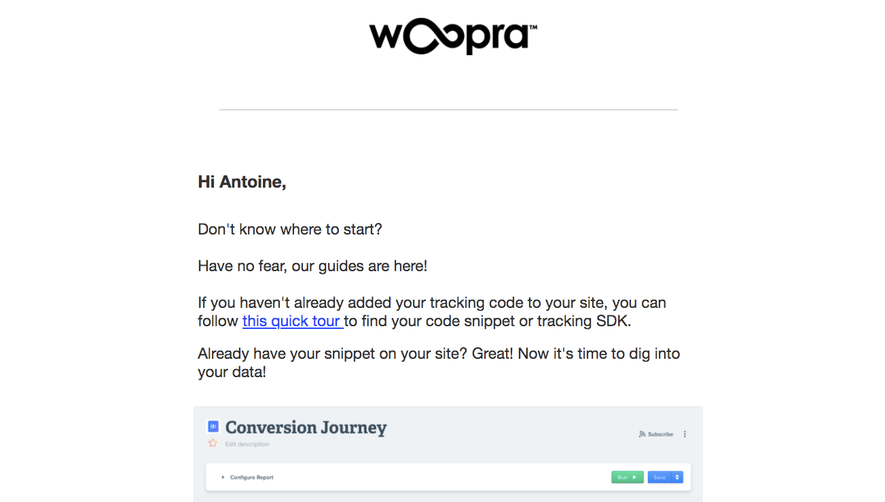
- **Character:** A straightforward educational onboarding email with a centered black wordmark, conversational prose and a large analytics screenshot.
- **Focus:** Product explanation and one blue learning action dominate a plain white canvas.
### Page composition
- **Capture:** The source is 1439 × 1600 image pixels; both readable portions were inspected. CSS scale is unverified.
- **Column:** A roughly 710-pixel-wide content region is centered with broad white margins.
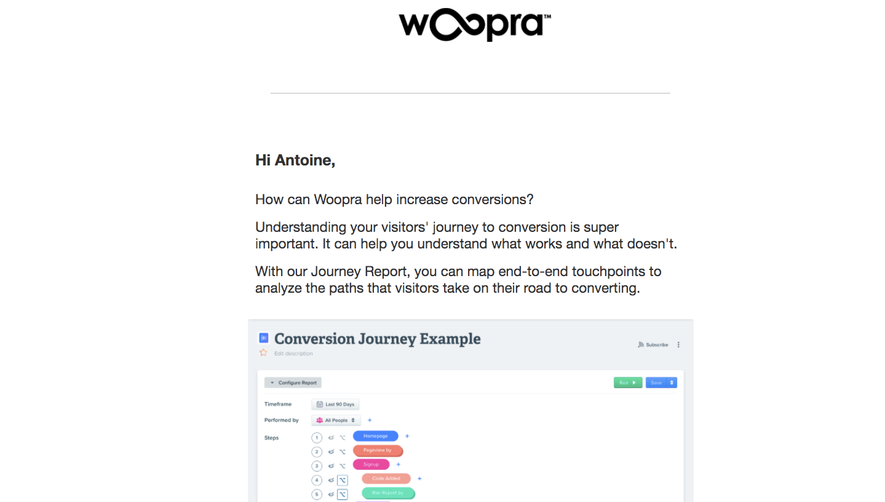
- **Opening:** The wordmark sits above a thin horizontal rule, followed by a bold greeting and three short explanatory paragraphs.
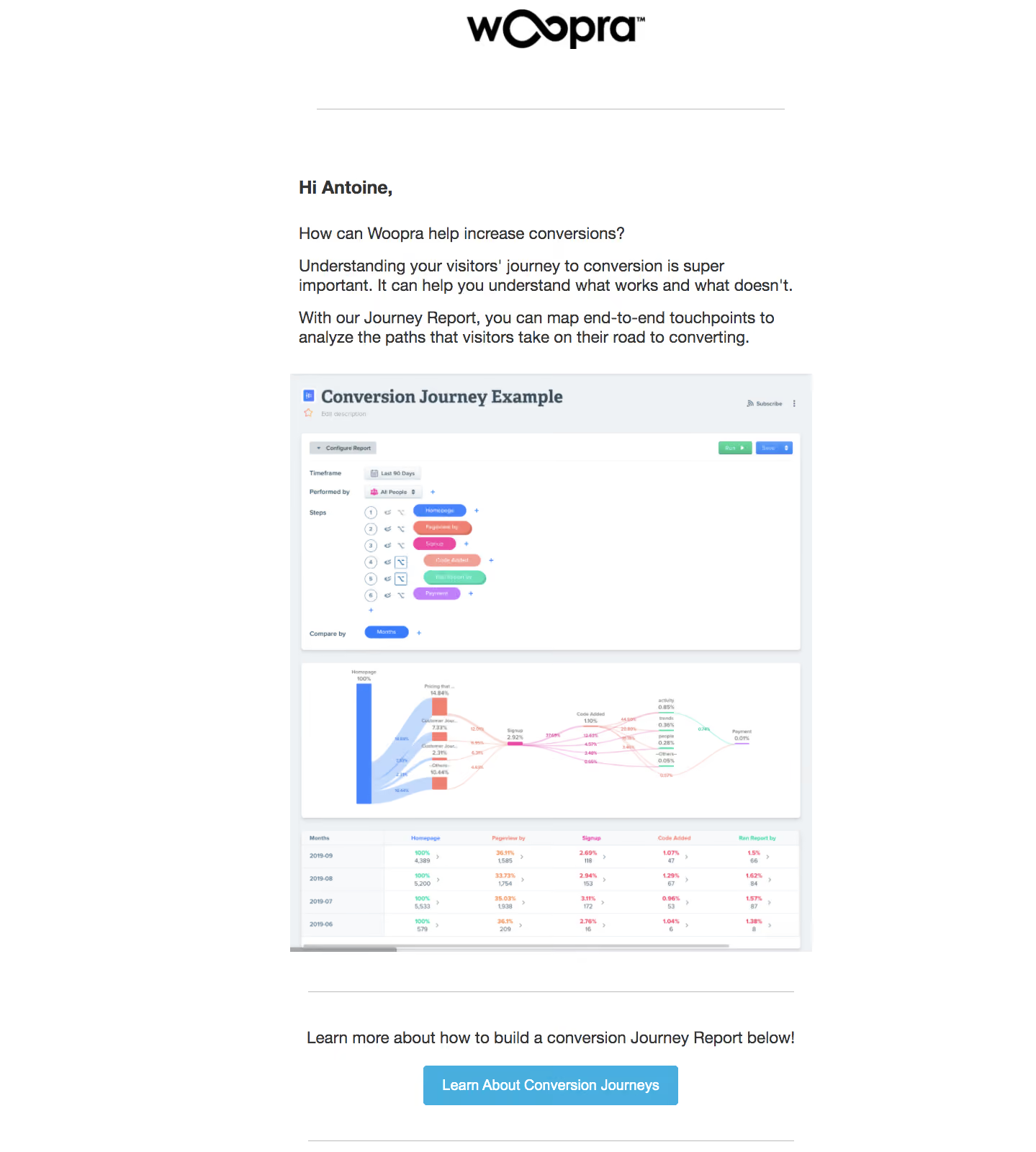
- **Product demonstration:** A large report screenshot shows configuration controls, a journey-flow visualization and a results table.
- **Closing action:** A ruled lower region contains a short centered instruction and blue “Learn About Conversion Journeys” button, followed by another fine rule.
### Information hierarchy
- **Brand:** The large Woopra wordmark is isolated at the top.
- **Education:** The question about conversions and subsequent explanation introduce the Journey Report before the image.
- **Demonstration:** The product image gives the report most of the visual space, with colorful paths contrasting against its pale dashboard.
- **Action:** A single blue button closes the message; there are no competing filled actions in the email itself.
### Typography
- **Family:** The email uses a conventional sans serif; the exact font is unverified.
- **Body:** Approximately 22–24 image pixels with a 26–28-pixel line height, regular weight and dark gray color.
- **Greeting:** Bold at roughly 24 pixels, separated from the following question by a generous gap.
- **Action:** Approximately 20 pixels, bold and white. Tiny report labels are part of the embedded screenshot, not the email text system.
### Colors & surfaces
- **Measured palette:** ICC-aware sRGB sampling yields #FFFFFF for the page, #333333 for text, #48AEE0 for the main action, #EFF2F5 for report surfaces and #F8F9FB for lighter panels.
- **Chart accents:** Blue, coral, pink, mint and purple distinguish stages and connecting paths within the report screenshot.
- **Structure:** Thin gray horizontal rules provide separation; the email has no enclosing card or visible shadow.
### Components
- **Report screenshot:** A pale report frame contains a white configuration panel with stacked colored step chips, a Sankey-style conversion-flow chart and a tabular breakdown beneath.
- **Product controls:** Small run/save buttons and report settings appear within the image; their behavior is not verified.
- **CTA:** A centered blue rounded rectangle, roughly 350 × 54 image pixels, has modest corners around 4 pixels.
- **Brand lockup:** The black wordmark incorporates an infinity-shaped central motif.
### Visual rhythm
- **Whitespace:** Broad gaps separate the logo/rule, greeting and content, while paragraphs use smaller consistent intervals.
- **Media dominance:** The tall report screenshot creates the central visual block, with prose above and a concise action below.
- **Alignment:** Prose shares a left edge; logo and lower CTA use the central axis.
### Responsive
- **Recommendation:** Use a fluid email column with readable phone gutters and scale the report image proportionally.
- **Recommendation:** Provide a linked full-size report image or descriptive alternative text so tiny chart labels are not essential on small screens. No mobile rendering is shown.
### Adaptation guidance
- **Preserve:** Retain the question-to-explanation-to-example-to-learning-action sequence.
- **Implement:** Keep the single CTA explicit and provide meaningful image alternative text describing the journey-report concept.
- **Clarity:** Use current, legible product imagery without presenting the captured demo metrics as live analytics.
Use this context to reproduce the reference's visual language: layout, typography, colors, spacing, borders, radii, and distinctive elements. The screenshot takes priority if descriptions conflict.
## Direction
{{preferences.fidelityInstructions}}
## Output
{{output.instructions}}
Deliver a polished, cohesive design with precise alignment, hierarchy, and spacing. Produce the requested visual artifact, not just a description. If unsupported, explain the limitation.
.webp)



.avif)