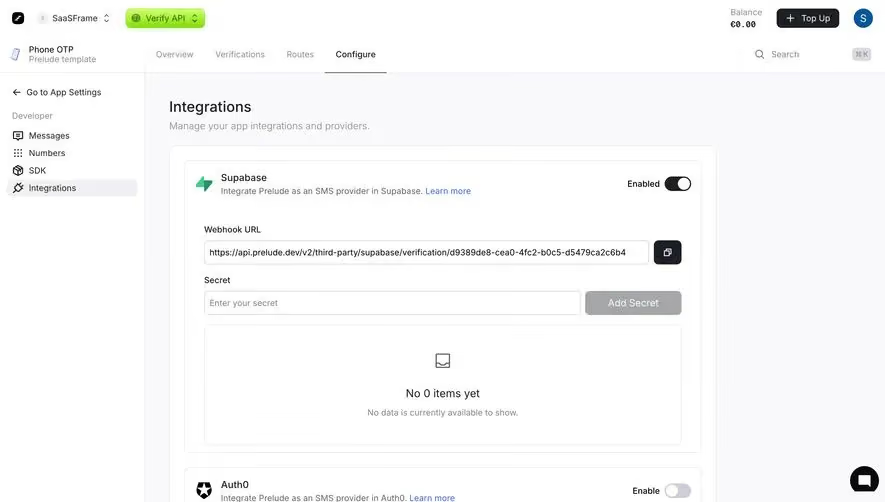
Generate a new design based on this screen using your own content.
Thank you! Your submission has been received!
Oops! Something went wrong while submitting the form.
# Design from Reference: Wiza Integrations
Create an original, high-fidelity visual design inspired by the reference. Prioritize composition, typography, colors, spacing, and component styling over technical implementation.
## Reference
- **Product:** Wiza
- **Category:** Integrations
- **Screenshot:** https://cdn.prod.website-files.com/5e9dc792e1210c5325f7ebbc/6acad57b86f1bee9c36508c8_6acad4f01025e911ae518be7_cms-49ca7560bcb47b14129cb409.webp
Analyze the screenshot first. If inaccessible, request it rather than guessing.
## Content
{{content.instructions}}
{{content.data}}
Preserve essential messaging and factual accuracy. Adapt structure and copy length for visual balance; never invent product claims.
## Visual Design
Use this context to reproduce the reference's visual language: layout, typography, colors, spacing, borders, radii, and distinctive elements. The screenshot takes priority if descriptions conflict.
## Direction
{{preferences.fidelityInstructions}}
## Output
{{output.instructions}}
Deliver a polished, cohesive design with precise alignment, hierarchy, and spacing. Produce the requested visual artifact, not just a description. If unsupported, explain the limitation.
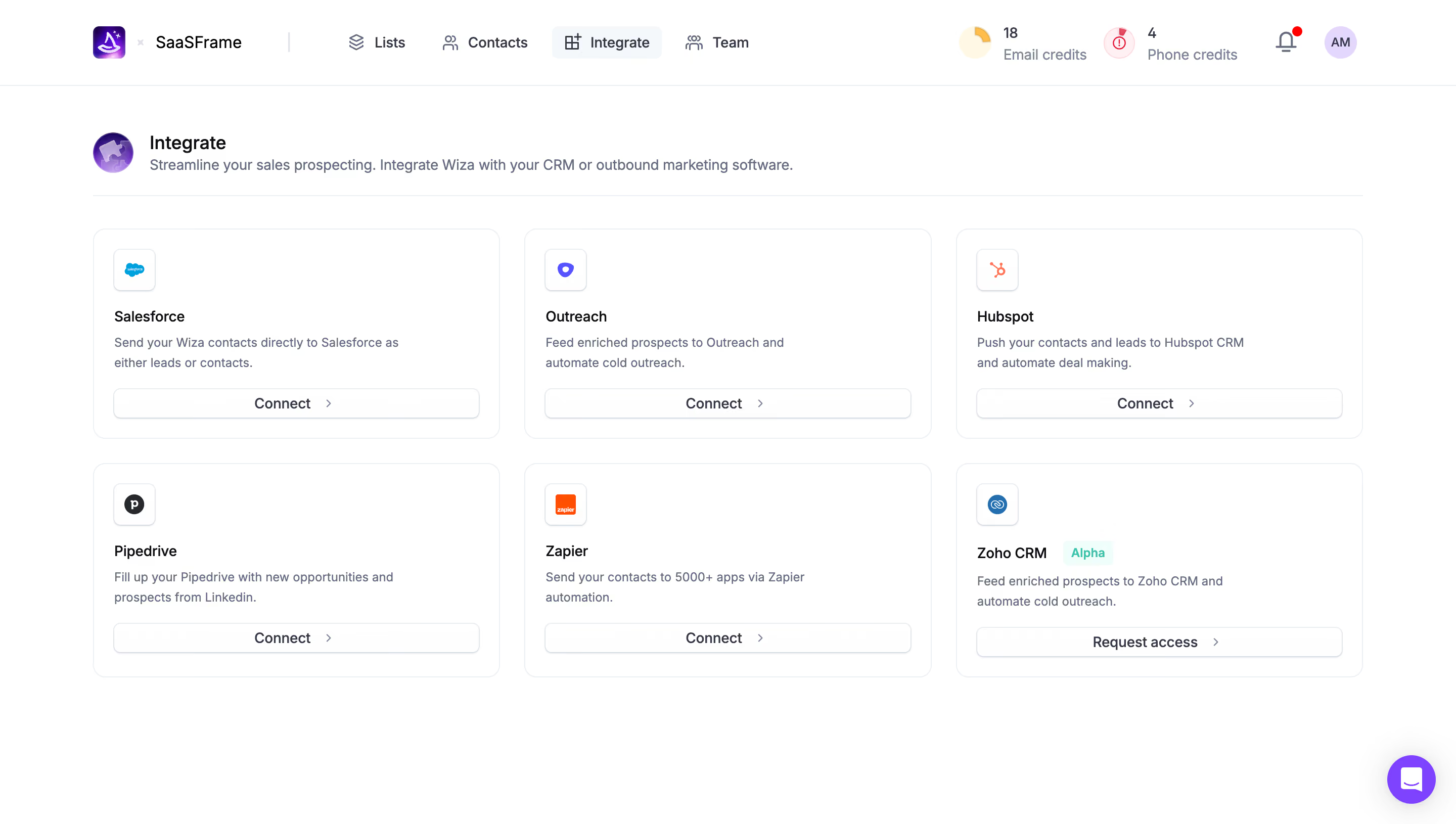
First thing you notice is how calm this page feels. Wiza's integration page uses a simple two-row, three-column card grid that makes scanning effortless. Each card follows the same structure: icon, name, short description, and a CTA. No surprises. That consistency is doing heavy lifting here.
Smart Visual Hierarchy Without Trying Too Hard
The top nav is minimal with just four items: Lists, Contacts, Integrate, and Team. The active state on "Integrate" uses a subtle icon swap and weight change. Up in the top right, those credit counters (18 email, 4 phone) with colored icons are a clever persistent nudge. The page header pairs a small purple robot avatar with a clear title and one-line explanation. No fluff.
Cards That Breathe
Generous white space between and inside each card keeps things readable. The "Connect" CTAs are understated with a right chevron, while Zoho CRM gets a teal "Alpha" badge that pops against the neutral palette. That little detail signals product maturity at a glance. Typography stays in one sans-serif family, keeping everything cohesive without feeling rigid.
.webp)



.avif)