Design with AI
Generate a new design based on this screen using your own content.
# Design from Reference: Userflow User Onboarding
Create an original, high-fidelity visual design inspired by the reference. Prioritize composition, typography, colors, spacing, and component styling over technical implementation.
## Reference
- **Product:** Userflow
- **Category:** User Onboarding
- **Screenshot:** https://cdn.prod.website-files.com/5e9dc792e1210c5325f7ebbc/6acbca2c8313d4c6c0cc3f56_6acbc8193f3e68cd105850be_cms-082db541aed9e74a60cb9dbc.webp
Analyze the screenshot first. If inaccessible, request it rather than guessing.
## Content
{{content.instructions}}
{{content.data}}
Preserve essential messaging and factual accuracy. Adapt structure and copy length for visual balance; never invent product claims.
## Visual Design
### Overall aesthetic
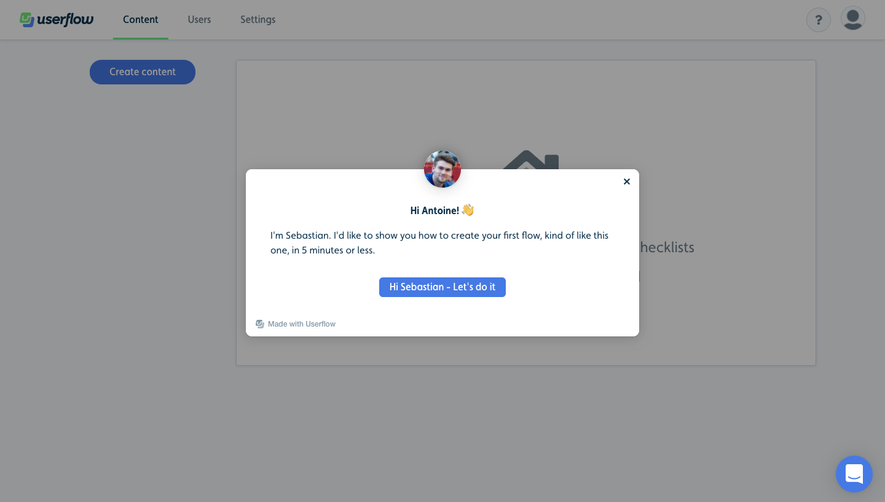
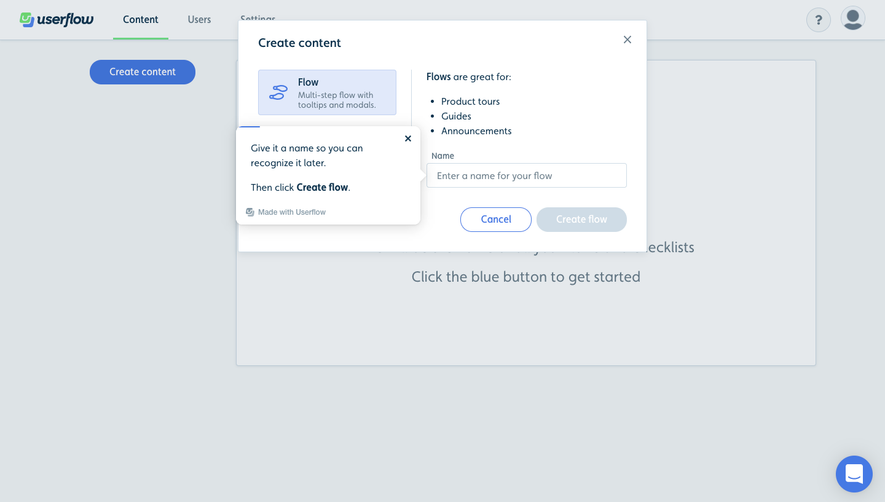
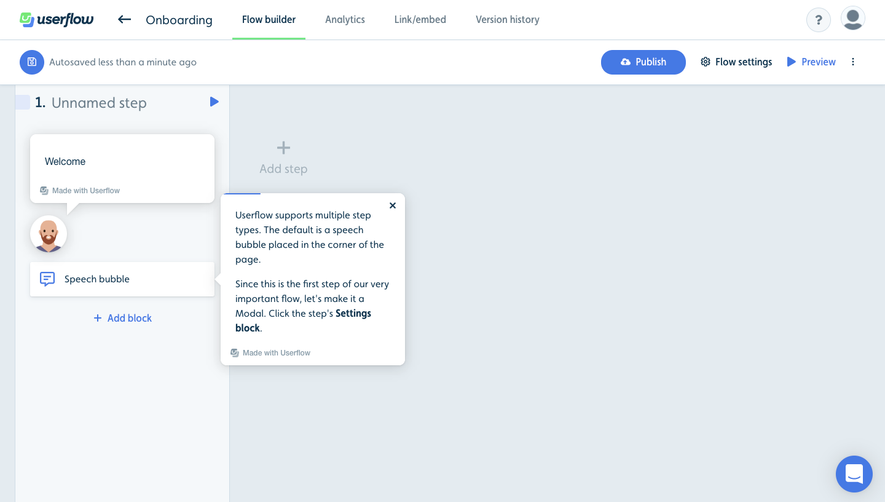
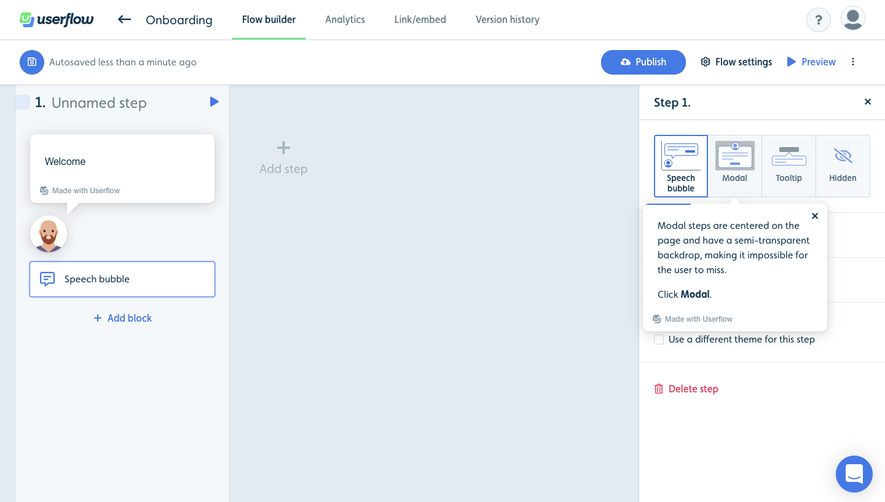
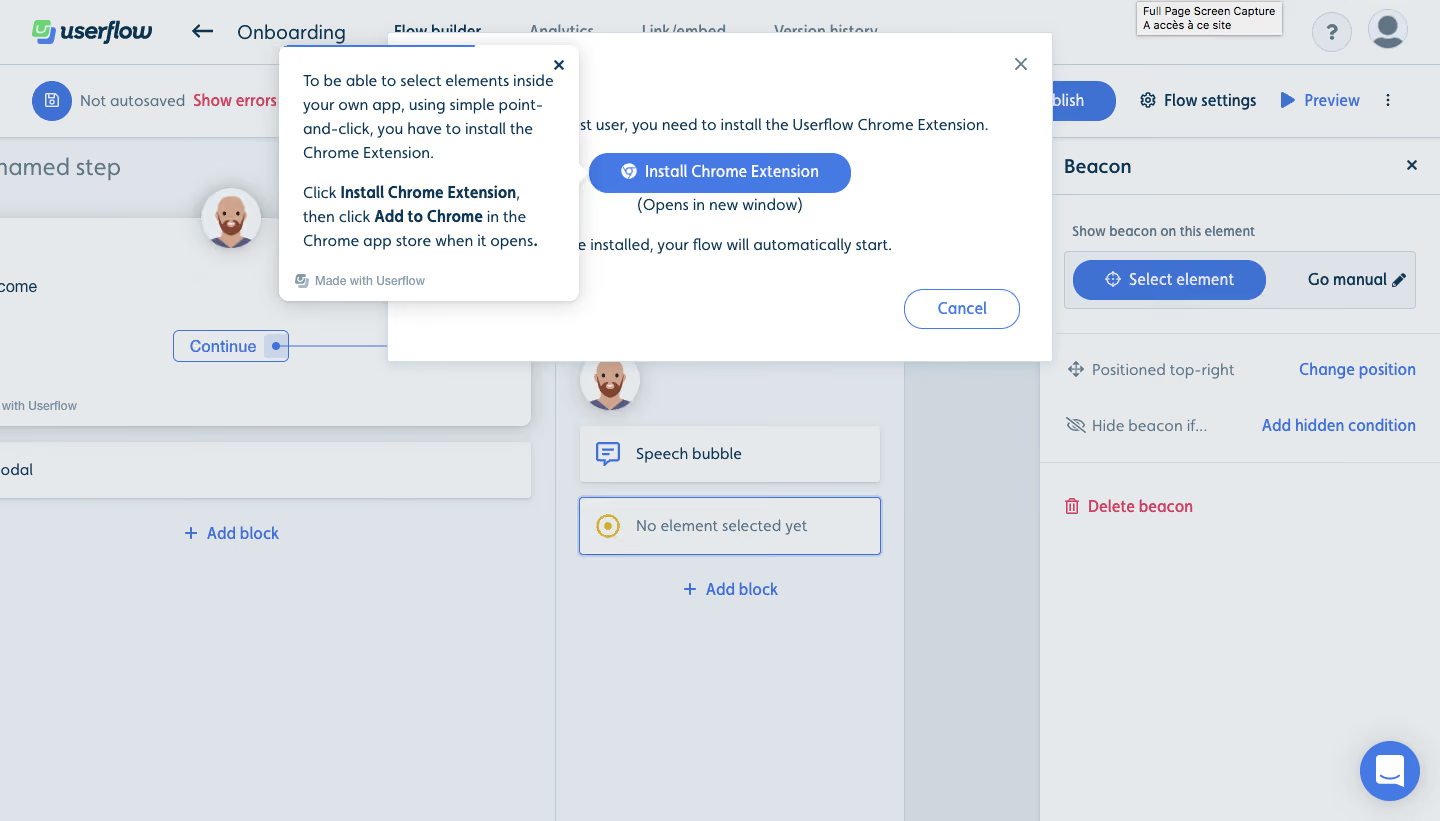
- **Character:** Guided flow-builder interface with layered installation modal and instructional coachmark over a cool gray canvas.
### Page composition
- **Capture:** 1440 × 821 screenshot pixels; estimated CSS scale approximately 1×.
- **Structure:** Flow-builder toolbar, node canvas and right Beacon inspector remain behind a centered extension-install dialog; a smaller coachmark points to its install action.
### Information hierarchy
- **Priority:** Instructional bubble explains the prerequisite; Install Chrome Extension is the dominant blue action, Cancel secondary. Background Select element control provides task context.
### Typography
- **Family:** Sans serif; exact family unverified.
- **Estimated CSS sizes:** Coachmark/body 16px with 24px line height, toolbar 16px and helper branding 12px.
### Colors & surfaces
- **Measured palette:** Dimmed canvas #E6E9EC/#DDE3E8, secondary #CED7DE, white modal #FFFFFF, subtle #E5E8EB and blue #3F71D3.
### Components
- **Elements:** White coachmark with right pointer, close icons, blue pill installation action, outlined Cancel, node blocks, selected-element control and red delete link.
- **Estimated geometry:** Dialog approximately 660px wide, coachmark 300px wide, radii 6px, soft shadows and 40px pill actions.
### Visual rhythm
- **Spacing:** Layered overlays concentrate attention near the prerequisite action while the builder remains recognizable behind them.
### Responsive
- **Suggested adaptation:** Use a full-width dialog within gutters and reposition the coachmark to avoid clipping or obscuring the install control. Mobile behavior is not shown.
### Adaptation guidance
- **Transfer:** Preserve a clear prerequisite explanation and one installation action. Avoid stacking overlays that conceal the target.
Use this context to reproduce the reference's visual language: layout, typography, colors, spacing, borders, radii, and distinctive elements. The screenshot takes priority if descriptions conflict.
## Direction
{{preferences.fidelityInstructions}}
## Output
{{output.instructions}}
Deliver a polished, cohesive design with precise alignment, hierarchy, and spacing. Produce the requested visual artifact, not just a description. If unsupported, explain the limitation.
.webp)



.avif)