Design with AI
Generate a new design based on this screen using your own content.
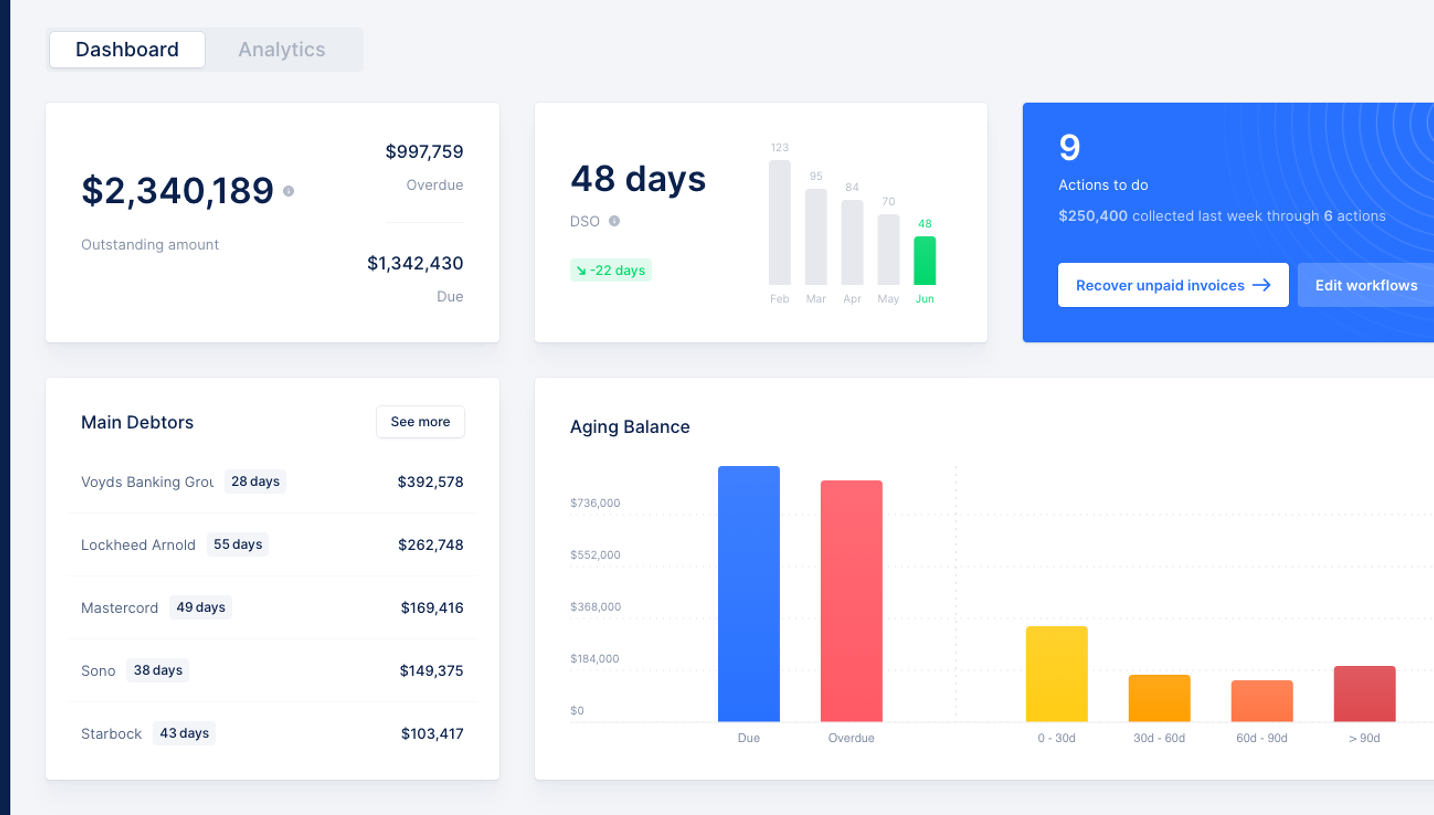
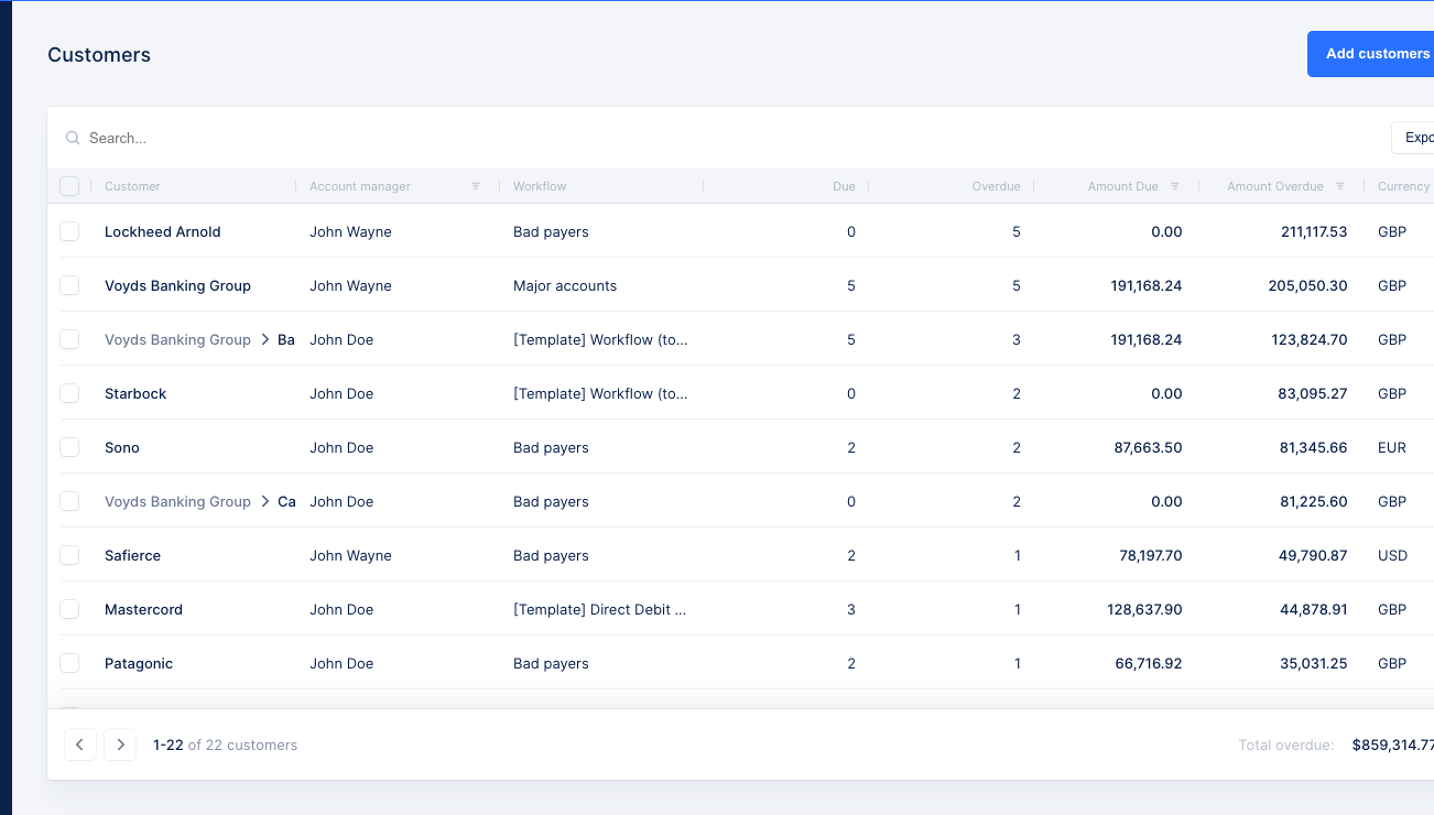
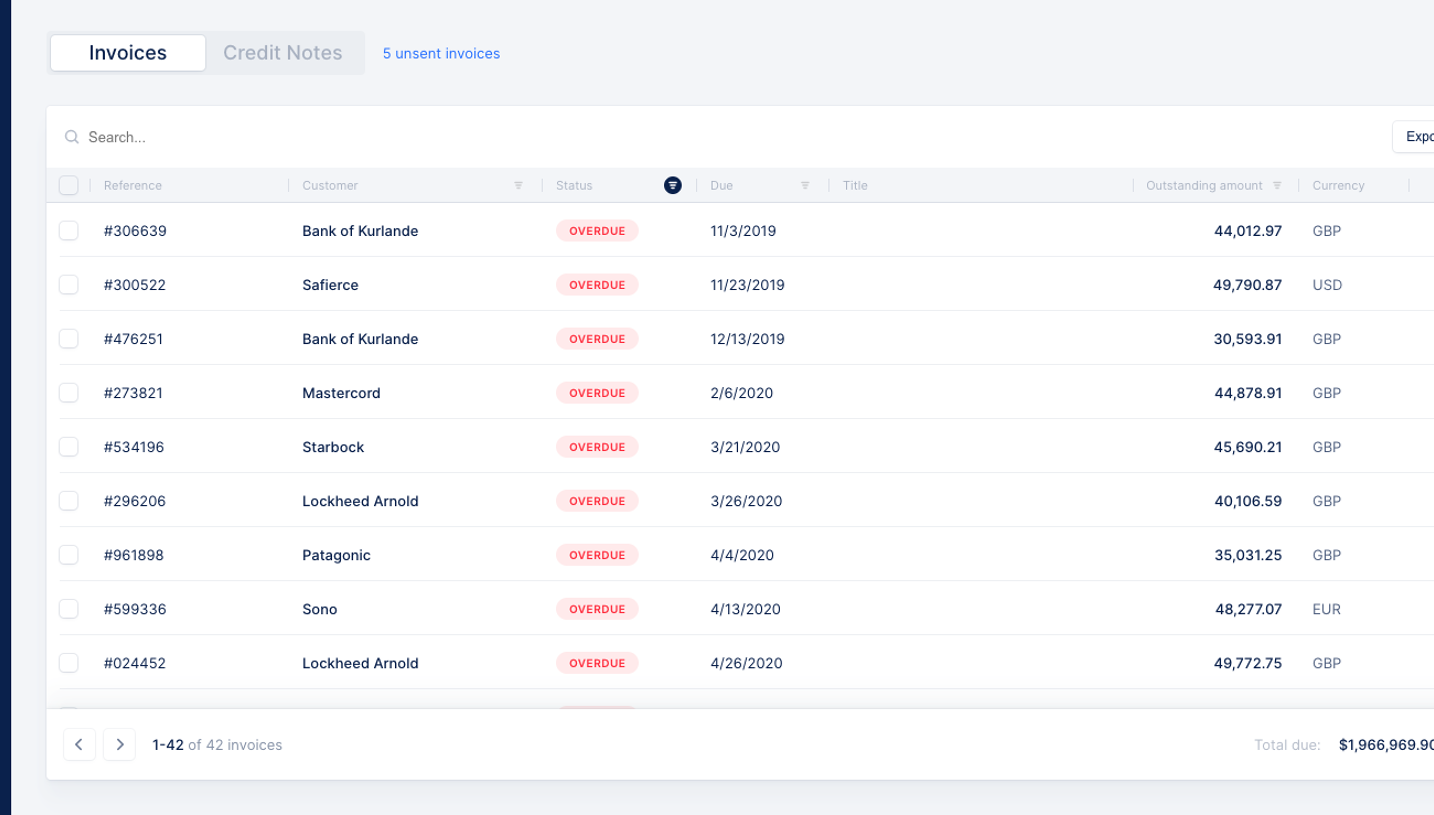
# Design from Reference: Upflow Dashboard
Create an original, high-fidelity visual design inspired by the reference. Prioritize composition, typography, colors, spacing, and component styling over technical implementation.
## Reference
- **Product:** Upflow
- **Category:** Dashboard
- **Screenshot:** https://cdn.prod.website-files.com/5e9dc792e1210c5325f7ebbc/6acc0d668938256d024ec4ec_6acc0851564999555c86d105_cms-6970d5a092c2a9ac34a4561c-v3.webp
Analyze the screenshot first. If inaccessible, request it rather than guessing.
## Content
{{content.instructions}}
{{content.data}}
Preserve essential messaging and factual accuracy. Adapt structure and copy length for visual balance; never invent product claims.
## Visual Design
### Overall aesthetic
- **Style:** A dense receivables workflow uses a narrow navy rail, pale workspace and white multi-pane action surface.
- **Character:** Blue accents identify the active task and main action while fine rules organize lists, form content and timeline history.
### Page composition
- **Capture:** The source measures 1440 × 738 pixels. Dimensions below approximate image pixels; CSS scale is unverified.
- **Rail:** A roughly 80-pixel navy icon column runs the full height, with a bright-blue selected action icon.
- **Workspace heading:** Actions and a small task count sit above the main panel.
- **Main panel:** A broad white rounded rectangle contains a search row and three columns: customer/task list left, selected action editor center and history right.
- **Editor:** Customer identity and reminder selector sit above recipient chip, comment area, call script and three action controls.
- **History:** Outstanding total and small overdue/due badges precede Timeline/Invoices tabs and a vertical event list.
### Information hierarchy
- **Selected task:** A blue left rule and stronger text distinguish the current customer row.
- **Action context:** Customer name and reminder selector lead the central pane.
- **Entry:** Recipient and comment area precede reference script text.
- **Primary action:** A filled blue Log call button contrasts with text-only skip/reschedule options.
- **History:** Bold currency values and event titles lead smaller dates and invoice details.
### Typography
- **Family:** Neutral sans serif; exact identity is unverified.
- **Workspace title:** Approximately 18 pixels, medium.
- **Pane title:** Around 16 pixels, bold.
- **Lists and form:** Approximately 13–14 pixels, with secondary labels and descriptions in muted blue-gray.
- **Timeline:** Values are around 14 pixels bold; dates and detail chips around 11–12 pixels.
- **Comments:** Placeholder text has a monospaced appearance.
### Colors & surfaces
- **Measured rail:** Navy #0B254B supplies the shell's strongest dark color.
- **Base:** White #FFFFFF and pale #F8F9FB define panels; #F3F5F8 supplies workspace/secondary fills.
- **Variants:** #FBFCFD and #F2F4F7 occur in subtle surfaces.
- **Accent:** Bright blue marks selected task, tab underline and Log call action; exact blue hex is unverified.
- **Status:** Pale red and lavender badges distinguish overdue and due categories.
### Components
- **Task rows:** Repeated white rows combine small channel icons, customer name, reminder text and right-aligned amount.
- **Recipient field:** An outlined row contains a bold To label and removable contact chip.
- **Comment area:** A large outlined textarea sits above a compact script block.
- **Action footer:** Two text actions align left/middle; the blue primary button aligns right.
- **Timeline:** A thin vertical line links circular event icons; invoice and message details appear in small pale boxes.
- **Tabs:** Two equal labels sit above a thin divider; Timeline has a blue underline.
- **Panel shell:** Small corner radii, subtle shadow and internal vertical boundaries define the three-pane structure.
### Visual rhythm
- **Density:** Compact list rows contrast with the larger central writing area.
- **Alignment:** Customer amounts align right; recipient, comments and script share a central-pane inset.
- **Clipping:** Lower list/history content continues below the visible panel edge, implying a scrollable region without establishing its behavior.
### Responsive
- **Evidence:** Only desktop is observed; mobile layout and action outcomes are unverified.
- **Recommended panes:** Use a task-list/detail navigation pattern on small screens, with history in a separate tab or collapsible region.
- **Recommended controls:** Keep primary action reachable and prevent totals/status badges from overlapping.
- **Accessibility:** Label icon-only navigation and provide clear focus and status semantics.
### Adaptation guidance
- **Preserve:** Keep the three-part workflow, navy rail, pale surfaces and blue active-state system.
- **Implementation:** Separate task selection, action editing and history into reusable panes.
- **Data:** Use supplied customer/contact/financial data rather than copying visible personal details.
- **Behavior:** No call, reminder or rescheduling result is shown; define these workflows explicitly.
Use this context to reproduce the reference's visual language: layout, typography, colors, spacing, borders, radii, and distinctive elements. The screenshot takes priority if descriptions conflict.
## Direction
{{preferences.fidelityInstructions}}
## Output
{{output.instructions}}
Deliver a polished, cohesive design with precise alignment, hierarchy, and spacing. Produce the requested visual artifact, not just a description. If unsupported, explain the limitation.
.webp)




.avif)