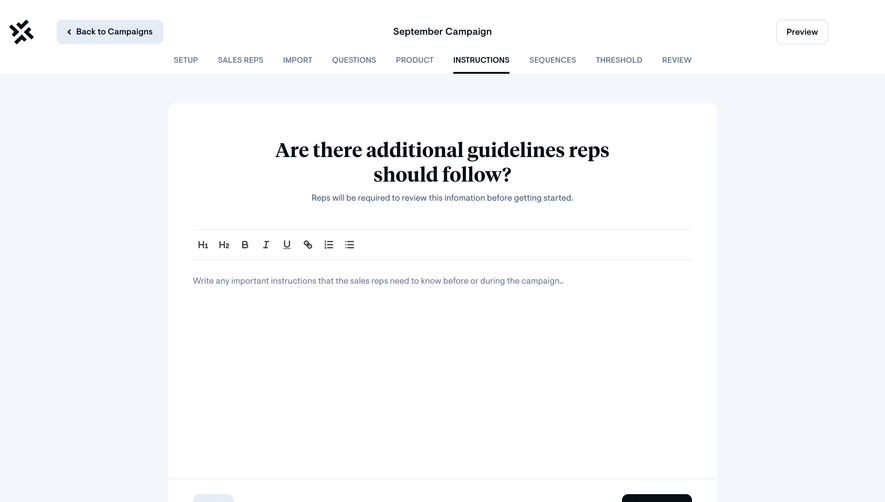
Generate a new design based on this screen using your own content.
Thank you! Your submission has been received!
Oops! Something went wrong while submitting the form.
# Design from Reference: Unkey Create New Permission
Create an original, high-fidelity visual design inspired by the reference. Prioritize composition, typography, colors, spacing, and component styling over technical implementation.
## Reference
- **Product:** Unkey
- **Category:** Add & Edit
- **Screenshot:** https://cdn.prod.website-files.com/5e9dc792e1210c5325f7ebbc/697b7619da6b6fcf8bb75c1a_2QPt9lmyiijHPGz6-owXniR5JlqQkUQYLm9FpP38f2g.avif
Analyze the screenshot first. If inaccessible, request it rather than guessing.
## Content
{{content.instructions}}
{{content.data}}
Preserve essential messaging and factual accuracy. Adapt structure and copy length for visual balance; never invent product claims.
## Visual Design
Use this context to reproduce the reference's visual language: layout, typography, colors, spacing, borders, radii, and distinctive elements. The screenshot takes priority if descriptions conflict.
## Direction
{{preferences.fidelityInstructions}}
## Output
{{output.instructions}}
Deliver a polished, cohesive design with precise alignment, hierarchy, and spacing. Produce the requested visual artifact, not just a description. If unsupported, explain the limitation.
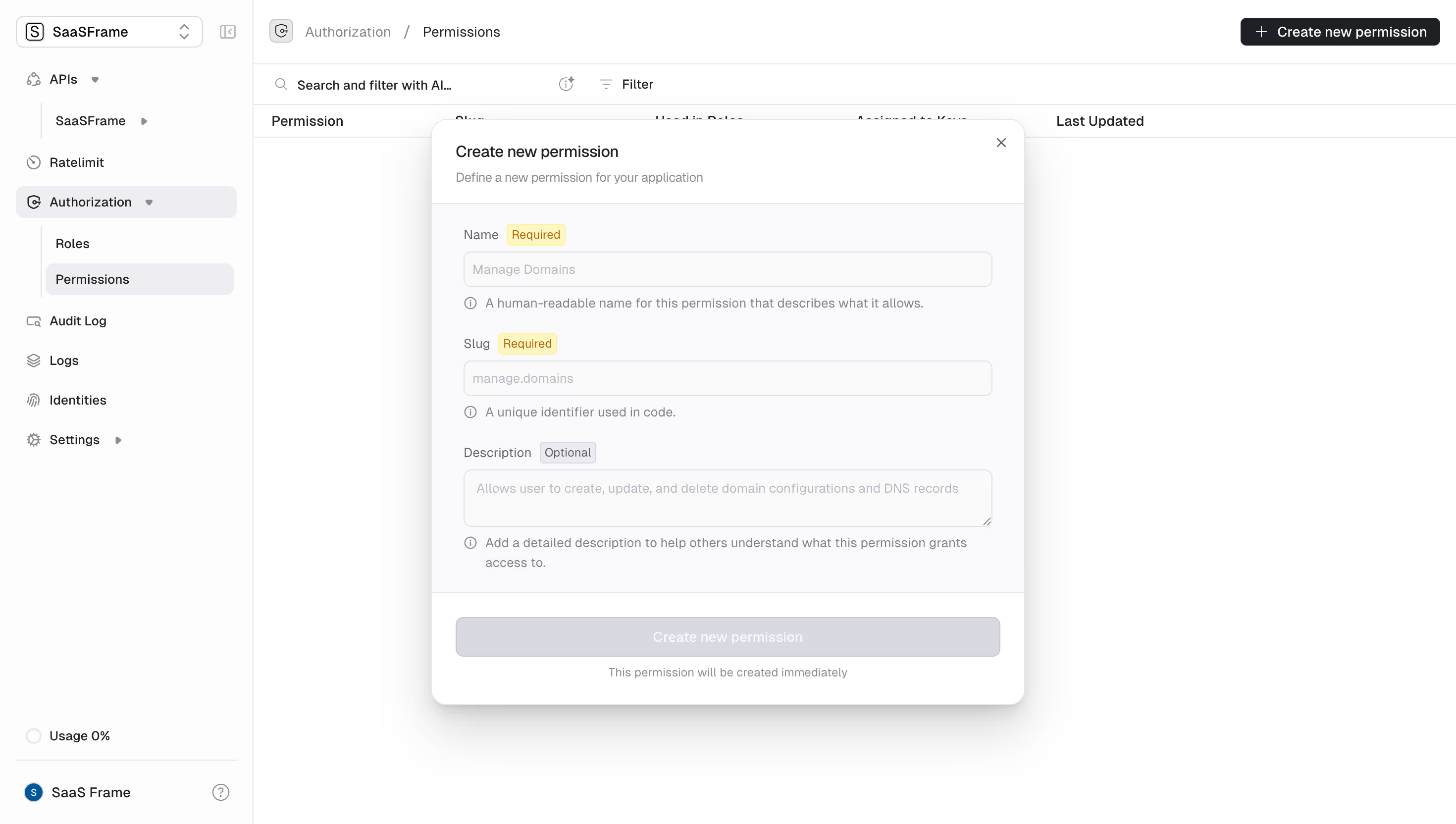
First thing you notice is how clean this permission creation form is. The dialog sits centered over a dimmed table view, keeping context visible behind it. Smart. The yellow "Required" badges next to Name and Slug fields instantly tell you what matters without adding clutter.
Quiet Hierarchy, Loud Clarity
Typography does the heavy lifting here. Field labels are bold and compact, placeholder text is light gray, and the helper text beneath each input uses a smaller size with a subtle info icon. Everything has breathing room. The "Create new permission" button sits in a muted gray state, likely waiting for valid input before it activates. That's a thoughtful touch that prevents premature clicks.
The Sidebar Tells a Story Too
The left nav uses indentation well. Authorization expands to show Roles and Permissions as nested items, with Permissions highlighted in a soft background. The overall palette is warm whites and light grays with zero visual noise. Even the "Usage 0%" at the bottom feels intentional. This is Auth0's dashboard doing what it does best: making complex access control feel approachable.
.webp)



.avif)