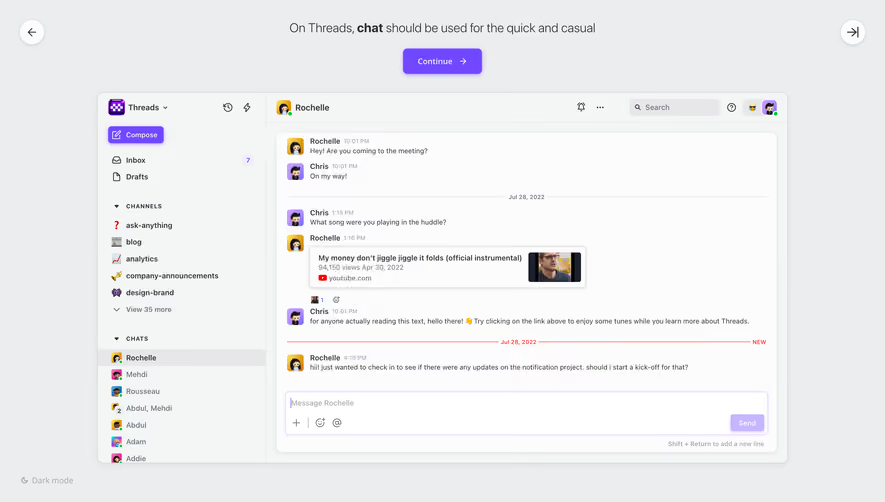
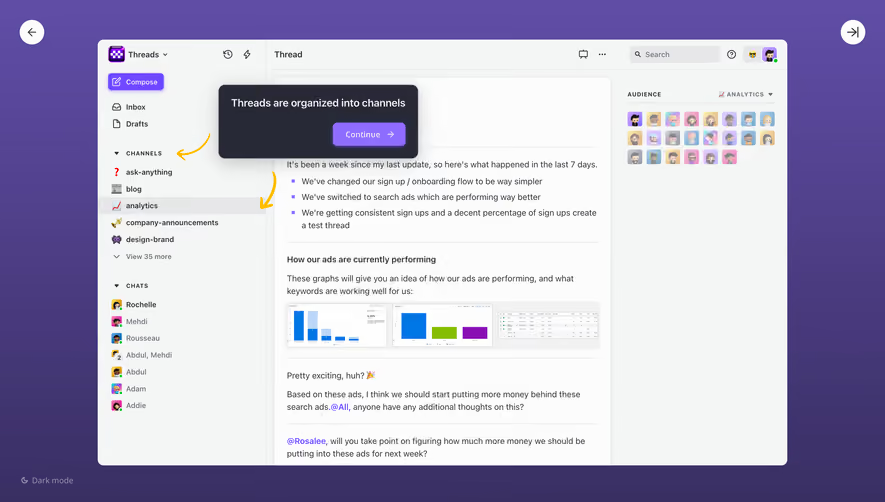
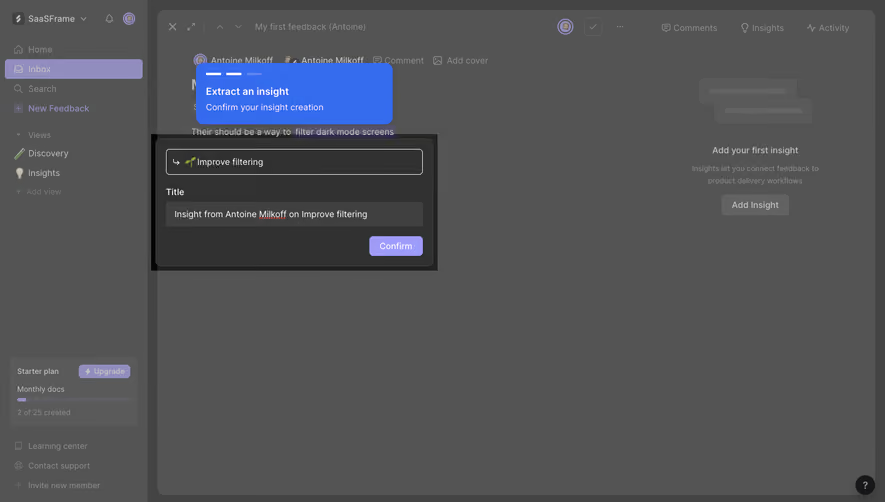
Design with AI
Generate a new design based on this screen using your own content.
# Design from Reference: Threads Product Tour
Create an original, high-fidelity visual design inspired by the reference. Prioritize composition, typography, colors, spacing, and component styling over technical implementation.
## Reference
- **Product:** Threads
- **Category:** Product Tour
- **Screenshot:** https://cdn.prod.website-files.com/5e9dc792e1210c5325f7ebbc/6acbba97d01e364847659a52_6acbb960007da85685c136bf_cms-98bf670c98d39520b94f74ad.webp
Analyze the screenshot first. If inaccessible, request it rather than guessing.
## Content
{{content.instructions}}
{{content.data}}
Preserve essential messaging and factual accuracy. Adapt structure and copy length for visual balance; never invent product claims.
## Visual Design
### Overall aesthetic
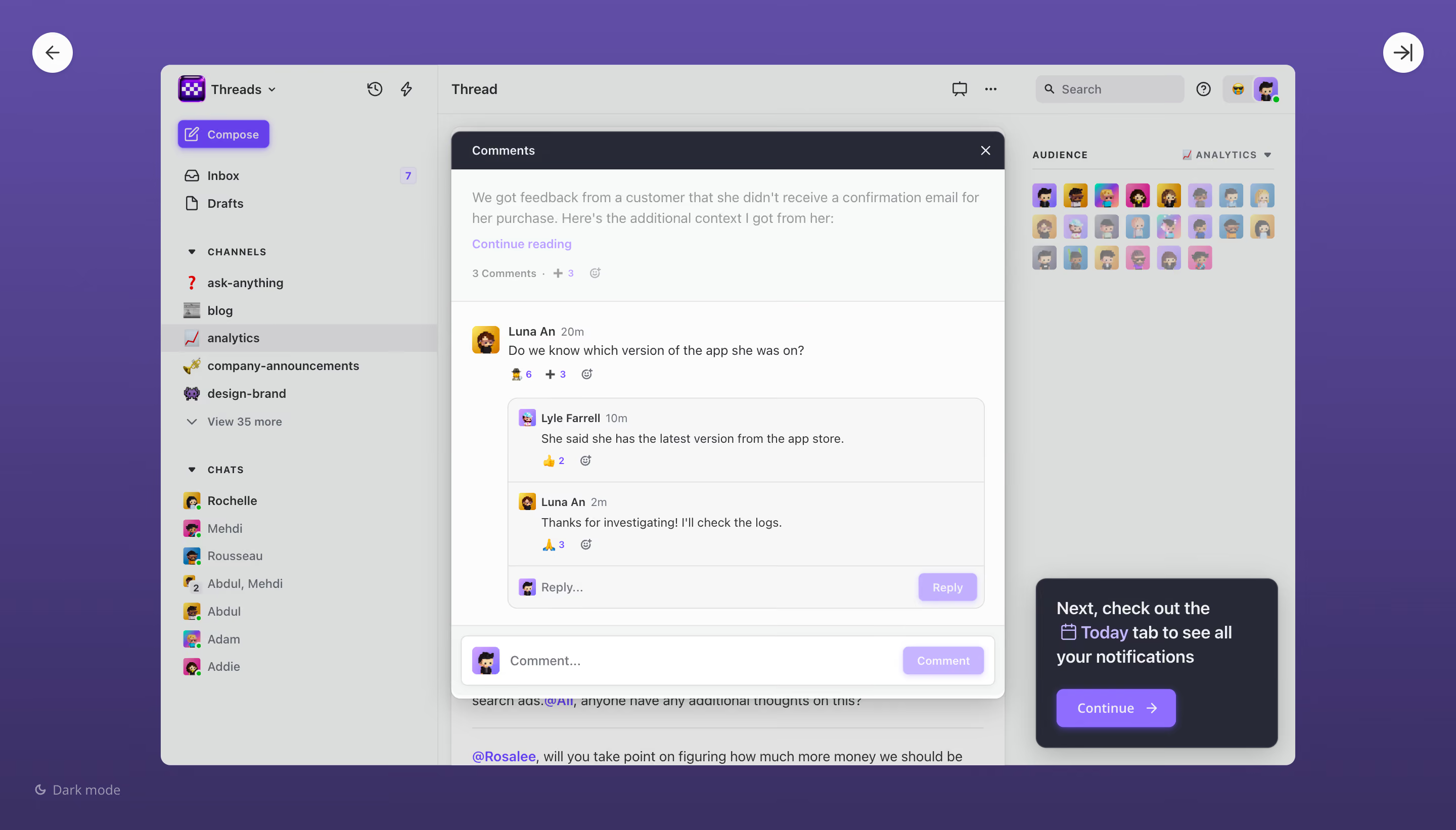
- **Style:** A guided collaboration-product tour uses a purple gradient surround, a dimmed application window and a sharply emphasized comments dialog.
- **Scale:** The source is 2880 × 1642px. Measurements below estimate a 1440px-wide CSS viewport at 2× capture scale.
### Page composition
- **Tour frame:** The application occupies approximately x160–1280 and y64–757, leaving a purple border on every side. White circular previous/next controls sit near the top outer corners; a Dark mode option sits lower left.
- **Application layout:** A roughly 274px left sidebar contains workspace, Compose, Inbox, Drafts, channel and chat groups. The central Thread region is accompanied by an Audience avatar grid on the right.
- **Foreground layers:** A roughly 548 × 560px comments dialog overlays the middle. A separate dark tour prompt occupies the lower-right corner of the app.
### Information hierarchy
- **Comment focus:** A dark Comments header leads to an excerpt with Continue reading, then a primary comment, an indented reply thread and a bottom comment composer.
- **Tour guidance:** The prompt directs the user to the Today tab and provides a prominent Continue button with a right arrow.
- **Context:** Selected analytics channel, audience avatars, reactions and underlying thread text remain visible but subdued behind the foreground layers.
### Typography
- **Family:** Compact sans-serif; exact font identity is unverified.
- **UI roles:** Estimated sidebar and comment copy around 12px/18px; author names medium-to-bold; timestamps and reaction metadata smaller, around 11px.
- **Prompt:** Tour copy around 17px/24px semibold, with Today highlighted in lavender. Button labels around 13px medium.
### Colors & surfaces
- **Sampled palette:** ICC-aware sRGB samples include muted overlay #DBDDDC, pale surfaces #F7F7F7, #FCFCFC and #F8FAF9, dark panel #272936 and purple background tone #3A3064.
- **Accent roles:** Purple marks Compose, mentions, reaction counts, Continue and the outer tour gradient. Small multicolor avatars add identity cues.
- **Layer contrast:** The white comments surface and near-black header stand above a gray scrim. The lower-right prompt uses the same dark family with a soft shadow.
### Components
- **Comment dialog:** Approximately 10px corners, dark 38px header, close icon upper right and a pronounced soft shadow. Body regions are separated by thin pale rules.
- **Reply thread:** A lightly tinted rounded inset groups two replies and a compact reply field; small avatars anchor each row. Emoji reactions and counts sit beneath messages.
- **Composers:** Bottom comment field spans nearly the dialog width, with an avatar at left and pale-purple Comment button at right; the nested Reply action shares that styling.
- **Tour prompt:** Approximately 240 × 168px dark rounded card with about 20px padding and a saturated purple Continue button. Outer navigation controls are roughly 40px circles.
### Visual rhythm
- **Density:** The interface uses compact repeated sidebar rows and small comment spacing, offset by generous purple framing.
- **Alignment:** Indented replies establish conversation hierarchy; the separate prompt avoids covering the main comment content.
### Responsive
- **Recommended adaptation:** Desktop only is observed. On narrow screens, show the comments dialog nearly full width and place tour guidance below it or anchor it without obscuring input controls.
- **Navigation:** Collapse channels and audience into secondary panels; retain accessible next/back and close controls.
### Adaptation guidance
- **Preserve:** Keep the guided spotlight, layered comments hierarchy, contextual reactions and concise next-step prompt.
- **Adapt:** Use real conversation and tour-step content. Distinguish the guided overlay from the normal application layout and do not imply unseen interactions.
Use this context to reproduce the reference's visual language: layout, typography, colors, spacing, borders, radii, and distinctive elements. The screenshot takes priority if descriptions conflict.
## Direction
{{preferences.fidelityInstructions}}
## Output
{{output.instructions}}
Deliver a polished, cohesive design with precise alignment, hierarchy, and spacing. Produce the requested visual artifact, not just a description. If unsupported, explain the limitation.
.webp)


.avif)