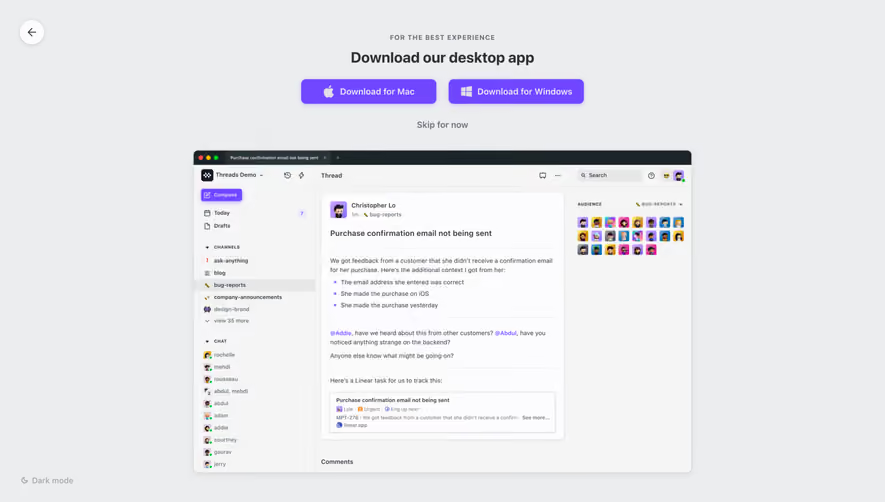
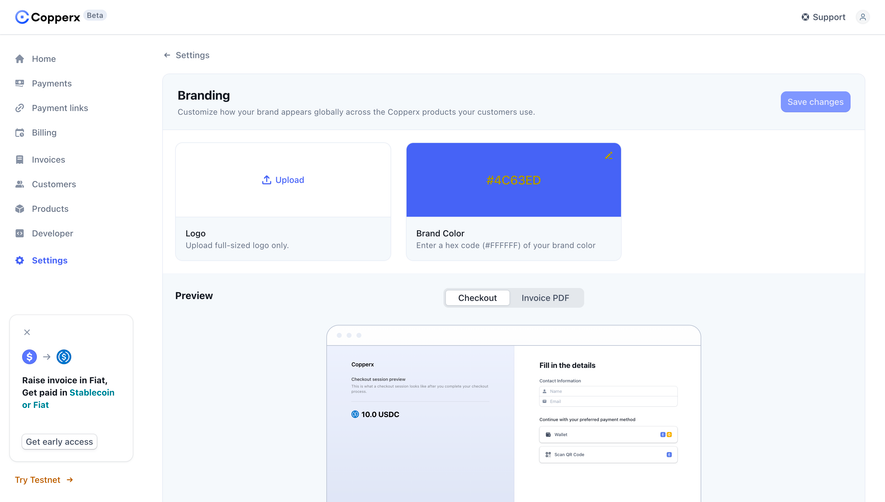
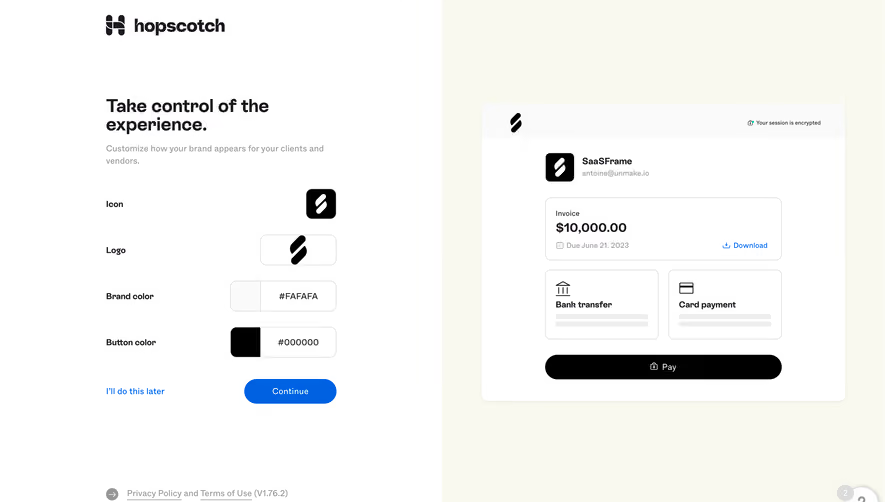
Design with AI
Generate a new design based on this screen using your own content.
# Design from Reference: Threads Account Setup
Create an original, high-fidelity visual design inspired by the reference. Prioritize composition, typography, colors, spacing, and component styling over technical implementation.
## Reference
- **Product:** Threads
- **Category:** Appearance Customization
- **Screenshot:** https://cdn.prod.website-files.com/5e9dc792e1210c5325f7ebbc/6acbba8dd01e36484765989a_6acbb955e04c53f33d9fd7d8_cms-7ef56b34ca0ffb39ef3f96b0.webp
Analyze the screenshot first. If inaccessible, request it rather than guessing.
## Content
{{content.instructions}}
{{content.data}}
Preserve essential messaging and factual accuracy. Adapt structure and copy length for visual balance; never invent product claims.
## Visual Design
### Overall aesthetic
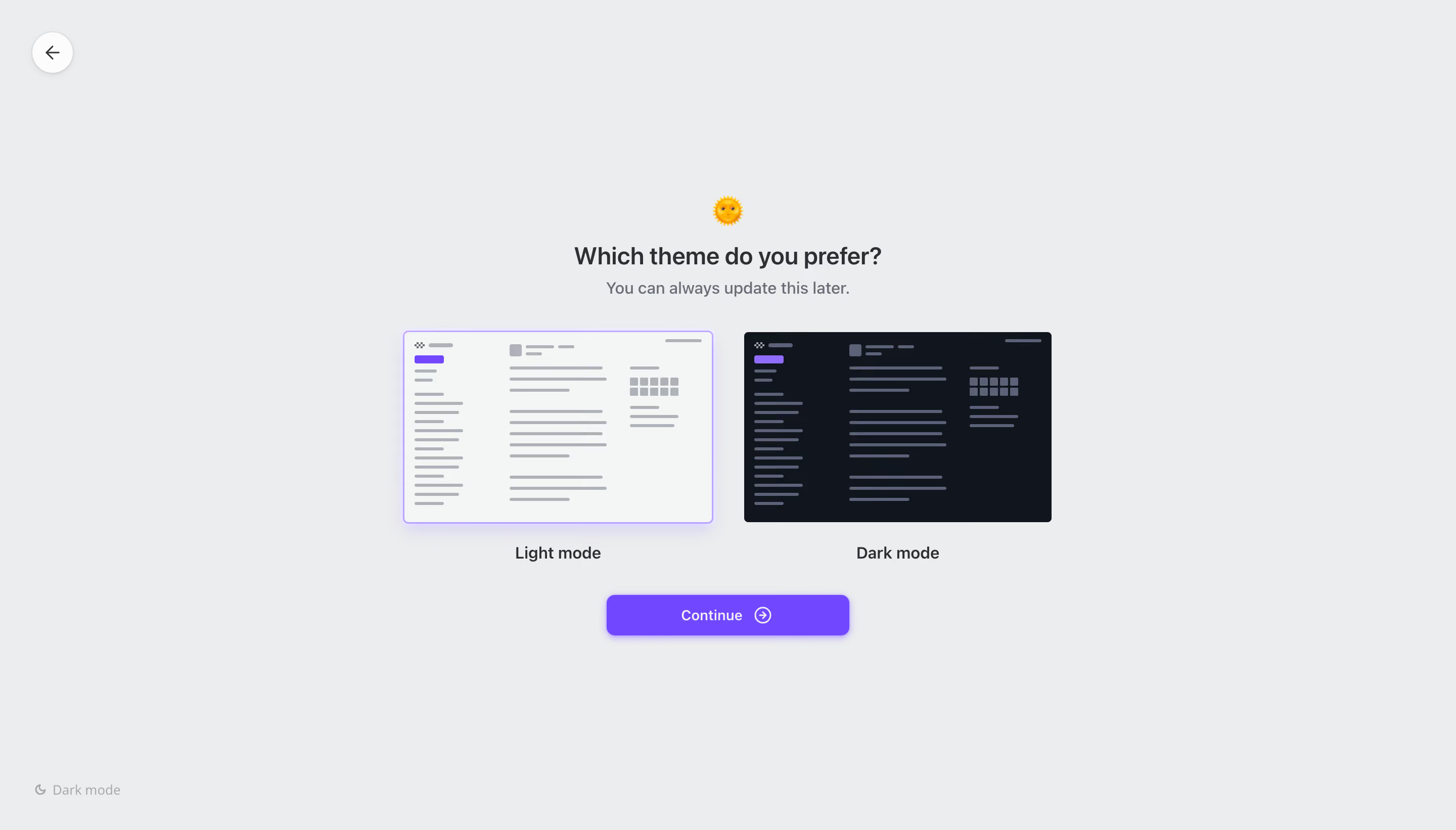
- **Character:** Quiet theme-selection onboarding with a pale-gray canvas, two schematic interface previews and a vivid purple continuation button.
- **Evidence scale:** Original screenshot 2880 × 1642 pixels; CSS estimates assume an unverified 2× capture scale. Colors below are measured sRGB pixels.
### Page composition
- **Frame:** A circular back control occupies the upper-left corner; a faint moon-and-label utility sits near the bottom left.
- **Central group:** A sun emoji, question heading and short helper line sit above two side-by-side theme previews.
- **Choices and action:** Each preview has a centered label below. A narrower Continue button is centered beneath both choices.
- **Balance:** The choice group spans roughly 640 px, with large empty margins on every side.
### Information hierarchy
- **Prompt:** The question is the strongest text, followed by the quieter explanation that the setting can be updated later.
- **Selection:** Light mode has a purple outline and soft glow; the dark preview has a plain edge. This is the visible selected treatment.
- **Action:** The purple Continue button is the dominant filled control; navigation and lower-left utility remain secondary.
### Typography
- **Heading:** Unverified sans-serif, approximately 24 px semibold, 30 px line height and modestly tight tracking.
- **Supporting text:** Approximately 16 px regular with 24 px line height in a muted slate gray.
- **Choice labels:** Approximately 16 px medium, centered directly under each preview.
- **Button and utility:** Button text about 14 px medium; lower-left utility around 13 px with reduced contrast.
### Colors & surfaces
- **Canvas:** Measured #ECEDEF fills most of the image.
- **Previews:** Light theme uses #F4F6F5 with gray #AFB3B9 marks; dark theme uses #11151D with slate #5B6176 marks.
- **Accent:** Purple #7148FF appears in highlighted schematic elements and the main action.
- **Text:** Dark charcoal #2E2F33 anchors the prompt and labels; secondary text is visibly lighter.
### Components
- **Back button:** Approximately 40 px circular white control with a thin arrow and subtle shadow, inset around 32 px from top and left.
- **Theme previews:** Each about 304 × 190 px, with small corner radii. Abstract sidebars, lines, square cells and top marks represent an app layout; they are not readable content.
- **Selection edge:** Light preview has a thin lavender border with a diffuse purple shadow below; selected state is communicated by frame treatment.
- **Continue button:** Approximately 240 × 40 px, 8 px radius, purple fill, white text and an outlined circle-arrow icon; a soft purple shadow adds depth.
- **Utility:** Small moon icon and muted Dark mode label sit close to the lower-left margin.
### Visual rhythm
- **Header spacing:** Roughly 12 px separates sun symbol from question; the helper line follows tightly below.
- **Choice spacing:** About 32 px separates the previews; roughly 32 px separates helper copy from the preview row.
- **Vertical cadence:** Labels sit about 20 px below preview tops' lower edge, with approximately 32 px before the continuation button. Exact CSS spacing remains estimated.
### Responsive
- **Observed limit:** Only the desktop selection screen is visible; mobile arrangement is unverified.
- **Recommendation:** Stack theme cards at narrow widths, retaining the selected outline, clear labels and a centered action below both.
- **Accessibility recommendation:** Expose each option as a labeled radio choice with keyboard focus and selected semantics; do not rely solely on purple color.
### Adaptation guidance
- **Retain:** Show contrasting interface miniatures instead of describing themes only through text.
- **Implement:** Keep the prompt compact, use consistent card proportions and reserve saturated color for selection and continuation.
- **Verify:** Confirm font identity, actual display scale and theme-switch behavior separately. The screenshot shows selection appearance, not the result of pressing Continue.
Use this context to reproduce the reference's visual language: layout, typography, colors, spacing, borders, radii, and distinctive elements. The screenshot takes priority if descriptions conflict.
## Direction
{{preferences.fidelityInstructions}}
## Output
{{output.instructions}}
Deliver a polished, cohesive design with precise alignment, hierarchy, and spacing. Produce the requested visual artifact, not just a description. If unsupported, explain the limitation.
.webp)


.avif)