Design with AI
Generate a new design based on this screen using your own content.
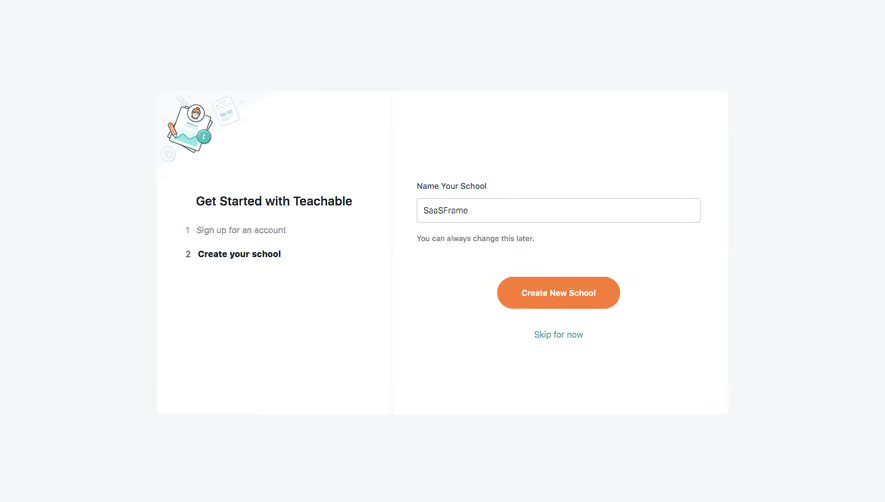
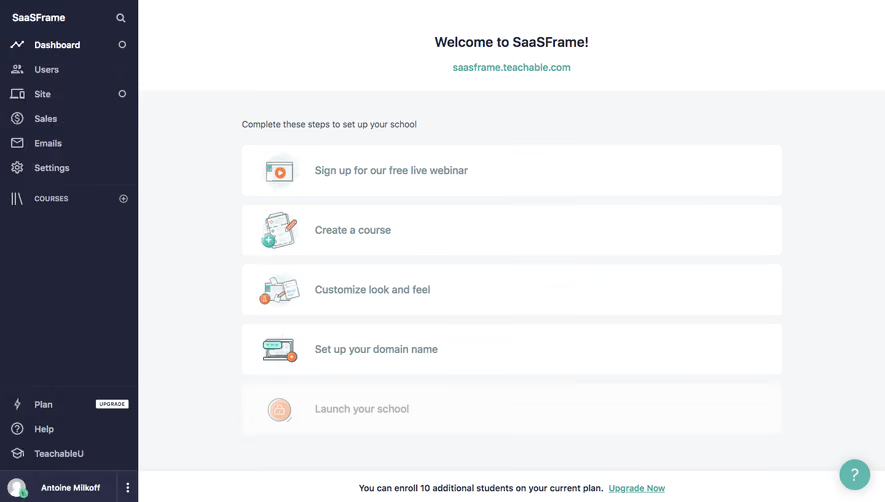
# Design from Reference: Teachable Sign Up Flow
Create an original, high-fidelity visual design inspired by the reference. Prioritize composition, typography, colors, spacing, and component styling over technical implementation.
## Reference
- **Product:** Teachable
- **Category:** Account Setup
- **Screenshot:** https://cdn.prod.website-files.com/5e9dc792e1210c5325f7ebbc/6acbc74e7369a31d47fc6cd0_6acbc5c2f9eac5af75454d6b_cms-f267a08e10cdbfb0d4287303.webp
Analyze the screenshot first. If inaccessible, request it rather than guessing.
## Content
{{content.instructions}}
{{content.data}}
Preserve essential messaging and factual accuracy. Adapt structure and copy length for visual balance; never invent product claims.
## Visual Design
### Overall aesthetic
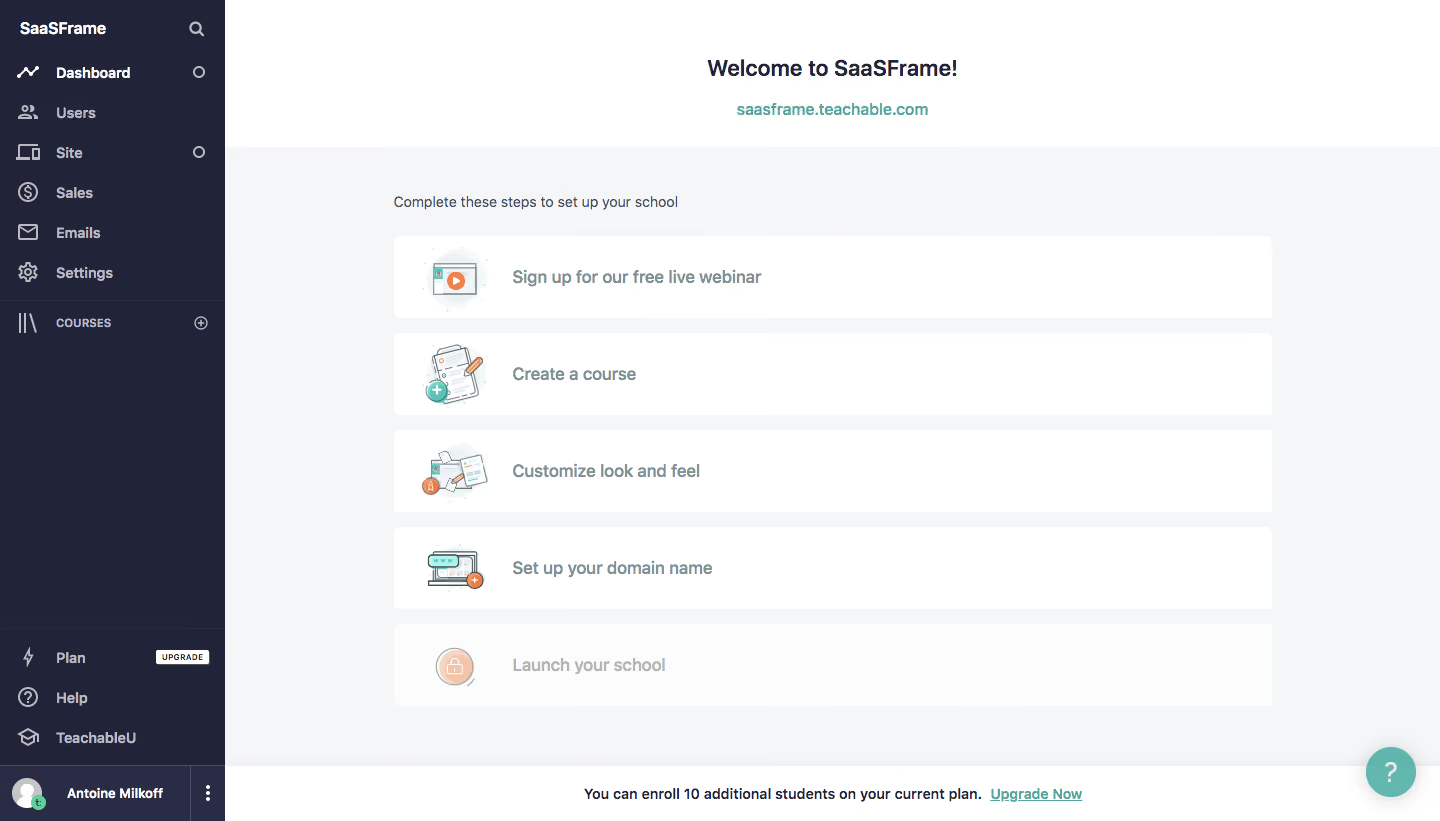
- **Character:** Straightforward school-setup dashboard with a dark sidebar and large illustrated checklist rows.
### Page composition
- **Canvas:** 1440 × 821 screenshot px.
- **Structure:** Approximately 225 screenshot px sidebar; centered welcome header and school link; pale-gray main canvas containing five wide onboarding rows; bottom plan-capacity strip.
### Information hierarchy
- **Priority:** Welcome identifies the workspace; sequential setup actions occupy the main area. Final launch row appears faded/locked relative to earlier tasks.
### Typography
- **Family:** Neutral sans serif, exact font unverified.
- **Scale:** Estimated screenshot welcome heading 24 px, checklist labels 16–18 px, supporting copy/navigation 14 px.
### Colors & surfaces
- **Sampled palette:** White #FFFFFF; main gray #F5F6F7; sidebar #212338; alternate sidebar #292C44; near-white row #FBFCFC.
- **Accents:** Teal school/upgrade links and help bubble; pastel illustrated task icons.
### Components
- **Checklist:** Wide white rounded rows approximately 80 screenshot px high, small colorful illustration left and bold muted-blue label.
- **Sidebar:** Icon destinations for dashboard/users/site/sales/email/settings; Courses group; plan/help/education links and user strip anchored below.
- **Footer:** White plan notice with linked upgrade; round teal help control lower right.
### Visual rhythm
- **Spacing:** Estimated screenshot checklist width 880 px, 16 px vertical gaps and generous surrounding margins; no dense configuration form.
### Responsive
- **Observed:** Desktop only.
- **Adaptation:** Collapse sidebar, make checklist rows full width and preserve locked/completed state distinctions with text as well as opacity.
### Adaptation guidance
- **Preserve:** Task-oriented onboarding, illustrated navigation cues and simple workspace identity.
- **Replace:** Use the target product's actual setup sequence and current plan information.
Use this context to reproduce the reference's visual language: layout, typography, colors, spacing, borders, radii, and distinctive elements. The screenshot takes priority if descriptions conflict.
## Direction
{{preferences.fidelityInstructions}}
## Output
{{output.instructions}}
Deliver a polished, cohesive design with precise alignment, hierarchy, and spacing. Produce the requested visual artifact, not just a description. If unsupported, explain the limitation.
.webp)
.avif)


.avif)