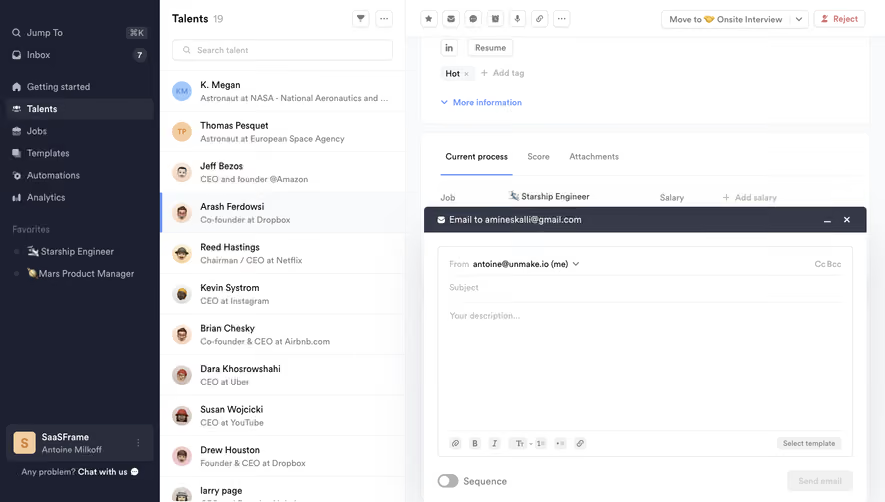
Generate a new design based on this screen using your own content.
Thank you! Your submission has been received!
Oops! Something went wrong while submitting the form.
# Design from Reference: Superlist Inbox
Create an original, high-fidelity visual design inspired by the reference. Prioritize composition, typography, colors, spacing, and component styling over technical implementation.
## Reference
- **Product:** Superlist
- **Category:** Inbox
- **Screenshot:** https://cdn.prod.website-files.com/5e9dc792e1210c5325f7ebbc/6acad4cf1025e911ae5185b9_6acad43494a3e7e28a4bffcf_cms-223b319c897c0b4a8747947b.webp
Analyze the screenshot first. If inaccessible, request it rather than guessing.
## Content
{{content.instructions}}
{{content.data}}
Preserve essential messaging and factual accuracy. Adapt structure and copy length for visual balance; never invent product claims.
## Visual Design
Use this context to reproduce the reference's visual language: layout, typography, colors, spacing, borders, radii, and distinctive elements. The screenshot takes priority if descriptions conflict.
## Direction
{{preferences.fidelityInstructions}}
## Output
{{output.instructions}}
Deliver a polished, cohesive design with precise alignment, hierarchy, and spacing. Produce the requested visual artifact, not just a description. If unsupported, explain the limitation.
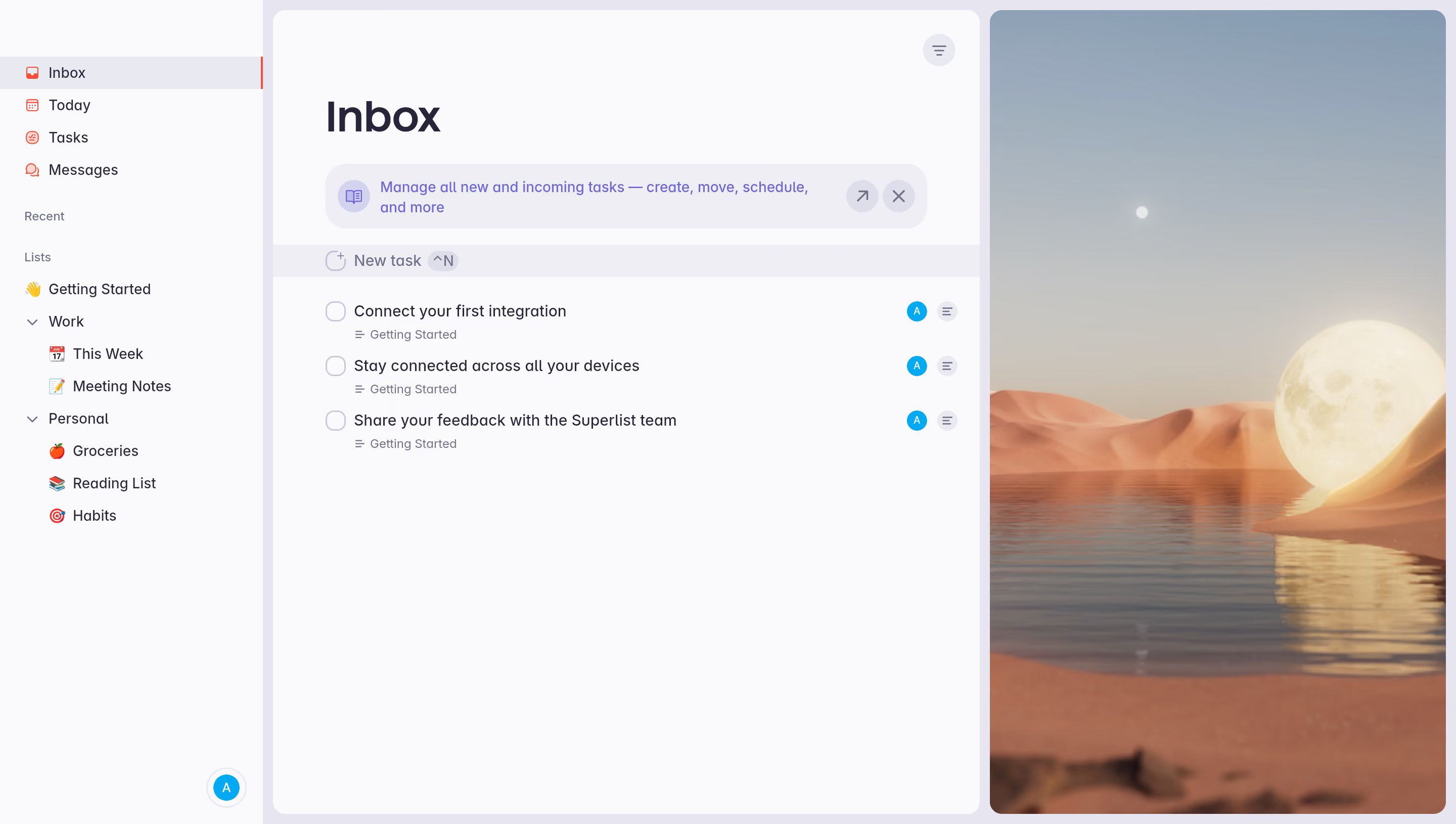
First thing you notice is how calm this interface feels. Superlist's Inbox view uses a ton of white space and a minimal color palette that keeps everything breathable. The sidebar is dead simple. Icons, labels, nested lists under Work and Personal. No clutter, no competing elements. It just works.
Typography That Stays Out of the Way
The "Inbox" header is bold and oversized but not aggressive. Body text sits in a comfortable mid-weight sans-serif. Task titles are readable at a glance without straining. The blue helper banner explaining inbox functionality uses a slightly smaller size and muted tone so it doesn't fight with actual tasks.
Details That Set It Apart
That desert-and-moon wallpaper peeking through on the right is a great touch. It adds personality without interfering with the workspace. The purple active state on the sidebar is subtle but effective. Keyboard shortcut hints like ^N next to "New task" show this was built for power users. Small avatar badges on each task keep ownership visible without adding noise. Really well-considered hierarchy throughout.
.webp)




.avif)