Design with AI
Generate a new design based on this screen using your own content.
# Design from Reference: Sprout Social Onboarding Email Flow
Create an original, high-fidelity visual design inspired by the reference. Prioritize composition, typography, colors, spacing, and component styling over technical implementation.
## Reference
- **Product:** Sprout Social
- **Category:** Onboarding Email
- **Screenshot:** https://cdn.prod.website-files.com/5e9dc792e1210c5325f7ebbc/6acbc8686b0a1061299babef_6acbc604a4008ddb74788c1a_cms-3792e6e94587525ceb87911b.webp
Analyze the screenshot first. If inaccessible, request it rather than guessing.
## Content
{{content.instructions}}
{{content.data}}
Preserve essential messaging and factual accuracy. Adapt structure and copy length for visual balance; never invent product claims.
## Visual Design
### Overall aesthetic
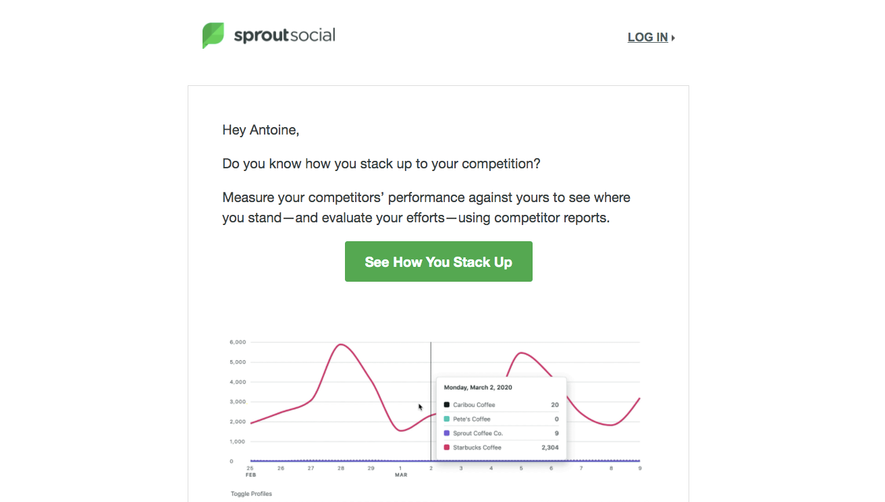
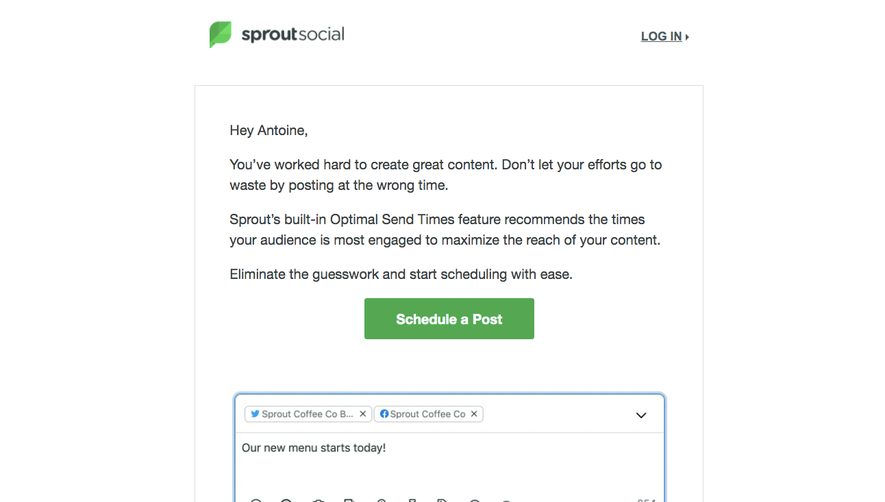
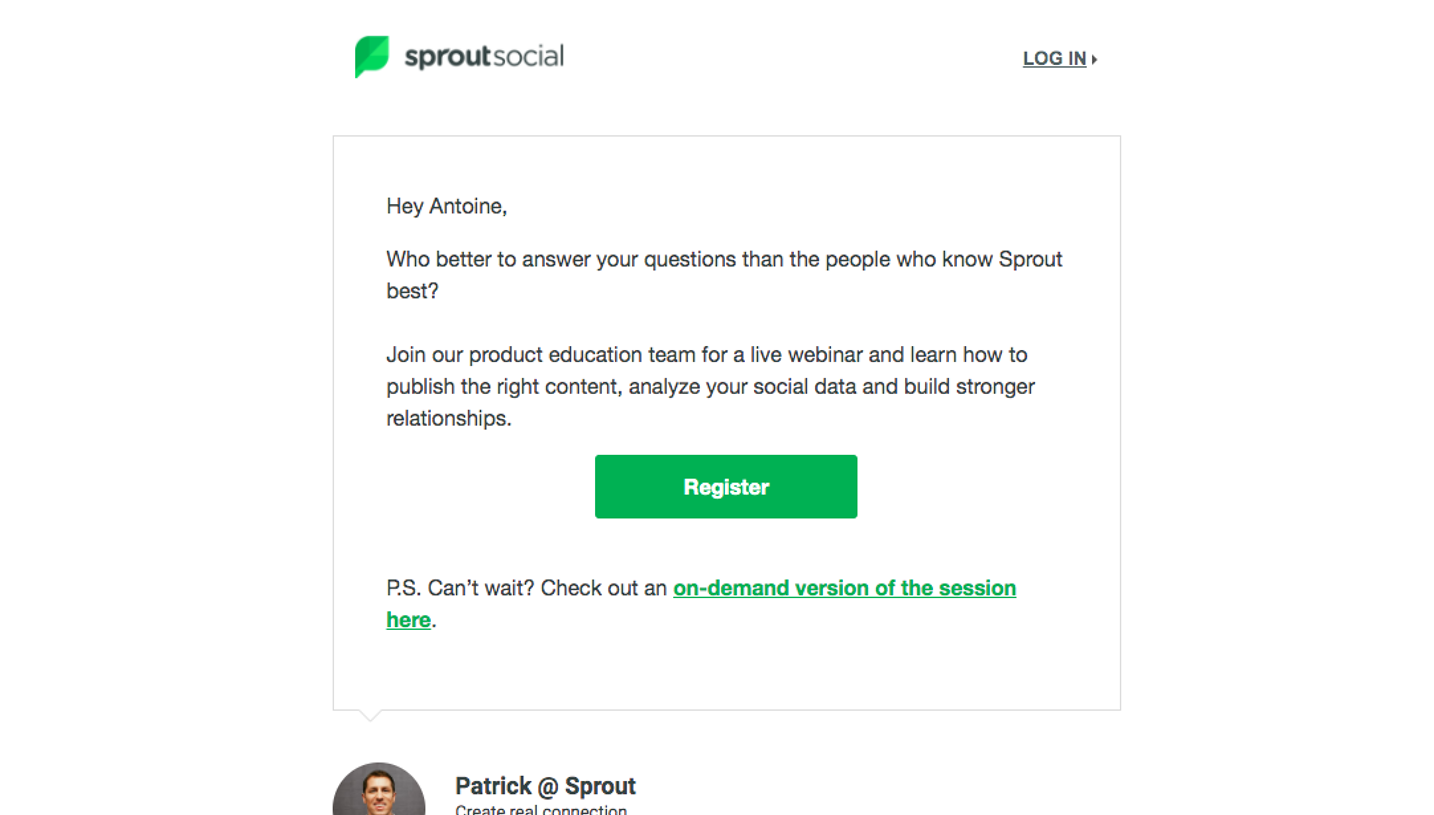
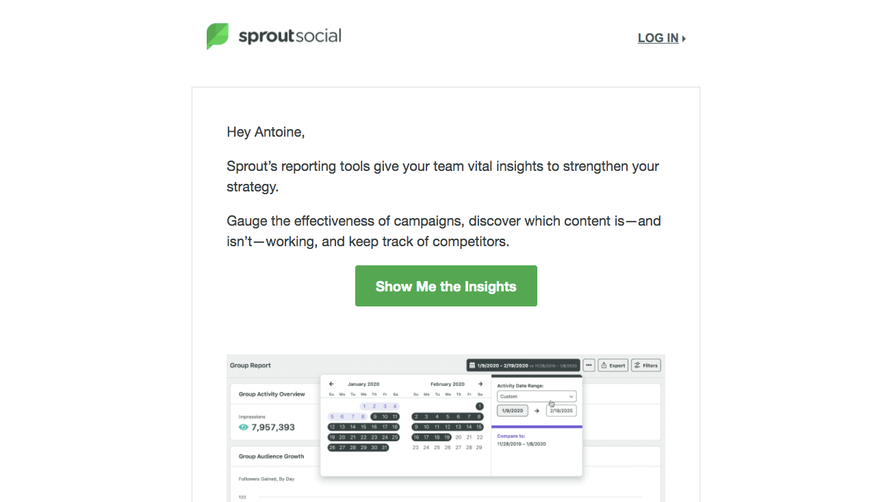
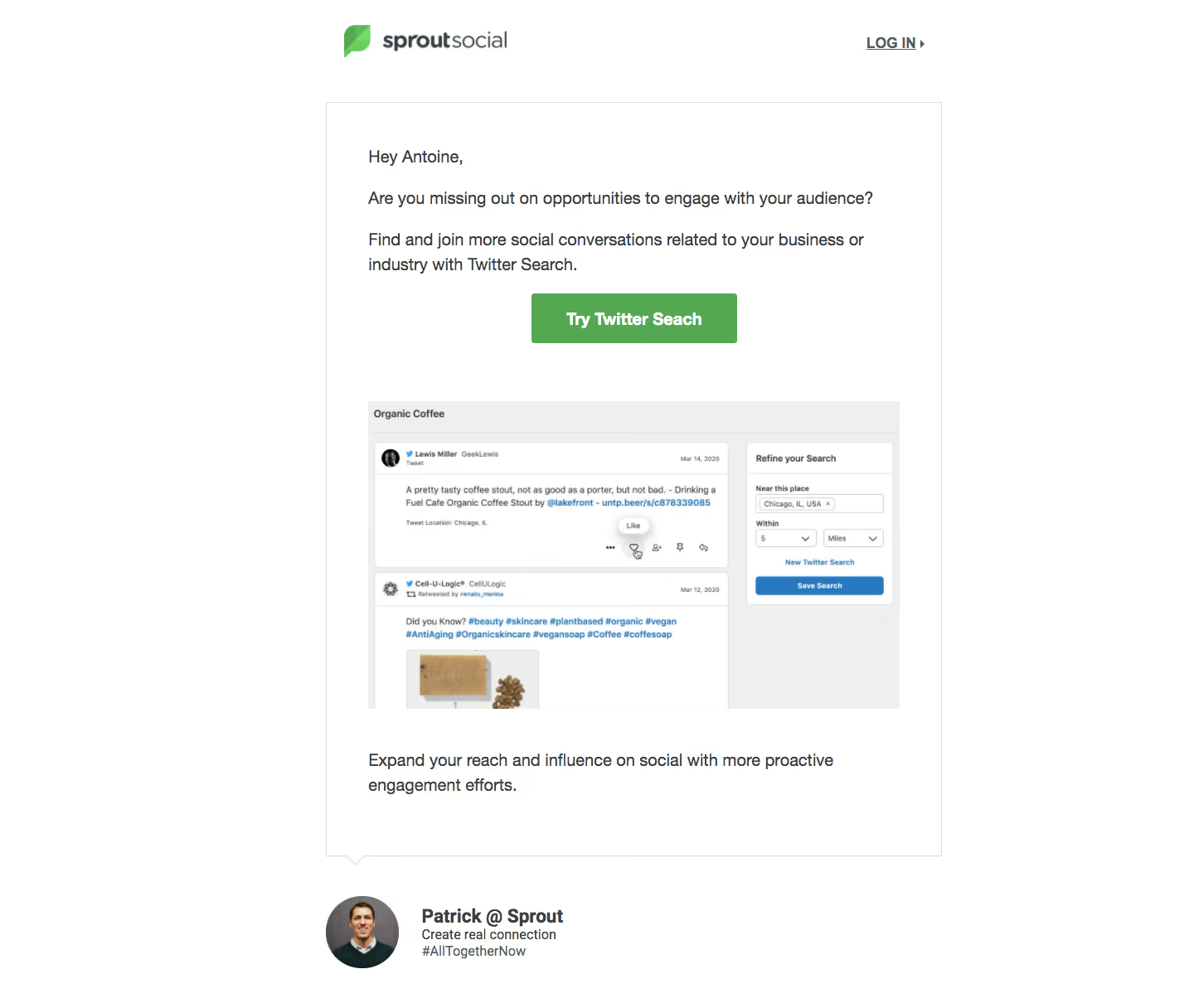
- **Style:** Personal onboarding email with a white canvas, restrained green branding and a large speech-bubble message panel containing a product demonstration.
- **Scale:** Source screenshot is 1440 × 1216px. Measurements refer to screenshot pixels; email CSS scale is unverified.
### Page composition
- **Email width:** A roughly 740px centered column starts near x393. The Sprout Social logo aligns left in the header while a small LOG IN link aligns right.
- **Message panel:** A thin outlined white rectangle contains greeting, two short introductory paragraphs, centered green action, product screenshot and closing benefit sentence. A small downward notch marks its lower-left edge.
- **Signature:** Below the panel, a circular portrait sits beside Patrick @ Sprout and a compact two-line signoff.
### Information hierarchy
- **Message flow:** The greeting leads into an audience-engagement question, then an explanation of Twitter Search and the Try Twitter Search action.
- **Demonstration:** A wide embedded screenshot shows a social-search results feed and a narrower Refine your Search panel.
- **Personal close:** The final benefit statement and named sender make the message feel like direct onboarding guidance.
### Typography
- **Family:** Straightforward sans-serif; exact font identity is unverified.
- **Roles:** Estimated body around 20px/30px, green button label around 20px bold, signature name around 23px bold and supporting signature text about 16px/20px.
- **Header link:** LOG IN uses underlined uppercase text around 17px bold, with a small right-pointing marker.
### Colors & surfaces
- **Sampled palette:** ICC-aware sRGB samples include white #FFFFFF, pale gray #EEEFEE, green #55A852, dark text #364141 and outline gray #DDDDDD.
- **Demonstration colors:** The embedded application uses light-gray panels, white result cards and blue links/actions; these belong to the demonstrated product image.
- **Restraint:** The email itself has no colorful background or heavy shadow; green is concentrated in the logo and primary action.
### Components
- **Message container:** Approximately 740 × 910px with a 1px gray border, square corners and roughly 50px horizontal padding. The speech notch is small and offset toward the left.
- **Action button:** Approximately 248 × 60px green rectangle with subtle 3px rounding and centered white bold text.
- **Product image:** Approximately 640 × 370px, showing a heading, stacked social posts, small reaction icons and a search-refinement card. It is inset within the same text boundaries.
- **Signature portrait:** Approximately 88px circular photograph, followed by a vertically stacked sender name and short brand signoff.
### Visual rhythm
- **Spacing:** The button is separated from the image by roughly 70px; the closing sentence sits about 50px beneath the image. The signature has a distinct gap below the message panel.
- **Alignment:** Body paragraphs and image share a left edge; only the primary action is centered. Broad white margins surround the email column.
### Responsive
- **Recommended adaptation:** Only desktop email is observed. Make the column and screenshot fluid, reduce panel padding and retain a full readable button label.
- **Signature:** Allow sender text to wrap beside or below the portrait rather than shrinking the whole email.
### Adaptation guidance
- **Preserve:** Keep the direct greeting, one feature-focused action, an explanatory screenshot and a human sender signature.
- **Adapt:** Use the actual feature name, current product imagery and authorized sender identity. Avoid copying historical platform terminology into unrelated onboarding content.
Use this context to reproduce the reference's visual language: layout, typography, colors, spacing, borders, radii, and distinctive elements. The screenshot takes priority if descriptions conflict.
## Direction
{{preferences.fidelityInstructions}}
## Output
{{output.instructions}}
Deliver a polished, cohesive design with precise alignment, hierarchy, and spacing. Produce the requested visual artifact, not just a description. If unsupported, explain the limitation.
.webp)



.avif)