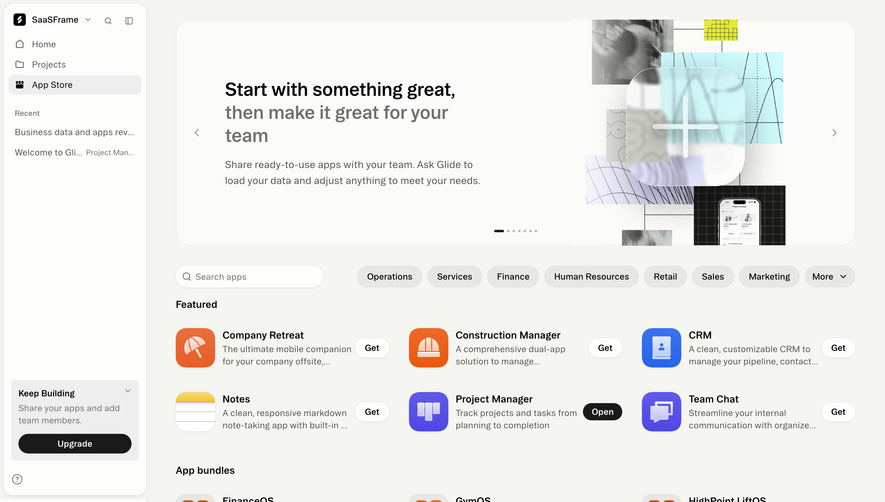
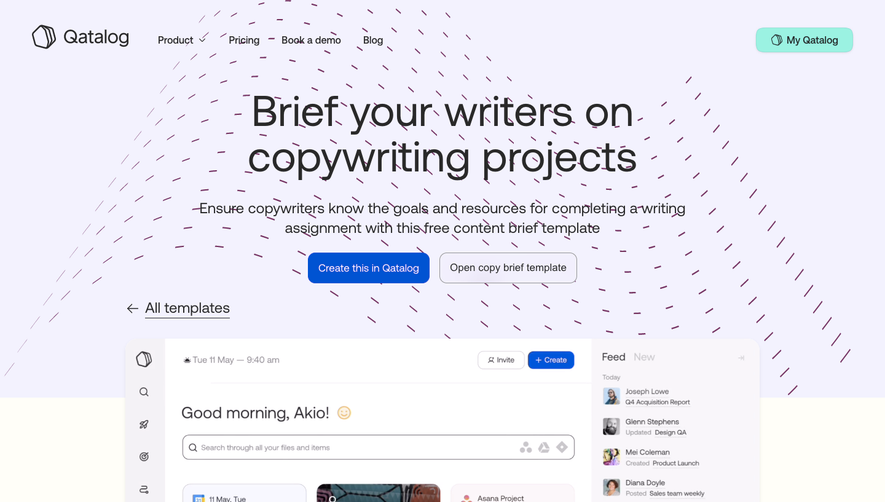
Generate a new design based on this screen using your own content.
Thank you! Your submission has been received!
Oops! Something went wrong while submitting the form.
# Design from Reference: Specify Template Item
Create an original, high-fidelity visual design inspired by the reference. Prioritize composition, typography, colors, spacing, and component styling over technical implementation.
## Reference
- **Product:** Specify
- **Category:** Templates Library
- **Screenshot:** https://cdn.prod.website-files.com/5e9dc792e1210c5325f7ebbc/6acbba0ad37e66e942ffbdfe_6acb70ea788d0390ab9e0943_cms-7f3b063a4861db987e66799d.webp
Analyze the screenshot first. If inaccessible, request it rather than guessing.
## Content
{{content.instructions}}
{{content.data}}
Preserve essential messaging and factual accuracy. Adapt structure and copy length for visual balance; never invent product claims.
## Visual Design
Use this context to reproduce the reference's visual language: layout, typography, colors, spacing, borders, radii, and distinctive elements. The screenshot takes priority if descriptions conflict.
## Direction
{{preferences.fidelityInstructions}}
## Output
{{output.instructions}}
Deliver a polished, cohesive design with precise alignment, hierarchy, and spacing. Produce the requested visual artifact, not just a description. If unsupported, explain the limitation.
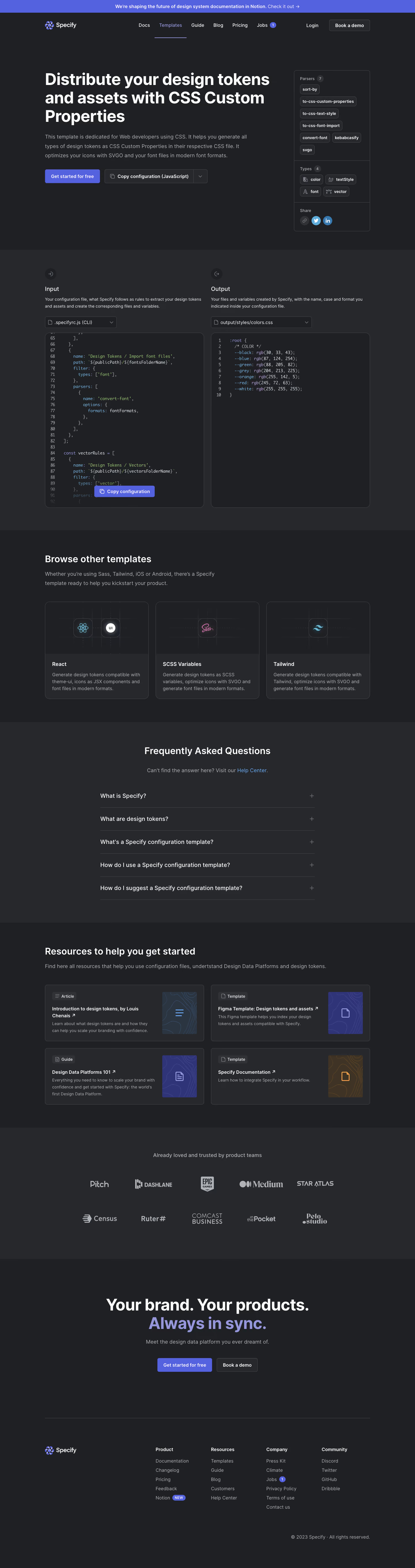
``` Specify’s "CSS Custom Properties Templates" page exhibits a sleek, ultra-modern aesthetic grounded in minimalism. Crisp whitespace and a well-structured layout establish a highly professional tone, while strategic accents of vibrant purple inject a sense of innovation and digital energy. The look is clean yet far from sterile—each element feels purposeful and refined, appealing to design-conscious SaaS audiences. ```html
Layout and Structure
``` The page unfolds with a spacious hero section that centers a clear headline, succinct description, and a prominent call-to-action. Below, concise feature highlights use card-based layouts, each accompanied by a crisp icon or illustrative accent for instant visual comprehension. Content is sectioned elegantly, guiding the user from purpose to benefits and onward, culminating in a well-organized footer containing navigation links and legal information. ```html
Visual Elements
``` Custom illustrations and vector-based icons inject character without cluttering the interface. Interactive elements—like subtle hover effects—encourage exploration while emphasizing key actions. Screenshots showcase product use-cases in context, offering immediate clarity and credibility. ```html
Color Palette and Typography
``` A refined palette of rich purples, deep charcoals, and clean whites reinforces the brand’s digital-forward attitude. Typography strikes a balance between modern sans-serifs for headers—bold and inviting—and softer body text that assures legibility and ease. ```html
User Experience Patterns
``` A sticky top navigation ensures effortless browsing, while repeated primary CTAs make next steps unambiguous. Smooth scroll reveals and section dividers control rhythm, giving users breathing room. The page embodies clarity, inviting visitors to interact rather than overwhelming them. ```html
Unique or Notable Design Choices
``` Distinctive pill-shaped buttons, refined micro-animations, and the playful yet professional use of brand gradients set Specify apart from more conventional SaaS templates. The overall tone communicates reliability, creativity, and technical savvy—an inspiring paradigm for modern SaaS UI design.


.avif)


.webp)