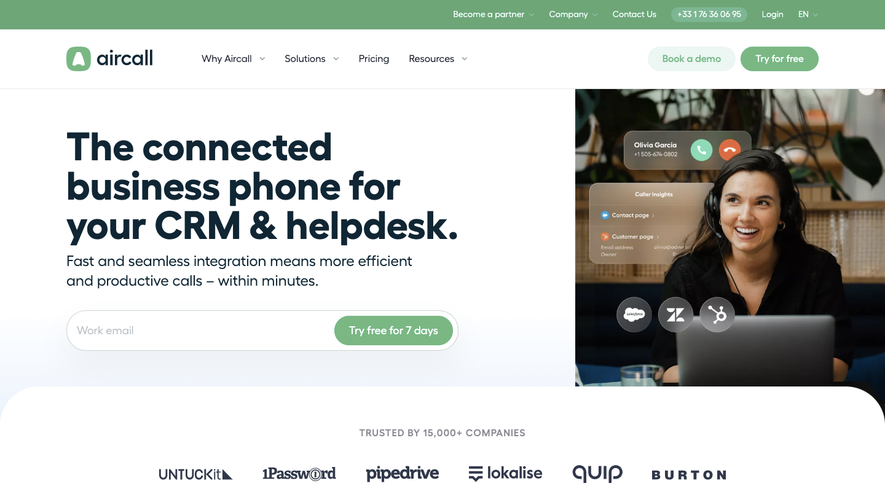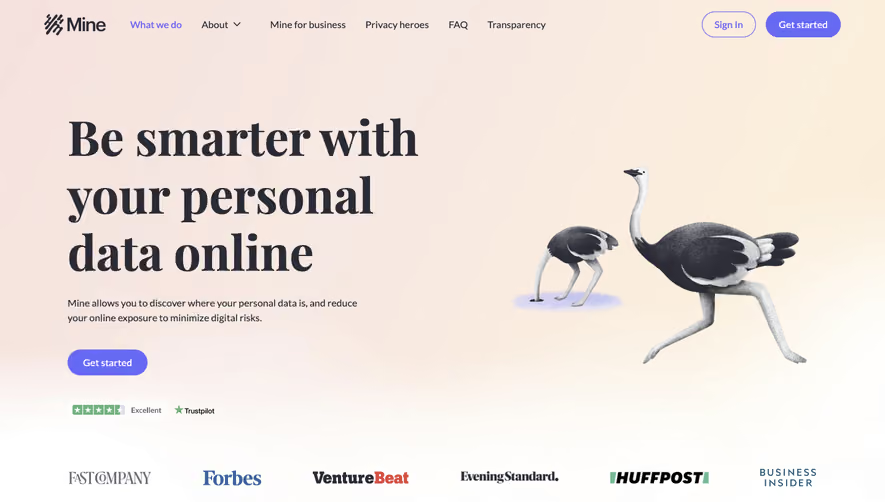


1. Header: The topmost section of the Soapboxhq.com page contains the company's logo and a navigation menu featuring links to the primary sections of the page. 2. Hero Section: Immediately below the header is the hero section, which contains a large banner image and a prominent call-to-action button to try Soapbox for free. The banner image features a tagline and a brief description of the product and how it can help teams. 3. Product Overview: This section features a carousel that showcases different features of Soapbox. Each carousel slide highlights a different capability of the software and includes an image, a brief description, and a link to read more. 4. Benefits: This section highlights the key benefits of Soapbox. The layout utilizes a three-column grid of icons and text that lists benefits such as "Save Time", "Improve Communication", and "Get Insights". 5. How It Works: This section explains how Soapbox works and the key features. It includes a short video that demonstrates how the software works and a step-by-step guide to using the tool. 6. Pricing: The pricing section details the different plans of Soapbox and their features. It includes a comparison chart for the different packages, as well as a call-to-action button to sign up for a plan. 7. Testimonials: This section includes quotes from satisfied Soapbox users. It includes the user's name, title, and company name, as well as a headshot. 8. Blog: This section features the latest articles from the Soapbox blog. Each article includes the title, publication date, and a brief summary of the content. 9. About Us: This section provides information about the company and its mission. It includes a brief overview of the company's history and lists the team members. 10. Footer: The footer section contains links to the different sections of the page, as well as to the company's social media accounts and contact information.


Hypercontext oapbox Landing Page

Hypercontext
The App Built for Managers
Designed by
No items found.
Category
Patterns
No items found.
Tech Stack
Added on
May 29, 2020