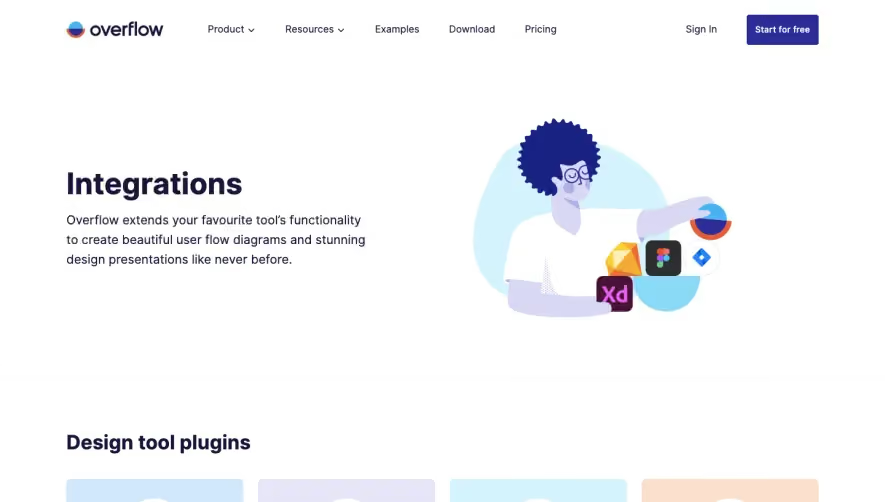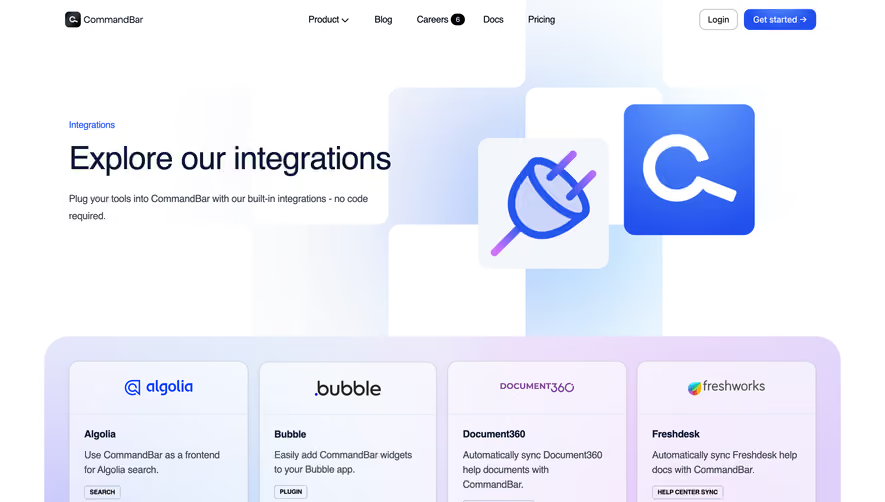


1. Header: The top of the page features Soapbox's logo on the left side, and a navigation menu on the right. The navigation menu contains links to the Soapbox homepage, the integrations page, the pricing page, and the login page. 2. Hero section: The hero section features a large banner image of a laptop with the Soapbox platform displayed on the screen. 3. Integrations table: The main content of the page is a table that lists all of the integrations that Soapbox offers, organized into categories such as communication tools, productivity tools, and CRMs. Each integration is displayed with its logo, name, category, and a brief description of its features. 4. Filters: Above the integrations table, there are filters that allow users to sort the integrations by category or search for a specific integration by keyword. 5. Featured integrations: Below the integrations table, there is a section that highlights several of Soapbox's most popular integrations, with larger logos and more detailed descriptions. 6. Footer: The bottom of the page includes the Soapbox logo, links to the main pages of the website, social media icons, and legal disclaimers.


Hypercontext oapbox Integrations Page

Hypercontext
The App Built for Managers
Designed by
No items found.
Category
Patterns
No items found.
Tech Stack
Added on
July 5, 2020