

.avif)

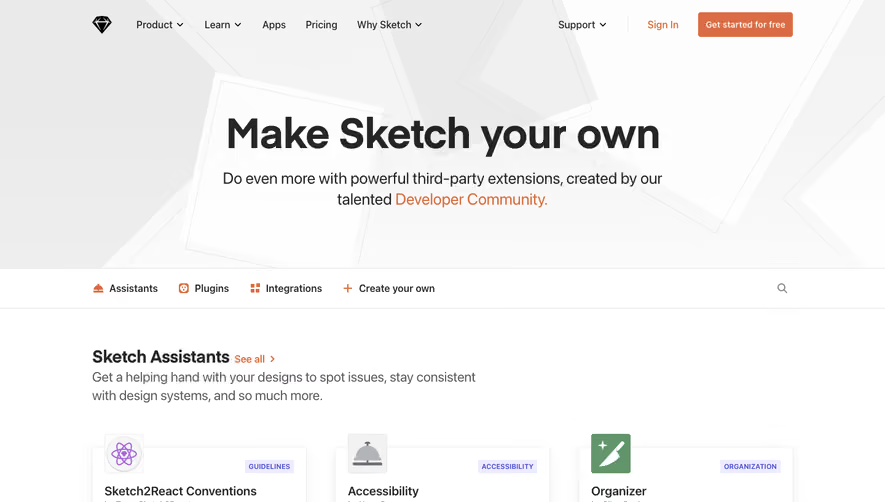
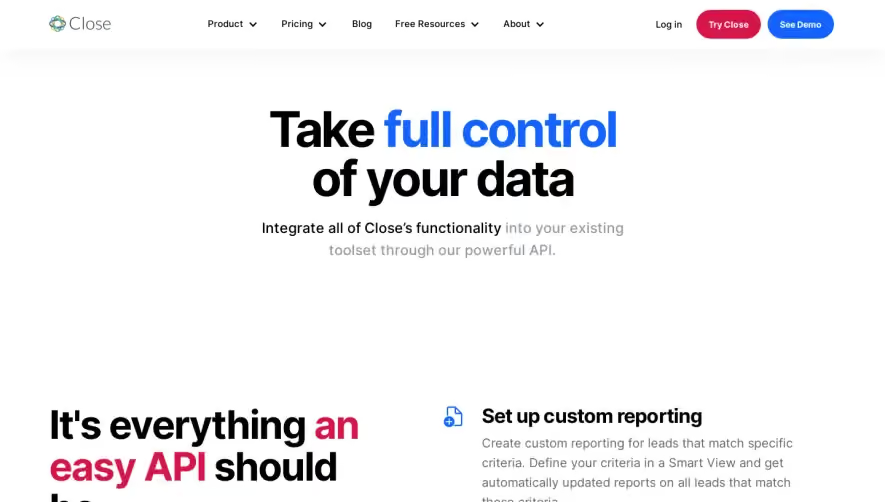
1. Header Section: This section occupies the topmost part of the webpage and includes the Segment logo at the left corner along with some navigation links such as ‘Pricing’, ‘Solutions’, ‘Resources,’ and ‘Company’. On the right corner of the header, there are two CTA buttons i.e., ‘Sign In’ and ‘Get started’. 2. Hero Section: The next section is the hero section that covers the viewport area inclusive of a background image and a tagline, ‘Accelerate your data.’ with a CTA button for ‘Get started’. 3. Features Section: This section showcases the key features of Segment such as ‘Integrations’, ‘Connections’, ‘API’, ‘Data governance’ using a mix of images and texts. 4. Industries Section: This section includes the industries that Segment serves with animated images in the background for better visualization. The names of the industries have been provided along with a short description. 5. Customers Section: In this section, Segment showcases some of its major customers in a visually appealing manner using logos and brand names. 6. Footer: The footer section comprises four columns. The first column includes the Segment logo along with links to their social media handles. The second column includes some resources links such as ‘Documentation’, ‘API Docs’, ‘FAQs’ ‘Open Source’ and more. The third column highlights the Segment solutions with links to them. The fourth column includes ‘Contact Us’ links and a button for ‘Sign Up for Free’. Overall, the website structure of Segment is straightforward and well-organized, primarily focusing on showcasing the key features of the product, industries they serve, and their reputable customers. The content is presented visually through minimalistic design elements, including images, texts, and citations. In summary, the website serves as an excellent avenue to attract visitors, provide information and convert leads to customers.
.webp)


Segment Integrations

Segment
Customer Data Platform
Designed by
Category
Patterns
No items found.
Tech Stack
Added on
April 30, 2020