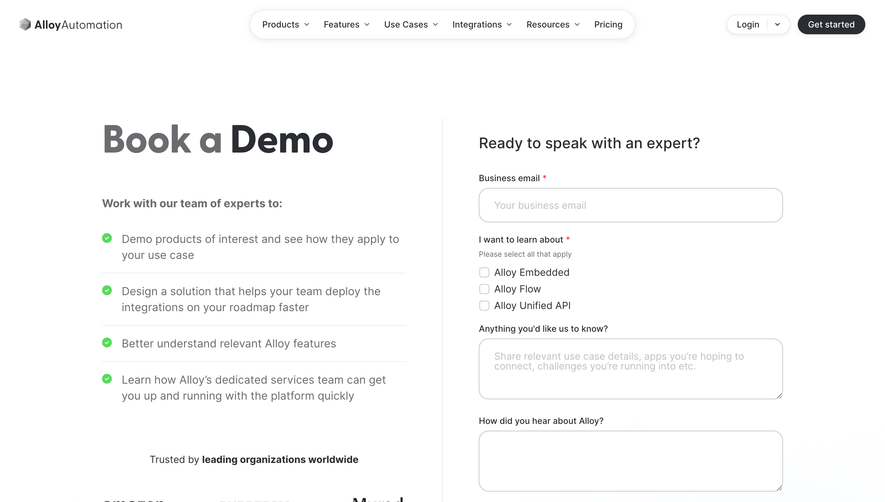
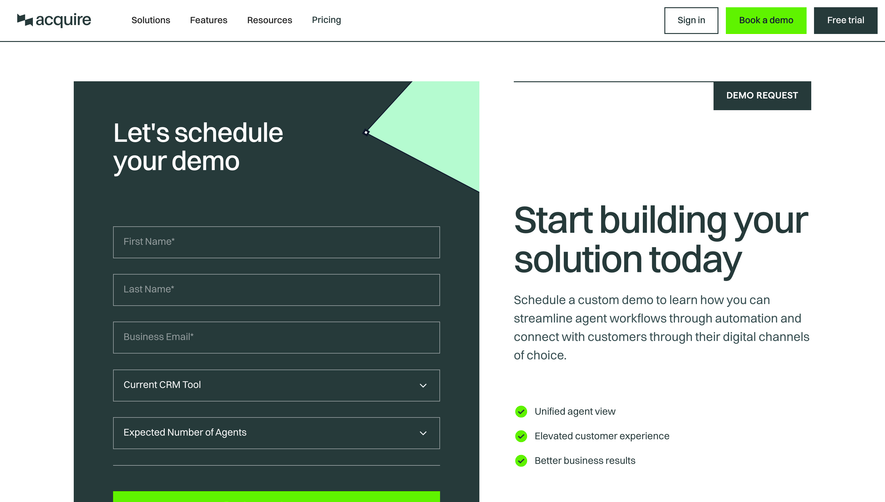
Generate a new design based on this screen using your own content.
Thank you! Your submission has been received!
Oops! Something went wrong while submitting the form.
# Design from Reference: Searchable Demo Request
Create an original, high-fidelity visual design inspired by the reference. Prioritize composition, typography, colors, spacing, and component styling over technical implementation.
## Reference
- **Product:** Searchable
- **Category:** Demo Request
- **Screenshot:** https://cdn.prod.website-files.com/5e9dc792e1210c5325f7ebbc/6acad399c2028efdec71ae67_6acad11850cf4647822bd397_cms-6e31dd3541681f3f721ff05a.webp
Analyze the screenshot first. If inaccessible, request it rather than guessing.
## Content
{{content.instructions}}
{{content.data}}
Preserve essential messaging and factual accuracy. Adapt structure and copy length for visual balance; never invent product claims.
## Visual Design
Use this context to reproduce the reference's visual language: layout, typography, colors, spacing, borders, radii, and distinctive elements. The screenshot takes priority if descriptions conflict.
## Direction
{{preferences.fidelityInstructions}}
## Output
{{output.instructions}}
Deliver a polished, cohesive design with precise alignment, hierarchy, and spacing. Produce the requested visual artifact, not just a description. If unsupported, explain the limitation.
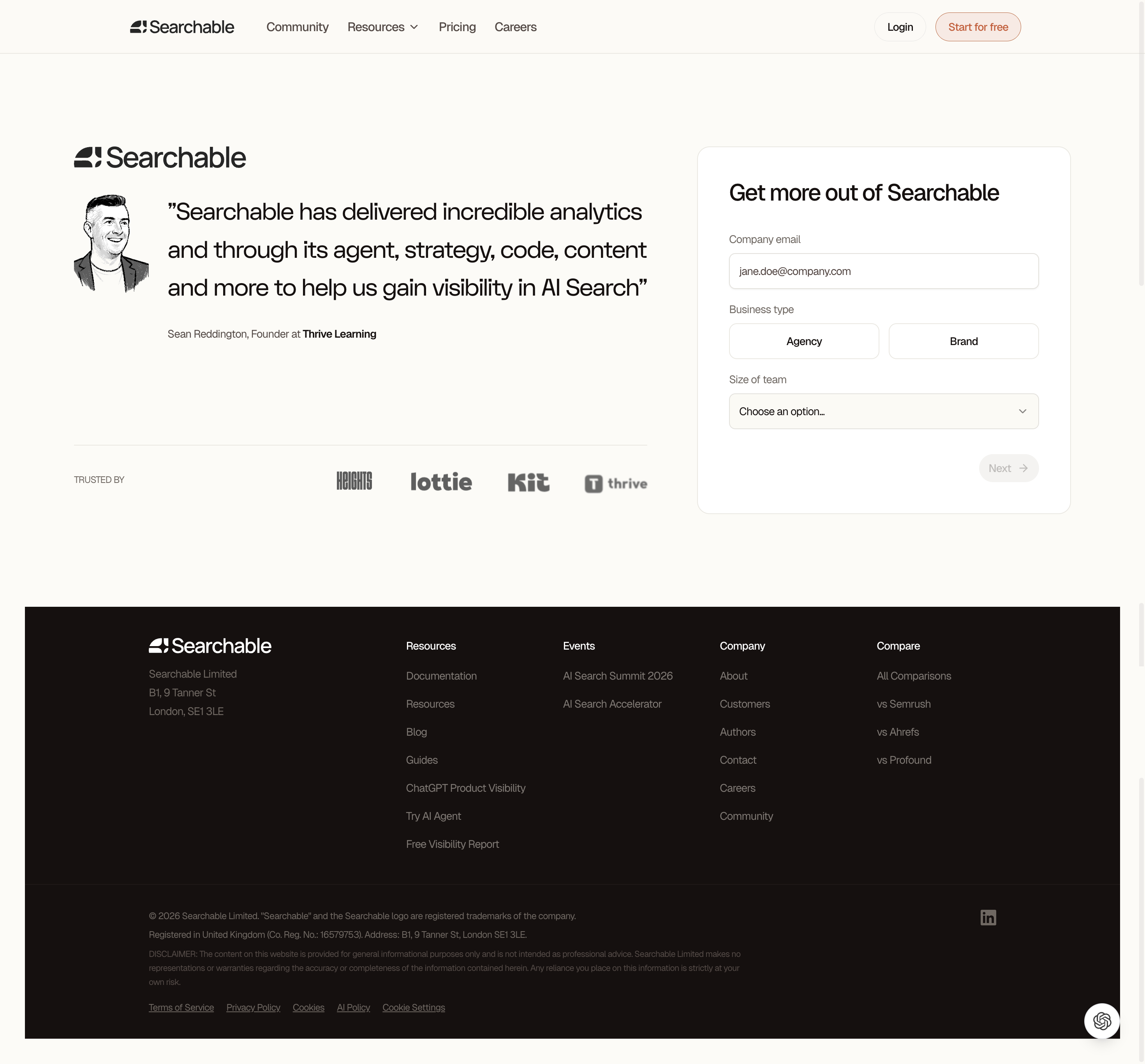
This signup page from Searchable nails the split-layout approach. Left side builds credibility with a testimonial and trusted-by logos. Right side is a clean multi-step form. Simple. The testimonial includes a hand-drawn portrait illustration which feels warm and human against the otherwise minimal design. That's a smart touch.
Restrained Palette, Strong Hierarchy
Almost entirely black, white, and a warm off-white background. The only real color hit is that soft coral on the "Start for free" button in the nav. Typography is confident. Large serif quote text contrasts with the sans-serif UI elements, creating a clear separation between editorial content and functional components. The "Agency / Brand" toggle for business type is a clever bit of progressive disclosure that keeps the form from feeling heavy.
What Makes It Work
The form doesn't ask for too much upfront. Email, business type, team size. That's it before you hit "Next." The arrow on that button is subtle but directional. Footer is thorough without being cluttered. Everything breathes. Nothing fights for attention.
.webp)




.avif)