.webp)
Thank you! Your submission has been received!
Oops! Something went wrong while submitting the form.
Get SaaSFrame Pro
Monthly
$18
Quarterly
$48
Yearly
$180
Upgrade to access this feature
Browse all screens & flows
Filter and search screens & flows
Access Figma files
Access mobile versions
Bookmark screens & flows
Join now
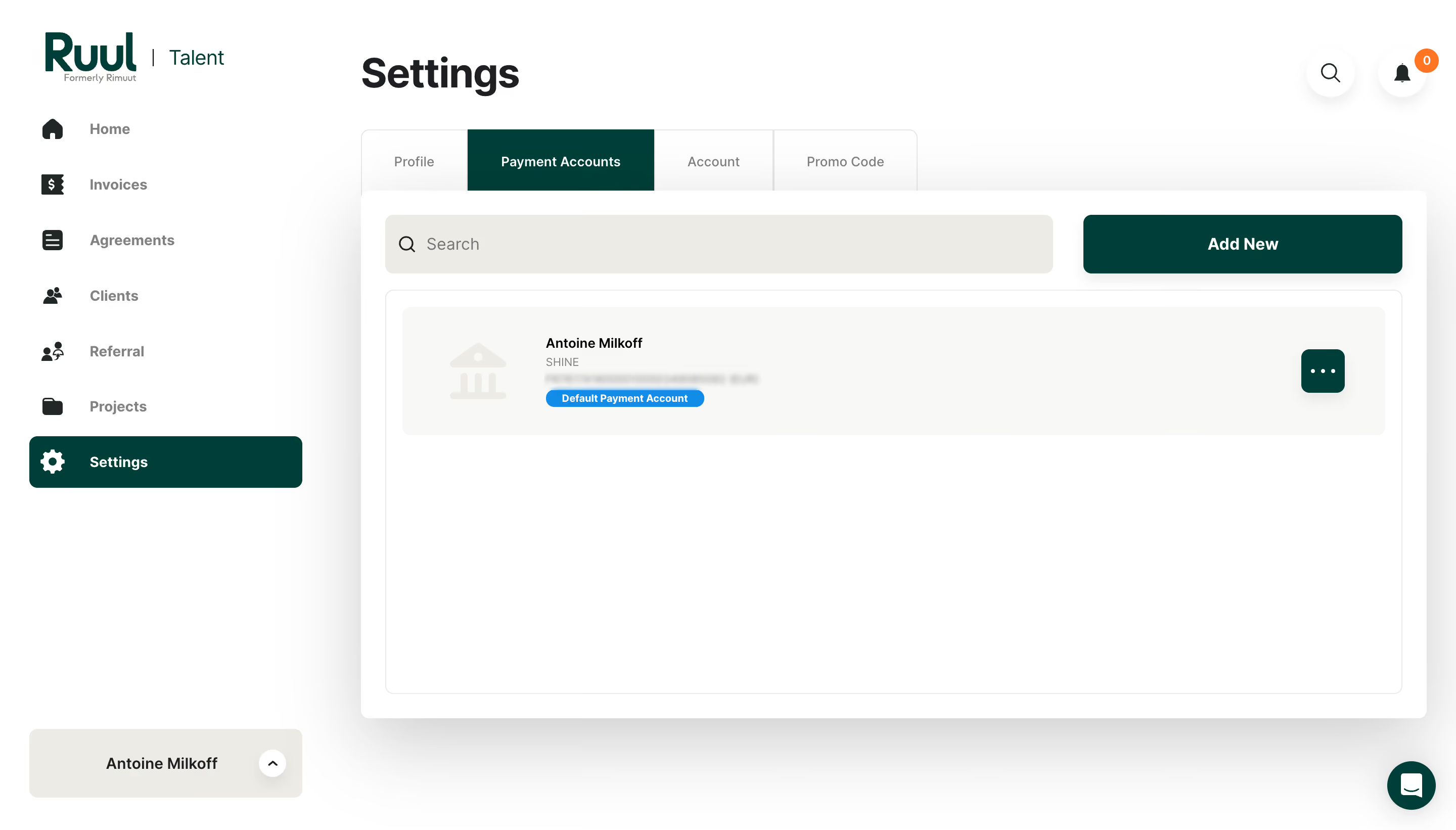
Ruul Banking Information Added

Ruul
Worktech Solutions for Modern and Global Work
Designed by
No items found.

Bookmark
Bookmark

Design with AI
Thank you! Your submission has been received!
Oops! Something went wrong while submitting the form.
# Design from Reference: Ruul Banking Information Added
Create an original, high-fidelity visual design inspired by the reference. Prioritize composition, typography, colors, spacing, and component styling over technical implementation.
## Reference
- **Product:** Ruul
- **Category:** Add & Edit
- **Screenshot:** https://cdn.prod.website-files.com/5e9dc792e1210c5325f7ebbc/6acb6c0f5391d62536b67146_6acb6ab027f191c7ced07e5e_cms-2172e4be4adb7f81e9332b55.webp
Analyze the screenshot first. If inaccessible, request it rather than guessing.
## Content
{{content.instructions}}
{{content.data}}
Preserve essential messaging and factual accuracy. Adapt structure and copy length for visual balance; never invent product claims.
## Visual Design
### Overall aesthetic
- **Style:** White payment-account settings dashboard with deep green actions, warm neutral surfaces and unusually broad soft shadows.
- **Character:** A large main card and sparse account list emphasize a completed setup state rather than a dense financial table.
### Page composition
- **Canvas:** Source 2880 × 1642 pixels; geometry uses the 1400 × 798 inspection view. Approximate 2× source-to-CSS capture is plausible but unverified.
- **Sidebar:** Approximately 320px wide, with brand at the top, icon-led links, selected Settings row and a profile dropdown at the bottom.
- **Main header:** Settings appears near x347, y53; search and notification circles sit at the upper right.
- **Tabs and panel:** Four tabs begin near y125. A broad white panel approximately 1025 × 508px starts at y183 beneath them.
- **Content:** Search and Add New share the panel’s first row. A large outlined list region contains one pale account row with icon, metadata, default badge and overflow action.
### Information hierarchy
- **Location:** The main title, active Payment Accounts tab and selected sidebar Settings item establish nested location.
- **Primary action:** Add New is a wide green button aligned with the search field.
- **Account row:** A bold holder label leads to smaller provider/account details; sensitive account text is blurred and is not reconstructed.
- **Status:** A bright blue Default Payment Account badge distinguishes the visible row.
- **Utilities:** Notification count and overflow control are subordinate to the account content.
### Typography
- **Page heading:** Approximately 40px bold sans serif with around 48px line height.
- **Buttons/navigation:** Approximately 14–16px semibold; inactive links and tab labels use muted gray.
- **Account text:** Holder label around 13px bold, provider around 11px regular and status badge around 10px bold white.
- **Brand:** Large deep-green wordmark with small secondary descriptor; exact text font identity is unverified.
### Colors & surfaces
- **Measured base:** #FFFFFF white, #F8F8F6 account surface and #ECECE5 warm neutral search/profile fills.
- **Measured accent:** #003F39 deep green appears in primary actions and selected navigation.
- **Other tones:** #FEFEFE, #FDFDFD, #FCFCFC and #FBFBFB occur in pale surface/shadow transitions.
- **Status accents:** Blue default badge and orange notification count provide localized emphasis; exact semantic accent hex values are unverified.
- **Depth:** A large diffuse gray shadow surrounds the main panel, with smaller soft shadows beneath utility controls.
### Components
- **Selected navigation:** Roughly 263 × 50px, green fill, white icon/label and about 8px radius.
- **Tabs:** Segmented rectangular tabs around 59px tall; active payment tab has green fill, white text and roughly 180px width.
- **Search/action row:** Search approximately 643 × 57px with warm neutral fill and 8px radius; Add New approximately 307 × 57px with matching radius.
- **List region:** Thin pale outline and about 8px radius. The single account strip is inset around 16px and roughly 124px tall.
- **Account tools:** Pale bank icon at left; green rounded overflow button about 42px square at right.
- **Support/profile:** Round green chat launcher at lower right and broad neutral profile dropdown at sidebar bottom.
- **States:** The capture shows one default account; add, overflow-menu and deletion states are not visible.
### Visual rhythm
- **Panel padding:** Approximately 23px around the search/action row, with a 16px gap before the list frame.
- **Account spacing:** Icon and text are separated by about 35px; the overflow action aligns near the far-right inset.
- **Empty region:** Broad white space below the single account reinforces the panel’s generous fixed desktop area.
- **Sidebar cadence:** Links follow roughly 53px vertical pitch, with the selected row clearly separated from surrounding gray labels.
### Responsive
- **Observed scope:** Desktop only; mobile behavior is unverified.
- **Recommended shell:** Collapse the sidebar and stack search above Add New on narrow screens.
- **Recommended account row:** Allow metadata and status badge to wrap while retaining a clear overflow control.
- **Recommended height:** Let the list region follow content height on small screens instead of preserving the large desktop empty area.
### Adaptation guidance
- **Preserve:** Deep green location/action cues, warm neutral search surfaces and clear default-account badge.
- **Data handling:** Populate only supplied account metadata and mask sensitive account identifiers consistently.
- **Interaction:** Define add-account, account-menu and default-selection states explicitly; no success toast is visible despite the record title.
- **Accessibility:** Label icon controls, expose the active tab and maintain readable contrast for small provider/status text.
Use this context to reproduce the reference's visual language: layout, typography, colors, spacing, borders, radii, and distinctive elements. The screenshot takes priority if descriptions conflict.
## Direction
{{preferences.fidelityInstructions}}
## Output
{{output.instructions}}
Deliver a polished, cohesive design with precise alignment, hierarchy, and spacing. Produce the requested visual artifact, not just a description. If unsupported, explain the limitation.

.avif)
Category
Patterns
No items found.



Added on
May 3, 2023
Found in 1 flow
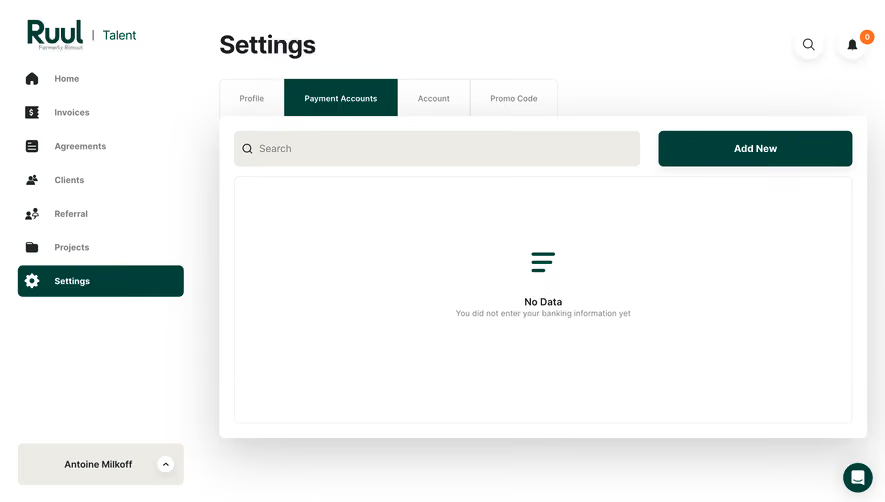


Similar screens



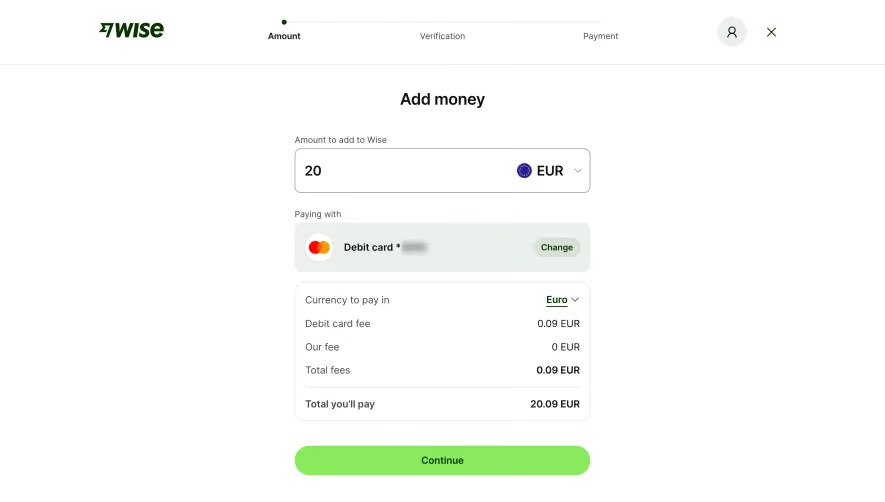



Upgrade to SaaSFrame Pro now to see similar examples.
Monthly
$18 /month
Billed $18 monthly
Browse all screens & flows
Filter and search screens & flows
Search text in screenshots
Access Figma files
Access mobile versions
Join now
Quarterly
$16 /month
Billed $48 quarterly
Browse all screens & flows
Filter and search screens & flows
Search text in screenshots
Access Figma files
Access mobile versions
Join now
Yearly
$15 /month
Billed $180 yearly
Browse all screens & flows
Filter and search screens & flows
Search text in screenshots
Access Figma files
Access mobile versions
Join now