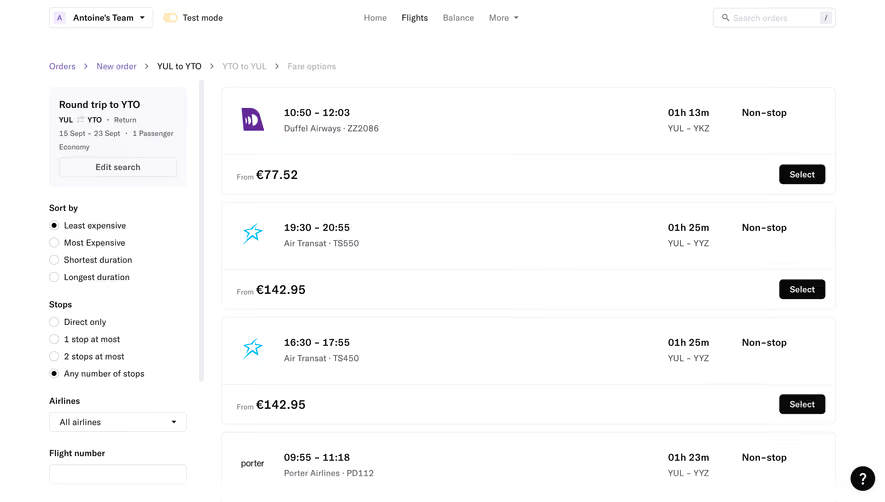
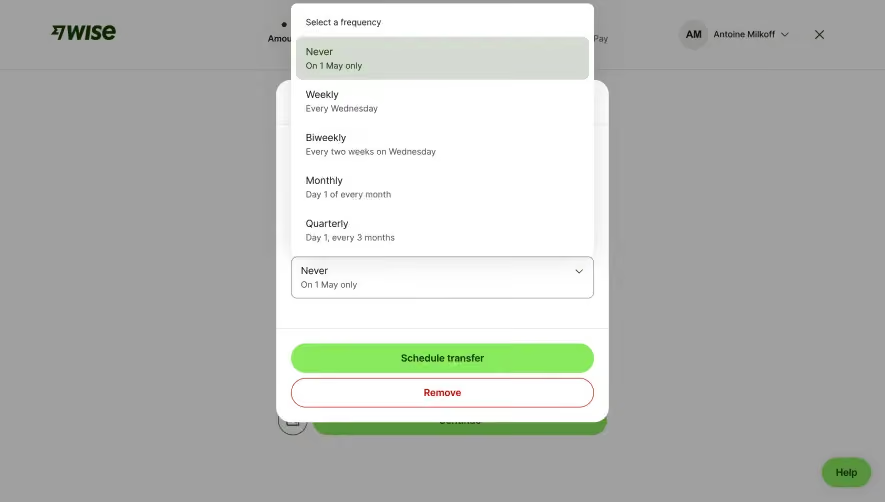
Overall Style and Aesthetic
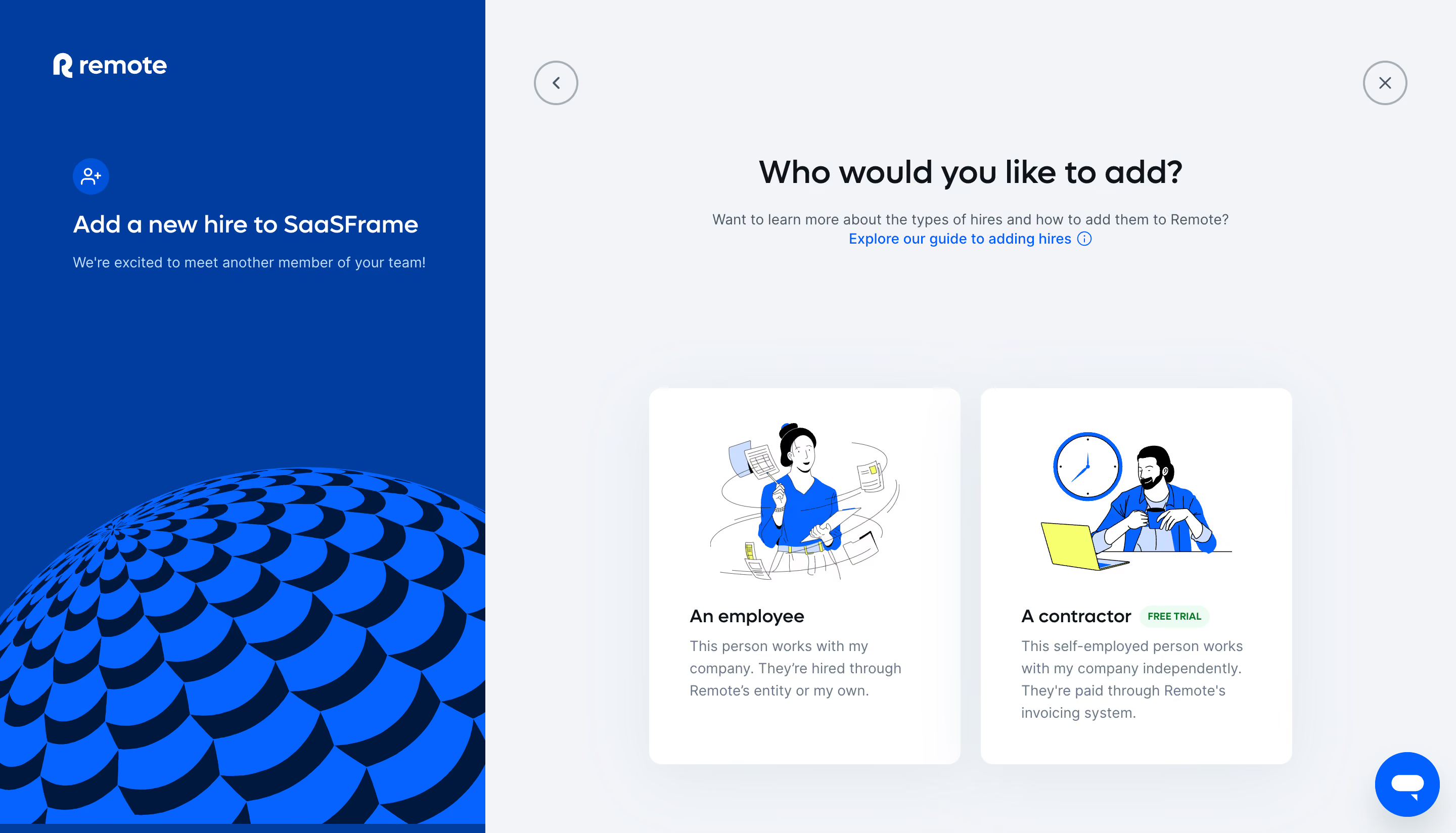
The Employ Remote "Add People" page exemplifies a crisp, minimalist SaaS design with a distinctly modern and professional vibe. Every element is intentionally spaced, allowing content to breathe and preventing cognitive overload—perfect for busy HR professionals and team leaders. Subtle use of rounded shapes, whitespace, and gentle shadows conveys approachability without sacrificing authority. Layout and Structure
The layout is purpose-driven and frictionless. A focused header keeps users oriented within the platform, while the content is centered on a clean, single-column form. No excessive sections distract from the main user flow; the primary interaction—adding new people—is front and center. Navigation remains sticky, unobtrusive, and accessible for quick returns to key dashboard areas. Visual Elements
Employ Remote opts for clarity over embellishment with lightweight icons denoting form fields, gentle illustrations for guidance, and the strategic absence of busy imagery. Micro-animations offer understated feedback on form interactions (e.g., active state highlights), building a sense of control and polish. Visual cues always serve usability rather than decoration. Color Palette and Typography
The page embraces a refined color palette: predominantly white backgrounds offset by soft grays and a bold, inviting primary blue for CTAs and highlights. Typography follows a clean sans-serif hierarchy—with large, readable headings and thoughtful spacing for form labels and helper text, ensuring easy scanning and reduced eye strain. User Experience Patterns & Notable Choices
The interface anticipates user needs: contextual tooltips clarify complex fields, smart defaults streamline data entry, and a progress indicator demystifies multi-step onboarding. CTAs are confident and clear, with high-contrast buttons inviting next steps. Overall, the page feels trustworthy, calm, and exceptionally usable—making a potentially tedious HR task fast, seamless, and even delightful..webp)




.avif)