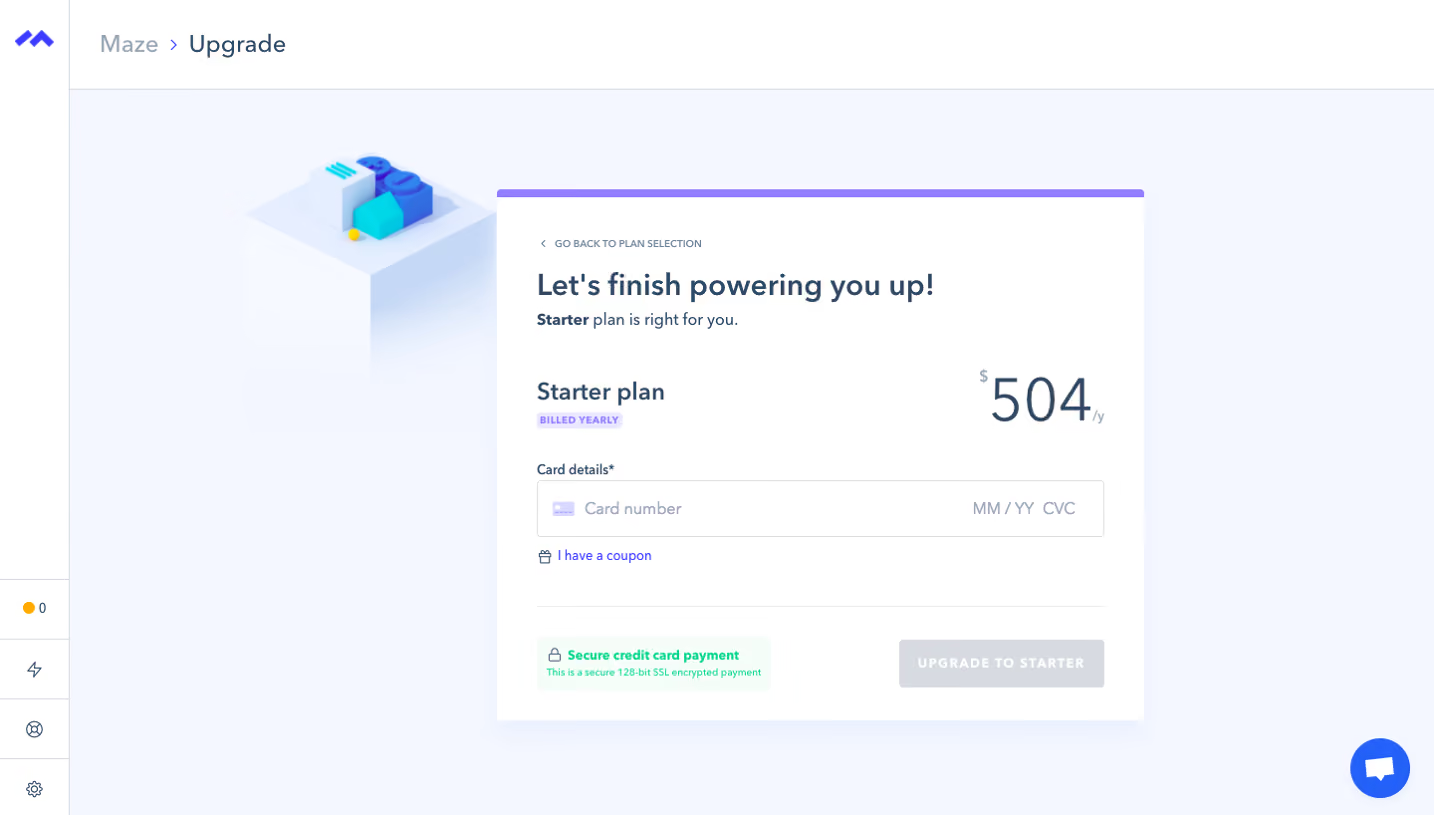
Generate a new design based on this screen using your own content.
Thank you! Your submission has been received!
Oops! Something went wrong while submitting the form.
# Design from Reference: Prelude Checkout
Create an original, high-fidelity visual design inspired by the reference. Prioritize composition, typography, colors, spacing, and component styling over technical implementation.
## Reference
- **Product:** Prelude
- **Category:** Checkout
- **Screenshot:** https://cdn.prod.website-files.com/5e9dc792e1210c5325f7ebbc/697b7643227adde43cb101dd_PYnNABXTMcCFEdKDfVCQ7saEOikKkj2woUigOkOLEpQ.avif
Analyze the screenshot first. If inaccessible, request it rather than guessing.
## Content
{{content.instructions}}
{{content.data}}
Preserve essential messaging and factual accuracy. Adapt structure and copy length for visual balance; never invent product claims.
## Visual Design
Use this context to reproduce the reference's visual language: layout, typography, colors, spacing, borders, radii, and distinctive elements. The screenshot takes priority if descriptions conflict.
## Direction
{{preferences.fidelityInstructions}}
## Output
{{output.instructions}}
Deliver a polished, cohesive design with precise alignment, hierarchy, and spacing. Produce the requested visual artifact, not just a description. If unsupported, explain the limitation.
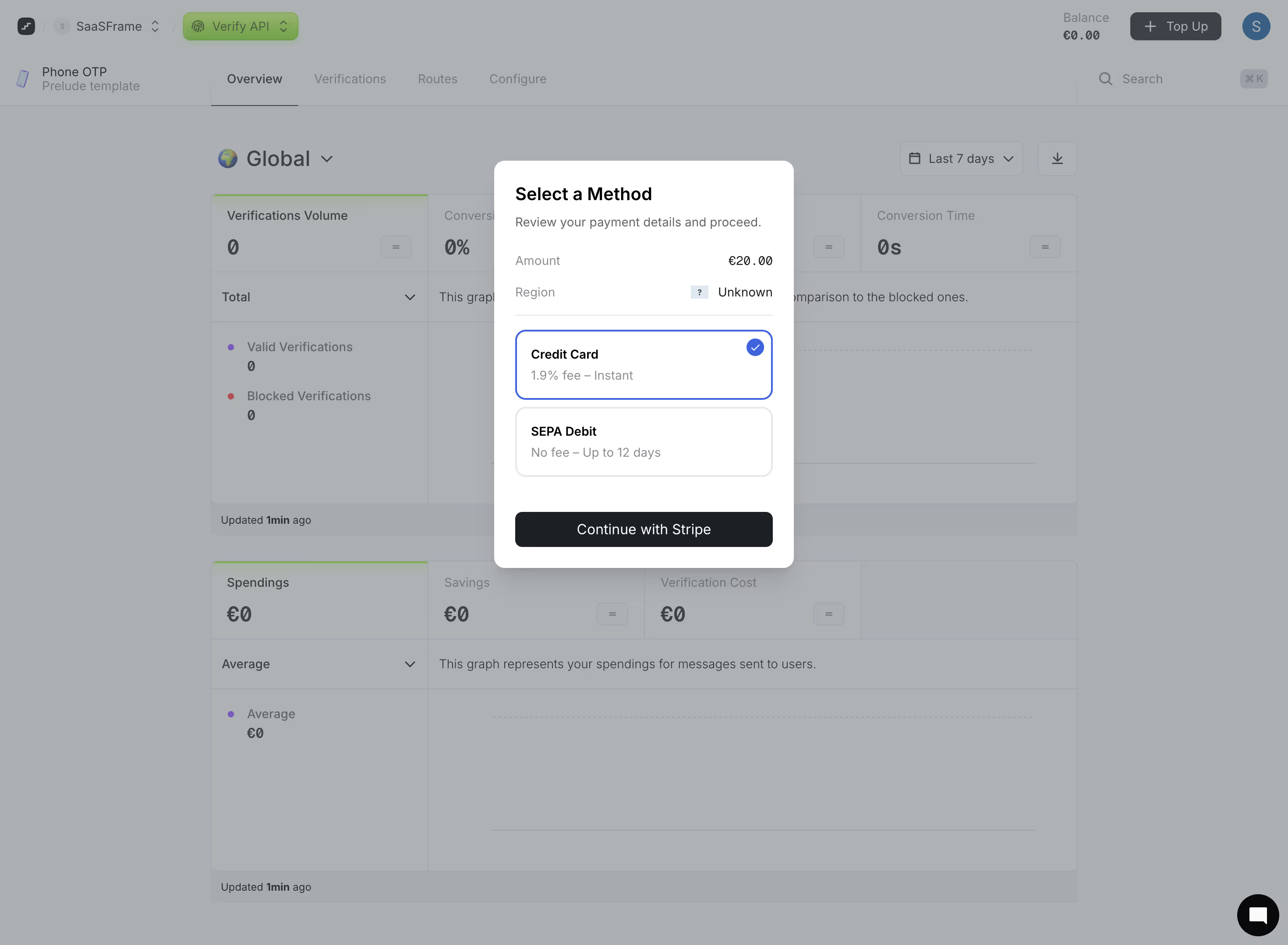
First thing you notice is that modal. It sits perfectly centered over the dimmed dashboard, pulling all focus exactly where it needs to be. The payment method selection uses a blue outline on the active "Credit Card" option with a checkmark badge, making the current choice instantly obvious. Smart.
Dashboard That Doesn't Try Too Hard
Behind the modal, the Prelude Verify API dashboard keeps things minimal. Muted greens for the nav pill, soft grays everywhere else. The stats layout is dead simple: Verifications Volume, Conversion Rate, Conversion Time all in a row. Zero visual clutter. The dual-section approach splitting "Total" and "Average" graphs with their own legends works well for scanning.
Typography and Spacing Do the Heavy Lifting
The type hierarchy in the modal is particularly good. Bold "Select a Method" header, lighter descriptive text, then the amount in monospace-style euro formatting. The "Continue with Stripe" button is a solid dark fill that contrasts against the white card. One standout detail: the region showing "Unknown" with a blue question mark icon. Honest UI that doesn't hide missing data.
.webp)



.avif)