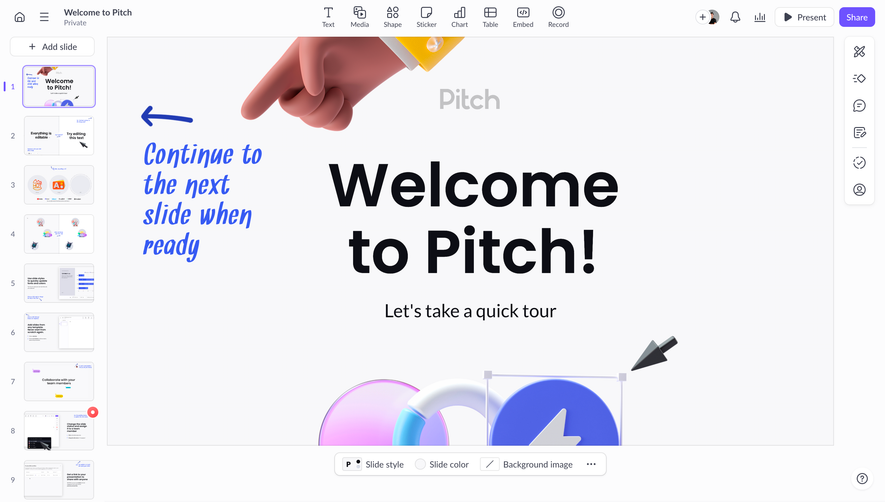
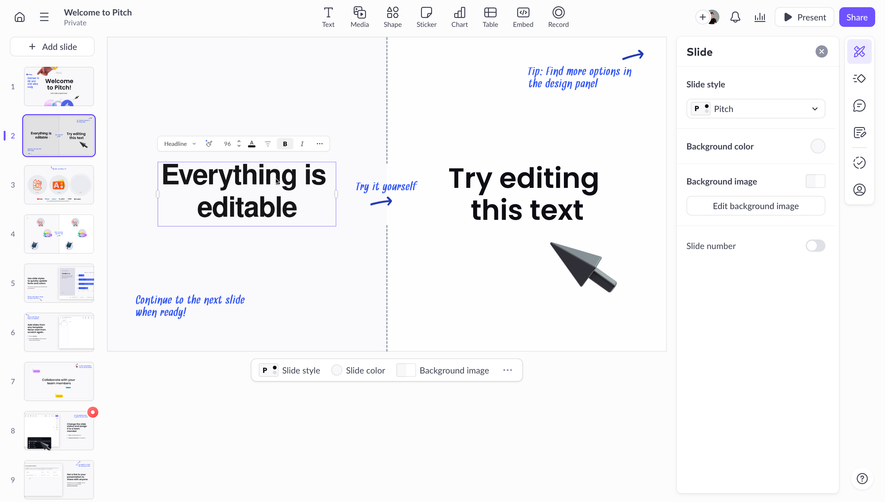
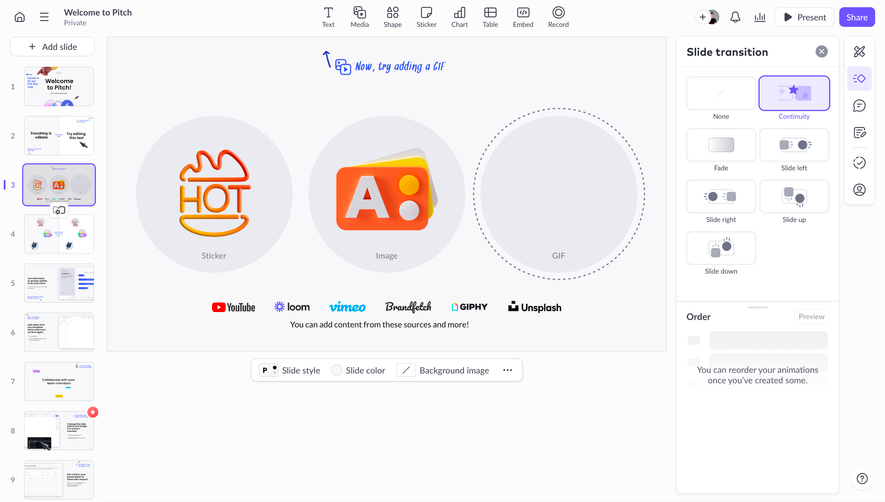
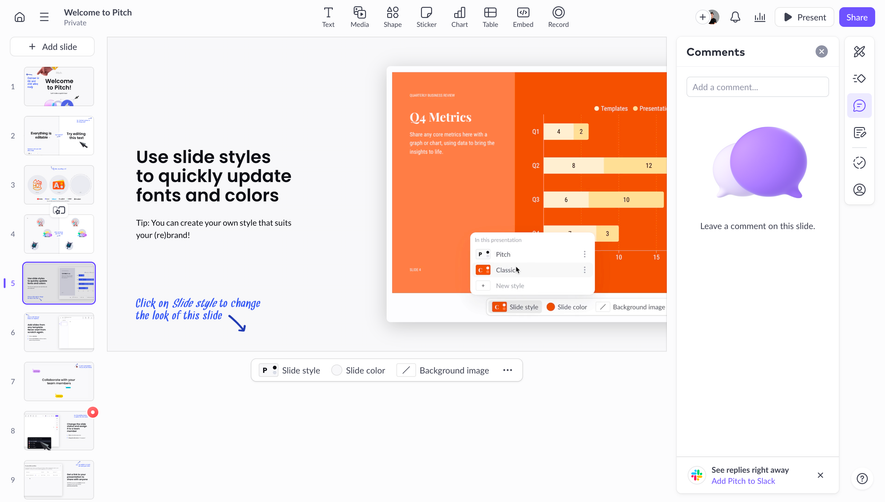
Generate a new design based on this screen using your own content.
Thank you! Your submission has been received!
Oops! Something went wrong while submitting the form.
# Design from Reference: Pitch Share Externaly
Create an original, high-fidelity visual design inspired by the reference. Prioritize composition, typography, colors, spacing, and component styling over technical implementation.
## Reference
- **Product:** Pitch
- **Category:** Share
- **Screenshot:** https://cdn.prod.website-files.com/5e9dc792e1210c5325f7ebbc/6aca27eaaca7079066e8e841_6aca270a06da357dd6ce7634_cms-ead3cfd6fcc8e887378e69cc.webp
Analyze the screenshot first. If inaccessible, request it rather than guessing.
## Content
{{content.instructions}}
{{content.data}}
Preserve essential messaging and factual accuracy. Adapt structure and copy length for visual balance; never invent product claims.
## Visual Design
Use this context to reproduce the reference's visual language: layout, typography, colors, spacing, borders, radii, and distinctive elements. The screenshot takes priority if descriptions conflict.
## Direction
{{preferences.fidelityInstructions}}
## Output
{{output.instructions}}
Deliver a polished, cohesive design with precise alignment, hierarchy, and spacing. Produce the requested visual artifact, not just a description. If unsupported, explain the limitation.
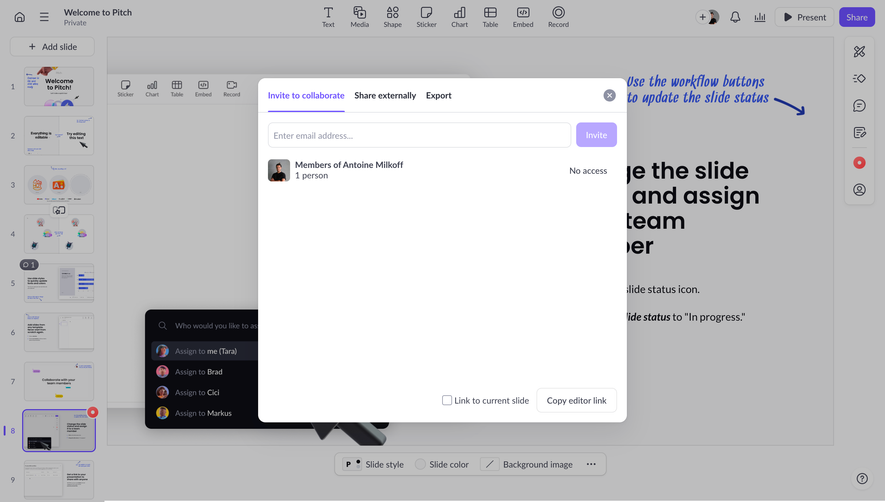
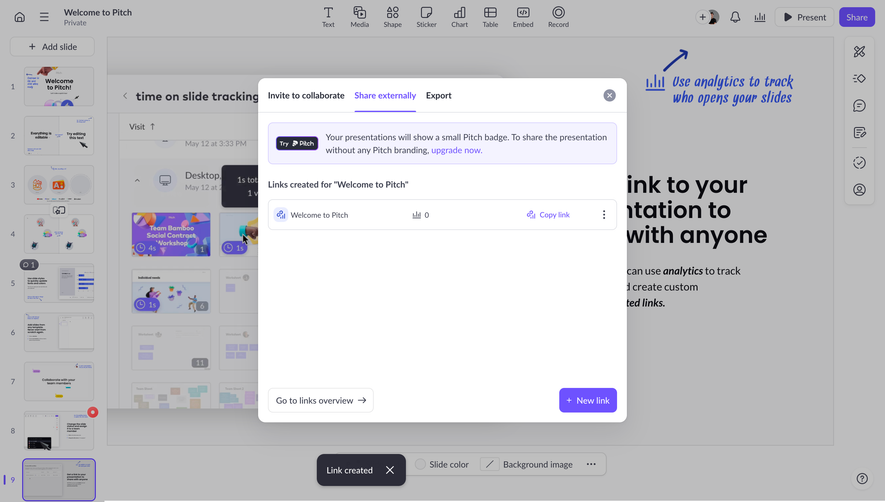
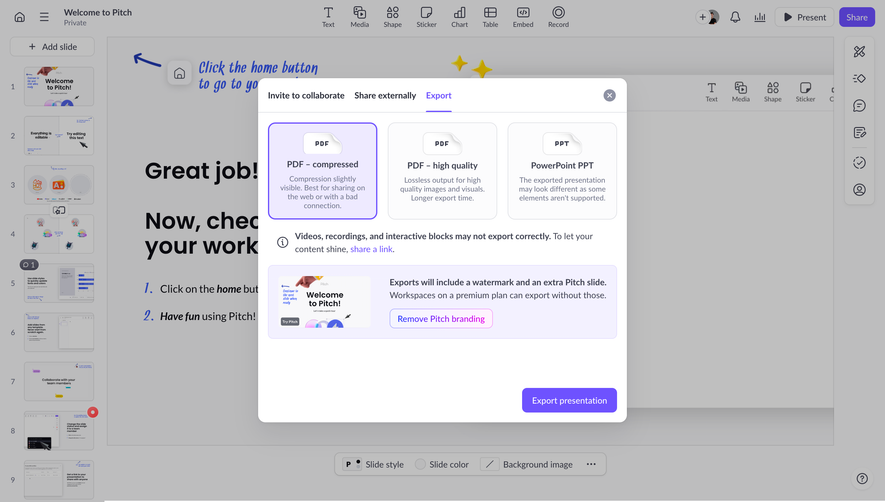
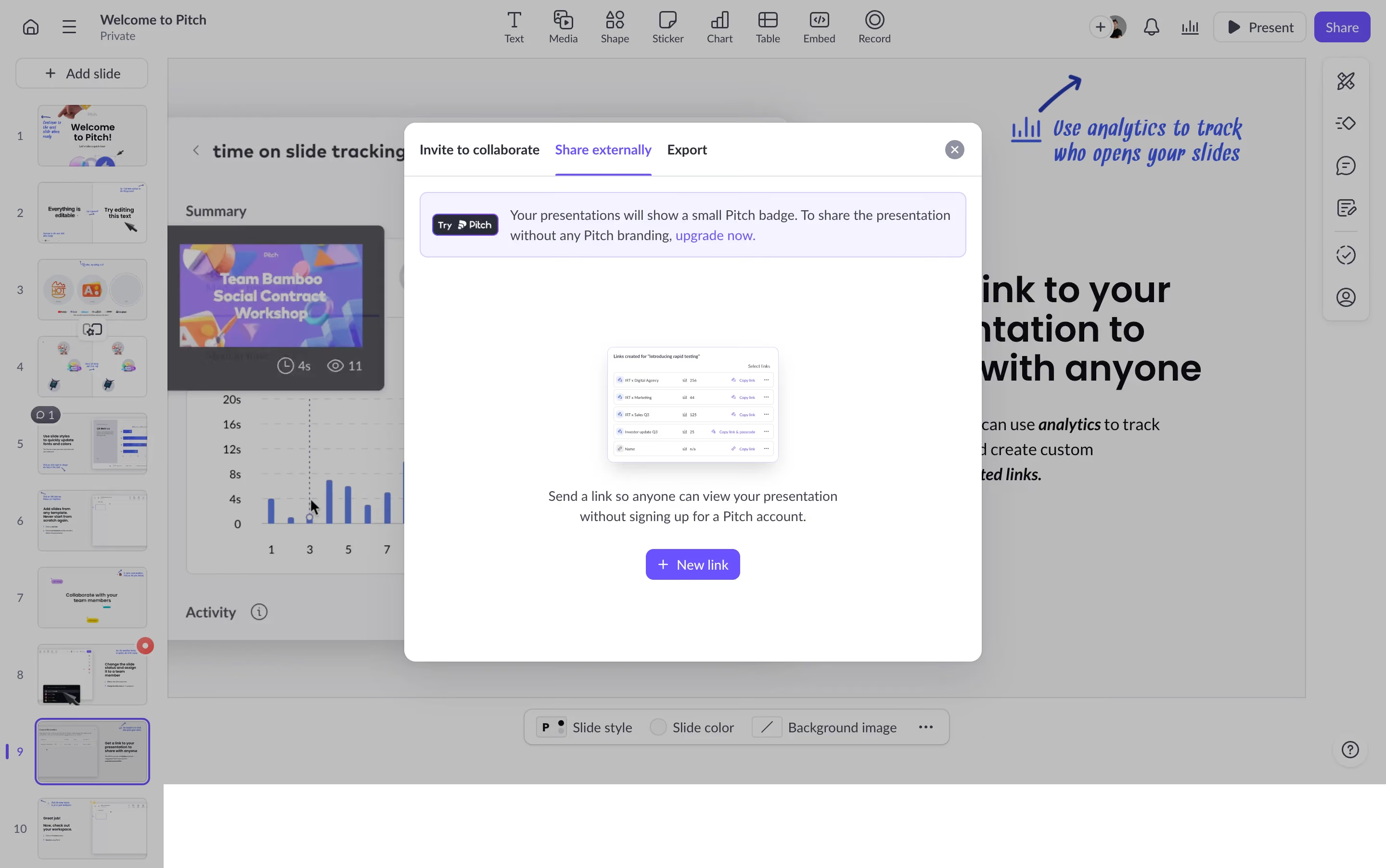
Pitch nails the external sharing flow here. The modal is clean, well-structured, and doesn't overwhelm you with options. Three tabs up top: Invite to collaborate, Share externally, Export. Simple hierarchy. The active tab gets that purple underline which immediately tells you where you are.
The Details That Matter
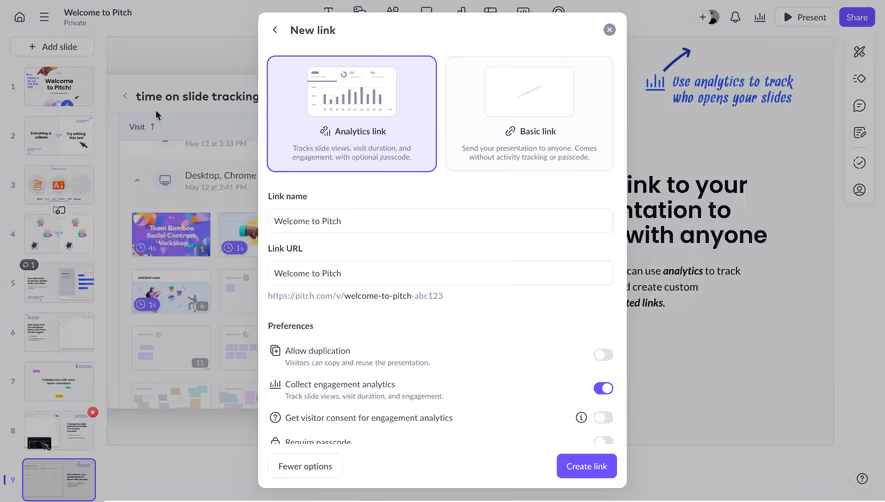
That little preview table showing created links with view counts and copy buttons? Chef's kiss. It gives you just enough data at a glance without turning into a full analytics dashboard. The "+ New link" CTA sits centered at the bottom with a clear purple button that's impossible to miss. The upgrade nudge banner at the top is soft, not aggressive. Yellow accent keeps it visible but not annoying.
Context Is Everything
What makes this stand out is the background. You can still see the presentation, the slide panel, the toolbar. It grounds the modal in context. The slight overlay dims things without hiding them completely. Typography is consistent throughout, clean sans-serif, good weight contrast between headers and body text. The whole thing feels functional and honest. No decoration for decoration's sake.
.webp)




.avif)