.webp)
Thank you! Your submission has been received!
Oops! Something went wrong while submitting the form.
Get SaaSFrame Pro
Monthly
$18
Quarterly
$48
Yearly
$180
Upgrade to access this feature
Browse all screens & flows
Filter and search screens & flows
Access Figma files
Access mobile versions
Bookmark screens & flows
Join now
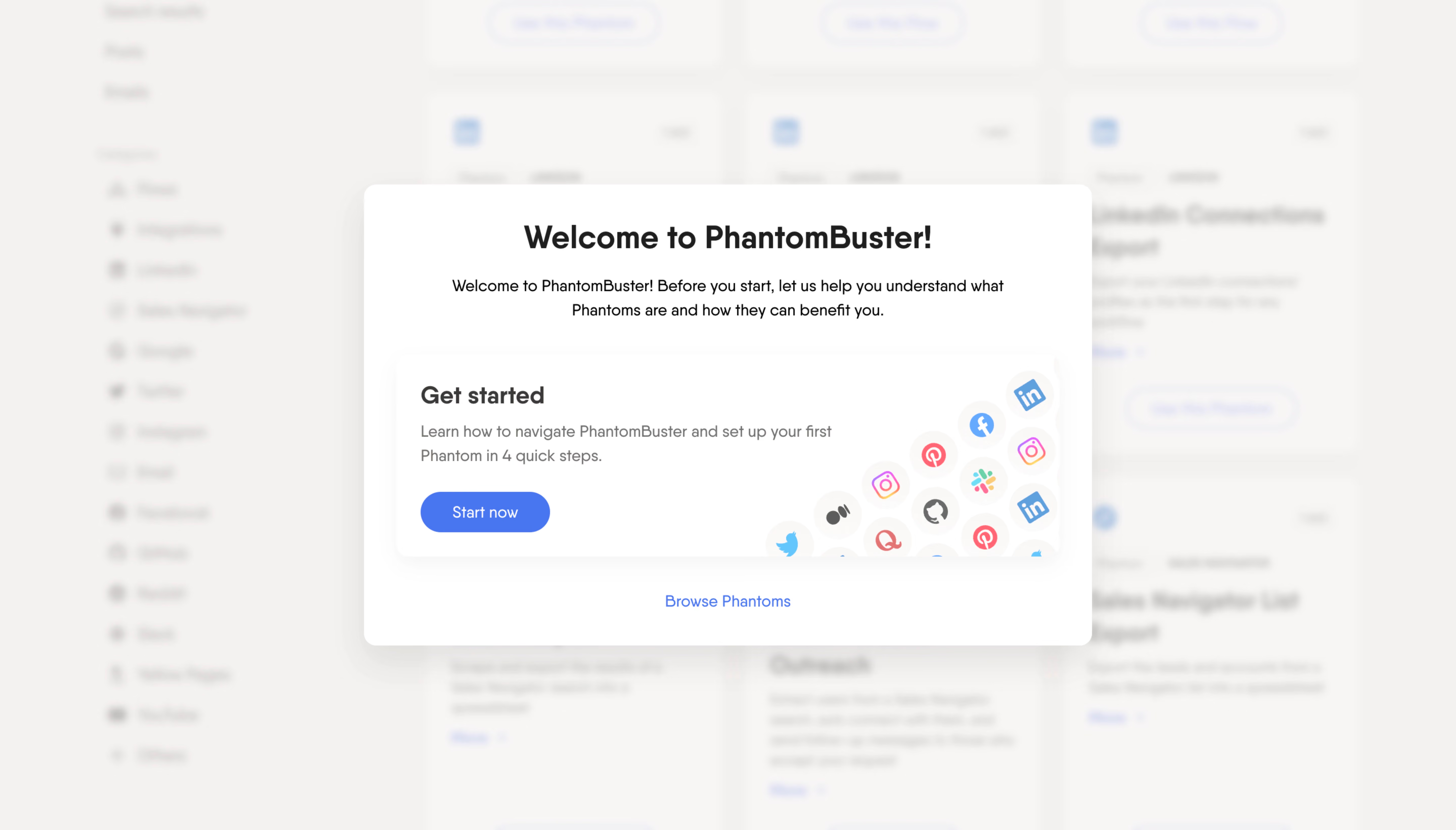
Phantombuster Welcome Screen

Phantombuster
phantombuster
Designed by
No items found.

Bookmark
Bookmark

Design with AI
Thank you! Your submission has been received!
Oops! Something went wrong while submitting the form.
# Design from Reference: Phantombuster Welcome Screen
Create an original, high-fidelity visual design inspired by the reference. Prioritize composition, typography, colors, spacing, and component styling over technical implementation.
## Reference
- **Product:** Phantombuster
- **Category:** Welcome Screen
- **Screenshot:** https://cdn.prod.website-files.com/5e9dc792e1210c5325f7ebbc/6acb722a10423f7ec1f6503e_6acb7068b226993977e1c0a4_cms-5a692ddea158f3dd75f74a27.webp
Analyze the screenshot first. If inaccessible, request it rather than guessing.
## Content
{{content.instructions}}
{{content.data}}
Preserve essential messaging and factual accuracy. Adapt structure and copy length for visual balance; never invent product claims.
## Visual Design
### Overall aesthetic
- **Style:** Friendly onboarding welcome modal layered over a deliberately blurred automation catalog.
- **Character:** White rounded surfaces, warm off-white surroundings, blue actions, and colorful social-platform badges create an approachable first-use experience.
- **Focus treatment:** Strong background blur and a pale veil suppress the catalog while the central dialog remains crisp.
### Page composition
- **Capture and scale:** 5760 × 3284 image px. Estimated CSS sizes assume a 4× capture, equivalent to approximately 1440 × 821 CSS px; device scale is unverified.
- **Background shell:** Left navigation column and a multi-column catalog remain visible as blurred structural shapes; their detailed labels are not reliably readable.
- **Dialog placement:** Centered horizontally and vertically, approximately 720 × 456 CSS px, spanning about x=360–1080 and y=182–638 under the assumed scale.
- **Dialog header:** Centered welcome title followed by a compact two-line introductory paragraph.
- **Inner card:** Wide inset getting-started panel beneath the introduction, with text and a blue action on the left and a cropped diagonal field of service logos on the right.
- **Secondary path:** Browse Phantoms link centered below the inner card, separated by generous whitespace.
### Information hierarchy
- **Primary message:** Bold welcome heading establishes the product and the beginning of onboarding.
- **Guided path:** Get started title, two-line explanatory copy, and Start now button form the main actionable group.
- **Alternative path:** Blue text link offers catalog browsing with less visual weight than the filled action.
- **Background role:** The blurred catalog indicates the destination context without competing with the dialog.
### Typography
- **Family:** Clean proportional sans serif with rounded forms; exact family is unverified.
- **Welcome heading:** Approximately 32px bold with 38–40px line-height, centered.
- **Introductory copy:** Approximately 16px regular with 24px line-height, centered over a broad measure.
- **Inner-card heading:** Approximately 24px semibold with 30px line-height, left aligned.
- **Supporting copy:** Approximately 16px with 24px line-height in gray.
- **Actions:** Approximately 16px regular labels. Sizes and weights are visual estimates under the unverified 4× scale.
### Colors & surfaces
- **Dialog and card:** Sampled #FFFFFF.
- **Warm surrounding tones:** Sampled #F5F1EF, #F8F6F5, and #F4F0EE across the veiled background; these represent the composited screenshot rather than proven underlying CSS fills.
- **Text hierarchy:** Near-black heading text, darker introductory copy, and medium-gray explanatory copy.
- **Action accent:** Sampled #4874EF provides the dominant saturated blue action fill; the secondary link uses a related blue treatment.
- **Logo palette:** Small blue, pink, red, green, and multicolor service marks add confined color within pale circular tiles.
- **Depth:** Soft gray shadows beneath the outer dialog and inner card distinguish the two white layers without strong borders.
### Components
- **Outer dialog:** Approximately 12px CSS corner radius, white fill, soft broad shadow, and about 32px horizontal inset.
- **Intro block:** Approximately 24px gap between heading and body, followed by about 32px before the inner card.
- **Getting-started card:** Approximately 656 × 200 CSS px with rounded corners and soft shadow; around 24px padding at the left.
- **Primary action:** Blue pill approximately 128 × 40 CSS px with white label and fully rounded ends.
- **Logo illustration:** Circular platform badges arranged in diagonal rising rows; the right and bottom edges clip the illustration within the card.
- **Secondary action:** Centered blue text link with no enclosing filled button.
- **Visible state:** Welcome state only; no close control, hover state, or subsequent onboarding step is evidenced.
### Visual rhythm
- **Vertical sequence:** Heading, introduction, inner card, and secondary link form four clearly separated levels.
- **Alignment:** Centered outer messaging contrasts with the left-aligned instructional content inside the card.
- **Whitespace:** Broad dialog margins and a low-density text block keep attention on one primary action.
- **Illustration balance:** The right-hand badge cluster counterweights the text without extending into the heading or secondary link.
### Responsive
- **Observed state:** Wide desktop dialog only; mobile behavior is unverified.
- **Dialog recommendation:** Limit width to around 720px and use 16–24px viewport gutters; allow vertical scrolling on short screens.
- **Inner-card recommendation:** Stack or reduce the decorative badge area on narrow screens while preserving the title, explanation, and action.
- **Accessibility recommendation:** Use dialog semantics, visible keyboard focus, and deliberate focus management; these behaviors are not established by pixels.
### Adaptation guidance
- **Preserve:** Crisp centered dialog, softened application context, one guided primary action, and a quieter browse alternative.
- **Starting dimensions:** Approximately 720px dialog width, 656px inner card, 32px outer inset, 24px card padding, and 40px action height under the unverified 4× assumption.
- **Illustration adaptation:** Use supplied integration logos in clipped circular tiles; do not infer supported services solely from decorative artwork.
- **Copy adaptation:** Keep the introduction short and describe the actual first-use task without adding unsupported onboarding promises.
- **Implementation recommendation:** Keep background content inert while the dialog is open and provide an intentional dismissal policy suitable for the product; the screenshot does not demonstrate one.
Use this context to reproduce the reference's visual language: layout, typography, colors, spacing, borders, radii, and distinctive elements. The screenshot takes priority if descriptions conflict.
## Direction
{{preferences.fidelityInstructions}}
## Output
{{output.instructions}}
Deliver a polished, cohesive design with precise alignment, hierarchy, and spacing. Produce the requested visual artifact, not just a description. If unsupported, explain the limitation.

.avif)
Category
Patterns
Tech Stack

Added on
April 27, 2023


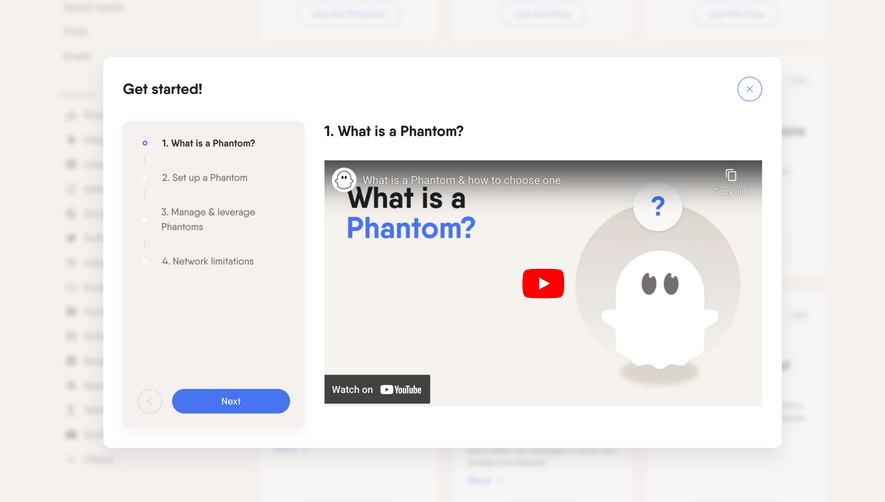

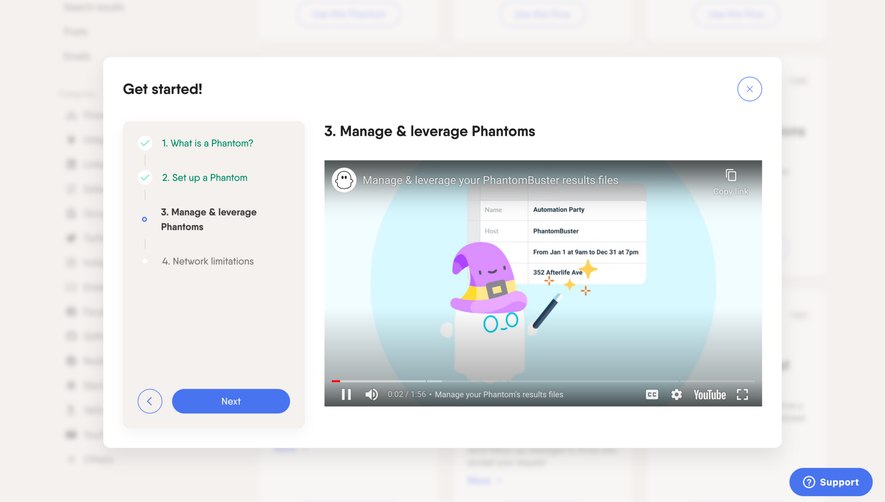

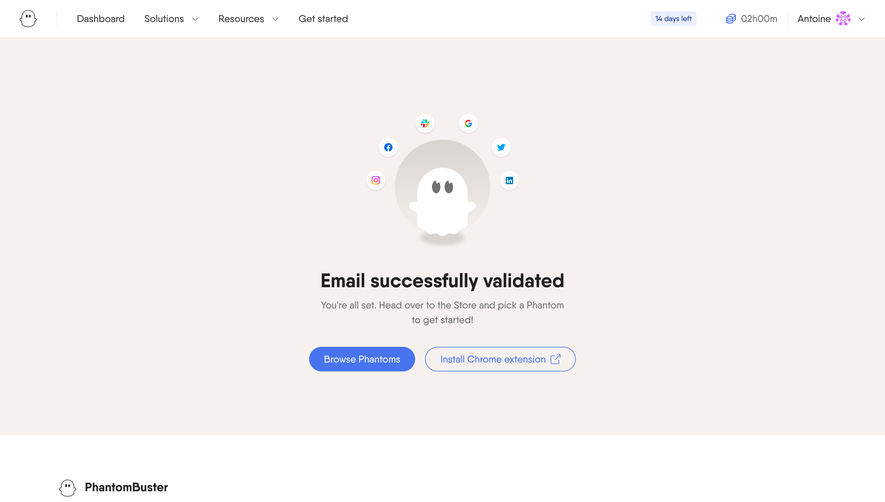

Similar screens




Upgrade to SaaSFrame Pro now to see similar examples.
Monthly
$18 /month
Billed $18 monthly
Browse all screens & flows
Filter and search screens & flows
Search text in screenshots
Access Figma files
Access mobile versions
Join now
Quarterly
$16 /month
Billed $48 quarterly
Browse all screens & flows
Filter and search screens & flows
Search text in screenshots
Access Figma files
Access mobile versions
Join now
Yearly
$15 /month
Billed $180 yearly
Browse all screens & flows
Filter and search screens & flows
Search text in screenshots
Access Figma files
Access mobile versions
Join now