.webp)
Thank you! Your submission has been received!
Oops! Something went wrong while submitting the form.
Get SaaSFrame Pro
Monthly
$18
Quarterly
$48
Yearly
$180
Upgrade to access this feature
Browse all screens & flows
Filter and search screens & flows
Access Figma files
Access mobile versions
Bookmark screens & flows
Join now
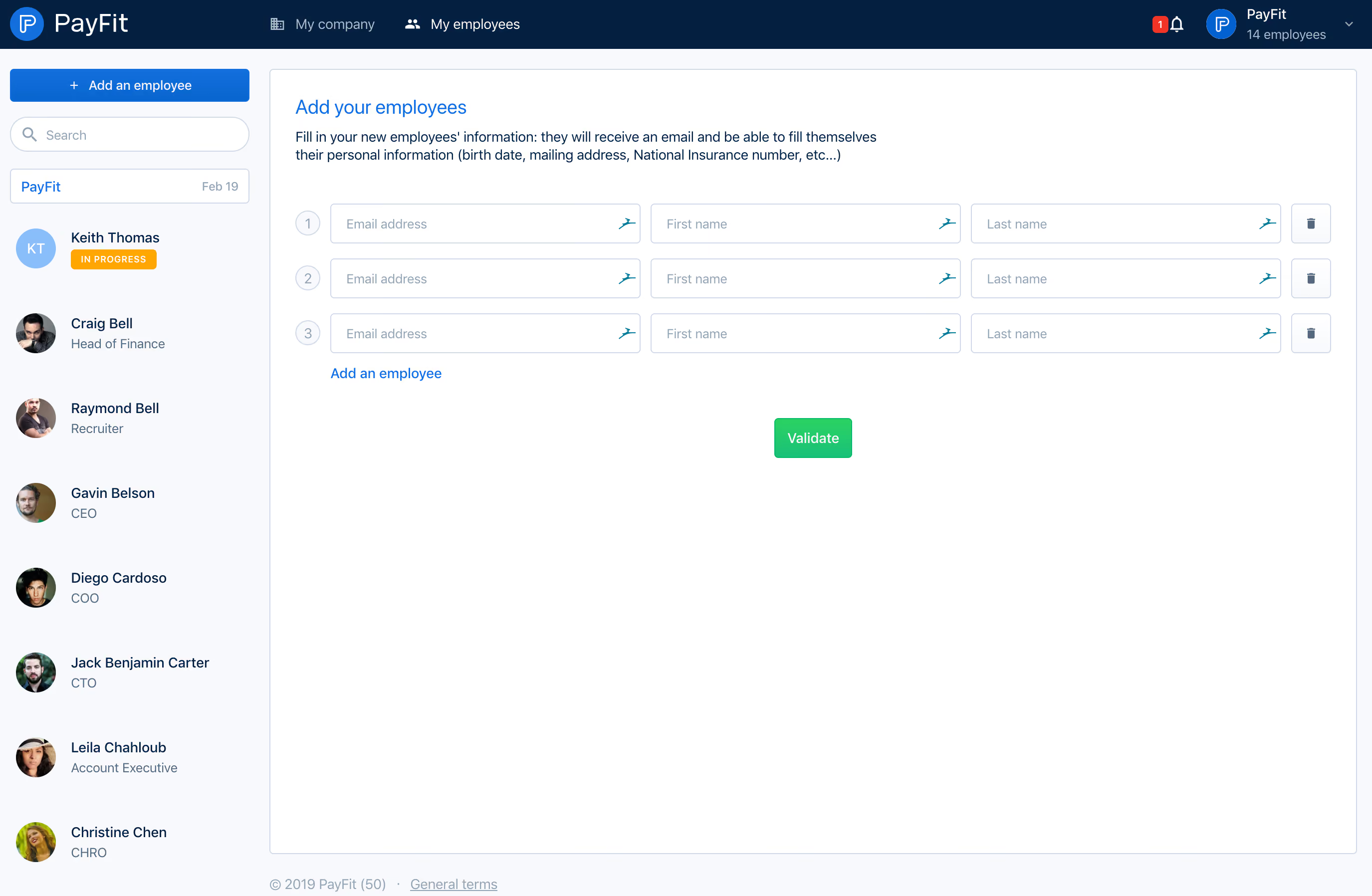
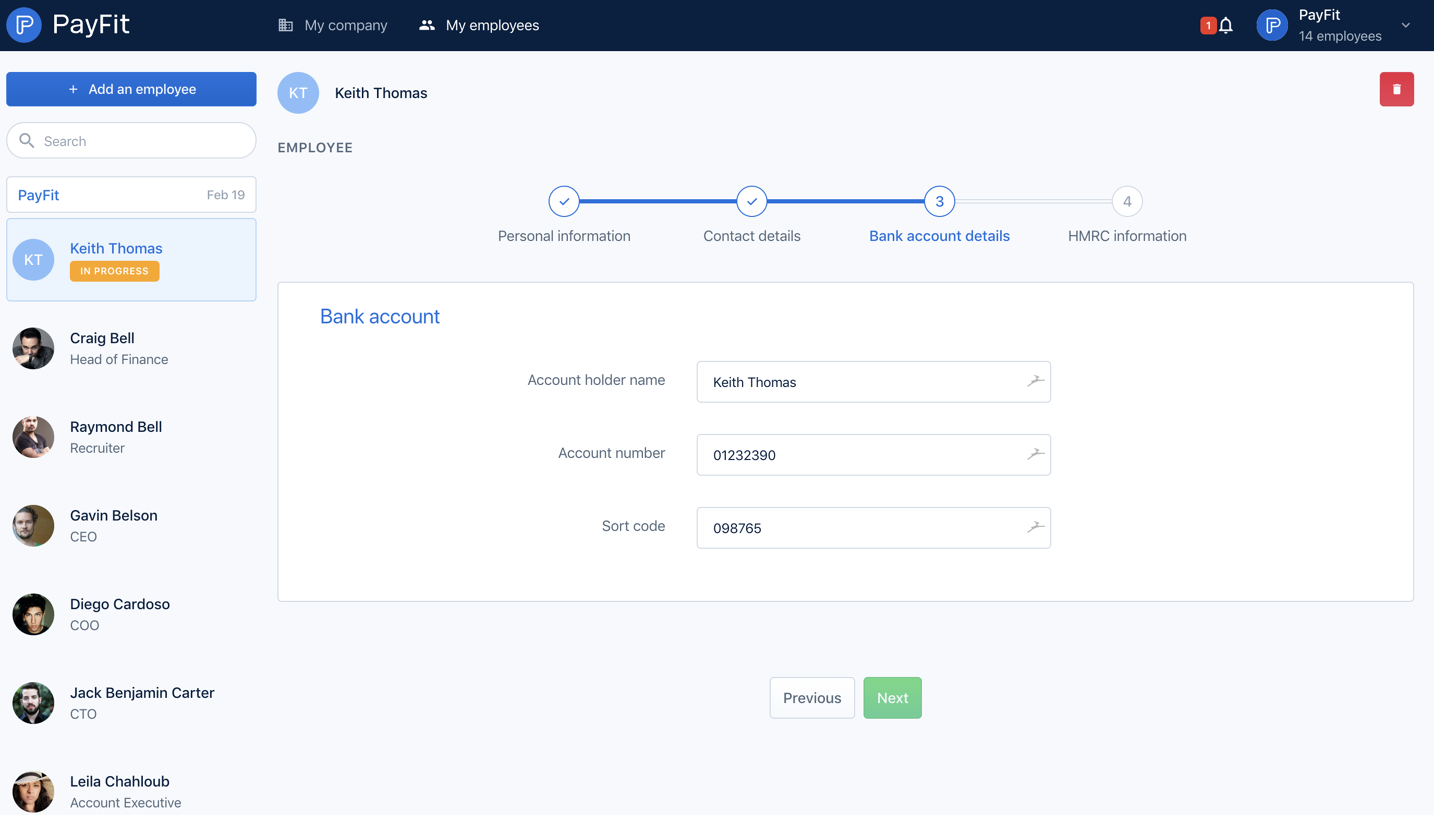
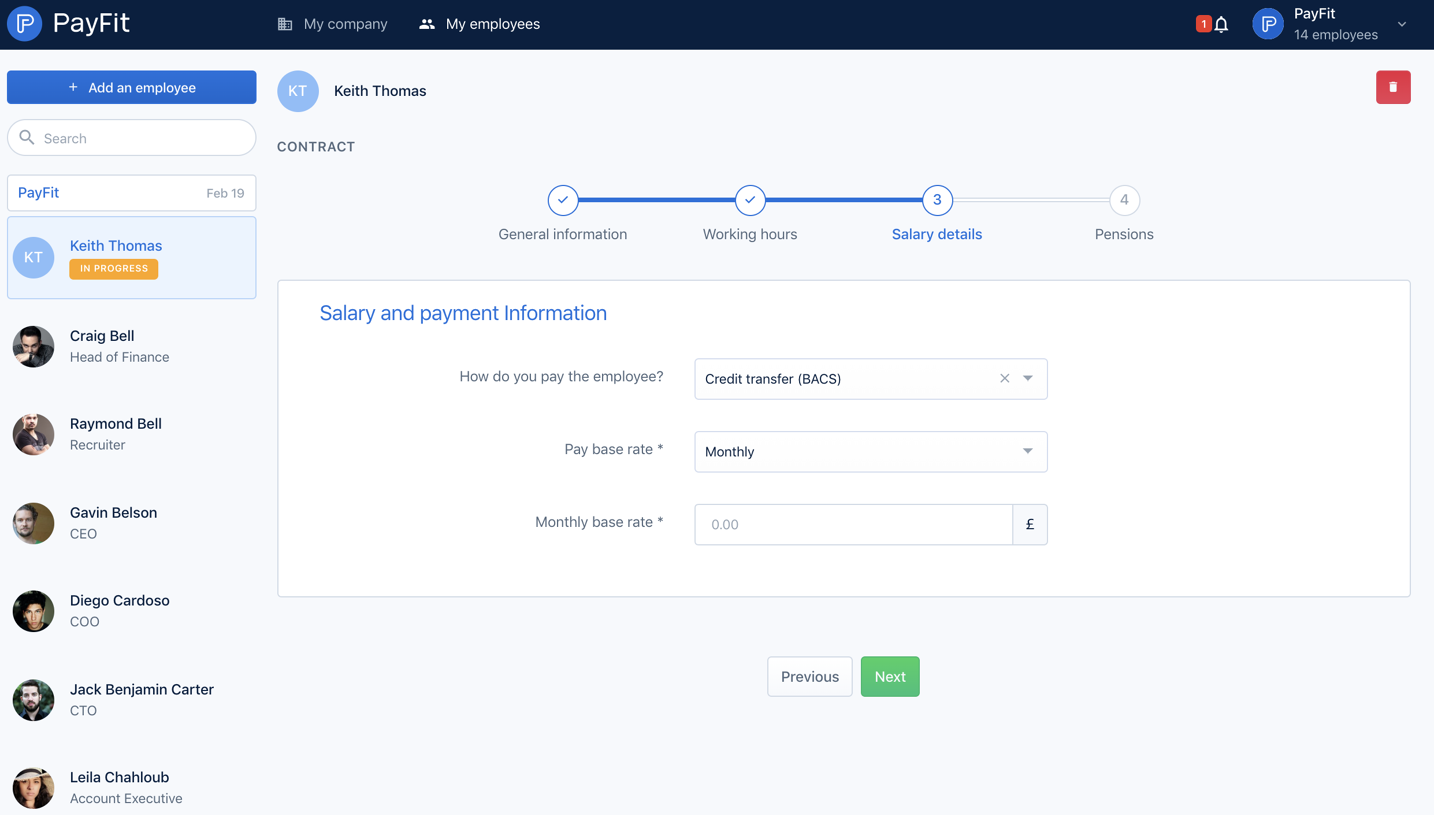
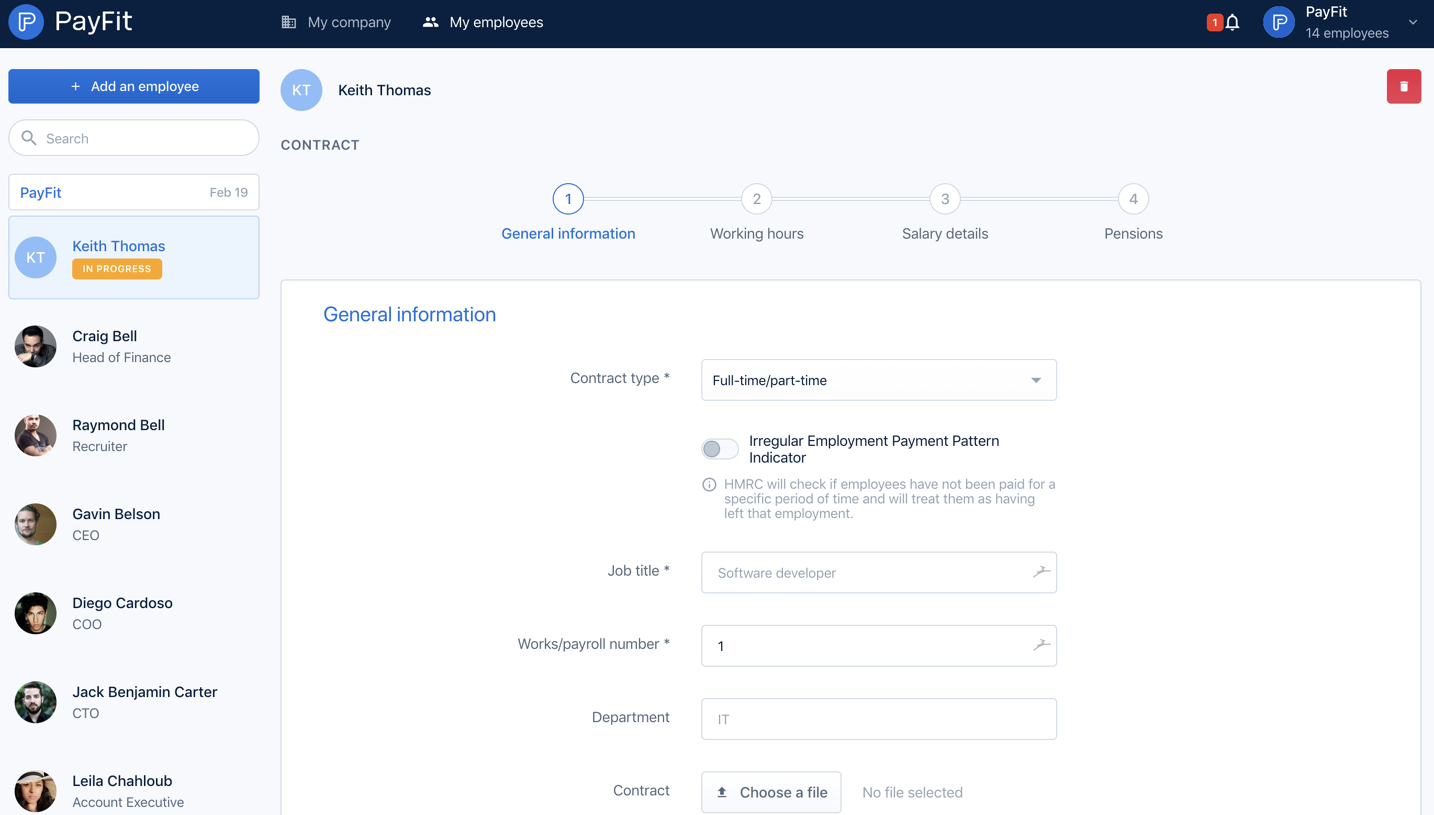
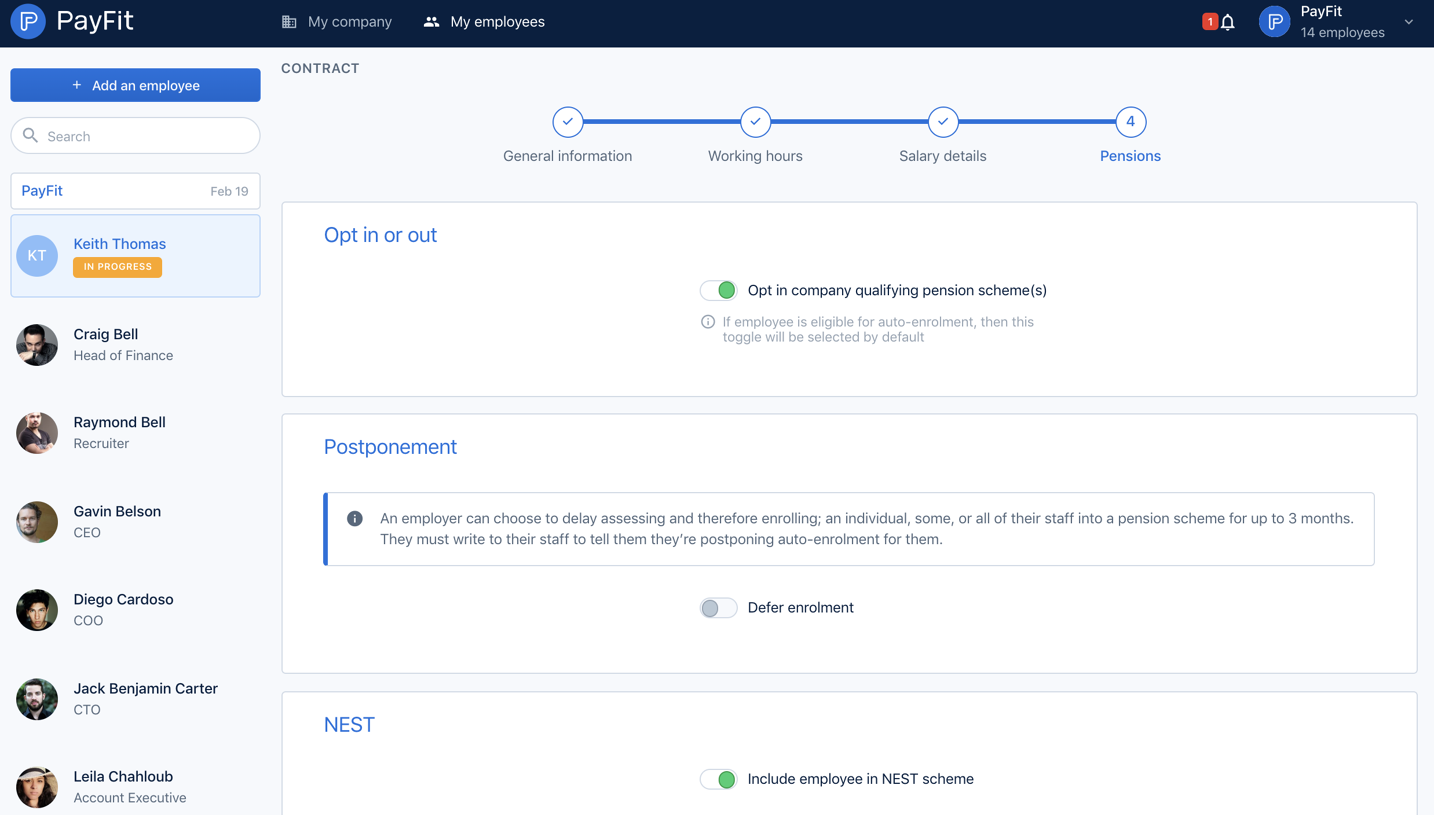
Payfit Invite Team Members

Payfit
Payroll management
Designed by
No items found.

Bookmark
Bookmark

Design with AI
Thank you! Your submission has been received!
Oops! Something went wrong while submitting the form.
# Design from Reference: Payfit Invite Team Members
Create an original, high-fidelity visual design inspired by the reference. Prioritize composition, typography, colors, spacing, and component styling over technical implementation.
## Reference
- **Product:** Payfit
- **Category:** Invite Team Members
- **Screenshot:** https://cdn.prod.website-files.com/5e9dc792e1210c5325f7ebbc/6acbbf684d71070f5fd412c2_6acbbe8b8313d4c6c0c99cf4_cms-a03b4a0d92174064de7a70a1.webp
Analyze the screenshot first. If inaccessible, request it rather than guessing.
## Content
{{content.instructions}}
{{content.data}}
Preserve essential messaging and factual accuracy. Adapt structure and copy length for visual balance; never invent product claims.
## Visual Design
### Overall aesthetic
- **Character:** An employee-administration interface combines a navy top bar, pale employee rail and a wide white bulk-entry form.
- **Capture scale:** The screenshot measures 2750 × 1796 pixels. Approximate CSS dimensions assume a 1375px viewport at 2× density; this is unverified.
- **Tone:** Repeated form rows and restrained blue/green actions support a practical employee-invitation task.
### Page composition
- **Top bar:** PayFit branding sits left, company/employee navigation center-left and notifications/workspace controls right.
- **Employee rail:** A roughly 260px CSS-wide pale sidebar contains Add an employee, search, a company row and avatar-led employee entries.
- **Main panel:** A large white outlined rectangle contains the blue Add your employees heading and explanatory copy.
- **Entry grid:** Three numbered rows each provide email, first name and last name inputs, followed by a trash control.
- **Actions:** An Add an employee text link sits below the grid; a green Validate button is centered beneath.
- **Footer:** Small copyright and terms text sits at the lower workspace edge.
### Information hierarchy
- **Current area:** My employees is brighter than the neighboring top-level destination.
- **Task heading:** The blue panel title introduces employee addition.
- **Explanation:** A short paragraph explains that invitees will receive email and provide their own personal information.
- **Repeated rows:** Number circles distinguish the three blank entries.
- **Action hierarchy:** Green Validate completes the form; blue Add an employee adds another row.
- **Sidebar state:** One employee has an amber in-progress badge; other entries show role subtitles.
### Typography
- **Family:** A neutral sans-serif is visible; exact identity is unverified.
- **Panel heading:** Approximately 20px CSS regular, blue.
- **Instruction:** Approximately 14px with 19px line-height.
- **Input placeholders:** Approximately 13–14px muted blue-gray.
- **Sidebar names:** Approximately 14px, with 13px muted roles.
- **Actions:** Approximately 14px medium.
- **Top brand:** A larger custom wordmark contrasts with compact navigation.
### Colors & surfaces
- **Main:** Sampled #FFFFFF supplies the panel.
- **Sidebar/workspace:** Sampled #F7F9FC supplies pale blue-gray areas.
- **Top bar/ink:** Sampled #041F40 supplies navy.
- **Borders:** Sampled #D0DAE6 supplies input and panel outlines.
- **Blue:** Sampled #126FDD supplies primary navigation/action accents.
- **Status:** Sampled #FFA602 supplies amber among the in-progress badge pixels.
- **Secondary details:** Sampled #95A3B2 and #89BEFA contribute to muted text and pale avatar/control accents.
### Components
- **Bulk inputs:** Three columns of approximately 310px-wide, 40px-high CSS fields use thin cool-gray borders and small 4px radii.
- **Number markers:** Small outlined circles sit before each row.
- **Delete controls:** Square outlined buttons contain small trash icons.
- **Input-end icons:** Small teal glyphs appear at the right inside fields; their function is not established by the capture.
- **Validate:** A compact green rectangle around 80 × 40px uses white text.
- **Sidebar search:** A rounded white outlined field includes a magnifying-glass icon.
- **Employee rows:** Circular portraits/initials sit beside name and role/status information.
### Visual rhythm
- **Panel padding:** Approximately 26px surrounds heading and form.
- **Row gaps:** Around 14–16px separates the repeated entry rows.
- **Column gaps:** Narrow consistent gutters align all input columns.
- **Action spacing:** The validate action is separated from the grid by a larger open gap.
- **Blank area:** Most of the lower panel remains white, emphasizing the short entry task.
### Responsive
- **Evidence limit:** Only desktop is observed; invitation sending, validation and mobile behavior are unverified.
- **Grid recommendation:** Convert each employee row into a labeled stacked group at narrow widths.
- **Navigation recommendation:** Collapse the employee rail into a selectable list/drawer.
- **Control recommendation:** Keep removal and add-row controls clearly associated with the correct employee entry.
- **Validation recommendation:** Display errors next to fields without losing row numbering.
### Adaptation guidance
- **Bulk-entry system:** Reuse a consistent employee-row component with explicit add/remove behavior.
- **Privacy:** Use representative employees and avoid copying personal identifiers.
- **Communication clarity:** Explain when invitations will be sent and what information invitees will supply.
- **Accessibility:** Provide persistent labels, row-specific delete names and accessible validation feedback.
- **Scope:** The screenshot shows blank invitation rows only; no email invitation was sent.
Use this context to reproduce the reference's visual language: layout, typography, colors, spacing, borders, radii, and distinctive elements. The screenshot takes priority if descriptions conflict.
## Direction
{{preferences.fidelityInstructions}}
## Output
{{output.instructions}}
Deliver a polished, cohesive design with precise alignment, hierarchy, and spacing. Produce the requested visual artifact, not just a description. If unsupported, explain the limitation.

.avif)
Category
Patterns



Added on
February 4, 2023

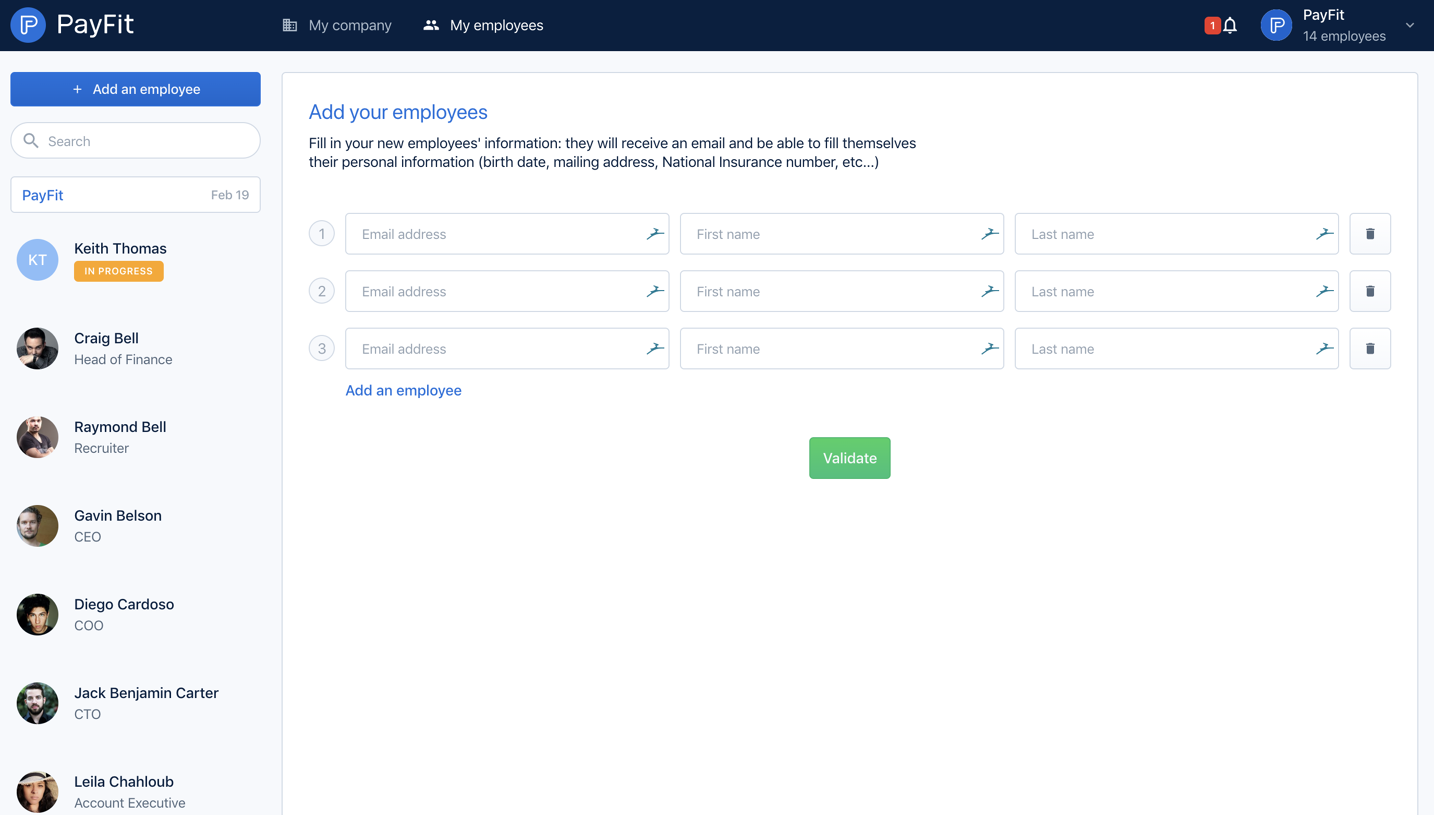
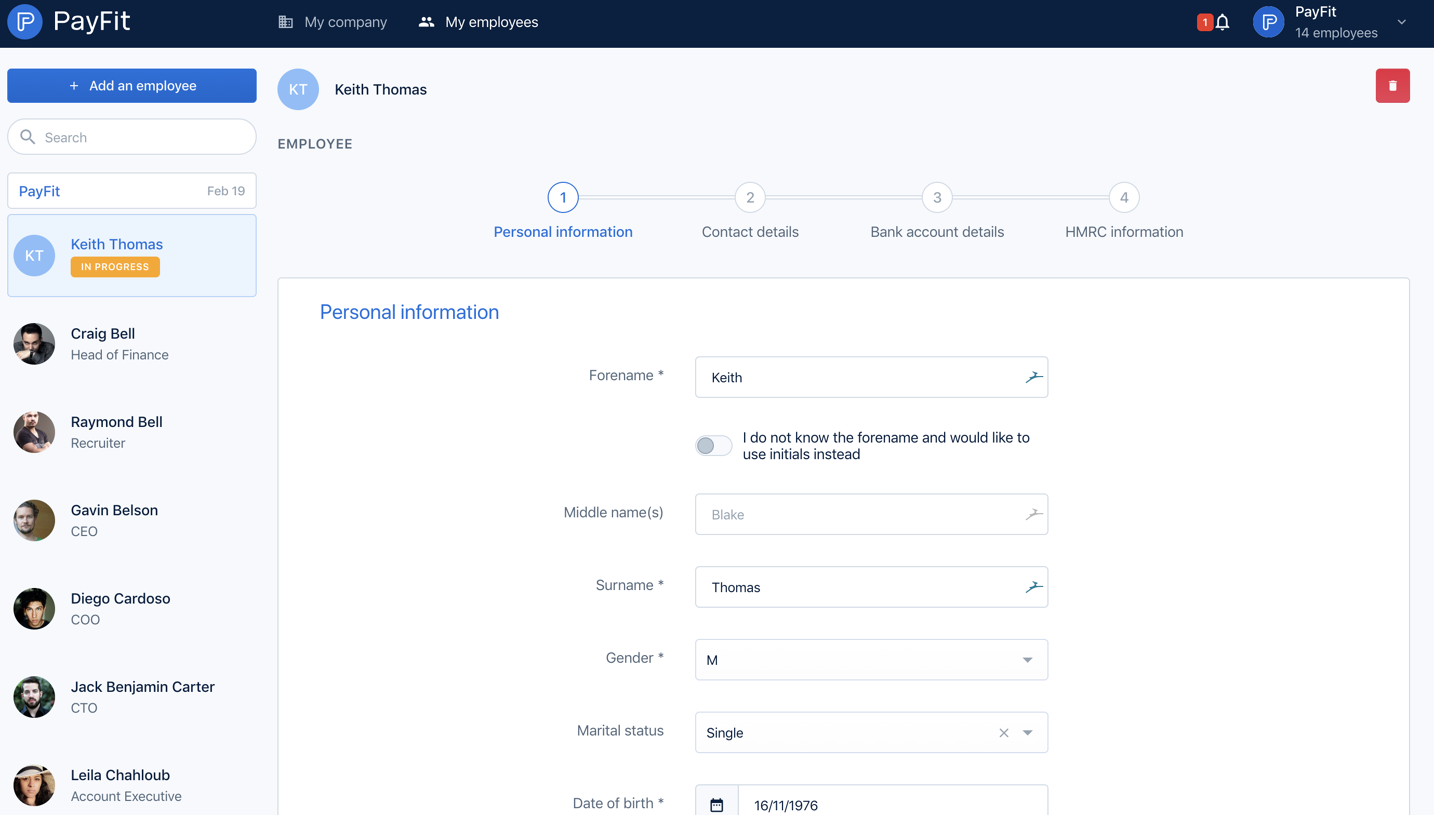
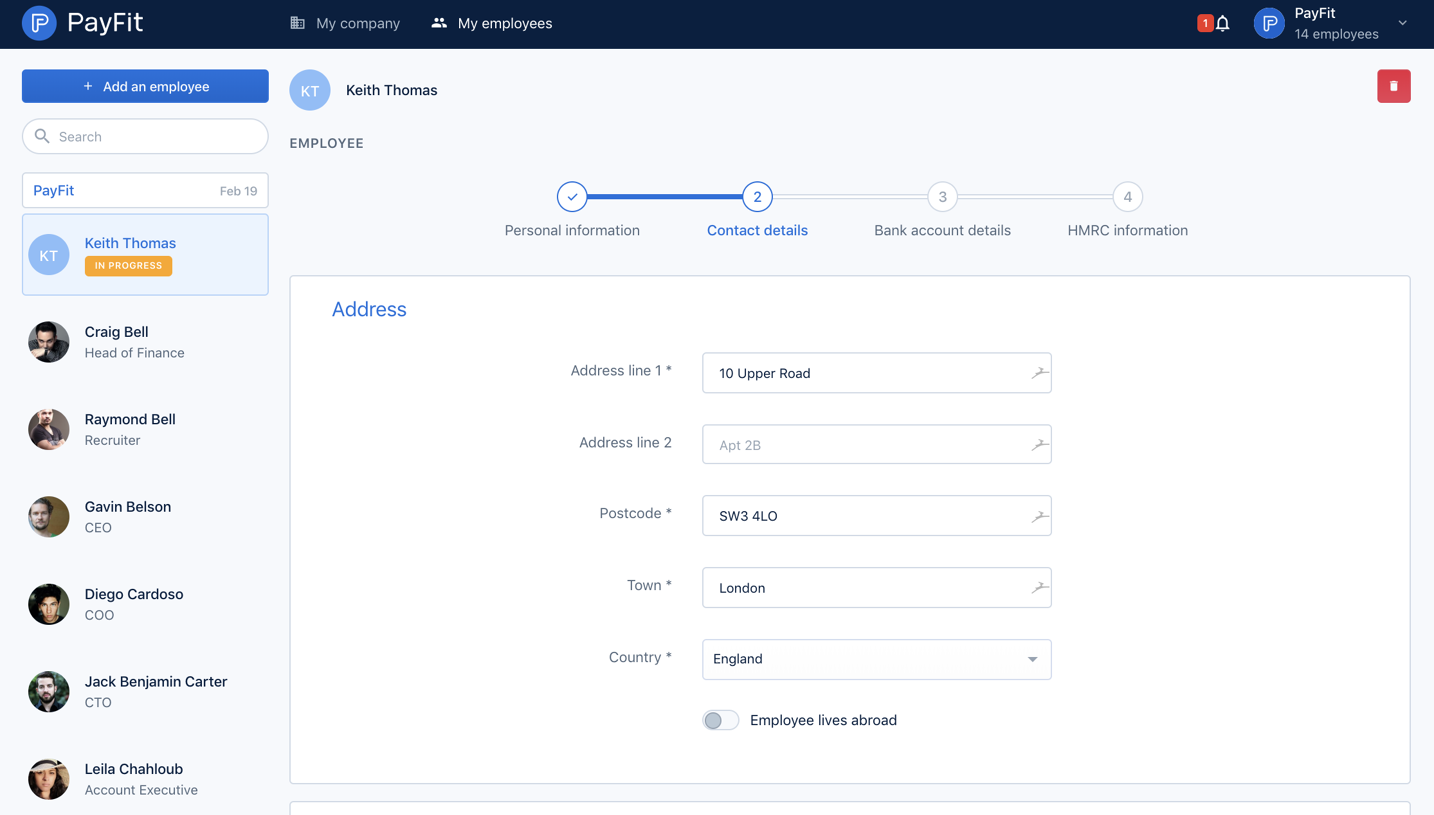


Similar screens
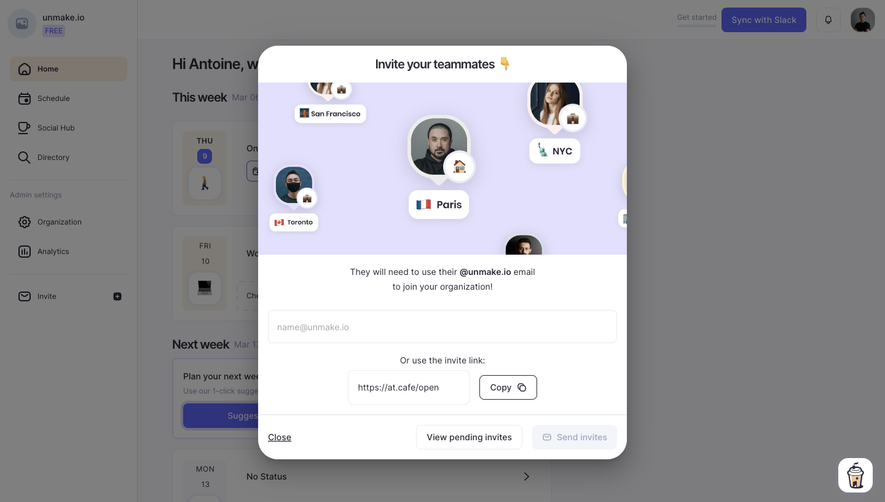


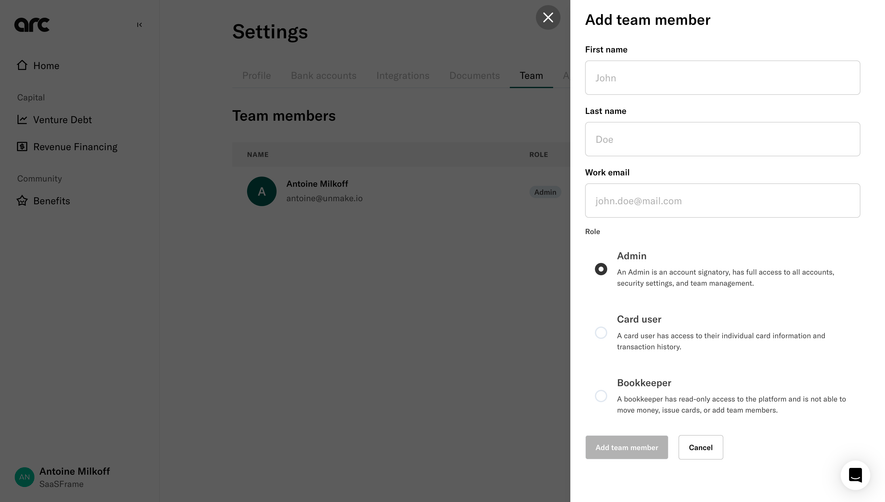

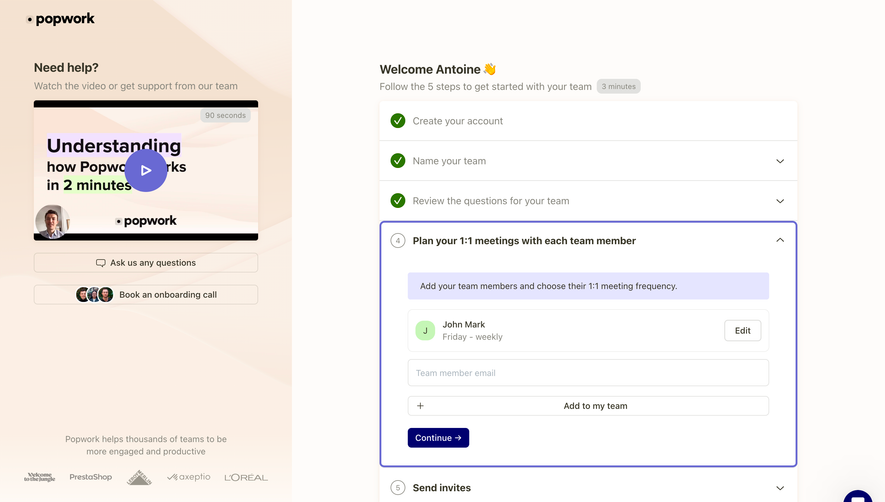

Upgrade to SaaSFrame Pro now to see similar examples.
Monthly
$18 /month
Billed $18 monthly
Browse all screens & flows
Filter and search screens & flows
Search text in screenshots
Access Figma files
Access mobile versions
Join now
Quarterly
$16 /month
Billed $48 quarterly
Browse all screens & flows
Filter and search screens & flows
Search text in screenshots
Access Figma files
Access mobile versions
Join now
Yearly
$15 /month
Billed $180 yearly
Browse all screens & flows
Filter and search screens & flows
Search text in screenshots
Access Figma files
Access mobile versions
Join now