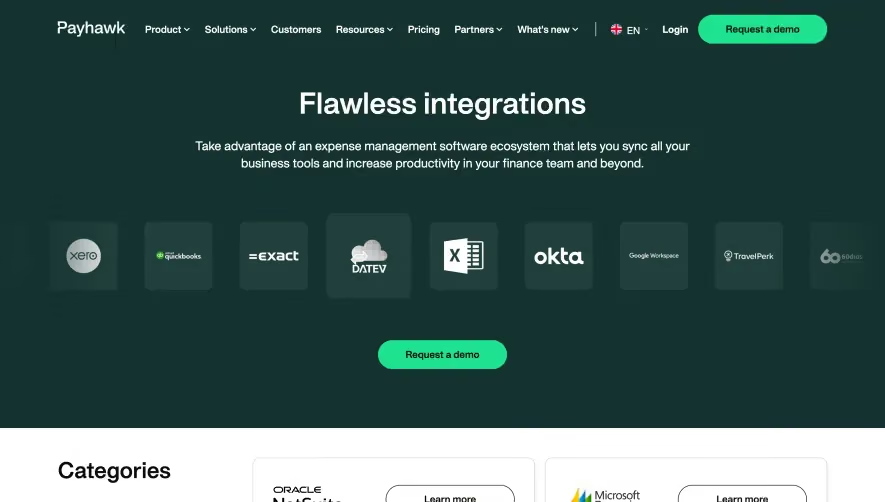
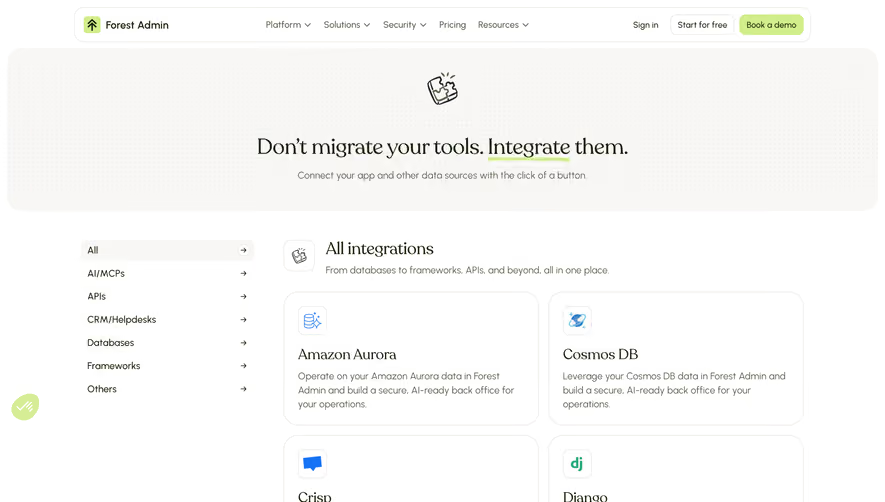
1. Page Header: At the top of the page, there is a header section that includes the Overflow logo, a search bar, and a "login" button. 2. Integration Section: The main body of the page features an "Integrations" section with a header and a list of different tools and apps that can be integrated with Overflow. Each integration includes a logo, a brief description, and a "Learn more" button. 3. Category Filters: To the left of the integrations section, there are category filters that allow users to filter the integrations based on different categories such as design, development, project management, and collaboration. 4. Integration Search: A search bar is also provided on the left side of the screen that allows users to search for specific integrations. 5. Integration Details: Clicking on the "Learn more" button of an integration opens a new page that provides more detailed information about the integration. This page includes a header with the integration logo, a description of the integration, and a list of key features. 6. Footer: At the bottom of the page, there is a footer section that includes the Overflow logo, links to the company's social media pages, and links to other pages on the Overflow website such as "About", "Help Center", and "Terms of Service". Overall, the structure of the page is simple and easy to navigate, allowing users to easily find and learn more about the integrations that are available.


Overflow Integrations Page

Overflow
User flows done right
Designed by
No items found.
Category
Patterns
No items found.
Tech Stack
No items found.
Added on
June 20, 2020