.webp)
Thank you! Your submission has been received!
Oops! Something went wrong while submitting the form.
Get SaaSFrame Pro
Monthly
$18
Quarterly
$48
Yearly
$180
Upgrade to access this feature
Browse all screens & flows
Filter and search screens & flows
Access Figma files
Access mobile versions
Bookmark screens & flows
Join now
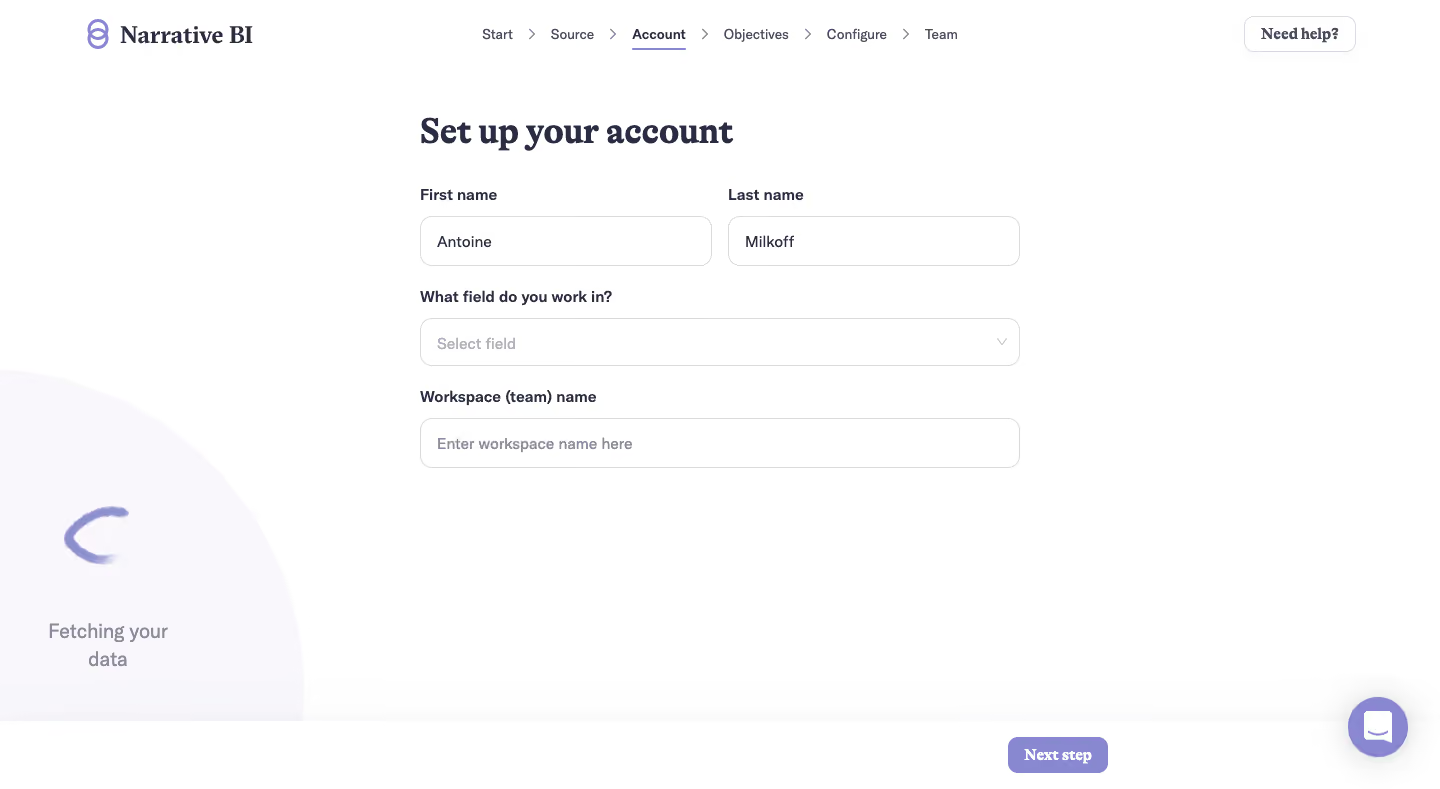
Narrative BI User Onboarding

Narrative BI
Actionable Analytics for Growth teams
Designed by


Bookmark
Bookmark

Design with AI
Thank you! Your submission has been received!
Oops! Something went wrong while submitting the form.
# Design from Reference: Narrative BI User Onboarding
Create an original, high-fidelity visual design inspired by the reference. Prioritize composition, typography, colors, spacing, and component styling over technical implementation.
## Reference
- **Product:** Narrative BI
- **Category:** User Onboarding
- **Screenshot:** https://cdn.prod.website-files.com/5e9dc792e1210c5325f7ebbc/6acbbeca39e7f22db40289a6_6acbbe10578bcc411175888f_cms-3b1ca452bb6fc1cf4e836fe4.webp
Analyze the screenshot first. If inaccessible, request it rather than guessing.
## Content
{{content.instructions}}
{{content.data}}
Preserve essential messaging and factual accuracy. Adapt structure and copy length for visual balance; never invent product claims.
## Visual Design
### Overall aesthetic
- **Character:** A quiet account-setup screen combines a white canvas, dark navy typography, lavender accents, lightly outlined fields, and substantial whitespace.
- **Brand distinction:** Serif headings and button text contrast with the practical sans-serif form labels and values.
- **Observed scale:** The image measures 1440 × 789 pixels. Dimensions below are approximate image pixels; CSS estimates assume an unverified 1× capture.
### Page composition
- **Header:** The Narrative BI symbol and wordmark sit at upper left. A six-stage progress sequence is centered, with an outlined Need help? control at upper right.
- **Main column:** A form approximately 600 pixels wide begins around x=420 and y=115. It is centered horizontally within the page’s active content region.
- **Form sequence:** A setup heading precedes side-by-side first/last-name fields, a full-width work-field selector, and a full-width workspace-name field.
- **Background status:** A large pale lavender circular shape is clipped by the lower-left edge. It contains a brush-like partial ring and a two-line data-fetching message.
- **Bottom action area:** A white horizontal band spans the bottom, with a small Next step button positioned to the right of the form.
- **Support launcher:** A lavender circular chat control sits near the lower-right corner, overlapping the bottom-band region.
### Information hierarchy
- **Current stage:** Account is emphasized in the top sequence with darker/bolder text and a lavender underline. The surrounding stages remain regular weight.
- **Task heading:** The bold serif setup heading is the main content anchor.
- **Field order:** Personal name, work area, and workspace name form a clear progression from individual identity to team context.
- **Input state:** The name fields contain values; the work-field selector and workspace field remain unfilled. Personal values are example content rather than reusable design details.
- **Concurrent status:** The data-fetching message appears separately from the form, suggesting a background process in the captured state. Its completion or cause is not established.
- **Continuation:** Next step is the single visible forward action. No validation error or completion message appears.
### Typography
- **Display appearance:** The brand and heading use a traditional serif with bold strokes; exact font family is unverified.
- **Main heading:** Approximately 34–36 pixels, bold, with line-height near 42 pixels and compact tracking.
- **Labels:** A neutral sans-serif around 15–16 pixels, semibold, in dark navy.
- **Field values:** Approximately 14–16 pixels, regular weight; placeholders use lighter muted gray-lavender.
- **Progress labels:** Around 13–14 pixels, with the active stage differentiated by weight and underline.
- **Utility roles:** Need help? and Next step use bold serif text around 16 pixels. The background status uses larger muted sans-serif text around 19–20 pixels.
### Colors & surfaces
- **Measured base:** #FFFFFF dominates the screen. Sampled #F9F7FB provides the pale lavender decorative/status surface.
- **Measured accent:** #8788CF appears in the lavender control and brand family.
- **Measured text:** #2A2C44 supplies the dark navy hierarchy.
- **Measured border neutral:** #DBDBDA appears among the light field-boundary tones.
- **Surface treatment:** Fields have white fills, thin light borders, and rounded corners. The bottom band is subtly separated by a very soft upper shadow.
- **Support depth:** The chat launcher has a diffuse shadow, while the main form remains flat and uncluttered.
### Components
- **Progress sequence:** Start, Source, Account, Objectives, Configure, and Team are separated by slim right-pointing chevrons. Account has a short underline.
- **Name fields:** Two equal-width inputs approximately 292 × 50 pixels sit side by side with a gap around 16 pixels.
- **Work-field selector:** A full-width outlined control roughly 600 × 48 pixels shows a muted prompt and a small downward chevron.
- **Workspace field:** A matching full-width text input follows below. The visible label identifies it as a team/workspace name.
- **Field rounding:** Corners are approximately 11–12 pixels, softer than a conventional square form.
- **Help control:** A small white rounded outlined button has navy serif text and a pale border.
- **Next button:** A lavender filled rectangle around 100 × 36 pixels has small rounded corners and centered white text.
- **Fetching illustration:** A partial painterly lavender ring sits inside a clipped pale circle above a centered two-line status message. Motion is not established by a still image.
- **Chat button:** A roughly 60-pixel lavender circle contains a white message symbol and floats at the lower-right edge.
- **Unshown states:** Open selector options, focus, errors, submission loading, and later onboarding steps are not visible.
### Visual rhythm
- **Shared left edge:** Heading, labels, and full-width controls align consistently along the form’s left boundary.
- **Field cadence:** Labels sit close above inputs, while approximately 24–28 pixels separate field groups.
- **Large lower whitespace:** The form occupies only the upper-middle region, leaving substantial clear space above the bottom action band.
- **Separated status:** The clipped lower-left illustration provides background activity without inserting another form row.
- **Header balance:** Branding, centered progress, and right help control establish three distinct horizontal anchors.
### Responsive
- **Evidence limit:** Only one desktop onboarding width is shown. Mobile behavior and fixed positioning are unverified.
- **Recommended form:** Use fluid width with 20–24-pixel side gutters; stack name fields on narrow screens.
- **Recommended progress:** Collapse the six-stage sequence to a compact current-step indicator or an accessible scrolling list when needed.
- **Recommended decoration:** Reduce or hide the large clipped status circle if it competes with fields, while preserving the status message in readable text.
- **Recommended bottom action:** Keep Next step reachable without covering form content. Account for the chat control and mobile safe areas.
- **Recommended accessibility:** Provide persistent labels, keyboard-operable select options, focus visibility, and programmatic progress/status announcements.
### Adaptation guidance
- **Preserve the identity flow:** Gather personal details, work context, and workspace identity in a concise form.
- **Distinguish progress from background work:** Keep the current onboarding step clear even when data is being fetched separately.
- **Use the measured palette:** Build from white, dark navy, pale lavender, and lavender actions, then validate contrast.
- **Define actual field behavior:** Specify work-area choices, workspace requirements, validation, and continuation availability from product requirements.
- **Avoid copying personal data:** Replace captured names with approved sample values or real user state. Do not infer completed integration or successful data fetching.
- **Maintain typographic contrast:** Use a verified serif for the expressive hierarchy and a legible sans-serif for form interaction.
Use this context to reproduce the reference's visual language: layout, typography, colors, spacing, borders, radii, and distinctive elements. The screenshot takes priority if descriptions conflict.
## Direction
{{preferences.fidelityInstructions}}
## Output
{{output.instructions}}
Deliver a polished, cohesive design with precise alignment, hierarchy, and spacing. Produce the requested visual artifact, not just a description. If unsupported, explain the limitation.

.avif)
Category
Patterns


Added on
February 4, 2023


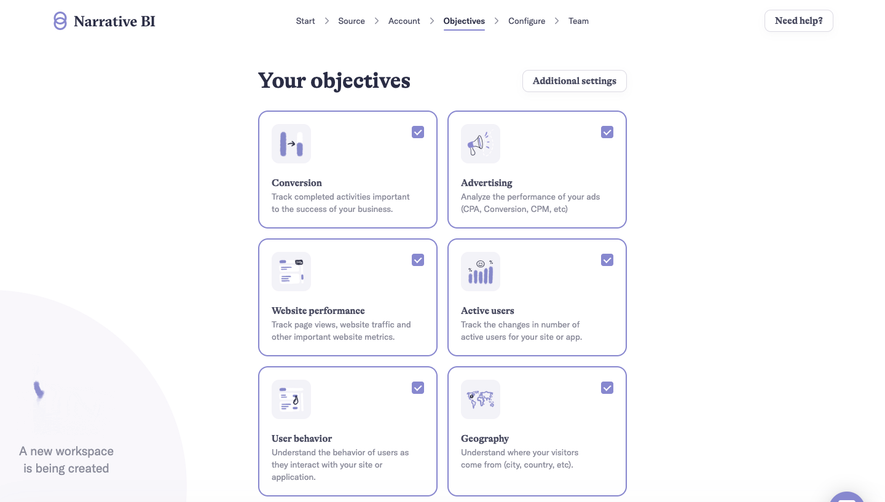

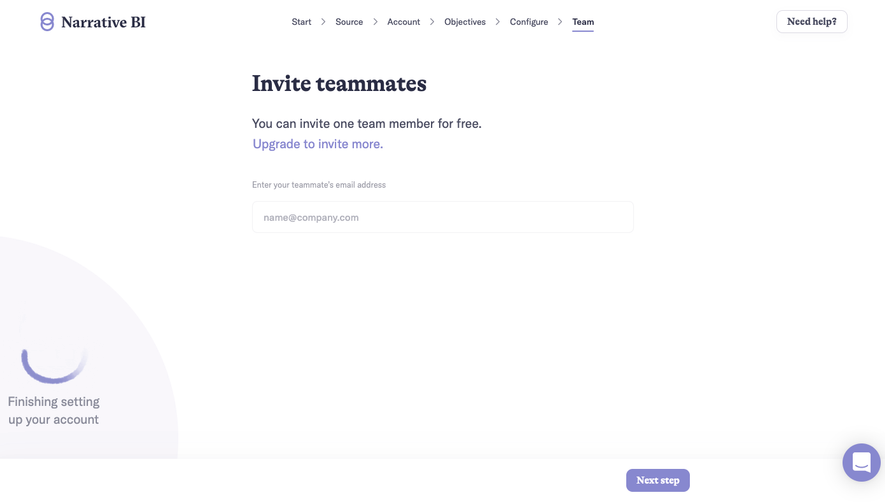

Similar screens



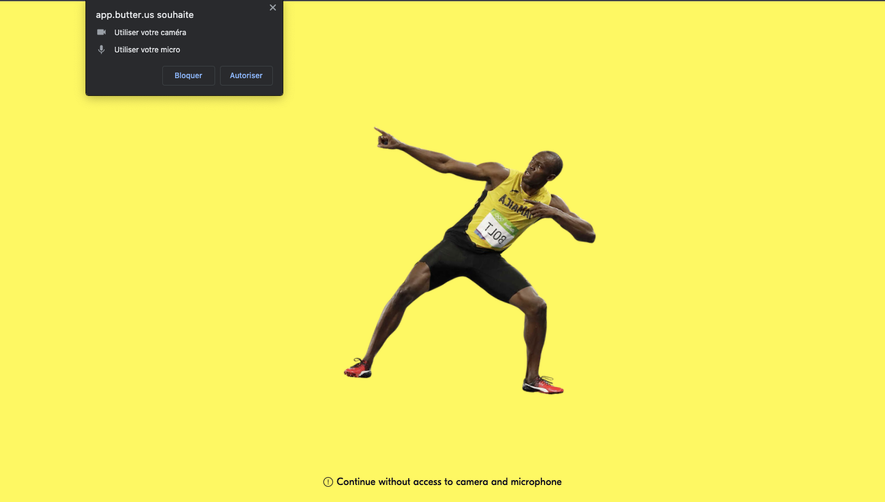

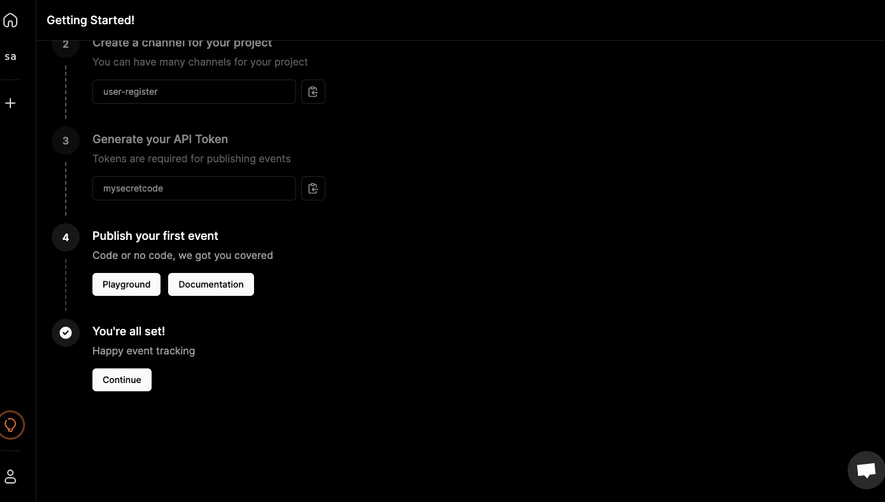

Upgrade to SaaSFrame Pro now to see similar examples.
Monthly
$18 /month
Billed $18 monthly
Browse all screens & flows
Filter and search screens & flows
Search text in screenshots
Access Figma files
Access mobile versions
Join now
Quarterly
$16 /month
Billed $48 quarterly
Browse all screens & flows
Filter and search screens & flows
Search text in screenshots
Access Figma files
Access mobile versions
Join now
Yearly
$15 /month
Billed $180 yearly
Browse all screens & flows
Filter and search screens & flows
Search text in screenshots
Access Figma files
Access mobile versions
Join now