Design with AI
Generate a new design based on this screen using your own content.
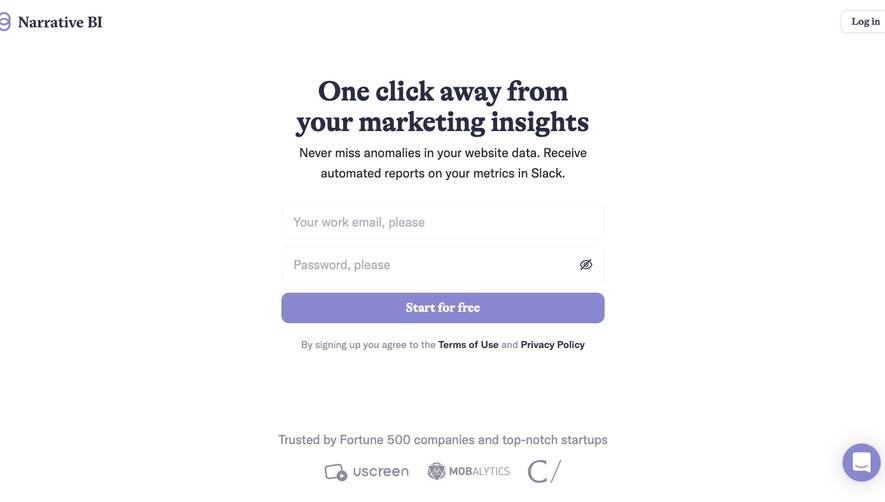
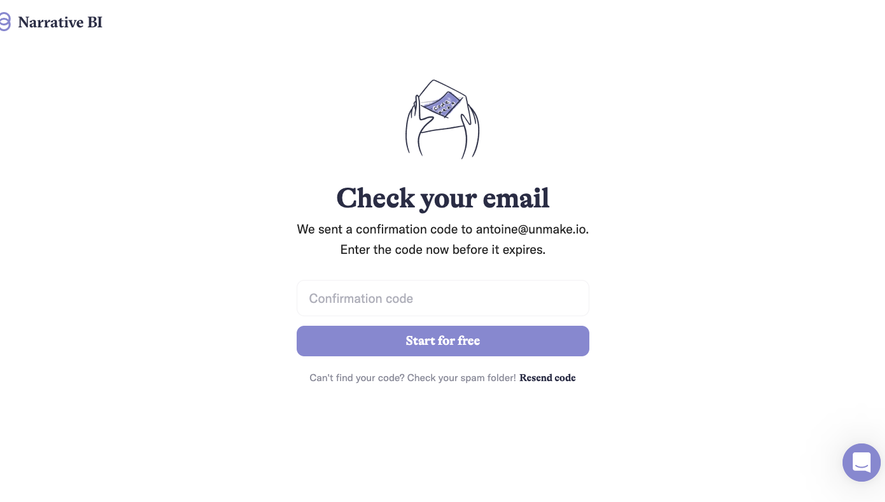
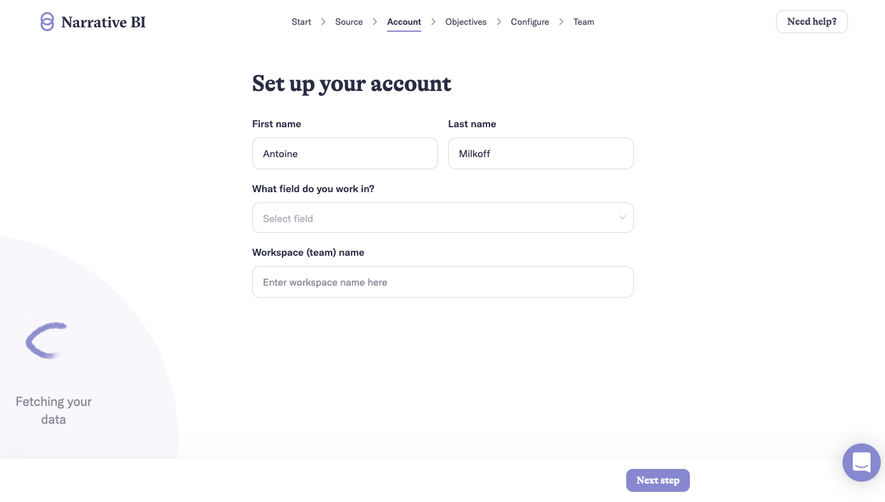
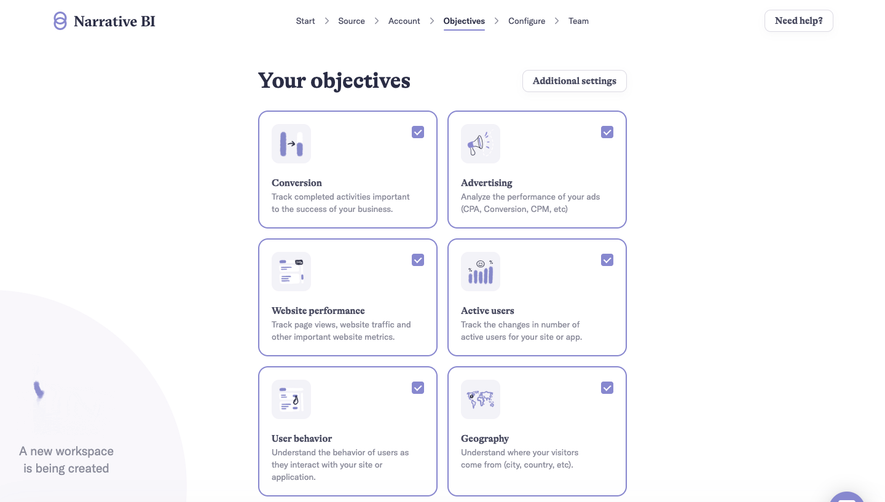
# Design from Reference: Narrative BI User Onboarding
Create an original, high-fidelity visual design inspired by the reference. Prioritize composition, typography, colors, spacing, and component styling over technical implementation.
## Reference
- **Product:** Narrative BI
- **Category:** User Onboarding
- **Screenshot:** https://cdn.prod.website-files.com/5e9dc792e1210c5325f7ebbc/6acbbecb39e7f22db40289c7_6acbbe11a4008ddb7477120a_cms-706896daa85e3ab4b286f88d.webp
Analyze the screenshot first. If inaccessible, request it rather than guessing.
## Content
{{content.instructions}}
{{content.data}}
Preserve essential messaging and factual accuracy. Adapt structure and copy length for visual balance; never invent product claims.
## Visual Design
### Overall aesthetic
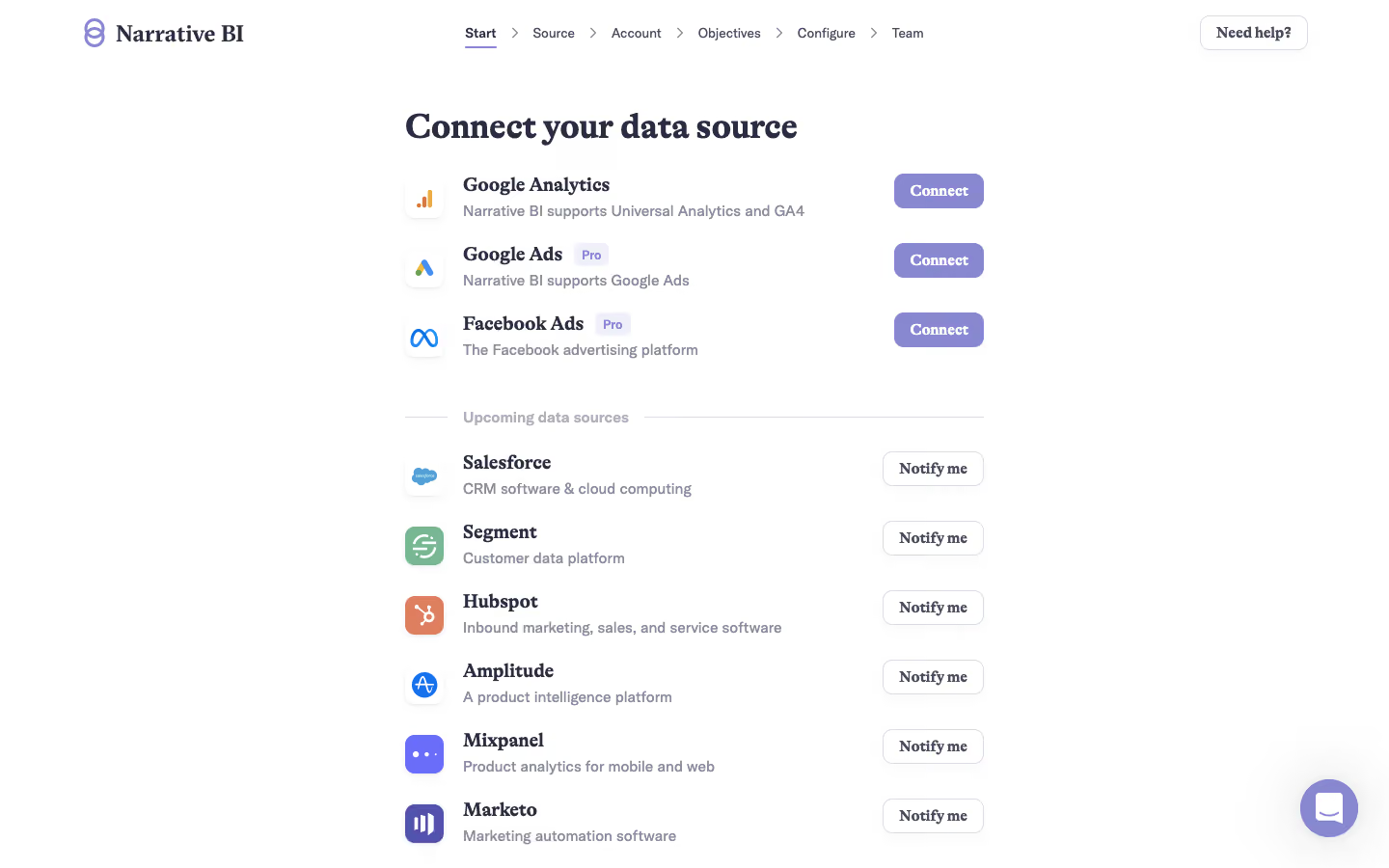
- **Style:** A sparse data-source onboarding page combining navy serif headings, neutral sans serif descriptions, and soft lavender actions.
- **Character:** Editorial yet functional, with a narrow centered connector list and generous white space.
### Page composition
- **Capture and scale:** 1440 × 900 screenshot pixels. Following sizes are approximate screenshot pixels; CSS scale is unverified.
- **Header:** Brand left, six-step breadcrumb-like onboarding navigation center, and outlined help right.
- **Content:** A roughly 600 px-wide column begins with Connect your data source. Three available sources appear above a ruled Upcoming data sources label, followed by six upcoming sources.
- **Rows:** Each row has a logo tile left, name/description center, and Connect or Notify me action right.
### Information hierarchy
- **Availability:** Filled lavender Connect actions distinguish three available sources from six outlined Notify me options.
- **Plan status:** Two available sources carry small Pro badges.
- **Progress:** Start is underlined in the top sequence; later steps remain plain.
### Typography
- **Family:** Serif display/source names paired with sans serif descriptions/navigation; exact identities unverified.
- **Roles:** Main heading around 38 px bold; source names approximately 21 px bold; descriptions 15–16 px.
- **Controls:** Buttons use approximately 16 px bold text; navigation 13 px and small plan badges 12 px.
### Colors & surfaces
- **Foundation:** Sampled sRGB #FFFFFF dominates.
- **Brand:** Sampled lavender #8788CF fills Connect and chat, while dark navy #2A2C44 anchors serif text.
- **Secondary:** Sampled #8B8C9B supports descriptions; pale lavender-gray borders and badges remain subtle.
### Components
- **Connector rows:** Small rounded white logo tiles with soft shadows align to consistent name/description stacks.
- **Actions:** Filled lavender or outlined white buttons use roughly 10 px radii and compact 36 px height.
- **Divider:** A muted Upcoming label interrupts a thin horizontal rule.
- **Support:** An outlined help control sits in the header, and a lavender circular chat bubble lower right.
### Visual rhythm
- **Spacing:** Use about 25–30 px between rows and a larger 40–45 px separation around the upcoming divider.
- **Alignment:** Keep logos, names, descriptions, and actions in stable columns despite varying text lengths.
### Responsive
- **Observed state:** Desktop only.
- **Recommended reflow:** Wrap onboarding steps and place actions below descriptions when needed, preserving availability/Pro distinctions.
### Adaptation guidance
- **Preserve:** Retain serif/sans contrast, simple connector rows, explicit available/upcoming separation, and lavender controls.
- **Adapt:** Use actual sources, availability, and plan restrictions.
- **Avoid:** Do not imply upcoming connectors are available or infer connection outcomes.
Use this context to reproduce the reference's visual language: layout, typography, colors, spacing, borders, radii, and distinctive elements. The screenshot takes priority if descriptions conflict.
## Direction
{{preferences.fidelityInstructions}}
## Output
{{output.instructions}}
Deliver a polished, cohesive design with precise alignment, hierarchy, and spacing. Produce the requested visual artifact, not just a description. If unsupported, explain the limitation.
.webp)



.avif)